If you’re exploring laptop brands to find the one that best suits your needs, it helps to start with a clear understanding of each brand’s identity and offerings. HP is one of the most recognizable names in personal computing, with a broad range of devices spanning from budget-friendly everyday laptops to powerful machines built for demanding tasks. As you read further, you’ll gain a comprehensive look at HP’s identity, its laptop lineup, how it compares to competitors, and key considerations to help you choose the right device for your lifestyle and workflow.
Along the way, I’ll link to related resources, such as our best ASUS laptops guide for alternative productivity-focused machines, the Acer Nitro 5 review for gaming comparisons, and the HP Envy x360 guide for a deep dive into a specific HP convertible model. Together, these resources help frame HP in the broader context of today’s laptop market, and I’m glad you’re joining me to explore it.
What Is HP?
HP, short for Hewlett-Packard, is an American multinational information technology company headquartered in Palo Alto, California, best known for developing personal computers, printers, and related accessories. Originally founded by Bill Hewlett and David Packard, the company grew from a modest beginning into one of the major players in the global PC market. Today, HP Inc. remains among the largest PC vendors worldwide, competing closely with brands like Lenovo and Dell.
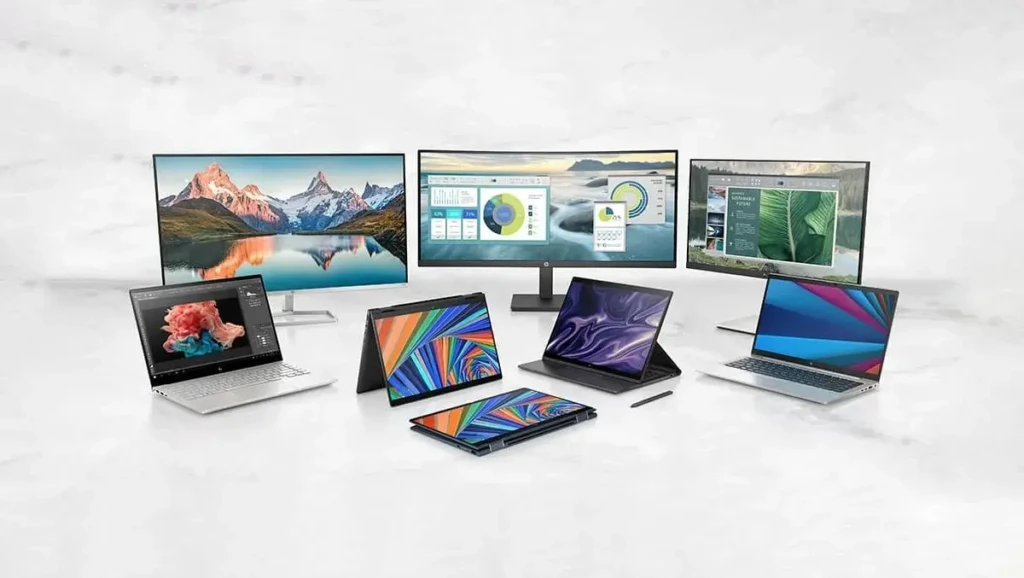
Unlike some brands that focus exclusively on consumer electronics or enterprise hardware, HP’s portfolio spans a wide range of devices and form factors, enabling it to address diverse needs, from basic laptops for school to business workstations and high-performance gaming systems.
HP’s Product Ecosystem
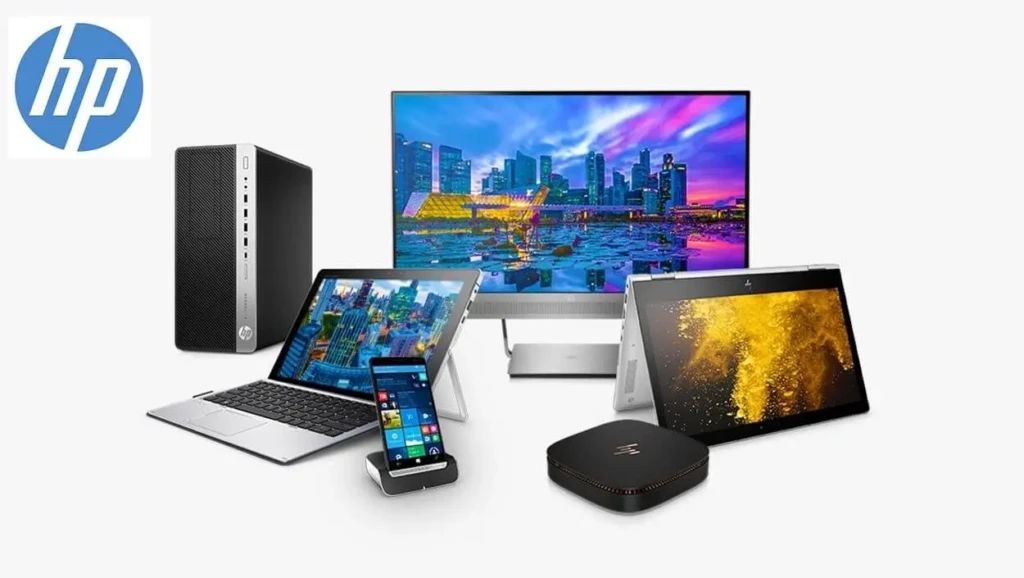
HP’s product ecosystem is broad and designed to serve multiple user segments. At a high level, it includes:
- Consumer laptops and notebooks
- Business and professional devices
- Gaming systems
- Desktops and All-in-One PCs
- Tablets and convertibles
- Workstations and enterprise hardware
This wide approach allows HP to compete on multiple fronts, giving users choices between budget systems and professional work machines.
HP Laptop Lines Explained
HP’s laptop lineup can feel overwhelming at first, but breaking it down makes it easier to match devices with user needs.
Pavilion Series
The Pavilion series targets everyday consumers and students. These are generally affordable, well-rounded laptops suited for web browsing, streaming, office tasks, and light creative work. They strike a pragmatic balance between performance and price.
Envy Series
Stepping up from Pavilion, the Envy lineup aims at premium consumer users. These laptops often feature better build quality, higher resolution displays, and more powerful components, ideal for users who want a bit more performance without jumping into the highest price tiers.
Spectre Series
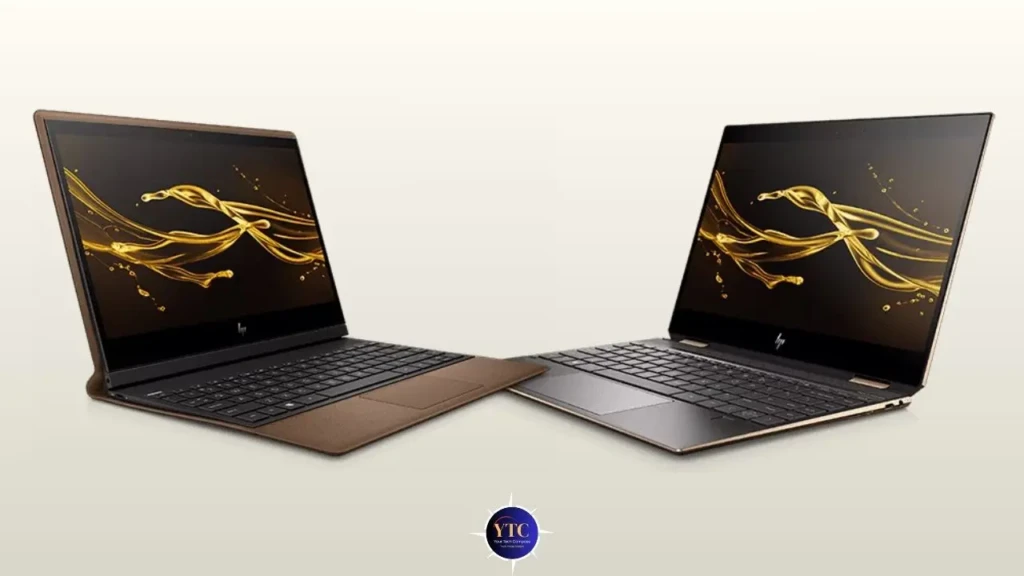
At the top of HP’s consumer lineup is Spectre, representing the company’s premium ultrabook offerings. These devices focus on sleek design, long battery life, and strong performance in thin, lightweight form factors. Compared with competitors like premium ASUS ultraportables or lightweight options from other brands, Spectre devices prioritize aesthetics and productivity.
Omen and Victus Gaming Laptops
For gamers, HP offers the Omen and Victus series. Omen sits at the high-end gaming tier, featuring robust graphics options, efficient cooling systems, and a gaming-centric design. Victus targets a more budget-conscious gaming audience, offering solid 1080p performance at a more affordable price.
EliteBook and ProBook for Business
The EliteBook and ProBook lines cater to business and enterprise users, with a stronger emphasis on security, durability, and manageability. These devices often include features like biometric security, business-grade support services, and enterprise deployment tools.
HP Desktops, All-In-Ones, and Other Devices
While laptops form the core of HP’s consumer identity, its desktop offerings are also significant. They include:
Desktops and All-In-One PCs
HP’s desktops range from compact models designed for basic home use to All-in-One PCs that integrate the display and computing hardware into a single chassis. These systems work well for families, home offices, and business environments where expandable performance isn’t a primary concern.
Tablets and Convertibles
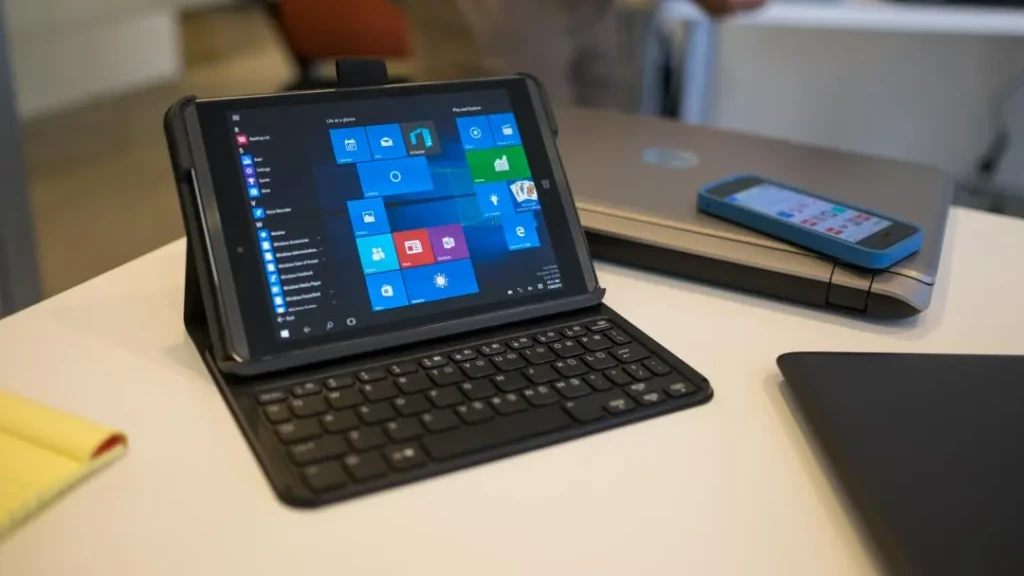
HP’s tablet and 2-in-1 offerings combine touchscreens with productivity features, often appealing to users who want flexibility between tablet simplicity and laptop functionality. Although not as dominant as some competitors in this space, HP’s options offer practical value for hybrid computing.
HP For Business and Enterprise
HP’s presence in the business segment is substantial, with devices and services that support enterprise environments.
Business Laptops and Security Features
The EliteBook and ProBook families are built for corporate needs: strong security (like TPM and biometric options), durable chassis, and long-term support cycles. Features like HP Wolf Security add hardware-enforced protection for data and peripherals.
Workstations and High-Performance Solutions
For professionals requiring high computing power, such as engineers or creative professionals, HP’s Z series workstations offer configurations with powerful CPUs, professional GPUs from NVIDIA or AMD, and extensive memory support. These workstations are often certified for specialized software like CAD and rendering tools.
HP Build Quality and Design Philosophy
HP’s design philosophy balances practical performance and refined aesthetics. Pavilion and Envy models often lean toward casual consumer appeal with modest materials. On the other hand, Spectre devices emphasize premium metal builds and narrow bezels that rival those of high-end laptops from different brands. Across the board, keyboards and trackpads are sized for comfort, which matters in real-world use.
However, consumer expectations vary: while HP’s premium models are visually compelling, some lower-tier devices may feel utilitarian compared with rivals’ offerings, a common trend across brands. Still, HP generally offers good durability and ergonomics overall.
Performance and Hardware Approach
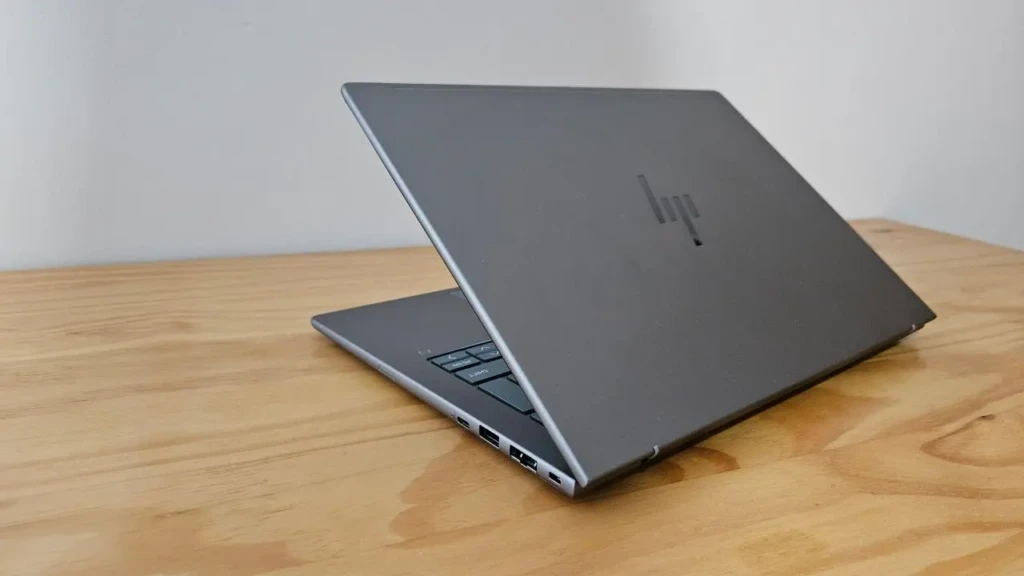
HP’s hardware choices span a broad spectrum, often featuring the latest CPUs from Intel and AMD, and discrete GPUs from NVIDIA for gaming and creative workloads. Depending on the model, you’ll find options that emphasize power (for gaming or rendering) or efficiency (for long battery life in ultrabooks).
In practical use, HP machines handle day-to-day productivity with ease and scale well to heavier tasks in higher configurations. That said, individual performance depends mainly on the exact configuration you choose, so it’s worth comparing specs and benchmarks when making a decision.
HP Software and User Experience
HP laptops come with Windows (usually Windows 11) and a suite of HP-branded utilities, such as HP Support Assistant, HP Command Center (for performance tuning), and camera utilities. While some users find preinstalled software a bit noisy, others appreciate features that simplify updates and system diagnostics.
The overall user experience tends to be smooth and familiar for Windows users, though personalization preferences vary.
HP vs Other Major Brands
Understanding how HP compares with other brands provides helpful context when evaluating laptops.
Feature | HP | Lenovo | ASUS |
Business Laptops | Strong (EliteBook/ProBook) | Strong (ThinkPad) | Moderate |
Gaming Laptops | Good (Omen/Victus) | Good (Legion) | Strong (ROG/TUF) |
Premium Ultrabooks | Strong (Spectre) | Moderate (Yoga) | Strong (ZenBook) |
General Productivity | Excellent | Excellent | Excellent |
Durability | Good | Excellent | Good |
This table highlights HP’s balanced approach: it doesn’t always dominate one category but maintains competent offerings across use cases. Brands like Lenovo bring legendary business durability, while ASUS often pushes performance and innovation in gaming and premium ultrabooks.
Pros and Cons of HP Products
The Pros
- Broad product range serving diverse user needs
- Balanced performance and design
- Strong business and enterprise portfolio
- Competitive pricing in mainstream tiers
The Cons
- Lower-tier models can feel utilitarian
- Software preinstalls are sometimes unnecessary
- Gaming performance trails some specialized rivals
Is HP a Good Brand to Buy From?
HP remains a solid choice for most users, whether you’re buying your first laptop or upgrading from an older device. For casual users, Pavilion and Envy models offer good performance and value. For professionals, business machines like the EliteBook strike a balance between security and support. And for gamers, Omen and Victus present compelling options, though you may also find strong gaming systems from specialized brands.
Ultimately, HP’s strength lies in its versatility; it rarely excels in just one category but reliably serves many. If you’re evaluating HP against competitors, consider your priorities (e.g., gaming performance, business security, portability) and weigh them against the configurations available.
Final Thoughts
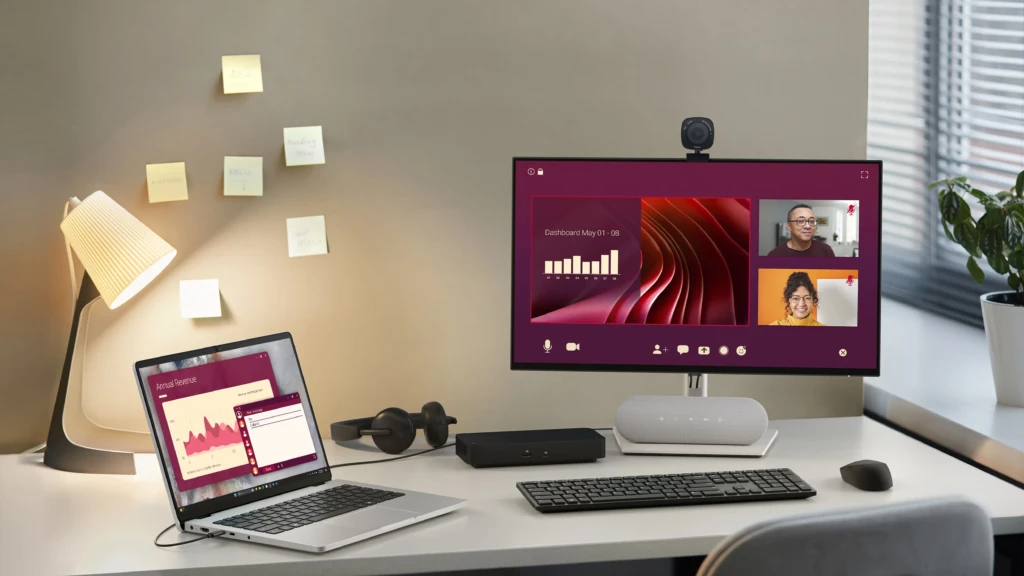
HP stands out as a versatile and enduring tech brand that delivers solid hardware for a wide range of users, from students and everyday users to professionals and gamers. Its product lines are thoughtfully structured, offering clear options for different priorities and budgets.
When you compare HP with brands like Lenovo and ASUS, you’ll find that each has distinctive strengths, but HP’s broad ecosystem and consistent performance make it a dependable choice for many. Whether you need a mainstream productivity machine, a stylish ultrabook, or a capable gaming partner, HP offers options worth considering, and I hope this comprehensive overview helps you make a clear decision.
FAQs
Yes. HP generally produces reliable devices, especially in the midrange and above.
HP gaming lines like Omen and Victus offer solid performance, though dedicated gaming brands may edge ahead in niche segments.
Lifespan depends on usage and maintenance; higher-end models often hold up longer under heavy workloads.
It depends on your priorities: HP is versatile, Lenovo is strong in business, and ASUS excels in gaming and premium innovation.