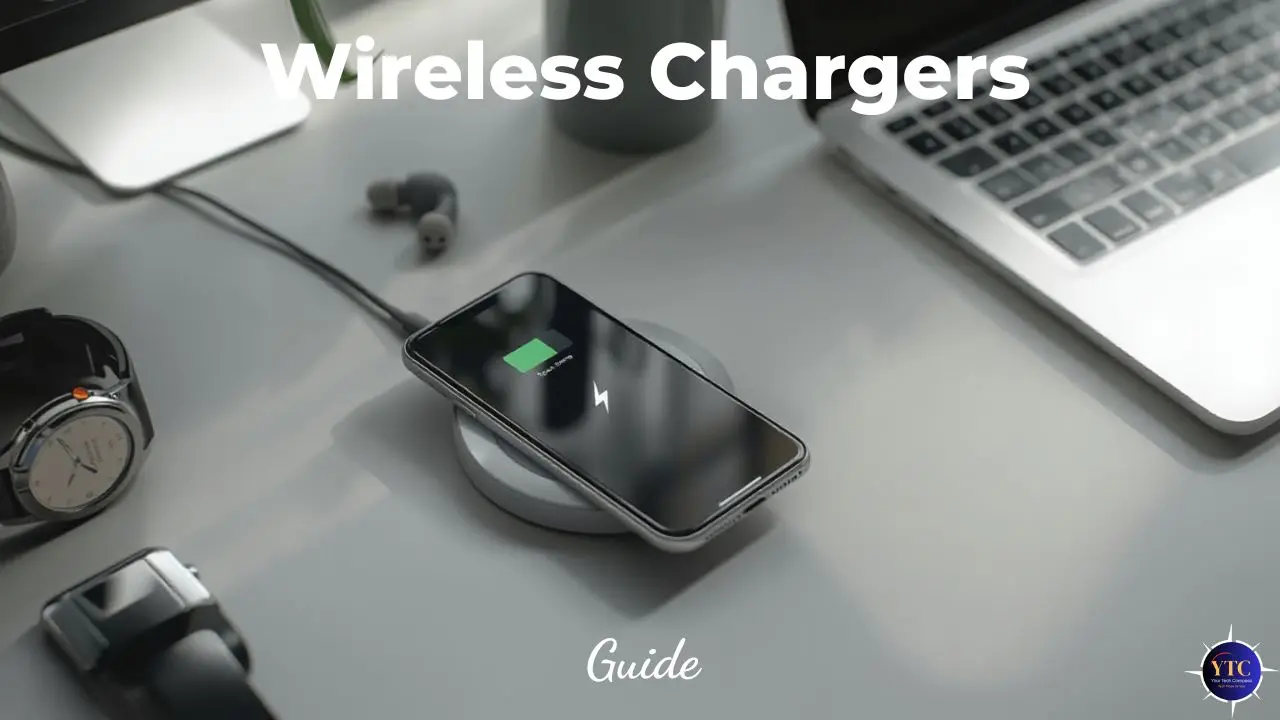
Wireless charging has become a staple convenience for iPhone users, offering a cord-free way to power your device while reducing wear on Lightning ports and improving everyday ease of use. Whether you keep a charger on your nightstand, at your desk, or on the go, an iPhone wireless charger simplifies daily charging by letting you set your phone down and have it power up instantly, without dealing with cables.
In this comprehensive guide, we’ll explore how iPhone wireless charging works, how to choose the right charger for your setup, and the best charger types available, from flat pads to travel-ready options. I’ll also share practical insights I’ve gathered from comparing performance, convenience, and real-world usability so you can make a confident decision. As you read on, you’ll find evidence-based explanations, detailed feature breakdowns, and product recommendations that reflect both technical knowledge and everyday use cases, ensuring that your next iPhone wireless charger truly fits your lifestyle.
What Is an iPhone Wireless Charger?
An iPhone wireless charger refers to a device that uses inductive charging technology to power compatible iPhone models without a cable plugged directly into the phone. Apple adopted Qi wireless charging with the iPhone 8 and newer models, and later introduced MagSafe technology, which uses magnets to align compatible iPhones with chargers for optimized power transfer. Wireless chargers can be simple pads that lie flat, vertical stands that support hands-free viewing, or integrated docks that charge multiple devices at once.
Wireless chargers eliminate the need to repeatedly plug and unplug cables, helping preserve the physical charging port and providing a more seamless daily experience. Moreover, certain chargers support fast wireless charging, which increases charging speed compared to basic Qi pads, when paired with a suitable power adapter.
How iPhone Wireless Charging Works
Wireless charging for iPhones uses inductive power transfer via the Qi standard, enhanced in Apple’s ecosystem by MagSafe alignment for compatible models.
Qi Wireless Charging
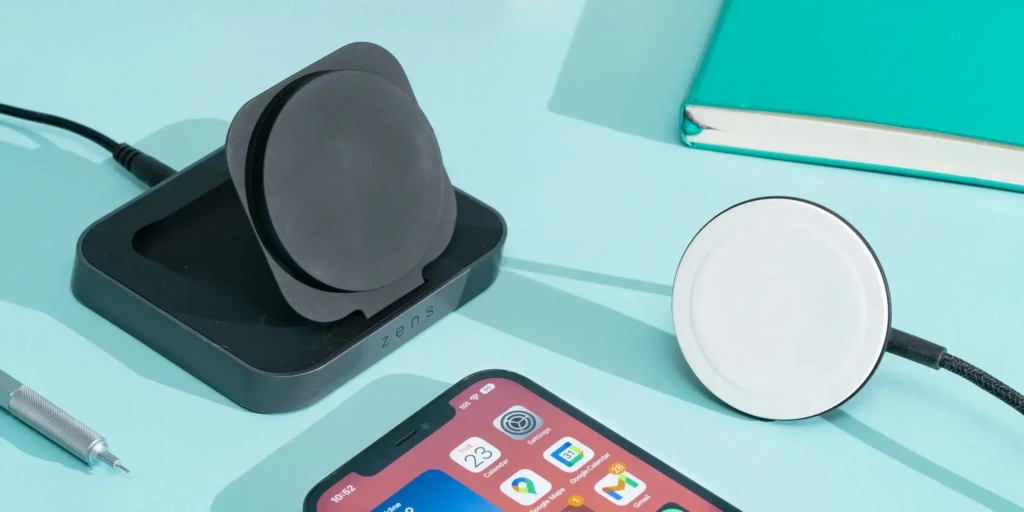
Qi is the most widely adopted wireless charging standard. Chargers with Qi coils generate an electromagnetic field that a compatible iPhone can convert into electrical current. As long as the phone’s Qi receiving coil aligns with the charger’s transmitting coil, power flows to the battery without a direct cable connection.
MagSafe Technology
MagSafe improves upon standard Qi by incorporating an array of magnets that ensure perfect alignment with compatible iPhone models (iPhone 12 and later). This magnetic alignment not only improves efficiency and charging speed but also reduces the likelihood of interruptions caused by misalignment.
MagSafe chargers can deliver up to 15 W of power under optimal conditions, which is faster than basic Qi charging on many devices when paired with an appropriate power adapter.
Power Delivery and Heat Management
Wireless charging is inherently less efficient than wired charging, resulting in some energy loss as heat. Good wireless chargers incorporate design elements (such as thermal pads, ventilation, or smart power modulation) to reduce excessive heat and protect battery health. Higher-end MagSafe chargers and premium third-party options often perform better in sustained charging scenarios due to improved thermal design.
iPhone Wireless Charger Compatibility
Which iPhones Support Wireless Charging
Most iPhones from the iPhone 8 onward support Qi wireless charging, while MagSafe is supported on iPhone 12 and later models. This means even older wireless pads will work with newer devices, though MagSafe-specific features (such as optimized alignment and faster speeds) require a MagSafe-compatible charger.
MagSafe vs Standard Wireless Charging
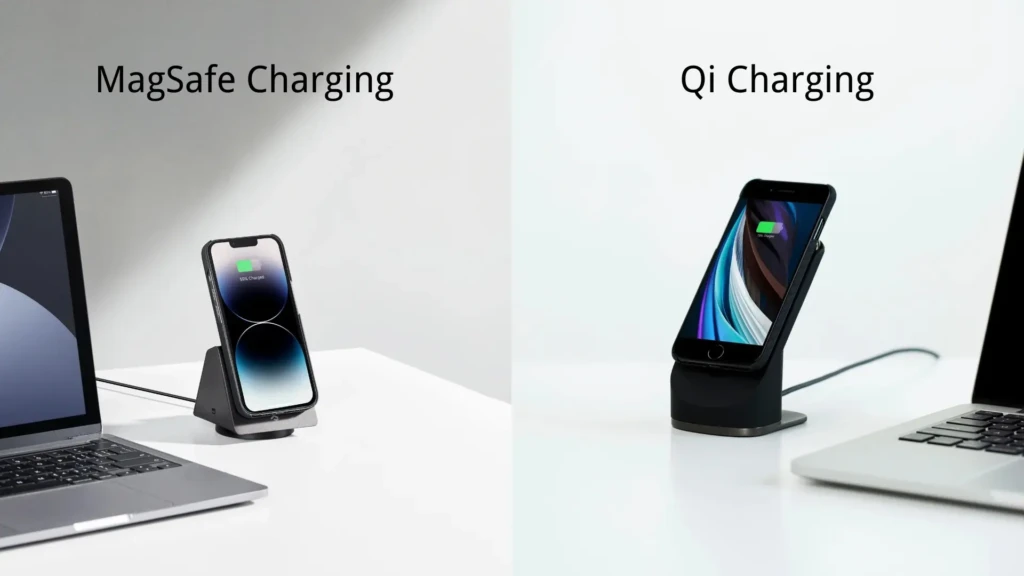
- Qi Pads: Work with all Qi-compatible iPhones but may deliver slower charging speeds.
- MagSafe Chargers: Provide faster, more consistent charging on supported iPhones by using magnetic alignment.
Case Compatibility
Most wireless chargers work through thin, non-metallic cases, but thick or metal-embedded cases can interfere with signal transfer. MagSafe-compatible cases can improve alignment and ensure the best charging performance.
Types of iPhone Wireless Chargers (With Top Picks)
Below are the main charger formats and the standout options for each type.
1. Flat Wireless Charging Pads
Flat pads offer a traditional, low-profile platform where you simply place the phone face-up to begin charging.
Best Example: Belkin Boost Charge Wireless Charging Pad
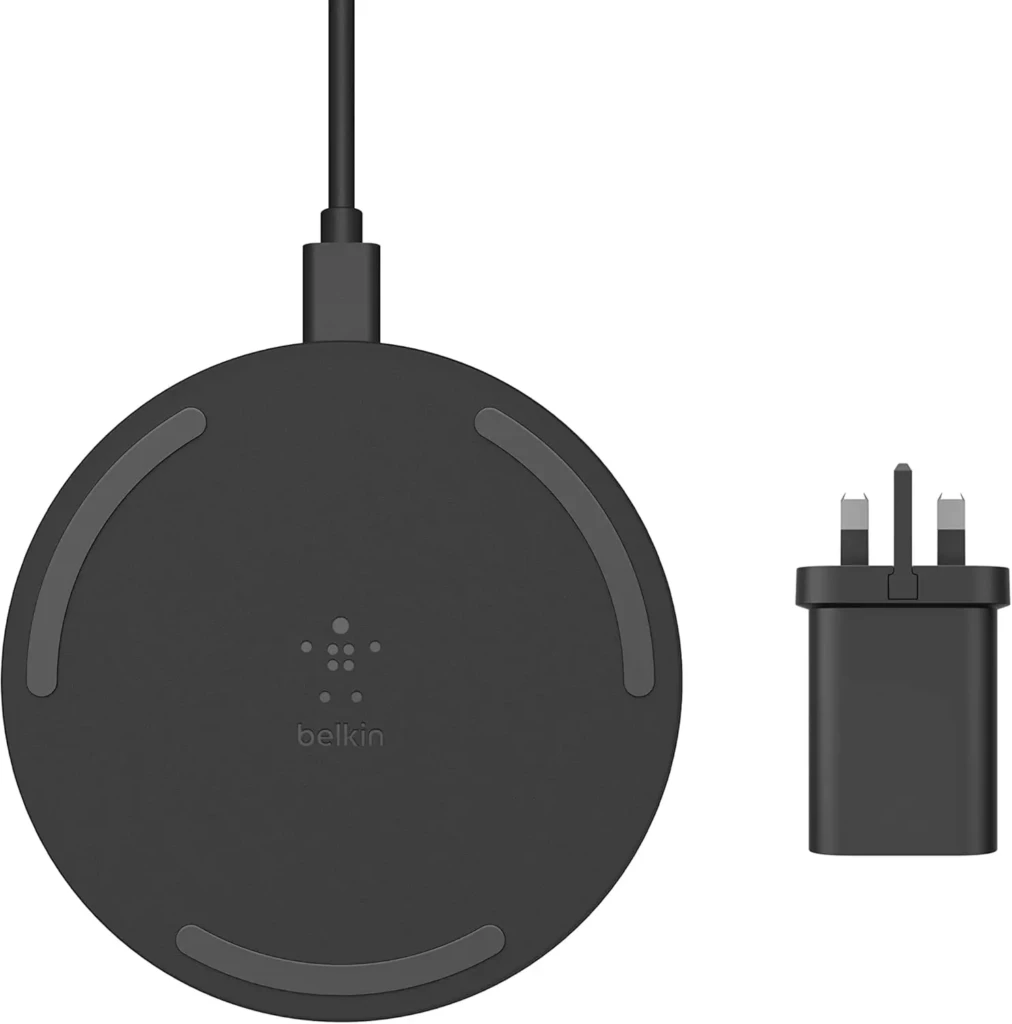
Belkin’s pad supports up to 7.5 W for iPhones (standard Qi) and is noted for its stable charging surface, solid build quality, and compatibility with a range of devices. It’s a good choice for nightstands where simplicity and a flat footprint are key.
Why It Stands Out
- Stable surface for bedside charging
- Works with many Qi-enabled devices
- Minimal design works with most decor
Best For: Nightstands or shared charging spots.
2. Stand-Style Wireless Chargers
Stand chargers orient the phone upright, making it easier to view notifications, answer calls, or watch media while charging.
Best Example: Anker 313 Wireless Charger (Stand)
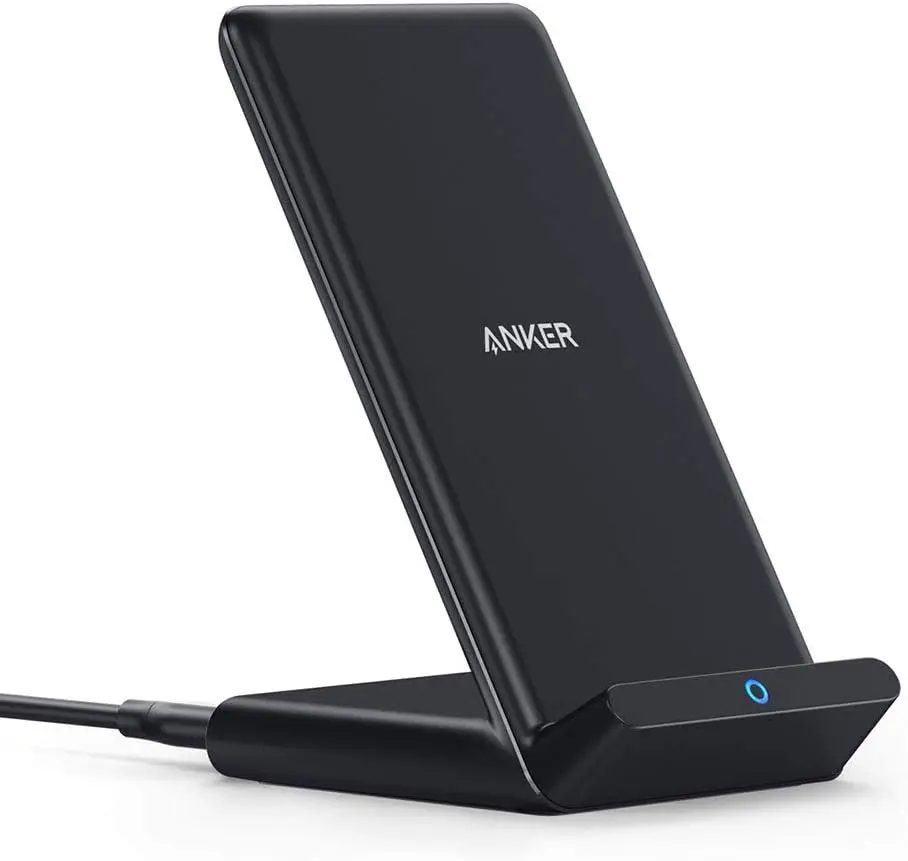
The PowerWave Stand delivers 7.5 W wireless charging for iPhones, holds the phone securely at a comfortable viewing angle, and supports both portrait and landscape orientations. Its design makes it ideal for desks or kitchen counters.
Why It Stands Out
- Upright position improves visibility while charging
- Supports multiple viewing orientations
- Non-slip surface enhances stability
Best For: Desks, kitchens, or areas where you need to glance at the screen.
3. MagSafe Wireless Chargers
MagSafe chargers use built-in magnets to snap your iPhone into the optimal charging position and can deliver up to 15 W to supported models.
Best Example: Apple MagSafe Charger
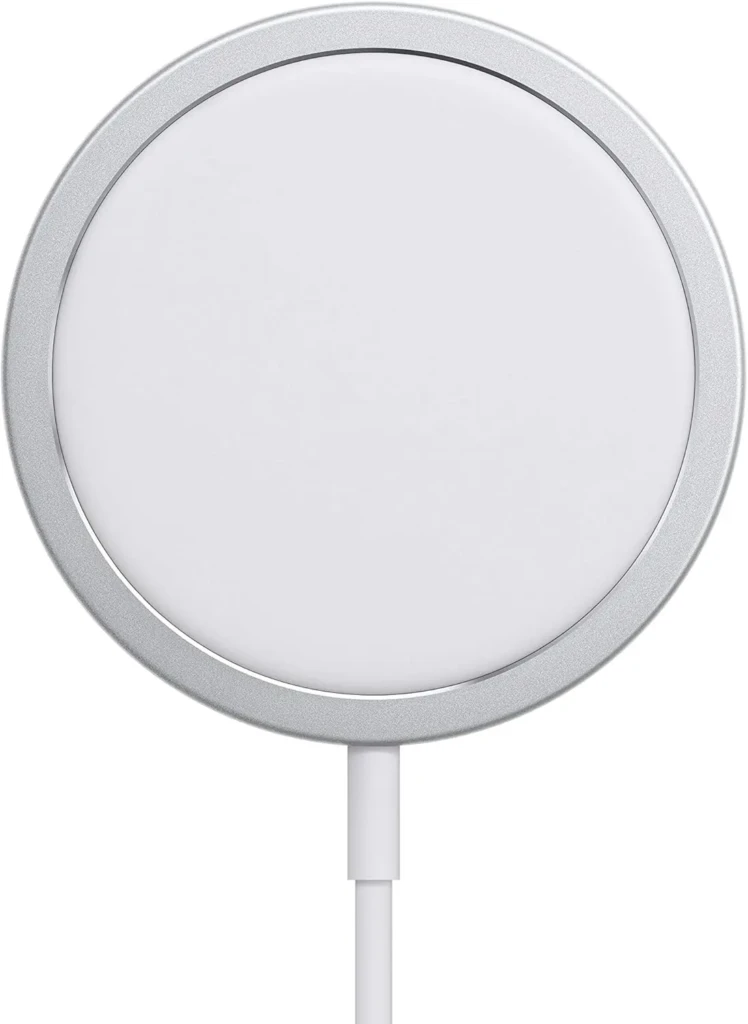
Apple’s own MagSafe Charger delivers reliable magnetic alignment and fast wireless charging when paired with an appropriate USB-C power adapter. Its compact design and official support ensure consistent performance and broad compatibility with accessories.
Why It Stands Out
- Magnetic alignment for consistent charging
- Fast wireless power delivery on MagSafe-compatible iPhones
- Compact and travel-friendly
Best For: iPhone 12 and later users prioritizing speed and alignment.
4. Multi-Device Wireless Chargers
Multi-device chargers allow simultaneous charging of an iPhone, AirPods, and sometimes an Apple Watch, consolidating multiple charging spots into one base.
Best Example: Belkin 3-in-1 Wireless Charging Pad With MagSafe
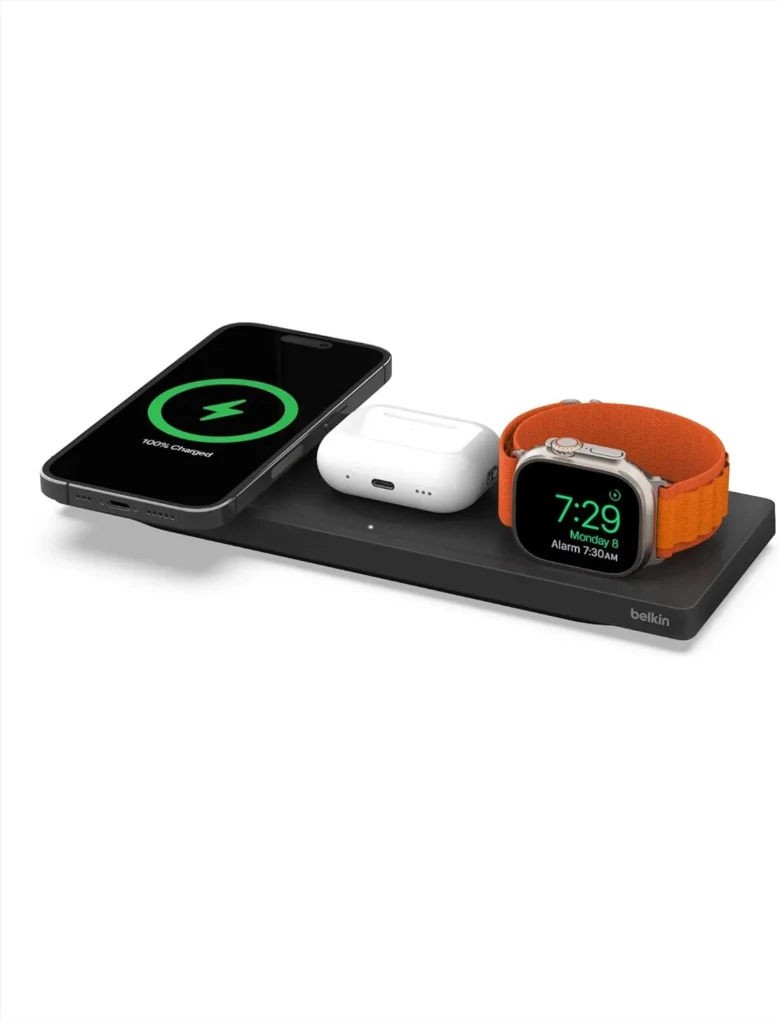
This charger supports iPhone (MagSafe), AirPods, and Apple Watch simultaneously, reducing nightstand clutter and providing an integrated charging experience for Apple device users.
Why It Stands Out
- Charges three devices at once
- MagSafe charging for iPhone
- Reduces cable clutter
Best For: Users with multiple Apple devices.
Comparison Table: iPhone Wireless Charger Types
Charger Type | Best For | Max Power | MagSafe Support | Multi-Device Support |
Flat Pad | Nightstand charging | ~7.5W | No | No |
Stand | Desk/hands-free | ~7.5W | No | No |
MagSafe | Fast, aligned charging | Up to 15W | Yes | Optional |
Multi-Device | All-in-one charging | Varies | Yes (on some) | Yes |
Key Features to Look For in an iPhone Wireless Charger
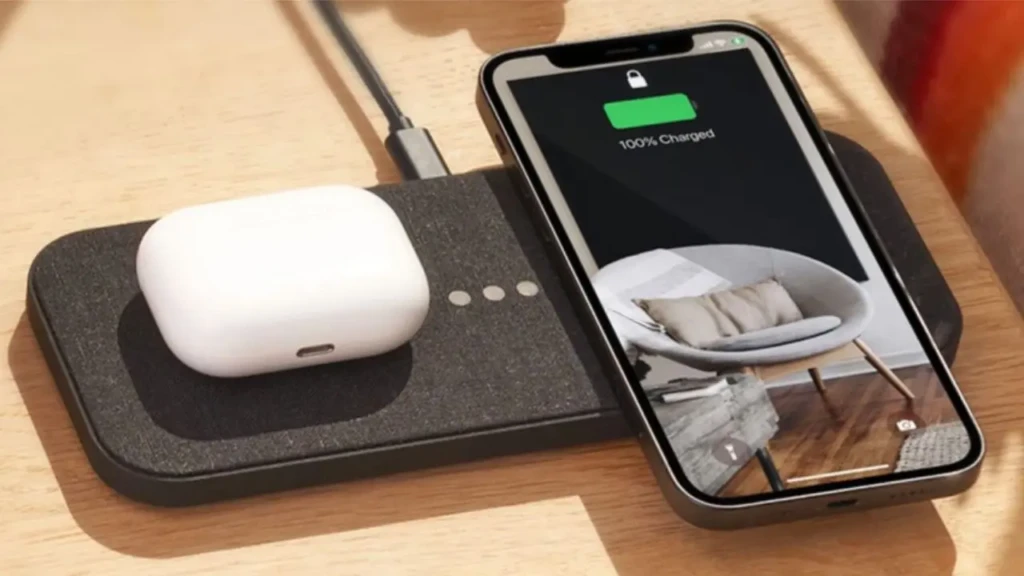
When selecting a wireless charger, consider the following:
Charging Speed and Power Output
For iPhones, wireless charging speeds typically max out around 7.5 W for standard Qi and up to 15 W with MagSafe on compatible models. This is slower than wired fast charging but convenient for daily use.
Magnetic Alignment and Stability
MagSafe chargers deliver power more consistently due to precise alignment. Standard Qi pads rely on careful placement, which can sometimes lead to intermittent charging if misaligned.
Cooling and Heat Management
Wireless chargers generate heat. Good designs integrate materials and spacing to manage heat, minimizing thermal throttling and maintaining efficiency.
Build Quality and Materials
Premium chargers use durable materials, stable bases, and quality cables (often USB-C) to enhance longevity and daily comfort.
Case Compatibility
MagSafe works with MagSafe-designated cases, while Qi-compatible pads may require a slim, non-metallic case for optimal performance.
Pros and Cons of iPhone Wireless Chargers
The Pros
- Convenient and cable-free
- Reduces wear on physical ports
- Clean and aesthetic setups
- Multi-device charging options
The Cons
- Generally slower than wired fast charging
- Heat can impact efficiency
- Case interference if not wireless-friendly
Balancing these factors will help you understand when wireless chargers are worth the investment and how they fit into your daily routine.
Common iPhone Wireless Charger Mistakes to Avoid
To maximize performance and reliability:
- Using Underpowered Adapters: Pair chargers with quality USB-C power adapters; underpowered ones slow charging.
- Ignoring Alignment: Especially with standard Qi pads, poor positioning can cause intermittent charging.
- Expecting Wired Speeds: Wireless charging is more convenient but typically slower than wired fast charging.
- Overlooking Case Compatibility: Thick or metal-embedded cases can block effective charging.
Awareness of these issues, similar to common pitfalls in portable power setups discussed in our best power banks for travel article, enhances your overall charging experience.
Final Verdict: Are iPhone Wireless Chargers Worth It?
iPhone wireless chargers deliver true convenience and simplicity, especially if you want a cable-free home setup or the ability to top up power effortlessly throughout the day. While wireless charging may not match the fastest wired methods, it provides a frictionless experience that suits daily routines, from nightstand drops to desk setups or travel-ready charging solutions. For users invested in Apple’s MagSafe ecosystem or who charge multiple devices (phone, earbuds, watch), the right wireless charger can consolidate power needs into a seamless experience.
Understanding wireless chargers in the context of broader mobile power ecosystems, including Samsung’s wireless charging standards covered in the Samsung wireless charger guide, can help you compare universal versus proprietary implementations. This comparison can be especially useful if you use multiple devices or share accessories across brands at home or on the road.
Personal Verdict: After evaluating charger types, compatibility, speed, and everyday usability, I find that an iPhone wireless charger is a well-worth accessory for most users. It simplifies power routines, reduces cable clutter, and integrates naturally with modern habits and accessories, especially when paired with reliable power profiles and quality adapters. Whether you prefer a simple pad, a hands-free stand, a multi-device dock, or a travel-friendly option, investing in a quality wireless charger enhances both convenience and comfort in your daily life.
FAQs About iPhone Wireless Chargers
Yes, modern wireless chargers regulate power delivery and incorporate safety protections. However, prolonged exposure to excessive heat can affect battery chemistry in the same way as high-power charging.
Yes, though interacting with the screen can slightly increase heat, which may slow charging.
Wireless chargers offer significant convenience and aesthetic benefits for daily use, even if they aren’t as fast as wired charging.
At Your Tech Compass, we publish detailed tech guides, reviews, and comparisons to help users choose the right devices and tools.