A smart plug, a set of smart bulbs, and a smart thermostat sitting in the same house aren’t automatically a smart home. If they’re each controlled by different apps, use different wireless protocols, and can’t trigger each other based on conditions, they’re just individual smart devices sharing a Wi-Fi network. A smart home hub is what turns that collection into a system: a single point of control that understands every device’s language and lets them talk to each other.
The question of whether you actually need one has become more nuanced since Matter became a universal smart-home standard. If all your devices are from one ecosystem, for instance, all Amazon, all Google, or all Apple, a dedicated hub may be unnecessary. But the moment you’re mixing brands, protocols, or ecosystems, a hub stops being a luxury and starts being the thing that makes everything work reliably. This guide covers the four best options and how to decide which fits your setup.
Do You Actually Need a Smart Home Hub?
This is worth answering honestly before recommending any hardware, because many people buy a hub when they don’t need one, and others struggle for months with a fragmented smart home when a hub would have solved their problem immediately.
You probably don’t need a dedicated hub if: all your devices are from a single ecosystem and brand, you have only a handful of devices, or you’re using Matter-certified hardware throughout. Modern Matter devices connect directly to your router and are visible across Alexa, Google Home, and Apple HomeKit simultaneously; no hub required.
You likely do need a dedicated hub if: you have devices using Zigbee or Z-Wave protocols (Philips Hue, many IKEA devices, older smart locks, most sensors), you want local processing rather than cloud-dependent automations, you need cross-ecosystem automations that trigger devices from different platforms simultaneously, or you’re building a large smart home with dozens of devices where direct Wi-Fi connections to each device creates network congestion.
The Philips Hue Bridge included with the Hue Starter Kit is technically a dedicated Zigbee hub for Philips devices, but it only manages Philips Hue products. The hubs in this guide are whole-home controllers that can see and automate across brands and protocols simultaneously.
What to Look for When Choosing a Hub
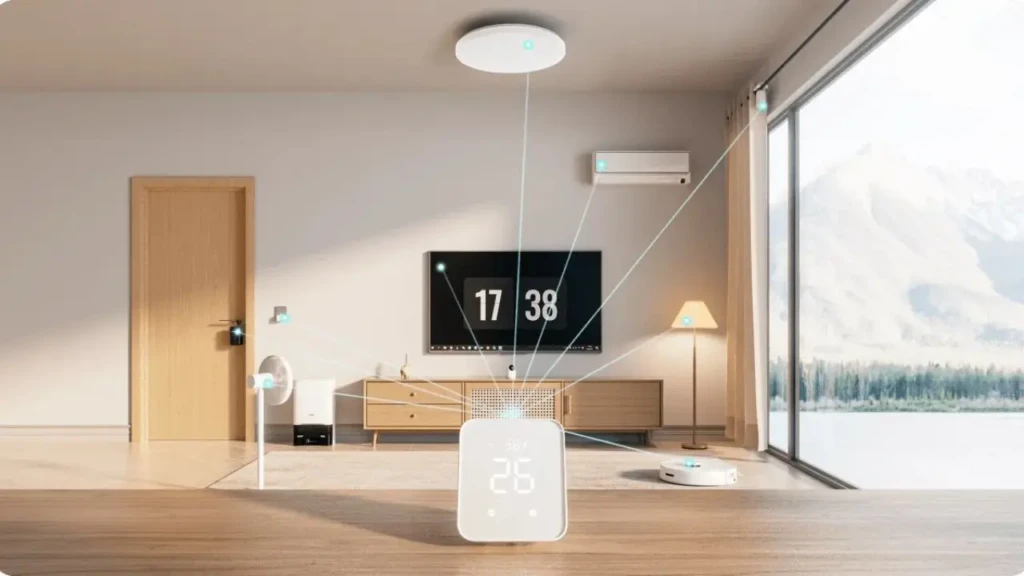
Protocol support is the most important spec. The more protocols a hub speaks, Wi-Fi, Bluetooth, Zigbee, Z-Wave, Thread, Matter, the more devices it can control without additional hardware. A hub that only supports Wi-Fi and Bluetooth can’t directly manage Zigbee devices without a separate bridge.
Local vs cloud processing is the second critical distinction. Cloud-dependent hubs route every command through a manufacturer’s server, which means automations fail during internet outages, response can be slower, and your usage data is being processed externally. Local processing hubs (like Hubitat) run everything on-device, making automations faster, more reliable, and genuinely private.
Ecosystem lock-in varies significantly. The Amazon Echo Hub locks you into Alexa’s ecosystem for the best experience. Google Nest Hub Max is built around Google Home. Hubitat is deliberately platform-agnostic. Samsung SmartThings sits in the middle; it integrates broadly but works best with Samsung Galaxy hardware.
Matter and Thread support future-proofing a hub as the smart home standard continues to consolidate around the Matter protocol. All four hubs in this guide support Matter; the Nest Hub Max and SmartThings Station also support Thread, which provides lower-latency, mesh-networked communication between Thread-enabled devices.
Smart Home Hubs: A Quick Comparison
Hub | Best For | Protocols | Local Processing | Price |
Alexa users, touchscreen control | Wi-Fi, Zigbee, Matter, BT | Partial | ~$180 | |
Google users, visual dashboard | Wi-Fi, Thread, Matter | Partial | ~$230 | |
Multi-protocol automation | Wi-Fi, Zigbee, Matter, BT | Partial | ~$100 | |
Privacy, speed, local control | Zigbee, Z-Wave, Matter, LAN | Full | ~$130 |
Best Smart Home Hubs Reviewed
1. Amazon Echo Hub: Best for Alexa Households
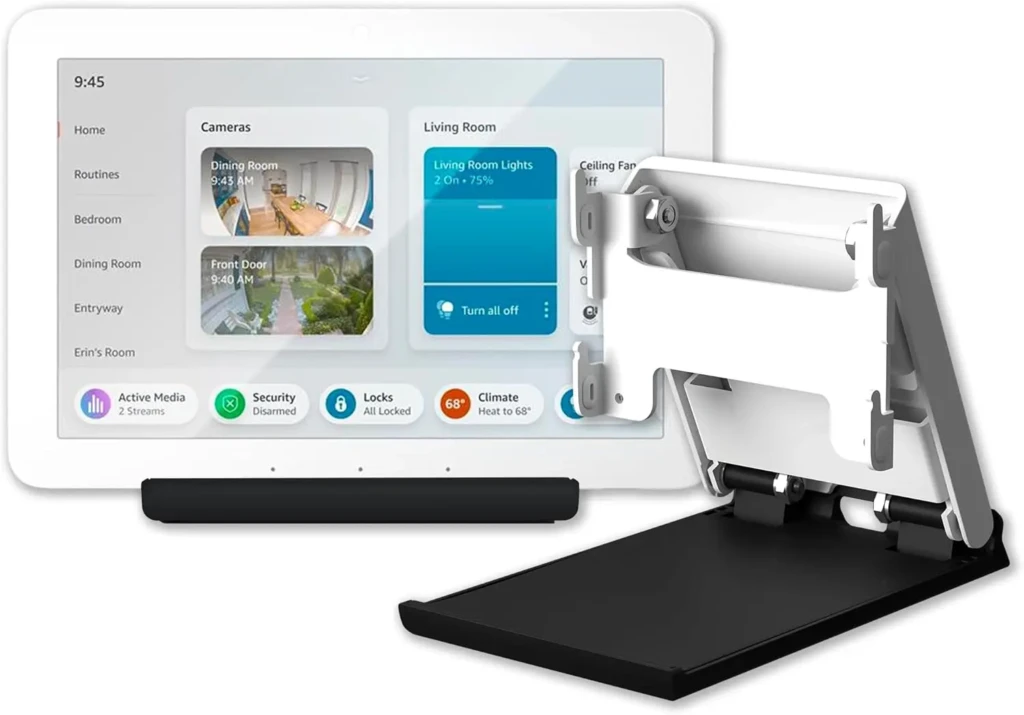
The Amazon Echo Hub is Amazon’s first device designed specifically as a smart home controller rather than a speaker with smart home capabilities bolted on. The distinction matters in practice: the 8-inch touchscreen displays a purpose-built dashboard showing all your connected devices, grouped by room, with real-time status and direct controls.
You can see at a glance which lights are on, the current thermostat setting, and live camera feeds, all without asking Alexa anything or opening an app. For households that have gradually accumulated a range of Alexa-compatible devices, this is the most natural consolidation point available.
The Amazon hub supports Zigbee directly, which means it can manage Philips Hue bulbs, IKEA smart devices, and Zigbee sensors without a separate bridge. Where it falls short is the ecosystem dependency: automations work best when everything speaks Alexa, and the local processing is partial rather than full. Complex automations still route through Amazon’s cloud. If your setup is already heavily Alexa-based, this is the cleanest single-device upgrade available.
Key Specs
- Display: 8-inch touchscreen, wall-mountable
- Protocols: Wi-Fi, Bluetooth, Zigbee, Matter
- Voice: Alexa built-in
- Local Processing: Partial (basic device control local; complex automations cloud-dependent)
- Compatible Ecosystems: Alexa, SmartThings, Ring, and 100,000+ compatible devices
Why It Stands Out
- Built-in Zigbee radio eliminates the need for a separate Philips Hue or IKEA bridge.
- Purpose-built dashboard UI, not a speaker repurposed as a hub.
- Wall-mount bracket included for permanent installation in the room.
- Broadest device compatibility of any hub in this guide.
Best For: Households already using Alexa as their primary voice assistant who want a dedicated touchscreen control panel and Zigbee support without additional hardware.
2. Google Nest Hub Max: Best for Google Households and Visual Control
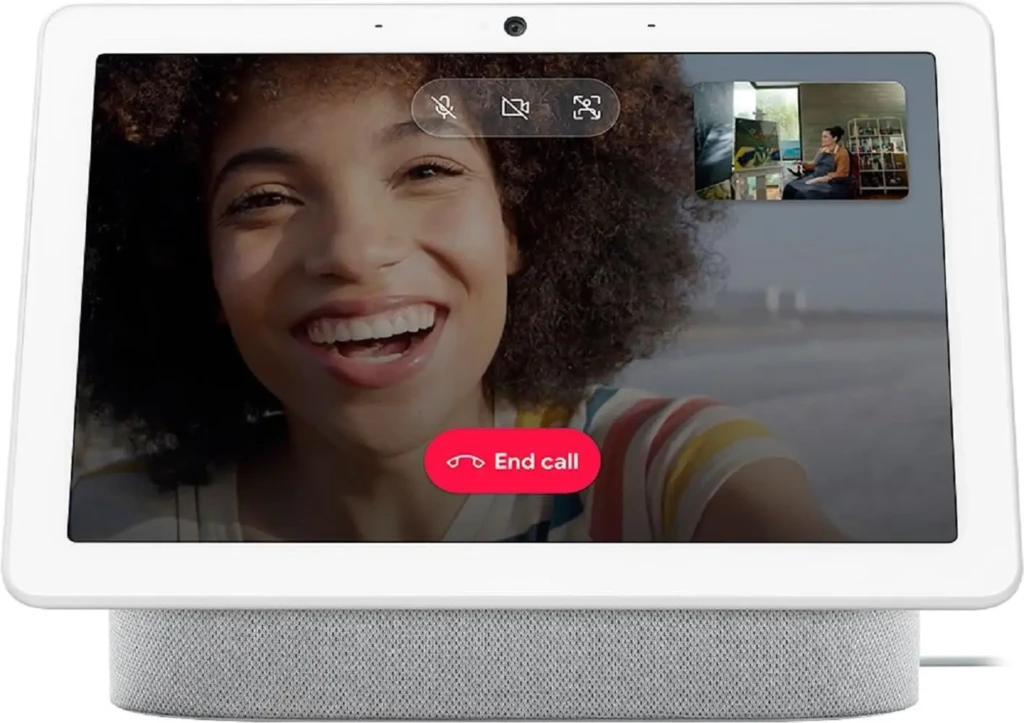
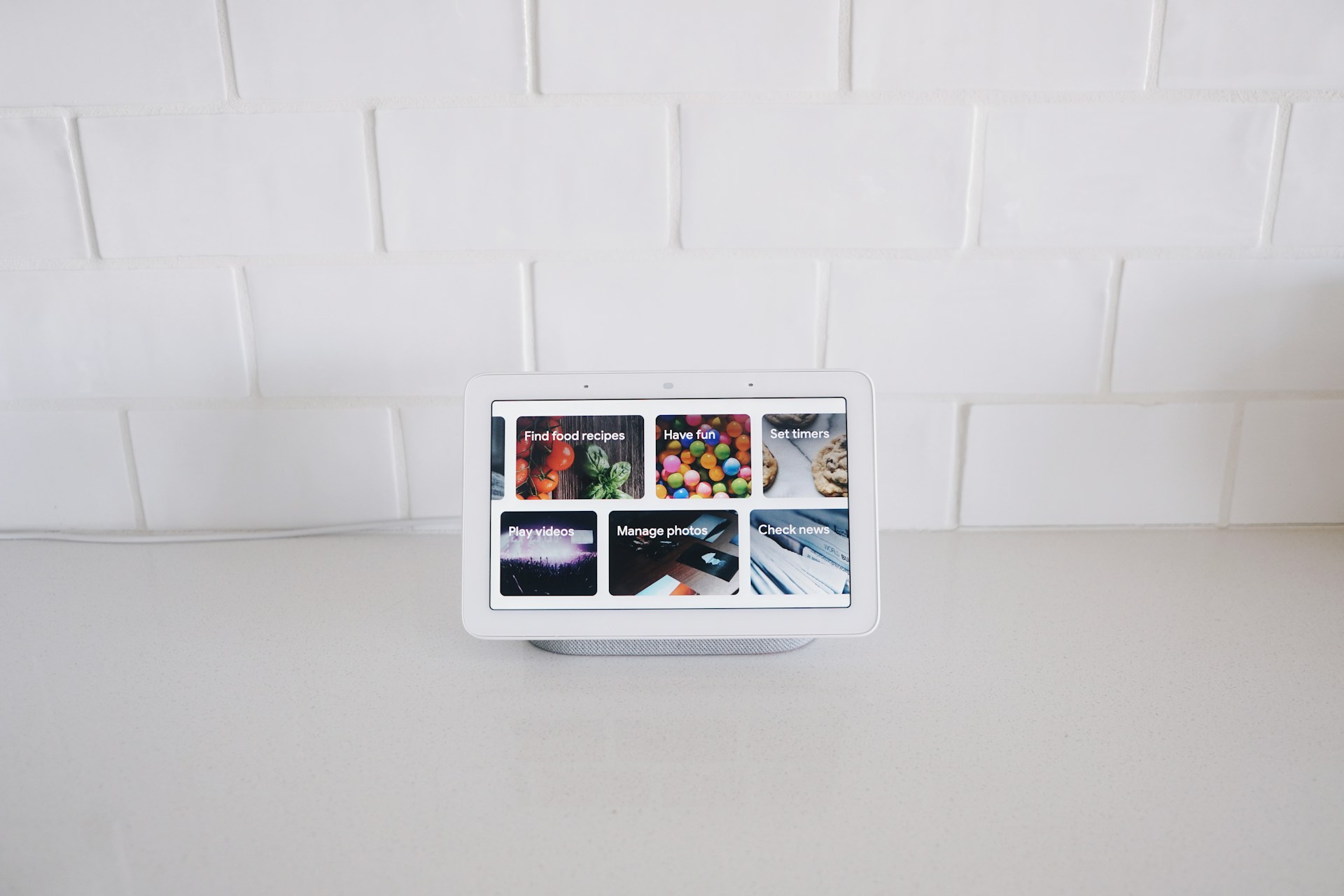
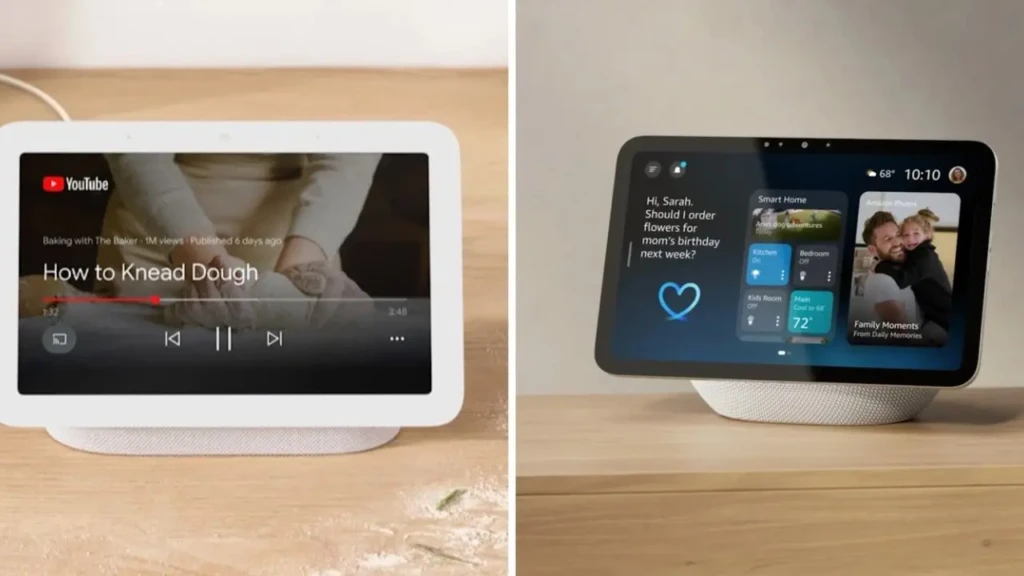
The Nest Hub Max is Google’s most capable smart display, and its 10-inch screen gives it a visual presence that makes it genuinely useful as a kitchen or living room hub, not just a speaker with a face. It streams YouTube, displays Google Photos, handles video calls on Google Meet, and shows your Google Calendar, making it a useful household display even when you’re not actively controlling smart home devices. As a hub, it manages Google Home automations, displays camera feeds, and controls compatible devices by voice or touch.
Thread support is the technical standout. Thread is a low-latency, mesh networking protocol designed specifically for smart home devices; it creates a self-healing network that doesn’t rely on your Wi-Fi router for communication between devices. The limitation is the same as the Echo Hub: deep integration favours Google’s own ecosystem, and cloud dependency means automations need an internet connection to run reliably. For non-Google-heavy households, the SmartThings Station or Hubitat are more platform-agnostic choices.
Key Specs
- Display: 10-inch HD touchscreen with ambient EQ
- Protocols: Wi-Fi, Bluetooth, Thread (border router), Matter
- Voice: Google Assistant built-in
- Camera: Built-in 6.5MP for video calls
- Local Processing: Partial
Why It Stands Out
- Built-in Thread border router (this is the most future-proof protocol support in this guide).
- The 10-inch display is large enough for genuine use in the kitchen or living room.
- Google Meet video calling is built in and doubles as a household communication device.
- Google Photos’ ambient display mode makes it useful 24/7, not just for control.
Best For: Google-heavy households who want a large-screen visual dashboard, Thread compatibility for future-proofing, and a hub that earns its counter space beyond smart home control.
3. Samsung SmartThings Station: Best for Multi-Protocol Automation
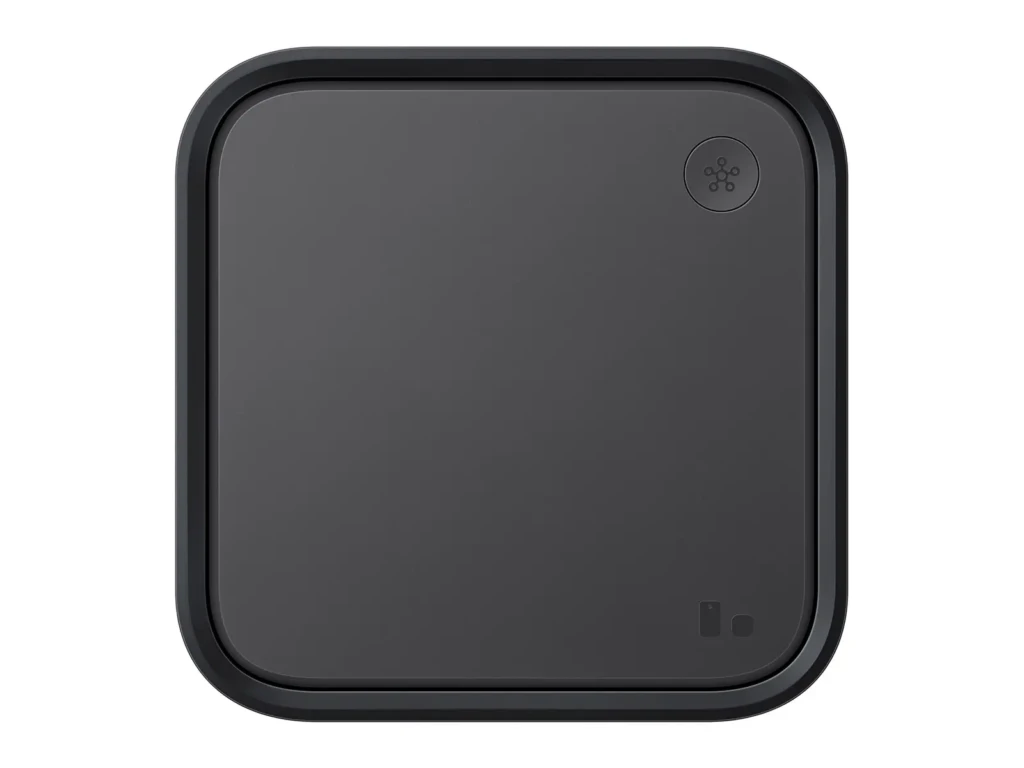
The SmartThings Station is the most physically understated hub in this guide, a flat, puck-shaped device that sits on a surface and doubles as a Qi wireless charger for your phone. What it lacks in screen real estate it makes up for in protocol breadth: it supports Wi-Fi, Bluetooth, Zigbee, and Matter out of the box, giving it the widest native device compatibility of any hub in this price range. Samsung’s SmartThings platform has also matured considerably; the app now handles complex multi-device automations cleanly, and the “Routines” system supports condition-based triggers (time of day, presence detection, sensor states) that cover most home automation use cases without requiring technical knowledge.
The wireless charging feature is a practical bonus that genuinely earns its place on the desk. This is because it keeps a phone charged while the hub manages your smart home in the background. The cloud dependency is the main limitation it shares with the Echo Hub and Nest Hub Max. Unlike Hubitat, complex routines require an internet connection. But for most households, that’s an acceptable trade-off for the breadth of device support and the accessible setup experience.
Key Specs
- Form Factor: Flat puck with integrated Qi wireless charging (15W)
- Protocols: Wi-Fi, Bluetooth, Zigbee, Matter
- Voice: Works with Alexa and Google Assistant (no built-in)
- Local Processing: Partial
- Samsung Integration: Deep Galaxy phone and Samsung appliance compatibility
Why It Stands Out
- Zigbee + Matter + Bluetooth in one device at the most accessible price in this guide.
- Integrated Qi wireless charging makes it genuinely useful as a desk or bedside device.
- Platform-agnostic (works with both Alexa and Google Assistant).
- Best value multi-protocol hub for mixed-brand smart homes.
Best For: Mixed-brand smart home users who want broad protocol support and automation flexibility without committing to a single ecosystem, particularly Samsung Galaxy phone users.
4. Hubitat Elevation: Best for Local Control and Privacy
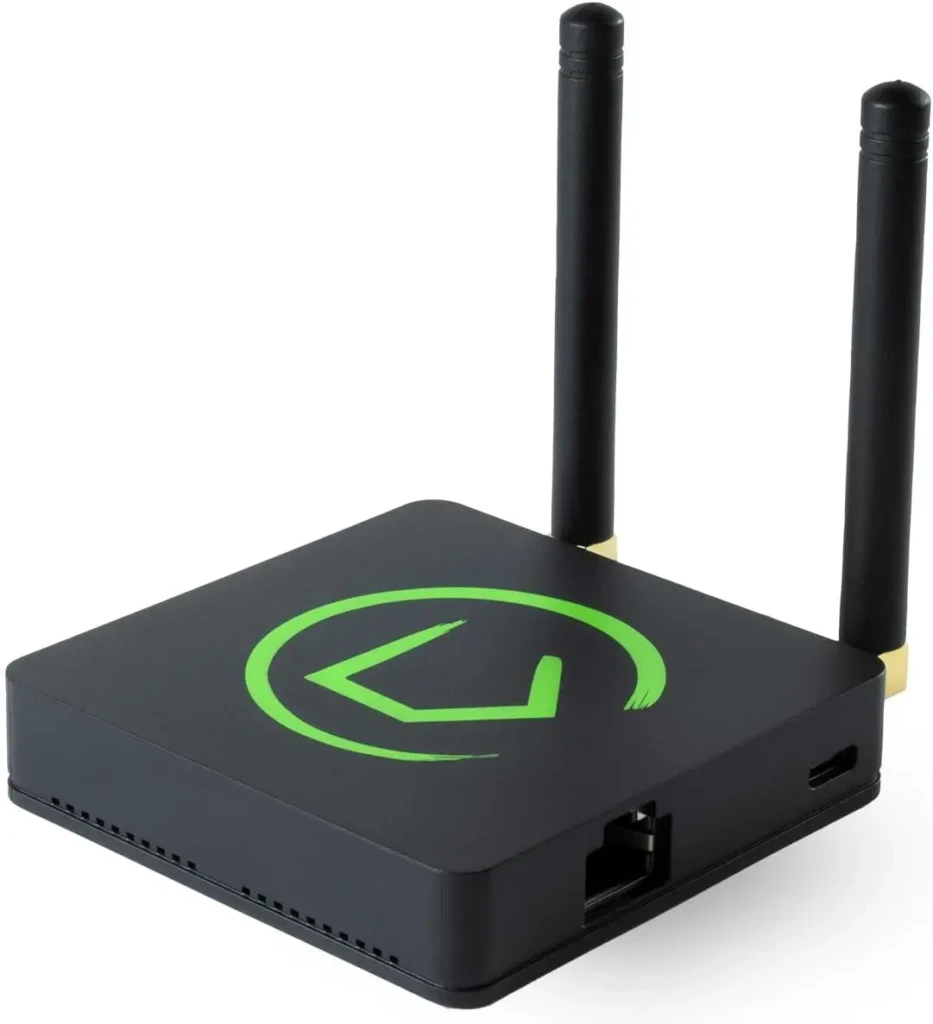
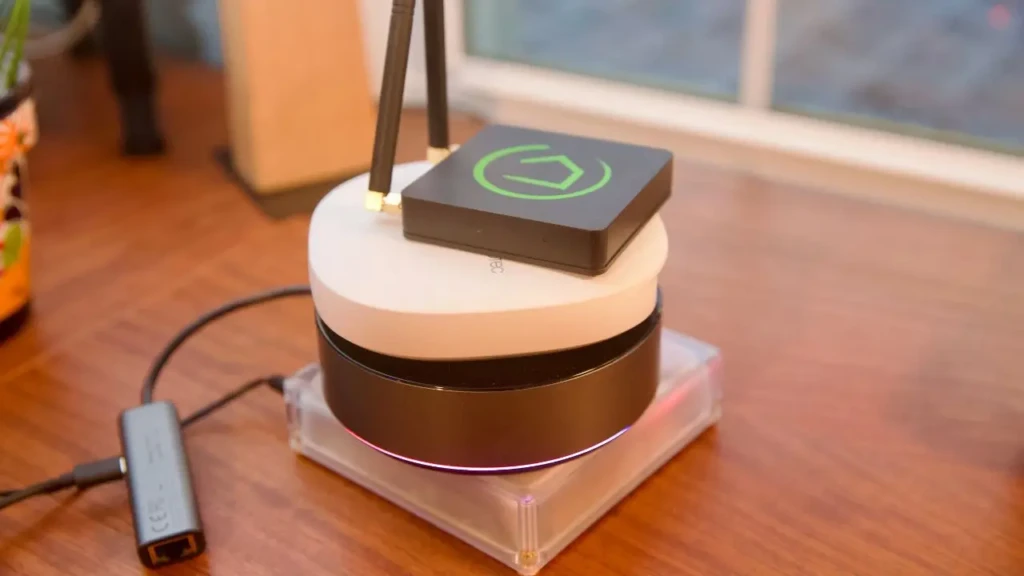
The Hubitat Elevation looks like a small networking device rather than a consumer product, and that aesthetic reflects what it actually is: a serious smart home controller built for users who want complete autonomy over their system. Unlike every other hub in this guide, Hubitat processes all automations locally, on the device itself, with no cloud dependency. Automations run in milliseconds rather than the one-to-two second round-trip times that cloud hubs require, and they continue working during internet outages without exception. Your usage data, device states, and automation logic stay entirely within your home network.
The trade-off is a steeper learning curve. Hubitat’s interface is functional rather than polished, setup requires more deliberate configuration than the consumer-friendly Alexa or Google Home apps, and it lacks the built-in display of the Echo Hub or Nest Hub.
Key Specs
- Protocols: Zigbee, Z-Wave, Matter, LAN integrations
- Local Processing: Full (no cloud dependency)
- Display: None (managed via web browser or mobile app)
- Internet Dependency: None for local automations
- Community: Large developer community with custom drivers and integrations
Why It Stands Out
- Only hub in this guide with fully local processing (automations work without internet).
- Z-Wave support for encrypted smart locks and security sensors.
- The automation rule engine is significantly more powerful than Alexa or Google Home.
- No monthly fees, no cloud subscription, no usage data sent externally.
Best For: Privacy-conscious users, technically confident smart home enthusiasts, and anyone who needs automations to work reliably during internet outages or wants Z-Wave device support.
Which Hub Should You Choose?
The decision is mostly straightforward once you’ve identified your primary constraint.
If you’re deep in Alexa’s ecosystem and want a proper control panel with built-in Zigbee support, the Echo Hub is the natural choice. However, if your household runs on Google’s apps and you want future-proofing for Thread and a large visual display, the Nest Hub Max is the better fit.
But if you’re mixing brands and protocols and want platform-agnostic automation at a reasonable price, the SmartThings Station delivers the broadest hardware compatibility. And if cloud dependency, privacy, or automation power are the deciding factors, Hubitat Elevation is in a different category from the others.
If Your Priority Is… | Choose… |
Alexa ecosystem + Zigbee in one device | Amazon Echo Hub |
Google ecosystem + Thread future-proofing | Google Nest Hub Max |
Multi-protocol, platform-agnostic automation | Samsung SmartThings Station |
Full local control, privacy, Z-Wave support | Hubitat Elevation |
FAQs
It depends on your setup. Standard Echo and Nest speakers can control compatible devices by voice and run basic automations. For most people with fewer than 10 devices in a single ecosystem, that’s sufficient. Where a dedicated hub adds value is Zigbee or Z-Wave device support (standard Echo speakers lack Zigbee radios, unlike the Echo Hub), local processing, and cross-ecosystem automations. If you’re finding that your current setup can’t reliably coordinate devices from different brands, a dedicated hub solves that.
The Amazon Echo Hub and Google Nest Hub Max don’t natively integrate with Apple HomeKit. Samsung SmartThings has limited HomeKit support. Hubitat has community-developed HomeKit integrations. For Apple-centric households, a HomePod mini or Apple TV 4K acts as a native HomeKit hub; these aren’t covered in this guide as they’re Apple-exclusive, but they’re the correct answer for iPhone/iPad-first households.
Most likely, yes; with caveats. Wi-Fi devices that use Alexa or Google Home will typically work with any hub that supports those ecosystems. Matter-certified devices are designed for universal compatibility. Zigbee and Z-Wave devices require a hub with the matching radio (see the spec table above). Proprietary devices, such as some older Nest products, certain Ring devices, and Sonos speakers, may have limited integration depending on the hub.
Final Thoughts
A smart home hub is only worth buying if it solves a real problem in your current setup, such as fragmented apps, devices that can’t trigger each other, unreliable automations, or Zigbee devices without a direct controller. If you’re just starting out, our smart home devices for beginners guide covers the starter devices that make sense before you even need a hub. If you’ve outgrown that stage and want everything to work together reliably, the four options above cover every combination of ecosystem, protocol, and privacy requirements you’re likely to have.
The Echo Hub is the easiest entry point for most people. Hubitat is the right answer for everyone who wants more power than a consumer hub offers. Everything else sits on the spectrum between those two ends.
For more tech guides and honest reviews, visit YourTechCompass.