Making your home smarter often starts with small, impactful upgrades. One of the simplest yet most transformative is adding a smart switch to your lighting setup. Instead of flipping a traditional wall switch, a smart switch lets you control lights from your phone, automate schedules, and even integrate with voice assistants. This shift from manual to automated control is a common and welcome first step into home automation, especially for anyone just getting comfortable with connected devices.
In this article, I’ll walk you through exactly what a smart switch is, how it works, the types available, and whether it’s the right choice for your home. Along the way, you’ll also see how a smart switch fits into the broader world of connected living, including how it complements other smart systems such as lighting, sensors, and kitchen tech, as explored in our guides like Smart Home Devices for Beginners and Smart Kitchen Gadgets.
What Is a Smart Switch?
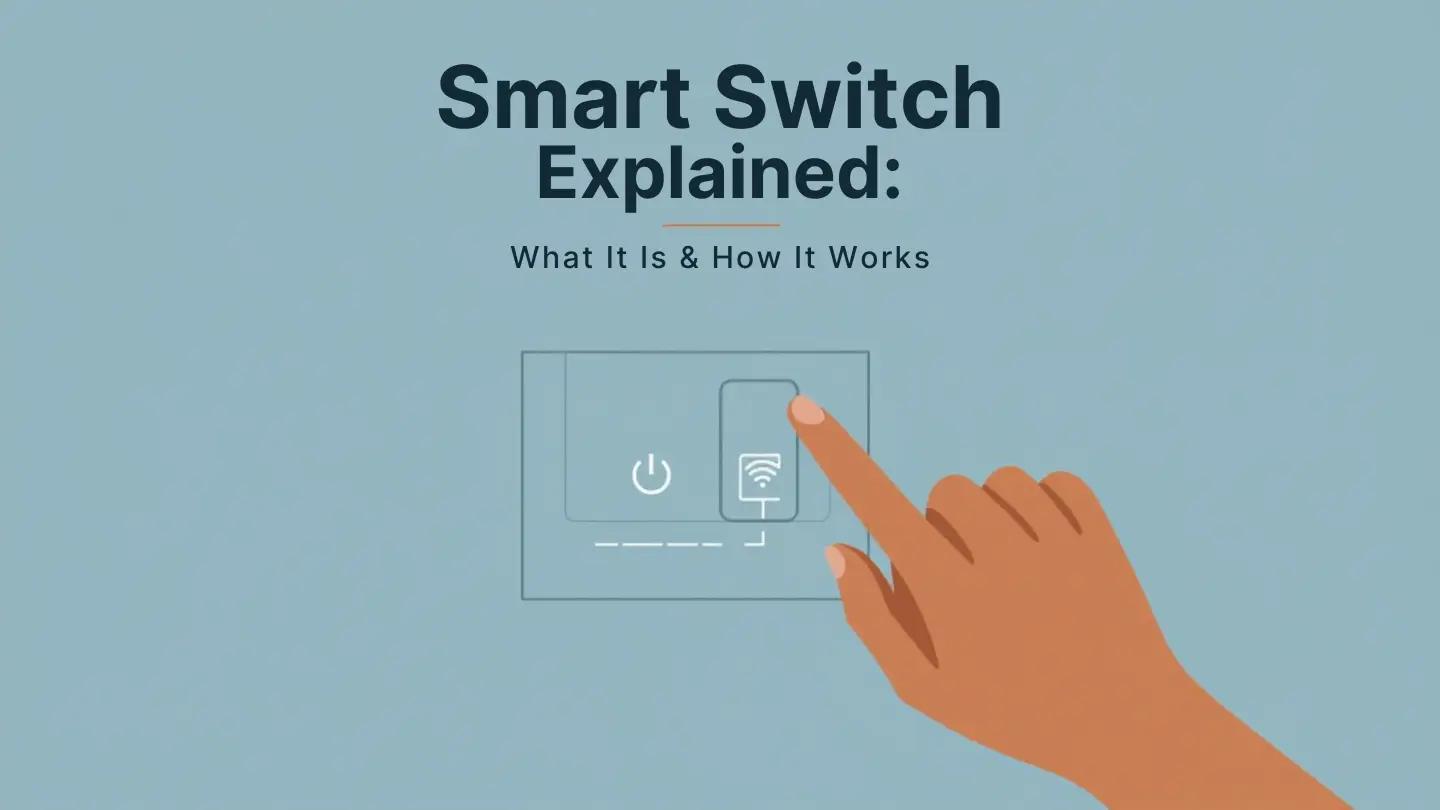
A smart switch is an upgraded version of the traditional wall switch that connects to your home network and can be controlled digitally. While a standard switch completes or breaks a circuit to turn lights on or off, a smart switch adds layers of connectivity, automation, and remote control.
In practice, this means you can turn lights on from across the house, set schedules so lights come on automatically at dusk, or integrate them with routines triggered by motion sensors or voice commands. Rather than just relying on physical toggles, you now have lighting control that works with your lifestyle and daily patterns.
How a Smart Switch Works
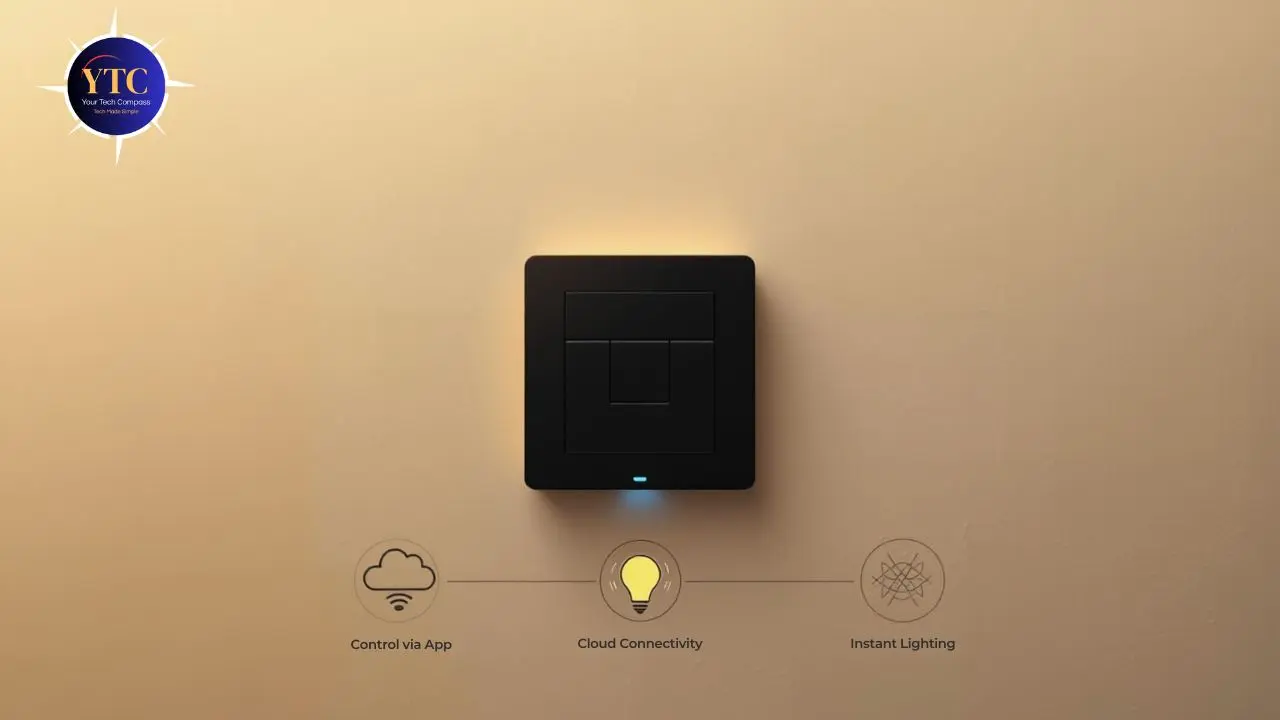
At a basic level, smart switches rely on one of several communication methods to connect with your home network and control circuits:
- Wi-Fi: Connects directly to your home router for easy setup and remote access without a hub.
- Zigbee / Z-Wave: Requires a compatible hub but offers reliable mesh networking, especially in larger smart home setups.
Once connected, the smart switch pairs with a companion app or smart home platform. Within the app, you can:
- Turn lights on and off remotely
- Create automated schedules
- Use scenes that run multiple actions at once
- Monitor usage and energy consumption
Smart switches don’t replace bulbs themselves; they control power to the lighting circuit, which gives them the advantage of working with any bulb type you already have installed.
Types of Smart Switches
Choosing the right smart switch depends on your home’s wiring and the features you want. Here are the types of smart switches available today:
Single-Pole Smart Switches
These replace a standard light switch that controls a single circuit. They’re the most common and are suitable for most rooms.
Dimmer Smart Switches
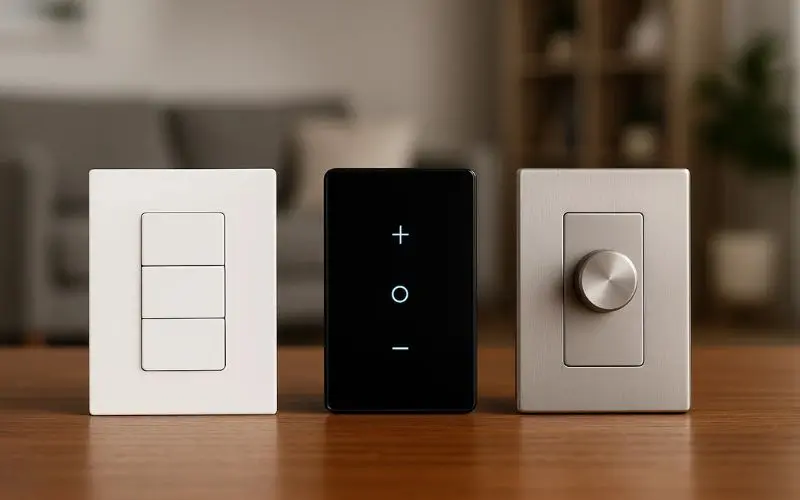
In addition to on/off control, these let you adjust brightness levels, ideal for living rooms and bedrooms where ambiance matters.
Three-Way Smart Switches
Used in hallways or staircases where two switches control the same light. These require compatible hardware on both ends.
Smart Switches with Built-In Sensors
Some models include motion or occupancy sensors that can automatically turn on lights based on movement, without requiring separate devices.
Smart Switch vs Smart Bulb
It’s worth comparing smart switches with smart bulbs, as both deliver remote and automated lighting control:
Feature | Smart Switch | Smart Bulb |
Controls Any Bulb | Yes | Only the specific bulb |
Works with Existing Fixtures | Yes | Yes |
Remote On/Off & Scheduling | Yes | Yes |
Dimmer Support | Yes (if it’s a dimmer model) | Yes |
Requires Neutral Wire | Often | No |
Best for Multiple Lights on One Circuit | Yes | No |
Voice Assistant Integration | Yes | Yes |
For many homes, a smart switch offers broader control because it manages the circuit itself, meaning all bulbs tied to that switch respond together. Conversely, smart bulbs are easier to install but may be limited if you want group control or if you use multiple bulbs on a single circuit.
Key Features to Look for in a Smart Switch
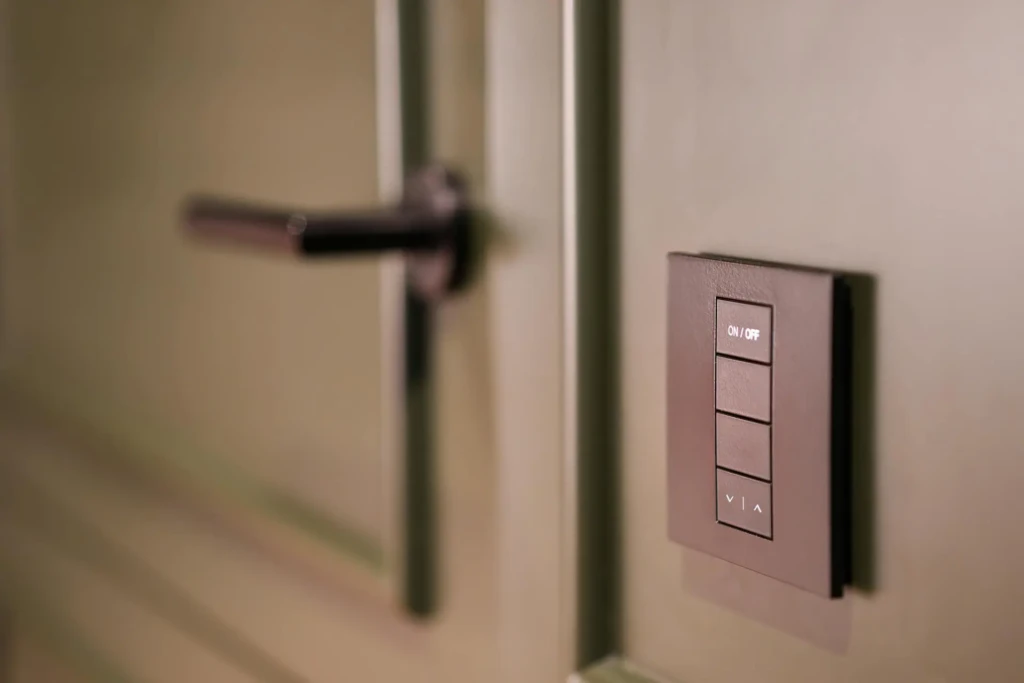
When selecting a smart switch, consider these features:
Voice Assistant Compatibility
Make sure it works with platforms you use, such as Amazon Alexa, Google Assistant, or Apple HomeKit.
App Automation and Scheduling
Look for intuitive apps that let you easily set schedules, scenes, and routines.
Remote Access
Cloud-connected switches allow you to control your lighting even when you’re away from home.
Energy Monitoring
Some switches offer usage statistics, which can help identify energy-saving opportunities.
Pros and Cons of Smart Switches
Every technology has trade-offs, and smart switches are no exception:
The Pros
- Improved convenience with remote control and automation.
- Works with existing bulbs and fixtures without needing special bulbs.
- Integrates with broader smart home routines and triggers.
The Cons
- Installation complexity. Some homes require a neutral wire.
- Initial setup time is especially long in larger homes.
- May need a hub depending on the communication protocol.
Who Should Use a Smart Switch?
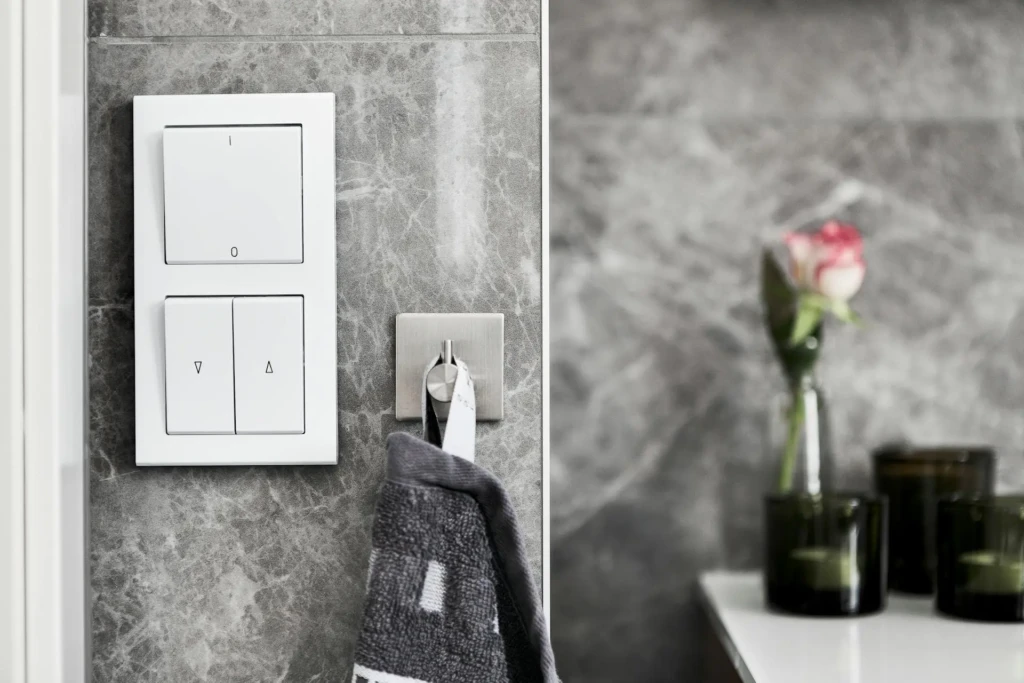
Smart switches are ideal for:
- Homeowners who want smart lighting throughout their house.
- Smart home beginners, as lighting control is a foundational use case.
- Energy-conscious users who wish to schedule and monitor.
- Rooms with multiple lights on a single circuit.
Renters can benefit too, though installation may require permission or the use of non-permanent solutions.
Installation and Safety Considerations
Before installing, it’s essential to check a few things:
Neutral Wire Requirements
Many smart switches need a neutral wire in the backbox. If your home doesn’t have one, there are alternatives, but they may limit your choices.
DIY vs Professional Installation
If you’re comfortable with basic electrical work and safety precautions, DIY is feasible. Otherwise, a licensed electrician can ensure correct and safe installation.
Common Mistakes to Avoid
- Not turning off the power at the breaker before installation
- Using incorrect wiring layouts
- Selecting hubs that aren’t compatible with existing smart systems
Taking time with installation makes a big difference in long-term reliability and safety.
Final Thoughts
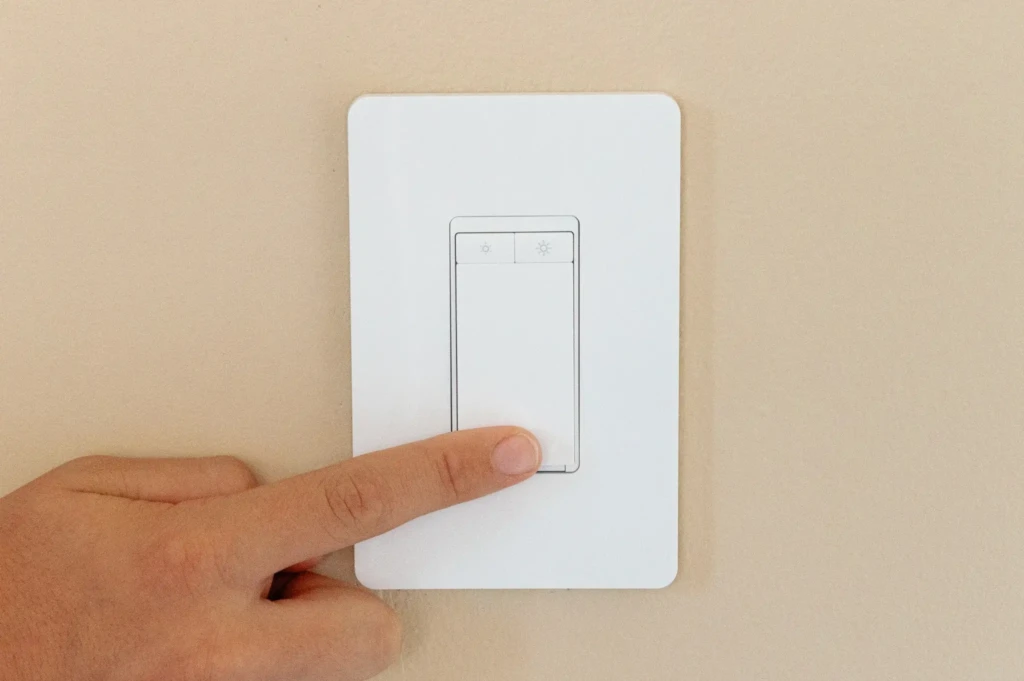
A smart switch is one of the most practical upgrades you can make for smarter lighting control and home automation. Whether you want the convenience of controlling lights from your phone, automations tied to voice assistants, or simply better scheduling, a smart switch delivers real utility.
From my experience, the transition from traditional to smart switches often marks a turning point, making broader automation feel more accessible and worthwhile. If you pair smart switches with other smart devices, like voice assistants, sensors, or routines across rooms, you’ll find energy savings, convenience improvements, and a genuinely more responsive living space.
Your Tech Compass publishes detailed tech guides, reviews, and comparisons to help users choose the right devices and tools.