Video editing has come a long way from the days of painstakingly cutting clips, adjusting lighting, and syncing sound. With AI video editors now at the forefront, the process has undergone a revolution.
These tools are designed to enhance the video creation workflow by automating tedious tasks, allowing creators to focus on their craft. From detecting the best scenes to generating smooth transitions, AI video editors take the guesswork out of editing and deliver professional-quality results in a fraction of the time.
In this article, I’ll guide you through the top AI video editors currently available on the market, highlighting their key features and explaining how they can streamline your editing process.
What Is an AI Video Editor?
AI video editors are tools that leverage artificial intelligence to automate various video editing tasks. These tasks can range from simple cut-and-paste editing to more complex processes, such as color correction, audio enhancement, and even scene recognition.
What sets AI video editors apart from traditional video editing software is their ability to learn and adapt to your editing style, streamlining the workflow while maintaining high-quality output.
By incorporating machine learning algorithms, AI video editors can analyze the footage you upload and make recommendations for edits, suggest cuts, or even auto-generate edits based on your preferences. For creators who need to turn out video content quickly, AI video editors provide an invaluable tool that saves both time and effort.
Key Features to Look for in AI Video Editors
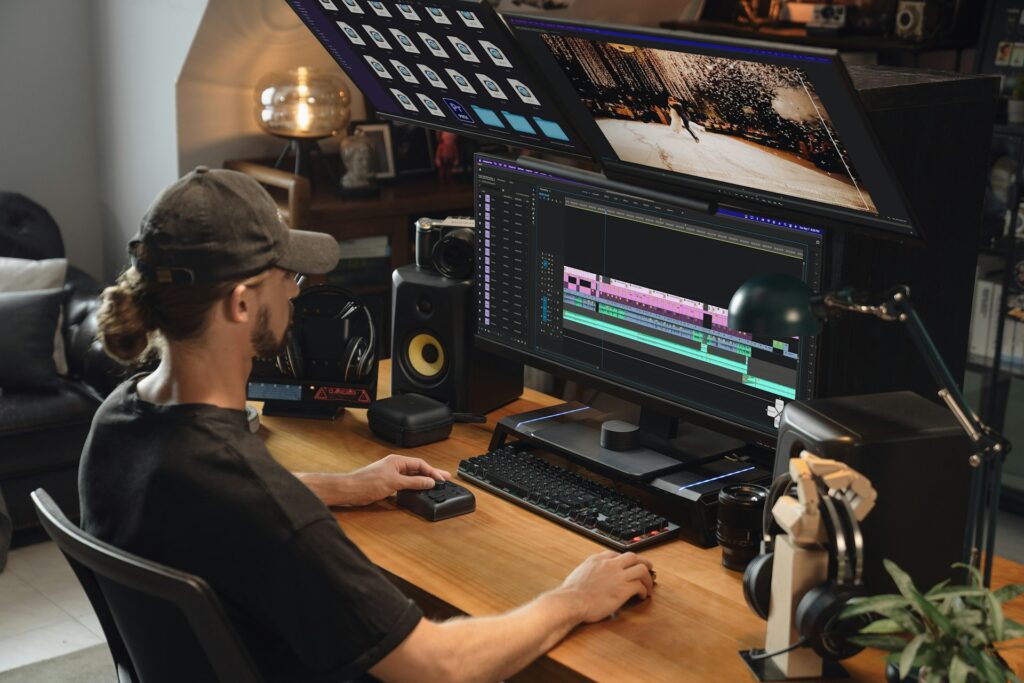
When evaluating an AI video editor, there are several key features that can help you choose the right tool for your needs. They include:
- Automated Editing: AI tools can automatically trim, cut, and arrange your video clips, often utilizing algorithms that identify the most engaging or high-quality footage.
- Smart Audio Enhancement: Many AI editors offer automatic sound adjustments, such as noise reduction and volume leveling, helping your audio stay clear and consistent.
- Object and Scene Recognition: AI tools can recognize objects, people, or scenes in your footage and edit them accordingly, such as automatically generating scenes with dynamic transitions.
- Text and Subtitle Generation: Some AI video editors can automatically generate captions and transcriptions, making it easier to create accessible content.
- Intuitive User Interface: AI editors often feature easy-to-use interfaces, enabling both beginners and professionals to benefit from automated editing without the steep learning curve associated with traditional software.
Best AI Video Editors on the Market
Let’s explore some of the best AI video editors available, including their features, pricing, and ideal use cases. Below is a comparison table to help you evaluate the options at a glance.
Comparison Table
AI Video Editor | Best For | Key Features | Platform | Why It Stands Out |
Adobe Premiere Pro (Sensei AI) | Professionals & Advanced Users | Auto Reframing, Smart Color Grading, Audio Cleanup | Windows, Mac | Industry standard with advanced AI features |
Social Media Creators | Automated Editing, Music Integration | Web, iOS, Android | Fast and efficient video creation for social media | |
Beginners & Casual Creators | Auto Scene Recognition, Voiceovers | Windows, Mac | Simple interface with AI-powered enhancements | |
Content Marketers | Text-to-Video, Smart Scene Transitions | Web | Converts text content to video for marketing | |
YouTubers & Marketers | Templates, Auto-Generated Intros & Outros | Web | Templates for fast and easy video production |
1. Best Overall AI Video Editor: Adobe Premiere Pro (Sensei AI)
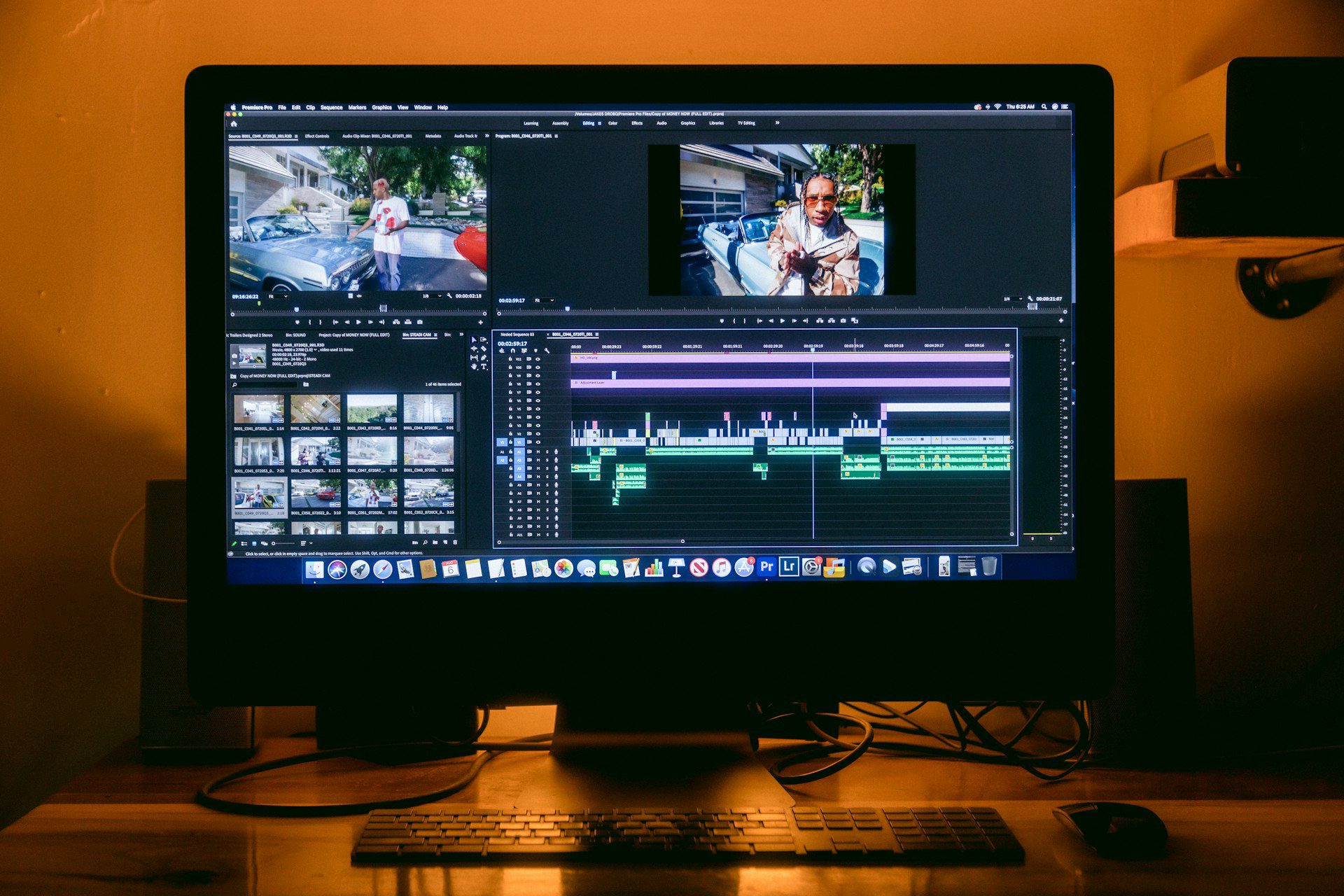
Adobe Premiere Pro is the industry standard for professional video editing, and its AI-powered features (courtesy of Adobe Sensei) are designed to save time and enhance your creativity. This tool offers unmatched flexibility and depth, allowing you to handle even the most complex edits with ease.
This AI video editor is ideal for professional videographers and filmmakers who need advanced editing capabilities with AI-powered enhancements. If you’re working on high-end projects and already use Adobe Creative Cloud, Premiere Pro is a natural choice.
Key Features:
- Auto Reframing: Automatically adjusts your footage for different aspect ratios (YouTube, Instagram, etc.).
- Smart Color Grading: Automatically adjusts the colors and tones for a more polished and consistent look.
- Audio Cleanup: AI-powered tools automatically clean up background noise and enhance audio clarity.
2. Best AI Video Editor for Social Media: Magisto

With its intuitive interface and fast editing capabilities, Magisto is ideal for creators who need quick, polished content for social media. Its AI tools make it incredibly easy to produce professional-looking videos in just a few minutes.
This AI video editor is perfect for social media influencers, businesses, and content creators who need to quickly produce high-quality videos without spending a significant amount of time on editing.
Key Features:
- Automated Editing: Magisto uses AI to analyze your footage and automatically selects the best scenes, applying smooth transitions and effects.
- Music Integration: Choose from a library of music, or let Magisto automatically sync your footage to a track.
- Easy Sharing: Magisto makes it easy to export your video directly to social media platforms like Instagram, YouTube, and Facebook.
3. Best AI Video Editor for Beginners: Filmora X (AI Edition)
Filmora X combines a straightforward interface with AI-powered features, making it an ideal choice for new video creators. It helps users create polished videos with minimal effort, making video editing less intimidating for beginners.
This video editor is ideal for beginners who want a powerful yet easy-to-use video editor with AI enhancements to streamline their editing process.
Key Features:
- Auto Scene Recognition: AI detects different scenes in your footage and automatically arranges them for you.
- Voiceover Features: Automatically add voiceovers and subtitles to your videos.
- Simple Interface: The user-friendly interface enables beginners to quickly start video editing with a minimal learning curve.
4. Best AI Video Editor for Content Marketing: Pictory
Pictory’s text-to-video feature is unique, allowing marketers to convert long-form content into video with minimal effort. It’s perfect for businesses and marketers who need high-quality video content without spending hours in front of a screen.
Content marketers looking to repurpose written content into video form will benefit from Pictory’s text-to-video feature. It’s perfect for creating videos for social media, ads, and websites.
Key Features:
- Text-to-Video: Pictory can automatically convert your written content (blogs, articles) into engaging videos.
- Smart Scene Transitions: AI transitions between scenes, making your video flow more naturally.
- Customizable Templates: Use Pictory’s ready-to-use templates to quickly create branded videos.
5. Best AI Video Editor for YouTubers: InVideo
InVideo’s pre-built templates and automatic intro/outro generation make it the perfect tool for YouTubers who want to create high-quality videos quickly. Whether you’re producing tutorials, reviews, or promotional content, InVideo makes the editing process seamless.
This video editor is designed for YouTubers and marketers who need a fast way to create engaging video content using customizable templates and AI-enhanced features.
Key Features:
- Templates: AI-powered templates help you quickly create videos with preset styles.
- Auto-Generated Intros & Outros: Automatically generate intros, outros, and transitions based on your brand.
- Optimized for Social Media: InVideo makes it easy to tailor your videos for platforms like YouTube, Facebook, and Instagram.
How AI Video Editors Are Transforming the Editing Process
AI video editors are not just about saving time; they’re also about enhancing creativity and workflow. One of the primary benefits is that these tools automate repetitive tasks, such as trimming, color correction, audio cleanup, and scene recognition, allowing you to focus more on the creative aspects of video production.
By suggesting edits, generating transitions, and even creating full-length videos from text, AI-powered editors are empowering both beginners and professionals alike.
These AI tools also make it easier to create polished content quickly, which is particularly beneficial for creators working on tight deadlines or those who want to produce videos at scale for social media or marketing purposes.
Choosing the Right AI Video Editor for Your Needs
To pick the right AI video editor, start by considering your specific needs. For instance:
- For Social Media Creators: Look for tools like Magisto and InVideo that provide quick and engaging video production with minimal input.
- For Beginners: Filmora X offers a user-friendly interface with AI features to help you create polished videos without the steep learning curve.
- For Professionals: Adobe Premiere Pro with Sensei AI is your go-to tool if you require advanced features and customizability for high-end video production.
- For Content Marketers: Pictory is an excellent choice if you’re looking to create videos from written content, such as blogs and articles.
Additionally, consider the platforms you’ll be using (e.g., desktop vs. web-based tools) and your budget. AI video editors often come with monthly or yearly subscription plans.
Conclusion
AI video editors are transforming how creators and teams produce video, speeding up repetitive tasks, making advanced techniques accessible, and letting you focus on storytelling rather than busywork. Whether you’re producing social clips, marketing videos, or long-form content, AI editors provide a powerful way to streamline your workflow and enhance your creative process.
I believe that these tools are especially valuable for creators who want to save time without sacrificing quality. From beginners to professionals, there’s an AI video editor for every need and every budget.
After exploring the top options, I recommend experimenting with different platforms to find the one that best fits your editing style and goals. Whether you choose Adobe Premiere Pro for professional-level edits or Magisto for quick social media content, the future of video editing is definitely AI-powered.
FAQs
AI video editors are continually improving, and while they may not replace human creativity, they’re highly effective for repetitive tasks such as trimming, color correction, and audio enhancement.
No. AI can automate repetitive, time-consuming tasks, such as trimming, color matching, audio cleanup, and even rough assembly, but it doesn’t replace a seasoned editor’s storytelling instincts, creative decisions, or nuanced judgment. Think of AI as a highly capable assistant that speeds workflows and frees editors to focus on craft rather than a wholesale replacement.
If you want quick, polished intros, template-driven tools like InVideo and Magisto are excellent options because they provide customizable intros and outros, as well as brand templates that can be easily integrated. For more control and higher production value, Adobe Premiere Pro (with templates or third-party intro packs) is the professional route.
Most AI video editors support common consumer formats (MP4, MOV, AVI). Web-based editors sometimes limit maximum file size, resolution, or specific codecs, so always check a tool’s upload requirements. For unusual codecs or high-bitrate cinema formats, desktop tools like Premiere Pro handle a wider range of formats.
Yes. Many AI editors include features such as noise reduction, automatic leveling, music sync, and simple audio effects. For multi-track mixing, advanced sound design, or mastering, you’ll still want a dedicated audio tool (e.g., Adobe Audition, Pro Tools) or to export stems for specialist work.