If you’ve come across the term MSI laptop while shopping online, you may have noticed that these laptops are often described as “powerful,” “high-performance,” or “gaming-focused.” That can sound impressive, but it can also be confusing if you’re not sure what those terms actually mean for how you use a laptop day to day. The truth is, MSI laptops are built very differently from most everyday laptops, and understanding that difference is essential before you even think about buying one.
In this guide, I’ll explain what an MSI laptop really is, what makes it different from regular laptops, and who it actually makes sense for. You don’t need technical knowledge to follow along. By the end, you should clearly know whether an MSI laptop fits your needs or whether another type of laptop would suit you better.
What Is an MSI Laptop? (In Plain Terms)
An MSI laptop is performance-focused. That means it is designed to handle heavy tasks without slowing down or overheating. MSI builds laptops mainly for people who push their computers harder than average, such as gamers, video editors, designers, and professionals using demanding software.
Unlike typical laptops that are built for browsing, emails, and basic office work, MSI laptops focus on:
- Speed
- Power
- Graphics performance
- Cooling (keeping the laptop from getting too hot)
For you, this means an MSI laptop is not a “basic” computer. It is closer to a portable workstation than a casual everyday device.
Who Should (and Shouldn’t) Consider an MSI Laptop

Let’s make this very clear, because this is where most people get stuck.
An MSI laptop makes sense for you if:
- You play games that need strong graphics
- You edit videos, photos, or large design files
- You use professional software that feels slow on normal laptops
- You want a laptop that won’t struggle under heavy use
An MSI laptop may not be right for you if:
- You mainly browse the internet, watch videos, and use email
- You want long battery life above everything else
- You prefer light, quiet, ultra-portable laptops
- You are trying to spend as little as possible
In short, MSI laptops are built for performance first, not convenience first.
How MSI Thinks About Performance (Why These Laptops Are Different)
Most everyday laptops are designed to be thin, quiet, and efficient. MSI takes a different approach.
MSI assumes that:
- You may run demanding programs for long periods
- Your laptop should stay fast even under pressure
- Heat needs to be controlled aggressively
Because of this, MSI laptops often:
- Use more powerful internal parts
- Have larger cooling systems (fans and vents)
- Are thicker and heavier than average laptops
For you, this means:
- Better performance when you need it
- Less slowdown during demanding tasks
- More noise and heat under heavy use (this is normal)
MSI Laptop Categories (Big Picture)
Instead of thinking in terms of individual models, it’s easier to understand MSI laptops by what they are designed to do.
Gaming Laptops
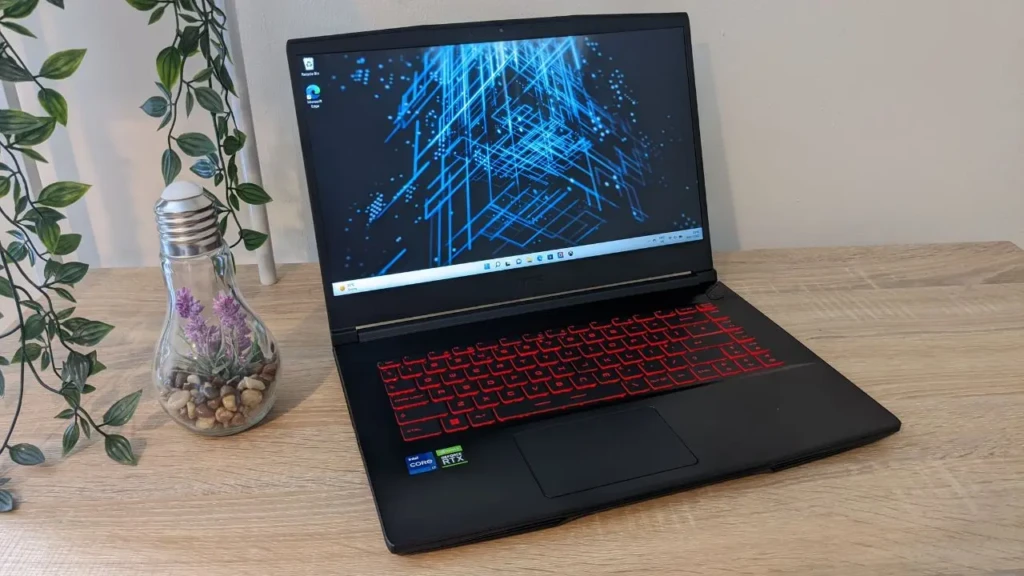
These are built to run modern games smoothly. They focus heavily on graphics performance and fast screens, so games look and feel responsive.
Creator / Professional Laptops
These are designed for creative work like video editing, animation, and design. The focus here is accuracy, stability, and processing power rather than gaming visuals.
Performance Productivity Laptops
These sit between gaming and business laptops. They are powerful but look more professional and are easier to use in work environments.
Each category exists because different types of work stress a laptop in different ways.
MSI Laptop Series Explained (This Is Where Names Start Making Sense)
MSI uses “series” names to group laptops by purpose. You don’t need to memorise them, but understanding the intent behind each series helps you avoid buying the wrong type.
Titan Series
This is MSI’s top-tier performance line. These laptops are built with a few compromises and designed for extreme workloads. They are powerful, large, and expensive.
Raider Series
This series focuses on high-performance gaming. If gaming is your main priority and you want a powerful machine, this is a core category.
Stealth Series
Stealth laptops try to balance power with portability. They’re slimmer and easier to carry, while still offering strong performance.
Pulse Series
Pulse laptops are designed to offer solid performance without pushing into premium pricing. They’re more accessible while still being capable.
Sword Series
This series strips away flashy extras and focuses on practical gaming performance. If you care more about function than looks, this line makes sense.
Creator Series
Creator laptops are tuned for creative professionals. The emphasis is on screen quality, processing power, and reliability for work.
Prestige Series
Prestige laptops are MSI’s most “professional-looking” machines. They’re designed for people who want performance without gaming aesthetics.
Design and Build: What You’ll Notice When You Use One
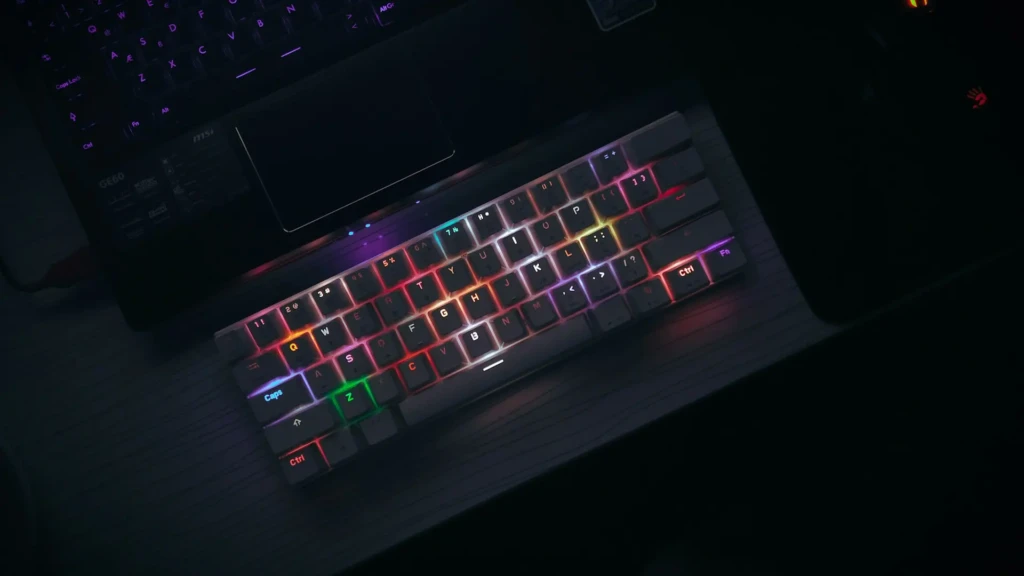
When you pick up an MSI laptop, you’ll usually notice:
- It feels more solid and substantial
- It has more vents and airflow openings
- The keyboard is designed for long sessions
Gaming-focused models may look bold or aggressive. Professional-focused models are cleaner and more understated. Either way, design choices are driven by function, not minimalism.
Displays and Graphics (Why MSI Screens Feel Different)
Many MSI laptops use:
- High-refresh screens (things move more smoothly)
- Larger displays for multitasking
- Higher-quality panels for colour-sensitive work
If you’ve ever noticed a laptop feeling “laggy” or visually dull, this is often where MSI stands out. You don’t need to understand graphics technology to benefit; you’ll notice smoother motion and clearer visuals.
Battery Life and Portability: Setting Real Expectations
Here’s the honest part.
Because MSI laptops are powerful:
- Battery life is often shorter than that of lightweight laptops
- The laptop may be heavier to carry
- Fans may run more often under load
If long battery life and light weight are your top priorities, you may want to look at everyday or budget-focused laptops, such as those discussed in our cheap laptops guide, instead.
Software and Control: Why MSI Appeals to Power Users
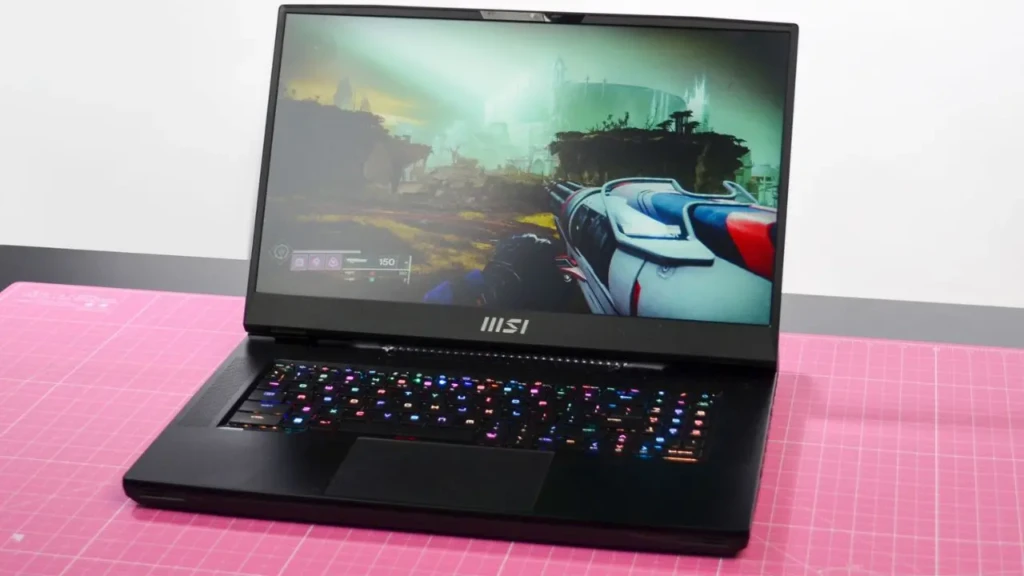
MSI laptops often give you more control over:
- Performance levels
- Fan behaviour
- Power usage
You don’t have to use these tools, but if you want to fine-tune how your laptop behaves, MSI gives you that option. This is especially useful if your workload alternates between light and heavy tasks.
How MSI Laptops Compare to Other Laptop Types
To keep things simple:
- Business laptops focus on reliability, battery life, and security (see laptops for business)
- Rugged laptops focus on surviving harsh environments (like Panasonic Toughbook)
- Everyday laptops focus on affordability and simplicity
MSI laptops focus on power and capability.
Comparison Table: MSI Laptop Categories at a Glance
Type | Main Focus | What You Get | Good Fir If… |
Gaming | Performance | Strong graphics, fast screens | You play demanding games |
Creator | Workflows | Accurate displays, stability | You edit or design |
Productivity | Balance | Power without gaming looks | You want performance for work |
Entry Performance | Value | Solid specs, lower price | You want power on a budget |
Pros and Cons of MSI Laptops
Pros
- Strong performance under pressure
- Designed for demanding tasks
- High-quality displays
- Good long-term capability
Cons
- Heavier than many laptops
- Battery life varies
- Can be overkill for basic use
Conclusion
MSI laptops are built for people who need their computers to do more than average. If performance, speed, and graphics matter to you, MSI offers laptops designed to consistently meet those demands. However, that power comes with trade-offs, and it’s important to be honest about how you actually use your laptop.
If your needs are lighter, simpler options may suit you better. But if you regularly push your computer and feel limited by it, an MSI laptop could be exactly what you need. I hope this guide helped you understand MSI laptops clearly and confidently, without technical confusion.