Alienware PCs have become synonymous with high-end gaming and desktop performance that exceeds that of most mainstream systems. Known for their distinctive design, powerful components, and premium build quality, Alienware desktops appeal to gamers, streamers, and creators who want a prebuilt system that doesn’t require assembly or customization. Yet with a premium price tag, it’s only natural to ask whether an Alienware PC delivers value for your specific needs.
In this detailed review, you will learn what makes an Alienware PC unique, how current models perform in real-world tasks, what to expect in terms of cooling and upgradeability, and how these machines stack up against competitors. Along the way, you’ll find comparison tables, practical explanations, and clear recommendations to help you determine whether an Alienware desktop is the right choice for your gaming or productivity setup.
What Is An Alienware PC?
An Alienware PC is a prebuilt desktop computer developed by Alienware, a Dell subsidiary that focuses exclusively on gaming-oriented systems. Alienware desktops are designed to deliver powerful performance straight out of the box, featuring high-end CPUs, dedicated GPUs, and premium components. They stand out visually with a unique chassis design and customizable RGB lighting, and they often include advanced cooling solutions to support sustained performance.
Alienware’s position in the gaming market is as a premium prebuilt brand, offering performance without requiring you to build the PC yourself. That’s a major difference from custom gaming rigs and contrasts with laptops such as those covered in our Alienware and Razer laptop reviews, which prioritize mobility while still emphasizing gaming performance.
For official Dell specifications and configurations, explore Alienware desktop models here: Alienware PCs.
Alienware PC Models Explained
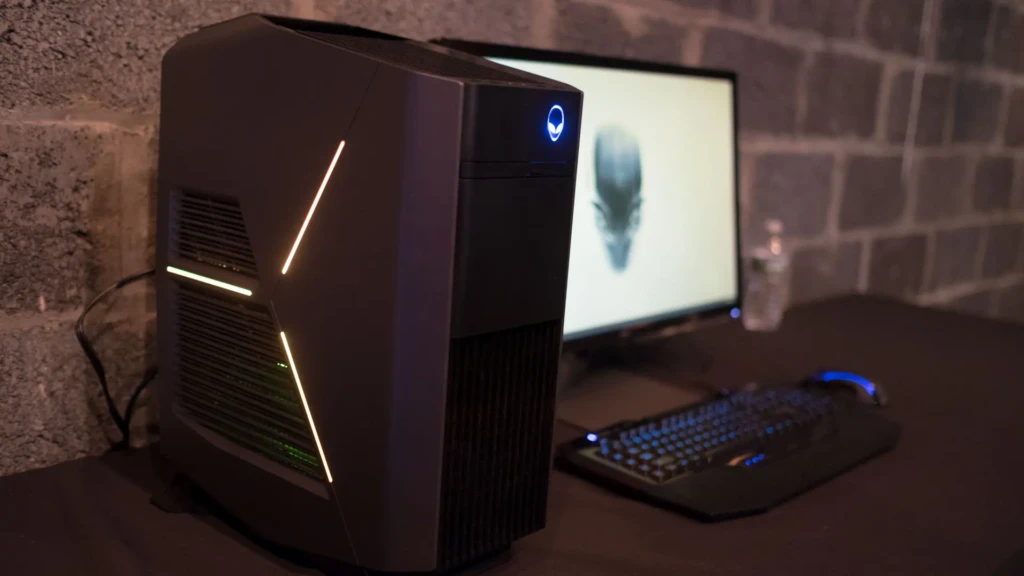
When choosing an Alienware PC, the first decision you need to make is which chassis and performance tier fits your needs. Alienware desktops are generally divided into the Aurora series and the larger, enthusiast-focused systems such as the Area-51 class. Each targets a different user segment.
Instead of treating them as isolated products, view them as performance tiers within the Alienware ecosystem.
Alienware Aurora Series
The Alienware Aurora series represents the core of Alienware’s desktop lineup. It is designed as a mid-tower gaming PC that balances performance, size, and upgrade potential. For most users, this is the model range you will encounter first.
Aurora systems typically support modern Intel Core or AMD Ryzen processors paired with NVIDIA GeForce RTX graphics cards. Because of this flexibility, you can configure an Aurora system for 1080p competitive gaming, 1440p high-refresh experiences, or even 4K gaming, depending on the GPU selected.
Importantly, Aurora desktops are engineered for users who want strong gaming performance without committing to an oversized enthusiast tower. They fit more comfortably in home setups while still offering internal expansion options for RAM and storage.
If you are transitioning from a gaming laptop, the Aurora will feel like a significant step up in sustained performance thanks to improved cooling headroom.
Alienware Area-51 Class Systems
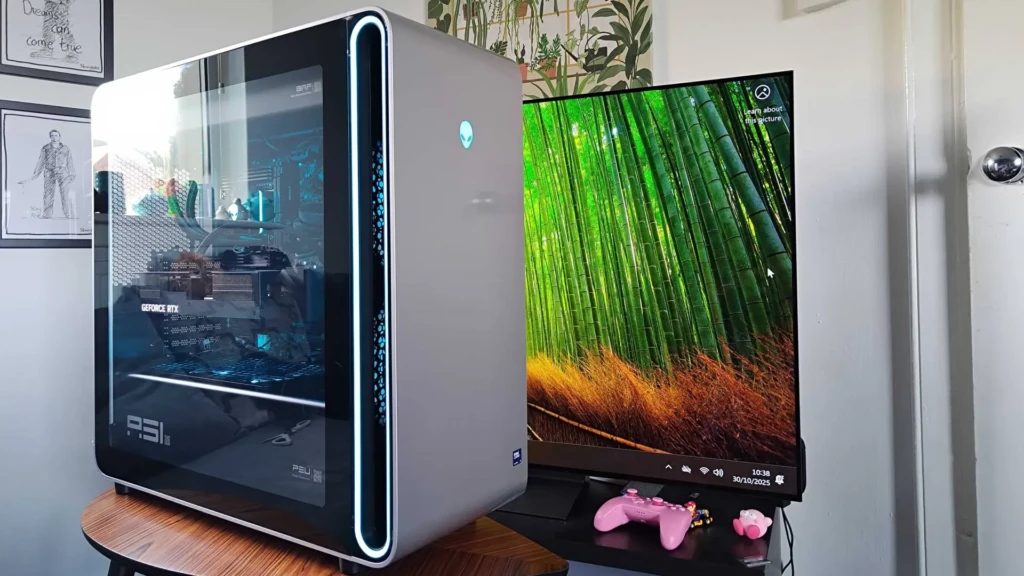
The Area-51 class represents Alienware’s performance-focused, enthusiast-tier desktops. These systems are larger and more powerful, designed for users who prioritize maximum graphical output and long-term upgrade potential.
Due to the expanded chassis, Area-51 models support higher-wattage GPUs, more advanced cooling systems, and, in some configurations, increased PCIe capacity. This makes them suitable for ultra settings at 4K resolution, demanding creative workloads, or streaming while gaming without noticeable performance dips.
However, you should only consider this tier if you truly need that level of power. For most mainstream gamers, an Aurora configuration with a high-end GPU already delivers excellent results. The Area-51 is better suited to enthusiasts who want long-term expandability or workstation-class capability.
Choosing The Right Alienware PC Tier

The choice between Aurora and Area-51 ultimately depends on your priorities:
- If you want strong gaming performance in a manageable footprint, the Aurora series is the practical option.
- If you want maximum upgrade headroom and top-tier hardware support, the Area-51 tier is the right choice.
Before deciding, consider your monitor resolution, desired frame rates, and whether you plan to upgrade components over time. That clarity will help you avoid overspending or underconfiguring your system.
Alienware PC Performance
Performance is a key reason many gamers consider an Alienware PC. These systems pair high-core-count CPUs with powerful GPUs such as NVIDIA’s RTX series, delivering smooth gameplay at high settings and resolutions. Whether you are gaming at 1080p, 1440p, or 4K, Alienware PCs can deliver strong frame rates in modern AAA titles.
In benchmarks and real-world testing, Aurora models equipped with mid- to high-tier components handle not only gaming but also tasks such as video editing, 3D rendering, and live streaming without significant bottlenecks. However, as with any desktop, performance scales with configuration. The choice between an RTX 4070 versus an RTX 4090, for example, can materially change your experience at 4K resolution.
Thermals are also crucial. Alienware uses dedicated cooling designs, including liquid cooling in some models, to keep clocks stable during long sessions. However, intense workloads will still push fans into higher RPM ranges, which is typical of performance desktops.
Cooling and Thermals
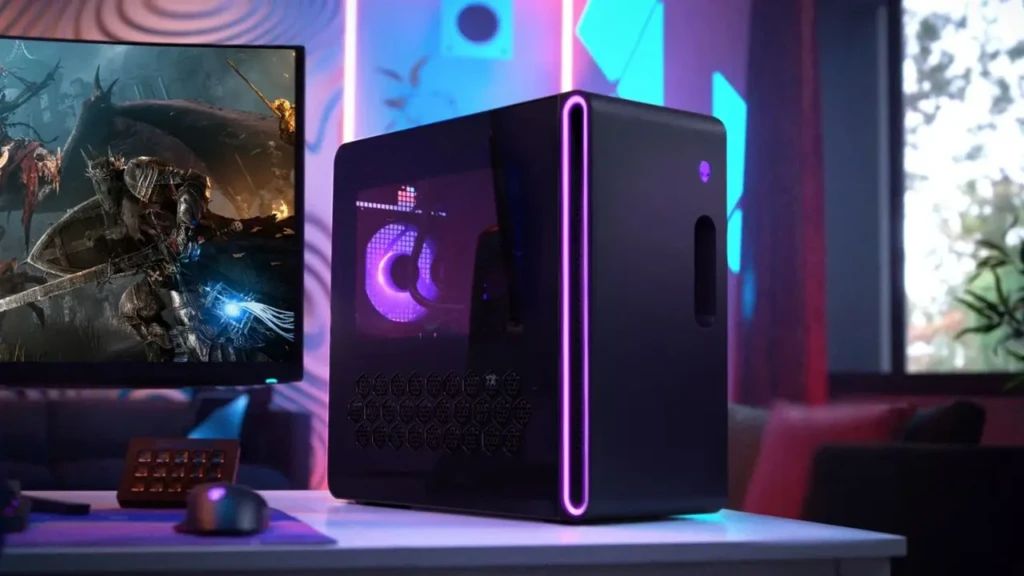
Effective thermal management is essential for high-performance desktop PCs, and Alienware generally prioritizes it in its chassis design. The Aurora and Area-51 series offer both air- and liquid-cooling configurations to help maintain thermal stability during extended gaming or rendering sessions.
Dell’s Alienware Command Center also lets you adjust fan curves and performance profiles, giving you greater control over cooling behavior. This is particularly useful if you want quieter operation during everyday use and stronger airflow during gaming.
Good cooling not only enhances performance but also helps protect components over the long term, which is why many users choose desktop builds, including high-end laptops like the ones in our HP Victus review, that can manage heat effectively.
Upgradeability and Customization
One advantage Alienware desktops hold over laptops is upgradeability. While you cannot modify chips inside a laptop easily, Alienware towers typically allow:
- GPU upgrades
- Additional RAM
- Extra storage drives
- Aftermarket cooling solutions
However, Alienware uses proprietary layout elements, so not every third-party component fits perfectly without attention to clearance and airflow considerations. That said, most mainstream upgrades, such as swapping to a newer GPU or adding RAM, are supported without voiding warranties when done correctly.
Alienware PC vs Competitors
Feature | Alienware PC | Razer Laptop | HP Omen | Custom Build |
Performance | High | High | High | Varies (can be highest) |
Cooling | Strong | Moderate (laptops) | Strong | Depends on the build |
Upgradeability | Good (desktop) | Limited (laptops) | Moderate | Excellent |
Price | Premium | Premium | Mid-to-Premium | Variable |
Warranty Support | Dell support | Limited to laptop terms | Varies | DIY |
Alienware desktops are powerful, but systems like custom-built PCs can deliver even higher performance per dollar, at the cost of warranty support and plug-and-play convenience. Meanwhile, laptops such as those in our Razer laptop review combine gaming and portability but do not match desktop thermal headroom.
Pros and Cons of Alienware PCs
The Pros
- Strong gaming performance
- Premium build quality
- Expandable desktop platform
- Dell-backed warranty and support
The Cons
- Higher price than many custom builds
- Some proprietary component layouts
- Chassis size may be large for small desks
Who Should Buy An Alienware PC?
You should consider an Alienware PC if you:
- Want powerful gaming performance without building your own system
- Prefer a prebuilt machine backed by warranty support
- Need strong performance for both gaming and content creation
- Are willing to invest in premium hardware
FAQs
For many users, yes, especially if you want premium build quality and gaming performance with minimal setup. However, custom builds can deliver higher performance per dollar at the cost of warranty convenience.
Yes. Most Aurora and Area-51 systems support upgrades to GPU, RAM, and storage. Be mindful of proprietary chassis layouts when selecting components.
Alienware’s thermal design handles high workloads well, but extended gaming sessions still push the fans to higher speeds, typical of performance desktops.
Desktops generally offer better thermal headroom and upgradeability than laptops, but laptops like those in our Alienware and Razer reviews offer mobility at the cost of thermal limits.
Conclusion

Alienware PCs deliver strong gaming and creative performance in a prebuilt package that eliminates the complexity of building a system from scratch. With solid cooling, upgrade paths, and premium components, they are well-suited for users who want performance and convenience backed by manufacturer support.
However, their premium price point and proprietary layout elements mean they aren’t the ideal choice for everyone. Carefully consider your priorities, whether that’s upgradeability, portability, or warranty support, and weigh them against your budget before deciding on an Alienware PC. Your ideal setup should balance performance with practicality for your everyday needs.
At Your Tech Compass, we publish practical guides and honest tech reviews to help users make smarter decisions.