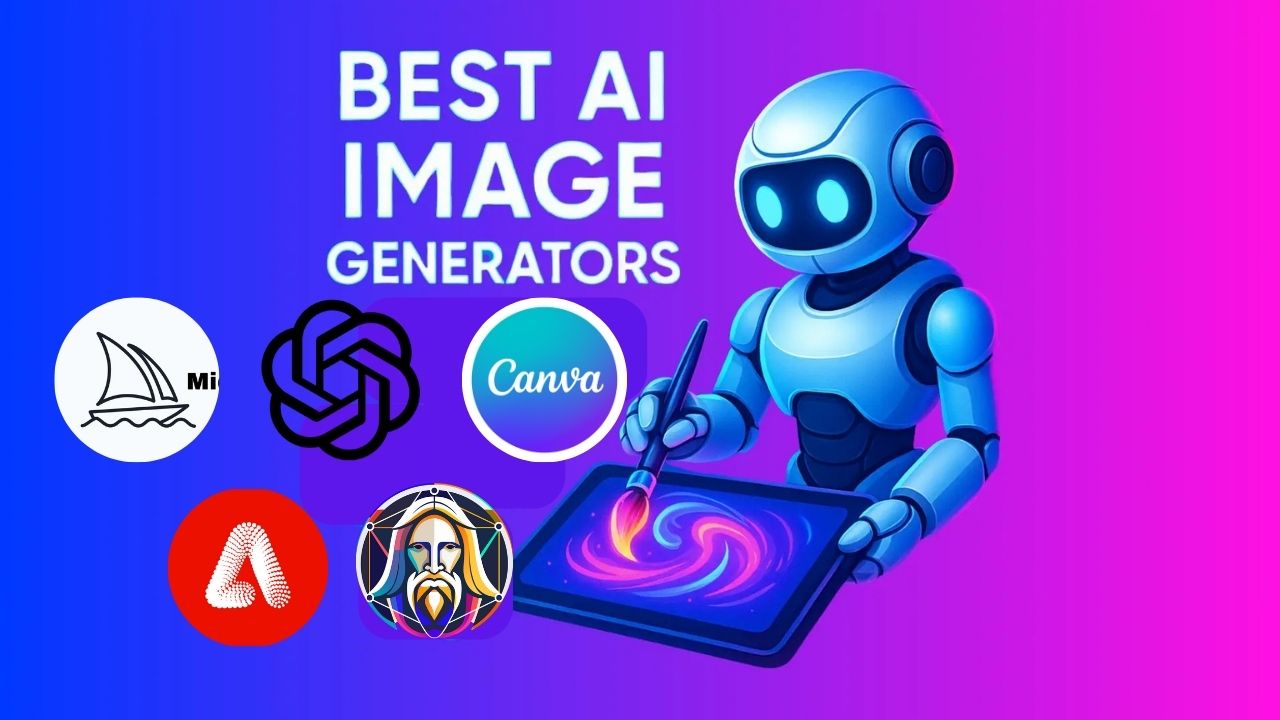
Artificial intelligence isn’t just changing how we work; it’s redefining how we create. From digital artists to marketers and social media creators, AI image generation tools have become indispensable for producing professional-quality visuals in seconds. These tools use advanced algorithms to turn text prompts into stunning, high-resolution images, saving both time and creative effort.
I’ve seen how AI-generated visuals can enhance content quality and streamline design workflows, and I’m excited to share how you can achieve the same results.
Understanding AI Image Generation Tools
AI image generation tools use deep learning models trained on vast datasets of images and text descriptions. These systems analyze your input prompts to create visuals that match your intent, whether it’s “a cinematic forest at sunset” or “a minimalist business logo.”
The appeal of AI-generated imagery lies in accessibility. You don’t need to be an artist or have advanced design software; just describe what you want, and the AI will deliver.
Top AI Image Generation Tools
1. Midjourney
Midjourney is the gold standard for AI creativity. Its ability to interpret prompts with stunning realism and emotion makes it a top choice for artists and designers. You access it via Discord, where you type prompts in chat channels and instantly receive four image variations.
Key Features:
- Hyper-detailed, painterly visuals
- Customizable prompt weighting and stylization
- Multiple aspect ratios and lighting control
Why It Stands Out:
Midjourney delivers images that look handcrafted by professional digital artists. It’s ideal for concept art, illustrations, and branding visuals that need artistic flair.
Pros:
- Exceptional artistic and cinematic results
- Active, creative community for feedback and inspiration
- Powerful customization through prompt tuning
Cons:
- No standalone app; requires Discord
- Not beginner-friendly due to command-based structure
2. DALL·E 3 (OpenAI)
DALL·E 3 is OpenAI’s latest text-to-image generator, integrated with ChatGPT. It produces hyper-realistic images that match your descriptions with stunning precision. From concept art to marketing visuals, it’s one of the most accessible tools for creative professionals.
Key Features:
- Seamless ChatGPT integration
- Easy editing and inpainting options
- Generates images directly from descriptive text
Why It Stands Out:
Perfect for marketers, bloggers, and business owners who need polished visuals quickly. It’s also an excellent fit for social media campaigns, thanks to its natural language interface.
For deeper insights into AI creativity, check out How AI Is Transforming the Tech Industry.
Pros:
- Exceptionally detailed and realistic outputs
- Easy to use within ChatGPT’s interface
- Ideal for design brainstorming and visual storytelling
Cons:
- Requires a ChatGPT Plus subscription
- Limited customization after generation
3. Canva AI (Magic Media)
Canva AI seamlessly integrates AI image generation into its popular design platform, making it an ideal solution for marketers, small businesses, and social media creators. You can generate visuals and instantly place them in templates or campaigns.
Key Features:
- Built-in text-to-image tool (Magic Media)
- Thousands of ready-to-use templates
- Ideal for social media graphics and branding visuals
Why It Stands Out:
Canva AI is incredibly beginner-friendly. It seamlessly blends AI generation with a drag-and-drop interface, making it accessible to users with no design background.
Pros:
- User-friendly and beginner-safe
- Excellent for quick content creation
- Seamless integration with Canva’s design features
Cons:
- Less realistic output than DALL·E or Midjourney
- Limited prompt depth for complex scenes
4. Adobe Firefly
Adobe Firefly is Adobe’s generative AI platform designed for creative professionals. Integrated with Photoshop and Illustrator, it allows you to generate images, textures, and text effects directly within your editing workflow.
Key Features:
- Text-to-image, text effects, and object recoloring
- Commercial-use license for generated images
- Seamless integration with Adobe Creative Cloud
Why It Stands Out:
Unlike most free AI tools, Firefly’s outputs are commercially safe, meaning they’re cleared for business use. This gives professionals peace of mind when designing for clients or campaigns.
Pros:
- Perfect for professional designers
High-quality, brand-safe image generation
Full Creative Cloud ecosystem integration
Cons:
- Available only with a Creative Cloud subscription
May feel complex for casual users
5. Leonardo AI
Leonardo AI is one of the fastest-growing AI art platforms, praised for its realistic rendering and deep customization options. It’s particularly popular among designers and game developers who want to create unique concept art without the steep learning curve associated with tools like Stable Diffusion.
Key Features:
- Style training (custom visual models)
- Layer and lighting control
- Community-shared styles and prompts
Why It Stands Out:
Leonardo’s flexibility enables users to create and reuse “models” that maintain consistency across projects, which is crucial for games and storytelling designs.
Pros:
- Incredibly detailed, lifelike visuals
- Supports personal style fine-tuning
- Free tier with generous credits
Cons:
- Occasional queue delays during peak hours
- Limited advanced editing tools in the free version
How AI Image Generation Is Changing the Creative Process
AI tools aren’t replacing human creativity; they’re enhancing it. Whether you’re designing ad visuals, storyboards, or digital art, AI helps you brainstorm, iterate, and refine ideas in record time.
Instead of manually building mockups, you can now generate multiple design variations instantly. It’s a new kind of collaboration between human imagination and machine precision, one that mirrors how conversational AIs like Poly AI are changing communication itself.
Choosing the Right AI Image Generator
When choosing between these tools, think about your goals and skill level:
- For Beginners: DALL·E 3 or Leonardo AI are ideal due to their simplicity.
- For Professionals: Midjourney offers unmatched artistry, while Stable Diffusion gives full creative control.
- For Marketers and Writers: Leonardo AI offers fast, brand-ready visuals perfect for social media or blog integration.
Each of these platforms represents the evolving power of generative AI, bridging creativity and technology in ways we couldn’t imagine a few years ago
Final Thoughts
AI image generation tools have revolutionized the creative landscape. Whether you’re crafting social media visuals or developing concept art, these platforms empower you to turn words into vibrant, professional images effortlessly.
As tools like Poly AI and Janitor AI continue to expand AI’s potential, it’s clear that this technology will only grow smarter, faster, and more intuitive.
I’ve personally found that using these tools not only saves time but also inspires new creative directions I might never have considered on my own.
Related Questions (FAQs)
Most AI image generators offer free versions or limited trials, but premium plans provide higher-resolution outputs and faster generation times.
AI image generators automate creativity, while traditional software like Photoshop relies on manual skills. Combining both gives the best results.
Yes. But always check licensing terms. Adobe Firefly and Canva AI allow commercial use under proper licenses.
Canva AI and Bing Image Creator are the easiest to use for first-time creators.
They’re accelerating design workflows, boosting productivity, and democratizing visual creativity for everyone.