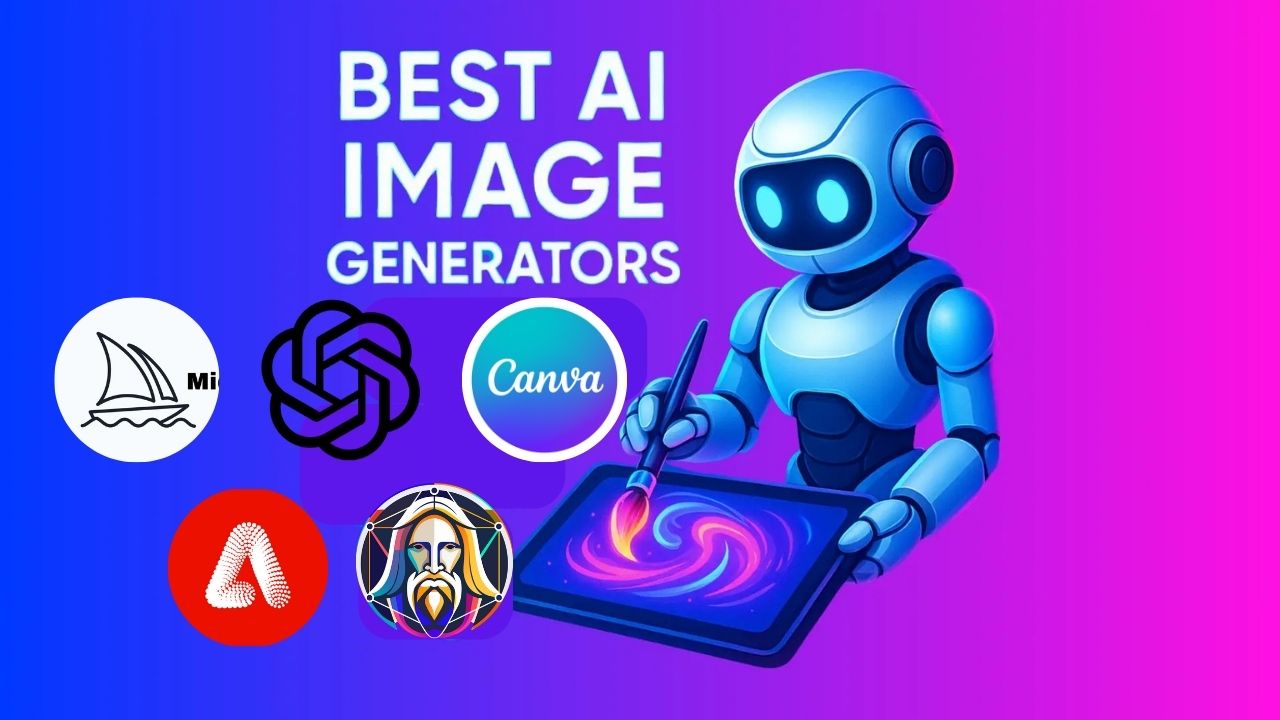
AI image generation has moved fast. Two years ago, the outputs looked like fever dreams: warped hands, melting text, faces that didn’t quite work. Today, the best tools produce images that are genuinely hard to distinguish from professional photography or commissioned illustration. For marketers, designers, content creators, and anyone who needs visuals without a design budget, that shift is significant.
Five tools dominate the space right now: Midjourney, DALL·E 3, Adobe Firefly, Canva AI, and Leonardo AI. Each takes a different approach (interface, output style, pricing model, or audience). This guide covers what each one actually does, where it excels, where it falls short, and which one to choose based on how you work.
How AI Image Generation Works
Every tool on this list uses a diffusion model, a type of neural network trained on hundreds of millions of image-text pairs. You describe what you want in plain language, and the model generates an image by progressively refining random noise until it matches your description. The quality of the output depends on the size and diversity of the training data, the sophistication of the model architecture, and the tool’s ability to interpret your specific prompt.
The practical upshot: you don’t need design skills, software experience, or a creative background. You need to describe what you want clearly. The tools handle everything else.
A Comparison Table
Tool | Best For | Free Tier | Starting Price | Output Quality | Commercial Use |
DALL·E 3 | Prompt accuracy | Limited | $20/month (ChatGPT Plus) | ⭐⭐⭐⭐⭐ | ✅ Yes |
Leonardo AI | Free tier + consistency | ✅ Generous | $12/month | ⭐⭐⭐⭐⭐ | ✅ Yes (check terms) |
Midjourney | Artistic quality | ❌ No | $10/month | ⭐⭐⭐⭐ | ✅ Yes (paid plans) |
Canva AI | Ease of use | ✅ Yes | $15/month (Pro) | ⭐⭐⭐ | ✅ Yes |
Adobe Firefly | Commercial work | ✅ Limited | $54.99/month (CC) | ⭐⭐⭐ | ✅ Explicitly cleared |
Best AI Image Generation Tools Reviewed
A note before we begin: every YTC score is earned, never negotiated. If you want to understand exactly how we evaluate apps & tools and how we handle affiliate relationships, our Review Methodology lays it all out.
DALL·E 3 (OpenAI)
DALL·E 3 is OpenAI’s image generation model, built directly into ChatGPT. If you already use ChatGPT, you have access to DALL·E 3 without any additional setup. Just ask ChatGPT to generate an image and describe what you want in natural language.
What DALL·E 3 does exceptionally well is prompt interpretation. It handles complex, multi-element descriptions more accurately than most competitors. If you ask for “a flat-lay product photo of a coffee cup on a marble surface with morning light from the left,” it delivers something close to that specific brief. It’s also the only major AI image tool that reliably handles text in images, which matters for mockups and social graphics.
Key Specs
- Access: ChatGPT (Plus, Team, or Enterprise subscription)
- Pricing: Included with ChatGPT Plus at $20/month
- Free Tier: Limited access via the free ChatGPT tier
- Best Output Styles: Photorealistic, product mockups, marketing visuals, text-in-image
Why It Stands Out
- Best prompt accuracy of any tool (complex briefs produce predictable results).
- Reliable text rendering within images.
- Seamless ChatGPT integration (generate, refine, and iterate in conversation).
- Built-in content policy with transparent usage rights.
Best For: Marketers, bloggers, and business owners who need accurate, on-brief visuals quickly and already use ChatGPT.
Leonardo AI
Leonardo AI is the strongest free-tier option on this list. The free plan gives you 150 credits per day, enough to generate dozens of images, and its output quality rivals that of paid tools at comparable prompt complexity. It’s also the most flexible tool for users who want to fine-tune their creative direction.
The standout feature is model training. You can upload reference images and train a custom model that consistently produces outputs in a specific visual style. For game developers building consistent asset libraries, illustrators developing a signature style, or brands that need visual consistency across AI-generated content, that capability is genuinely valuable and not available elsewhere at this price point.
Key Specs
- Access: Web app (leonardoai.com)
- Pricing: Free tier (150 credits/day); paid plans from $12/month
- Free Tier: Yes (generous daily credits)
- Best Output Styles: Game assets, concept art, consistent character design, photography
Why It Stands Out
- Most generous free tier among quality AI image tools.
- Custom model training for consistent visual style across projects.
- Strong community of shared models and prompts.
- Canvas editor for iterative image refinement.
Best For: Game developers, illustrators, and creators who need style consistency across projects and want strong output without a paid subscription.
Midjourney
Midjourney is the benchmark for artistic quality in AI image generation. No other tool consistently produces images with the same level of painterly detail, cinematic lighting, and compositional sophistication. If you care about the visual quality of the output above everything else, Midjourney is the answer.
The interface is unconventional: you access it through Discord, typing prompts in chat channels and receiving four image variations for each prompt. That friction puts off casual users, but it also means the Midjourney community skews heavily toward serious creatives who openly share prompts, techniques, and feedback. The collective knowledge in those channels is genuinely useful for learning how to prompt effectively.
Key Specs
- Access: Discord only (no standalone web app)
- Pricing: From $10/month (Basic), $30/month (Standard), $60/month (Pro)
- Free Tier: None currently
- Best Output Styles: Concept art, illustration, photography, cinematic scenes
Why It Stands Out
- Consistently the highest artistic quality of any tool on this list.
- Detailed prompt parameter system (aspect ratio, stylization, chaos, weighting).
- Active community with shared prompts and style guides.
- Version 6 introduced dramatically improved text rendering in images.
Best For: Designers, illustrators, and content creators who prioritize image quality and are comfortable with a Discord-based workflow.
Canva AI (Magic Media)
Canva AI brings image generation directly into Canva’s design platform. If you already use Canva for social media graphics, presentations, or marketing materials, Magic Media fits into that workflow without requiring you to learn any additional tools. You describe an image, generate it, and drop it straight into your design.
The output quality is lower than that of Midjourney or DALL·E 3. The images are clean and usable, but rarely remarkable. Where Canva AI wins is accessibility. The whole system is designed for people who aren’t designers, and the combination of AI image generation with Canva’s template library makes it the fastest path from idea to finished graphic for non-technical users.
Key Specs
- Access: Canva (Free and Pro plans)
- Pricing: Limited credits on Free; Canva Pro from $15/month includes expanded credits
- Free Tier: Yes (limited monthly generations)
- Best Output Styles: Social media graphics, simple illustrations, content visuals
Why It Stands Out
- Integrated directly into Canva’s design workflow, with no context switching.
- Beginner-friendly with no learning curve.
- Generated images drop straight into templates.
- Fastest tool for social media content at scale.
Best For: Social media managers, small business owners, and content creators who work primarily in Canva and need quick, good-enough visuals without leaving their existing tool.
Adobe Firefly
Adobe Firefly is built for professional designers who need commercially safe AI-generated assets. Every image Firefly generates is cleared for commercial use. Adobe trained it exclusively on licensed Adobe Stock images and public domain content, avoiding the copyright disputes that surround other tools.
It lives inside Adobe Creative Cloud, directly in Photoshop, Illustrator, and Adobe Express, so you can generate images, apply generative fill, extend backgrounds, and replace objects without leaving your existing workflow. If your work ends up in client deliverables, advertising, or commercial publishing, Firefly’s licensing clarity is a genuine practical advantage.
Key Specs
- Access: Adobe Creative Cloud (or standalone via Adobe Firefly web app)
- Pricing: Included with Creative Cloud from $54.99/month; standalone free tier available
- Free Tier: Yes (limited monthly credits via Firefly web app)
- Best Output Styles: Commercial photography, branding assets, texture generation
Why It Stands Out
- Only major tool with clear commercial-use licensing on all outputs.
- Deep integration with Photoshop and Illustrator via Generative Fill.
- Text-to-image, text effects, and object recoloring in one platform.
- Consistent, professional output style suited to commercial work.
Best For: Professional designers and agencies producing commercial work who need legally clear assets and Adobe ecosystem integration.
How to Choose the Right Tool

- Choose Midjourney if image quality is your primary concern and you’re comfortable with Discord. It consistently produces the best-looking outputs of any tool. The lack of a free tier is the only real barrier.
- Choose DALL·E 3 if you already use ChatGPT and need images that closely match specific written briefs. It’s the most accurate prompt interpreter on the list and the best option for text-in-image work.
- Choose Adobe Firefly if you work in Adobe Creative Cloud and produce commercial deliverables. The clarity of licensing alone justifies its use for agency and professional purposes.
- Choose Canva AI if you’re a non-designer who lives in Canva. The lower output quality is a fair trade for the workflow integration and speed.
Choose Leonardo AI if you want high-quality output on a free or low-cost plan, or if you need consistent style across a project.
FAQs
Most offer free tiers with a limited number of generations per day or month. Leonardo AI has the most generous free plan (150 credits per day). Midjourney is the only major tool with no free tier. Free tiers typically produce lower-resolution outputs or add watermarks; paid plans remove those restrictions.
It depends on the tool and plan. Adobe Firefly explicitly clears all outputs for commercial use. DALL·E 3, Midjourney, and Leonardo AI allow commercial use on paid plans. Always check the terms for your specific tier. Free plan outputs often have more restrictive usage rights.
Photoshop is a manual editing tool. Therefore, it requires design skills and gives you complete control over every element. AI image generators create images from a text description with no manual skill required, but they give you less precise control over the final result. Adobe Firefly bridges both: it’s an AI generator built into Photoshop, letting you use both approaches in the same workflow.
Be specific about subject, style, lighting, composition, and mood. “A product photo of a blue ceramic coffee mug on a white marble surface, soft morning light from the left, shallow depth of field” produces better results than “a coffee mug.” Most tools also accept style references like “in the style of a Wes Anderson film” or “photorealistic, 85mm lens.”
Canva AI for non-designers who need quick social graphics. DALL·E 3 for anyone who already uses ChatGPT. Leonardo AI is for beginners who want quality outputs on a free plan and don’t mind a slightly steeper learning curve.
Final Thoughts
AI image generation has become a practical tool rather than a novelty. The five tools covered here represent genuinely different approaches to the same problem, and the right choice depends entirely on how you work, what you’re making, and what you’re willing to pay.
If you’re building out a broader AI-powered content workflow, the best productivity apps guide covers the tools that work well alongside AI image generators, from writing assistants to project management platforms that bring the whole process together.
Found this helpful? Browse more in-depth tech guides, honest reviews, and step-by-step tutorials at YourTechCompass, your go-to resource for making smarter tech decisions.