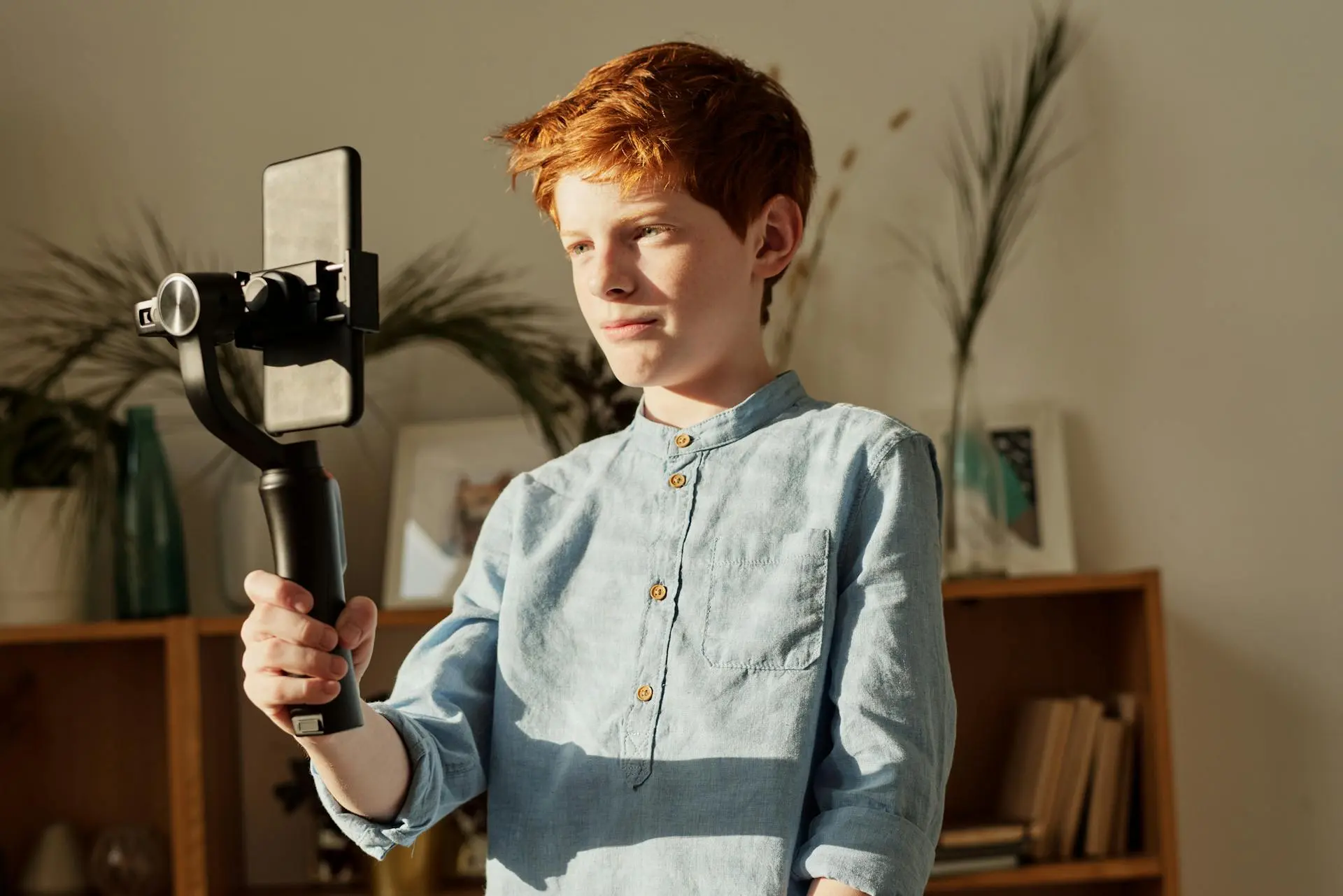
Shooting video on a smartphone has never been easier, but getting smooth, professional-looking footage is still a challenge. Even with modern phones offering impressive cameras and built-in stabilization, shaky clips remain one of the biggest giveaways of amateur video. This is exactly where smartphone gimbals come in. They physically stabilize your phone, allowing you to move naturally while keeping your footage fluid, balanced, and cinematic.
In this guide, I break down the best smartphone gimbals worth considering, explain what actually matters when choosing one, and help you decide which option best fits your content style. Whether you’re vlogging, traveling, or creating short-form social videos, the right gimbal can completely change how your footage looks and feels, and that’s something I’ve experienced firsthand.
Best Smartphone Gimbals at a Glance
Before diving deeper, here’s a quick comparison of the top smartphone gimbals covered in this guide.
Gimbal | Best For | Key Strength |
DJI Osmo Mobile Series | Best Overall | Reliable stabilization and tracking |
Insta360 Flow Series | Creative Tracking | AI-powered subject tracking |
Hohem iSteady Series | Heavy Phones | Strong motors and payload capacity |
Zhiyun Smooth Series | Budget Pick | Solid stabilization at a lower cost |
1. DJI Osmo Mobile SE: Best Overall Smartphone Gimbal
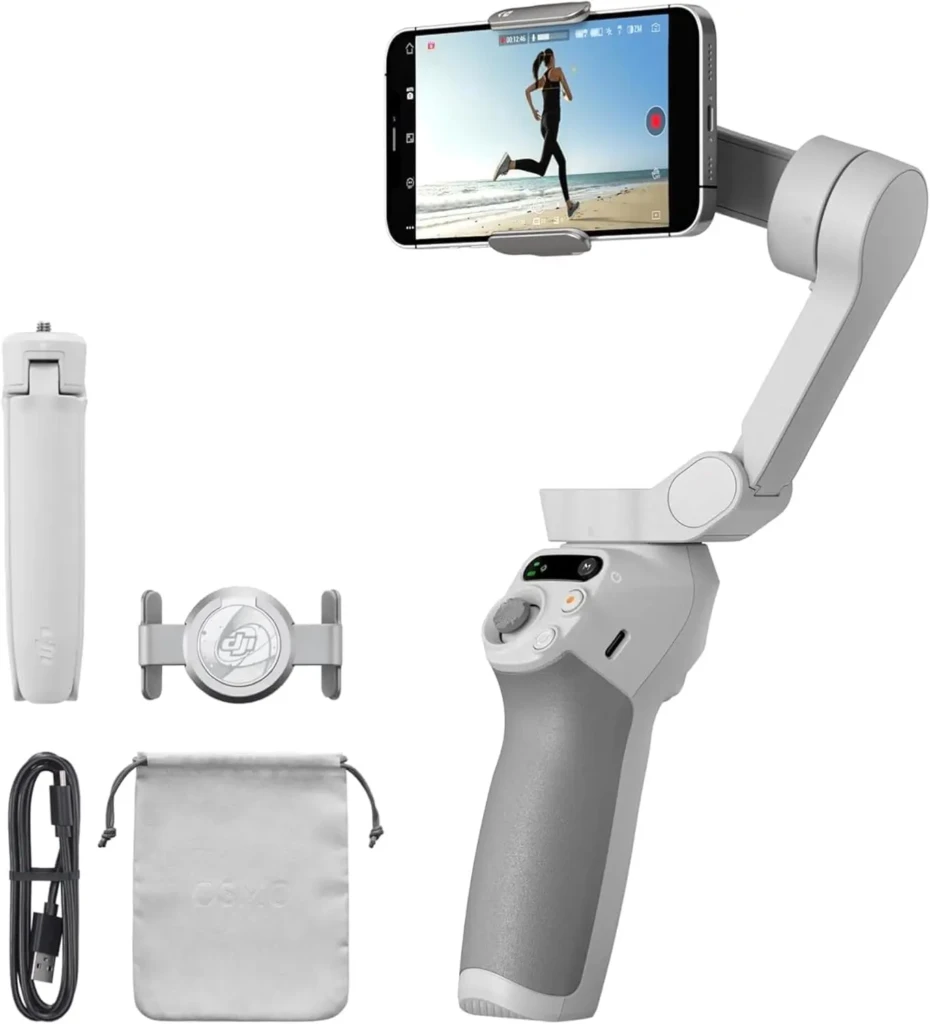
When people talk about the best smartphone gimbals, DJI almost always comes up first. The Osmo Mobile SE is known for dependable 3-axis stabilization, excellent build quality, and one of the most polished mobile apps available.
What really sets it apart is how easy it is to use. Setup is quick, controls are intuitive, and features like ActiveTrack make following a moving subject feel effortless. For creators who want consistent results without constant tweaking, this is a strong all-around choice.
This gimbal works especially well when paired with other creator tools. For example, combining smooth footage with clean audio can elevate your videos significantly, and guides like this one on Sony wireless earbuds fit naturally into a mobile content setup.
2. Insta360 Flow: Best for Creative Tracking
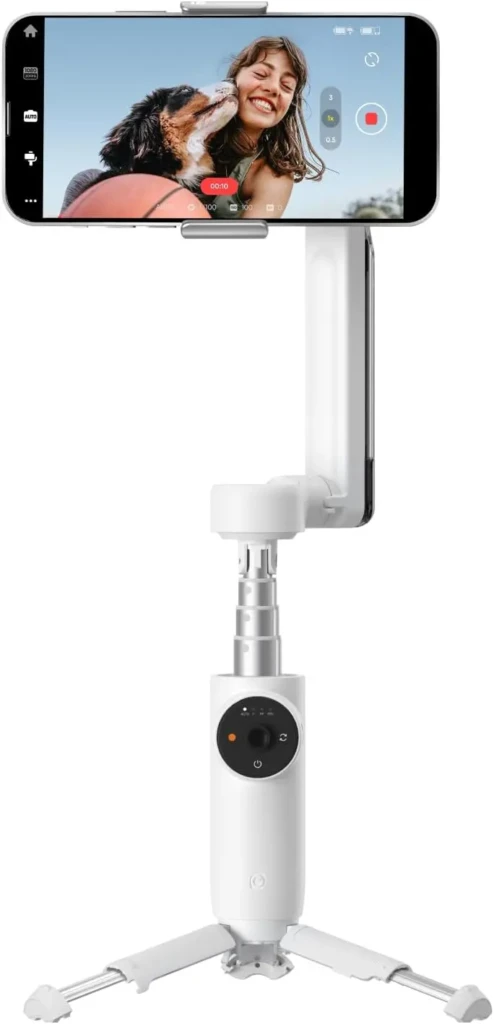
If creative freedom and subject tracking are priorities, the Insta360 Flow stands out. Its AI-driven tracking is among the most advanced available, keeping subjects centered even during fast movement or complex scenes.
This makes it ideal for solo creators, fitness videos, or dynamic travel shots where you can’t constantly monitor framing. The built-in stabilization pairs well with creative shooting modes, making it easier to experiment with movement and angles.
Creators who want to understand the technology behind this level of stabilization may also find it useful to explore this👉detailed guide explaining what a gimbal is and how it works, which breaks down the mechanics in simple terms.
3. Hohem iSteady Mobile Plus: Best for Heavy Phones
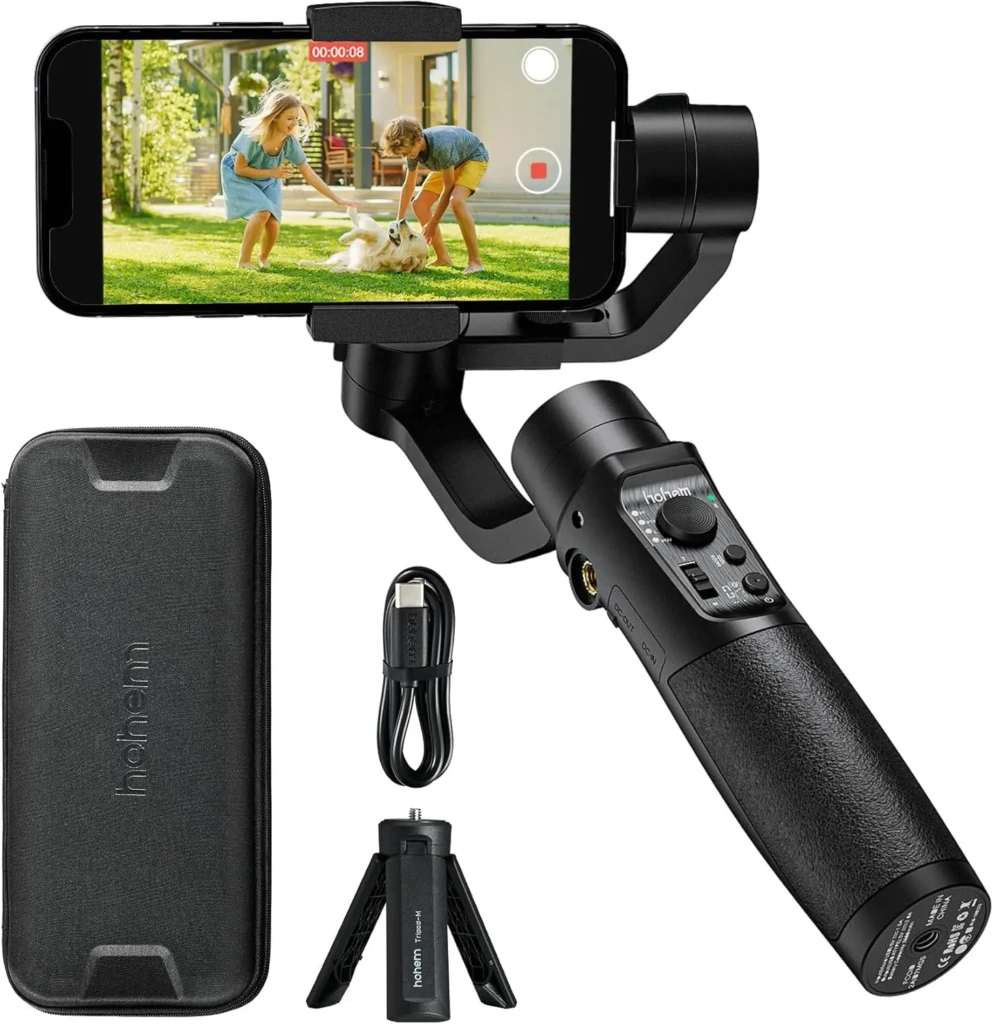
Larger smartphones and accessory-heavy setups demand stronger motors, and that’s where Hohem iSteady Mobile Plus performs well. This gimbal handles heavier phones without struggling and maintains stable performance even with added lenses or external microphones.
For creators who film longer sessions or use larger devices, this extra power translates into smoother footage and fewer balance issues. It’s not the smallest option, but the stability trade-off is often worth it.
4. Zhiyun Smooth 4: Best Budget Smartphone Gimbal
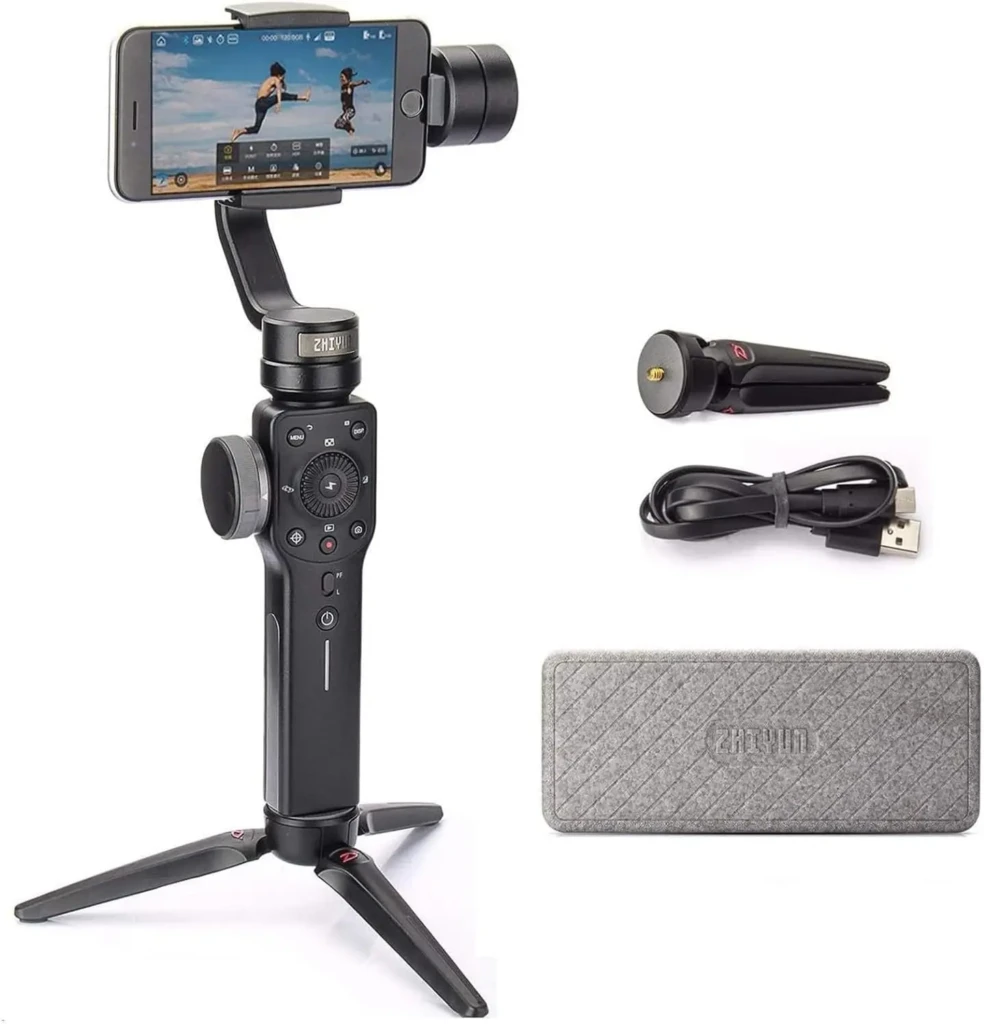
Not everyone wants to invest heavily in stabilization gear right away. Zhiyun’s Smooth 4 gimbal offers a more affordable entry point while still delivering true 3-axis stabilization.
This gimbal is well-suited for beginners, casual creators, or anyone experimenting with mobile video for the first time. While you won’t get the most advanced tracking features, the core stabilization performance is solid for everyday shooting.
Smartphone Gimbal Comparison Table
To make the differences clearer, here’s a more detailed side-by-side comparison.
Feature | ||||
Stabilization | 3-axis | 3-axis + AI | 3-axis | 3-axis |
Tracking | Advanced | Excellent | Good | Basic |
Phone Size Support | Wide | Wide | Very wide | Moderate |
Ease of Use | Very easy | Easy | Moderate | Easy |
Best For | Most creators | Creative tracking | Heavy setups | Budget users |
What to Look for in a Smartphone Gimbal
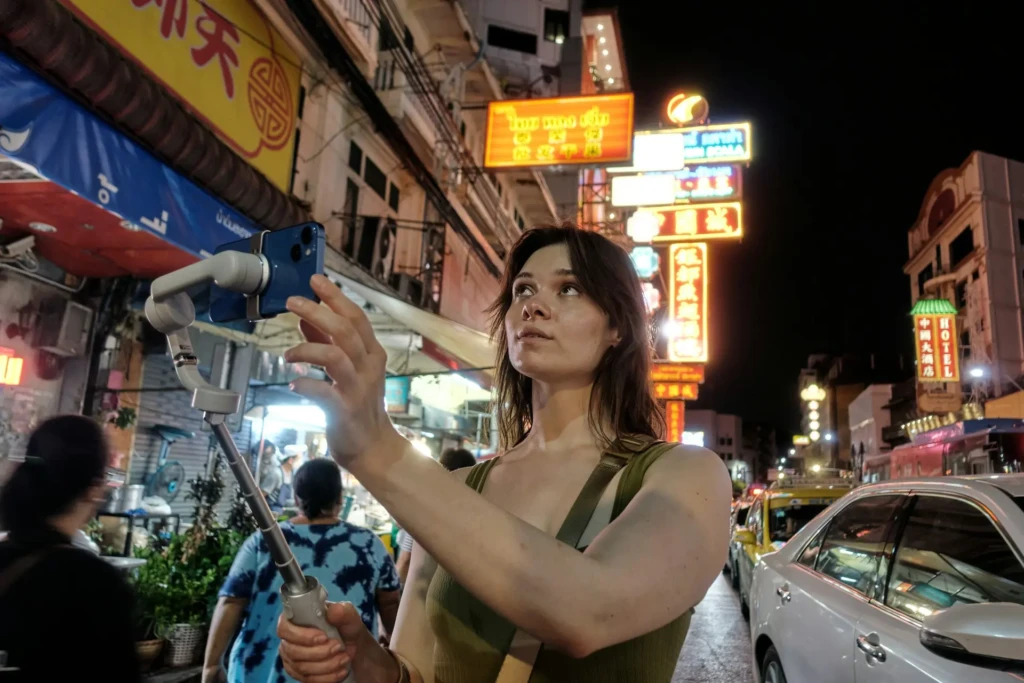
Before jumping into specific recommendations, it helps to understand what separates a great smartphone gimbal from an average one. Not all gimbals are created equal, and the differences become very noticeable once you start filming.
Here are things to consider when buying a smartphone gimbal.
3-Axis Stabilization
This is the most important feature. A 3-axis smartphone gimbal stabilizes movement in pan, tilt, and roll, resulting in far smoother footage when walking, turning, or tracking a subject. Anything less than three axes usually feels limited for video.
Phone Compatibility and Balance
A good gimbal should support both iPhone and Android devices and handle larger phones comfortably. Balance matters because poorly balanced phones drain battery faster and reduce stabilization performance.
Battery Life
Longer battery life means fewer interruptions, especially when filming outdoors or while traveling. Many of the best smartphone gimbals easily last a full day of shooting.
App Support and Smart Features
Most gimbals rely on companion apps to unlock features like object tracking, gesture control, motion time-lapse, and automated camera movements. Strong app support makes a big difference in real-world use.
Smartphone Gimbals vs Other Stabilization Options
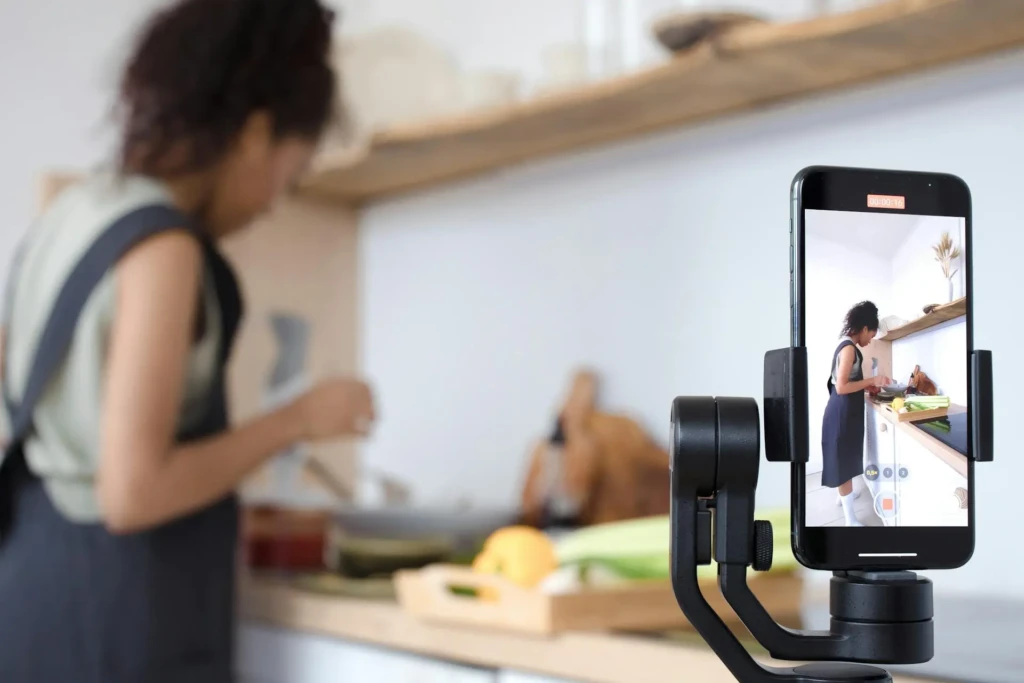
A smartphone gimbal isn’t the only way to stabilize footage, but it excels in motion-heavy scenarios.
- Tripods are ideal for static shots, interviews, and time-lapses. If you regularly film stationary content, this guide on the best tripods for creators pairs perfectly with gimbal use.
- In-phone stabilization helps reduce small shakes but struggles with walking or running shots.
- Electronic and optical stabilization improve handheld footage, yet they can’t replicate the mechanical smoothing a gimbal provides.
In practice, many creators use both a gimbal and a tripod, switching tools depending on the shot.
Who Should Buy a Smartphone Gimbal?
Smartphone gimbals are especially valuable for:
- Vloggers and content creators
- Travel and lifestyle filmmakers
- Social media creators focused on short-form video
- Anyone frustrated by shaky handheld footage
If your content involves movement, a gimbal quickly becomes one of the most impactful upgrades you can make.
Final Verdict

Choosing the best smartphone gimbal comes down to how you shoot and which features matter most to you. DJI’s Osmo Mobile series remains a safe and versatile choice for most creators, while Insta360’s Flow lineup shines for advanced tracking and creative flexibility. Hohem gimbals suit heavier setups, and Zhiyun offers strong value for beginners on a budget.
The real advantage of a smartphone gimbal is the confidence it gives you. When you stop worrying about shaky footage, you can focus on framing, storytelling, and creativity instead. From personal experience, adding a gimbal to a mobile setup is one of the fastest ways to make videos look more intentional and professional without upgrading your phone.
At Your Tech Compass, we publish practical guides and honest tech reviews to help users make smarter decisions.