Apple’s MacBook Air has always been about balance, power without bulk, performance without noise, and portability without compromise. With the MacBook Air M4, Apple continues refining that formula, focusing on efficiency, smarter performance gains, and tighter integration with macOS. Rather than chasing dramatic redesigns, the M4 generation is about making everyday computing feel faster, smoother, and more future-proof.
In this guide, I’ll break down what the MacBook Air M4 brings to the table, how it performs in real-world use, how it compares to other MacBooks, and who it’s actually designed for. By the end, you should have a clear sense of whether this laptop fits your workflow and budget.
What Is the MacBook Air M4?
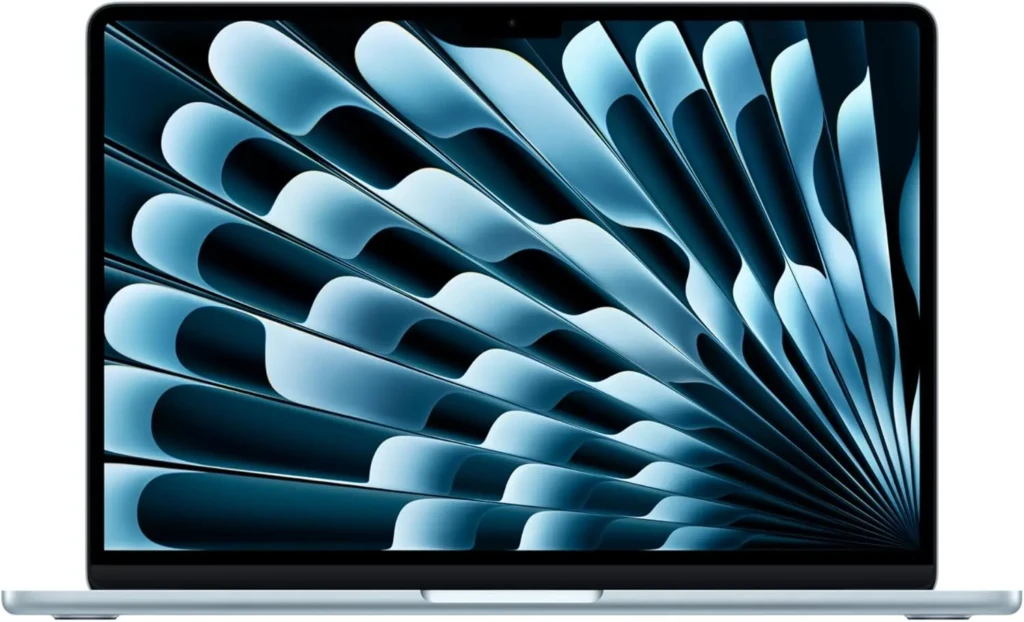
At its core, the MacBook Air M4 is Apple’s latest fanless laptop powered by the M4 chip, building on the efficiency-first approach of earlier Apple silicon. It’s designed for users who want strong everyday performance without stepping up to a heavier, more expensive MacBook Pro.
The M4 chip delivers incremental yet meaningful improvements over previous generations, particularly in CPU efficiency, integrated graphics, and machine learning. While it doesn’t aim to replace high-end professional machines, it pushes the Air lineup further into territory that once required a Pro model.
MacBook Air M4 Design and Build
From a design perspective, the MacBook Air M4 stays true to Apple’s modern Air aesthetic.
Portability and Build Quality
The slim aluminum chassis feels solid and premium, while remaining impressively lightweight. This makes it ideal for students, remote workers, and anyone who carries their laptop daily.
Display Quality
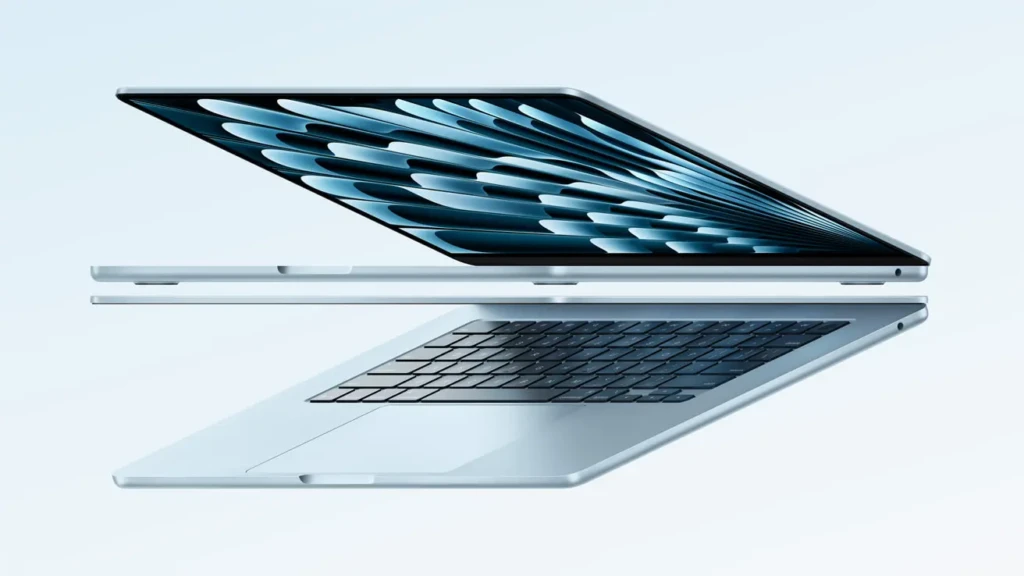
The display is sharp, bright, and color-accurate, making it comfortable for long work sessions, streaming, and light creative tasks. The text looks crisp, and the colors are well-balanced for everyday use.
Keyboard, Trackpad, and Ports
Apple’s keyboard continues to offer a comfortable typing experience with reliable key travel, while the large trackpad remains one of the best on any laptop. Port selection is minimal but practical, staying in line with the Air’s focus on simplicity and portability.
MacBook Air M4 Performance
Performance is where the M4 chip quietly shines.
Everyday Tasks
For everyday activities like web browsing, document editing, email, and video calls, the MacBook Air M4 feels effortlessly fast. Apps launch quickly, multitasking remains smooth, and macOS stays responsive even with multiple windows open.
Creative and Technical Workloads
Light photo editing, short video projects, and coding tasks run well on the M4, especially when paired with sufficient RAM. While it’s not meant for sustained heavy rendering, it handles creative workloads better than many expect from a fanless laptop.
Gaming and Graphics
Integrated graphics on the M4 are improved, offering better frame rates in casual games and smoother performance in graphics-accelerated apps. However, this is still a productivity-first machine rather than a gaming laptop.
If you’re curious how much of a step forward this is compared to the previous generation, our MacBook Air M3 review guide breaks down what changed and who benefited most.
Battery Life and Efficiency
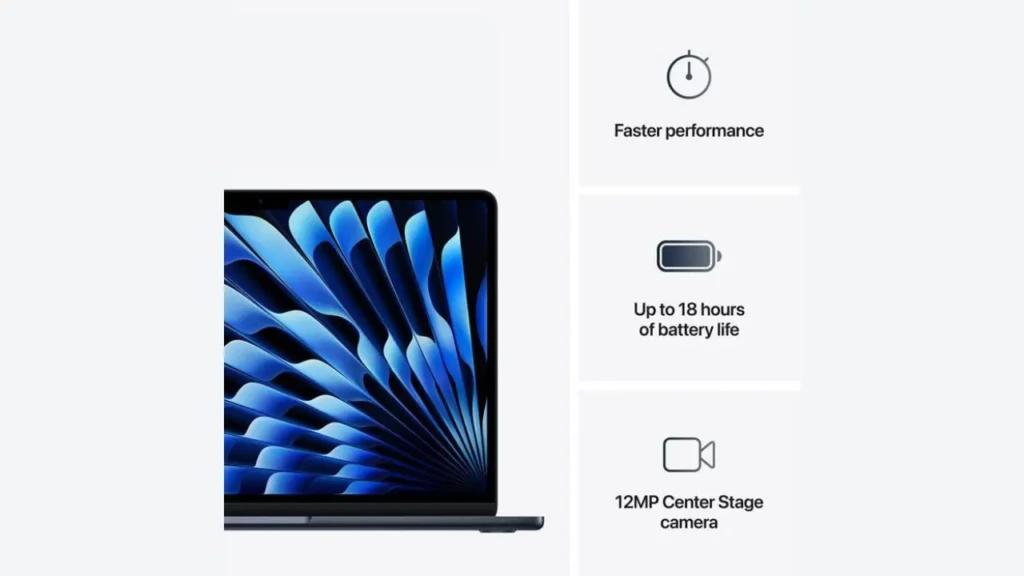
One of the MacBook Air’s biggest strengths has always been battery life, and the M4 continues that tradition.
The MacBook Air M4 easily lasts a full workday for most users. Tasks like browsing, writing, and streaming consume minimal power, while standby efficiency remains excellent. Charging is quick and convenient, making it easy to top up between meetings or classes.
macOS Experience on MacBook Air M4
macOS feels particularly at home on Apple silicon, and the M4 is no exception.
Smoothness and Stability
macOS runs smoothly on the MacBook Air M4, with fast wake times, responsive animations, and stable app performance. Apple’s tight control over hardware and software really shows here.
Productivity and Apps
The M4 Air works beautifully with productivity tools, especially when paired with the right software. If you’re looking to get more done on your Mac, our guide to the best productivity apps for Mac is a great place to start.
Long-Term Software Support
Because it’s powered by Apple silicon, the MacBook Air M4 is well-positioned for years of macOS updates and feature support, making it a solid long-term investment.
MacBook Air M4 vs Other MacBook Models
To put things into perspective, here’s how the MacBook Air M4 compares with other options:
Feature | Previous MacBook Air | ||
Performance | Strong everyday performance | Very good, but slower | Best for heavy workloads |
Cooling | Fanless | Fanless | Active cooling |
Portability | Extremely light | Extremely light | Heavier |
Battery Life | Excellent | Excellent | Very good |
Best For | Productivity, portability | Casual to moderate use | Professional workflows |
In short, the MacBook Air M4 sits comfortably between casual use and professional needs, offering more headroom than earlier Air models without stepping into Pro territory.
Key Features That Stand Out
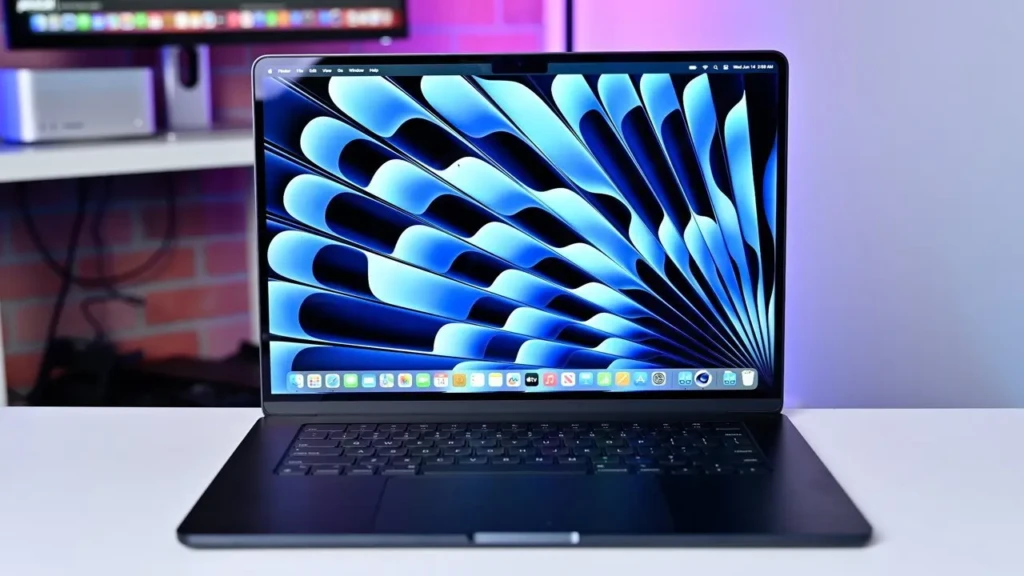
Several features help the MacBook Air M4 stand out:
- Fanless design for silent operation
- Efficient M4 chip with improved AI and ML performance
- Excellent battery life
- High-quality display and trackpad
- Touch ID for fast, secure authentication
These features combine to make the M4 Air feel polished and dependable for daily use.
Limitations and Trade-Offs
That said, the MacBook Air M4 isn’t perfect.
- No active cooling limits sustained heavy workloads
- Limited port selection may require adapters
- Not ideal for long 4K video rendering or advanced 3D work
If you run into major system issues down the line, it’s helpful to know how to start fresh. This guide walks you through the step-by-step process of factory resetting a MacBook.
Who Should Buy the MacBook Air M4?
The MacBook Air M4 is an excellent choice for:
- Students and educators
- Remote and office workers
- Writers, developers, and light creatives
- Anyone prioritizing portability and battery life
However, users who regularly perform heavy video editing, 3D modeling, or sustained high-performance tasks may be better served by a MacBook Pro.
Conclusion

The MacBook Air M4 is a thoughtful evolution of Apple’s most popular laptop. It delivers excellent everyday performance, outstanding battery life, and a refined macOS experience in a lightweight, silent design. While it’s not meant to replace high-end professional machines, it comfortably meets the needs of most users who want a reliable, future-proof Mac.
If portability, efficiency, and long-term value matter most to you, the MacBook Air M4 is an easy recommendation. I hope this guide helped you understand where it shines and whether it fits your workflow.
FAQs
Yes. MacBook Air M4 is suitable for light-to-moderate projects. Heavy or long renders are better handled by a Pro model.
More RAM is generally more valuable than extra storage. Choose the highest RAM option you can afford.
For many users, yes. For demanding professional workflows, a Pro is still the better choice.