The phrase “smart home” used to conjure images of expensive custom installations, complicated hubs, and a house wired end-to-end by a professional. That’s not what it means anymore. Today’s smart home devices are designed to be installed in minutes, controlled from your phone, and bought for the price of a decent dinner out. The entry point has never been lower, and the useful ones are genuinely useful from day one.
The challenge for beginners isn’t finding smart home devices; it’s knowing which ones are actually worth starting with and which are gimmicks you’ll ignore after a week. This guide focuses on five categories where smart home tech delivers real, daily value: plugs, lighting, voice control, security, and temperature. For each one, I’ve picked the best beginner option, explained what it actually does in practice, and given you enough context to decide whether it fits your home.
Smart Home Devices: A Comparison Table
Device | Best For | Voice Assistant | Needs Hub? | Price Range |
First smart device, automating appliances | Alexa, Google | No | ~$15–20 | |
Smart lighting, Apple HomeKit users | Alexa, Google, HomeKit | Yes (included) | ~$70–90 | |
Voice control hub, music | Alexa | No | ~$50 | |
Budget security camera | Alexa, Google | No | ~$30–35 | |
Energy savings, remote climate control | Alexa, Google | No | ~$130 |
What You Need Before You Start
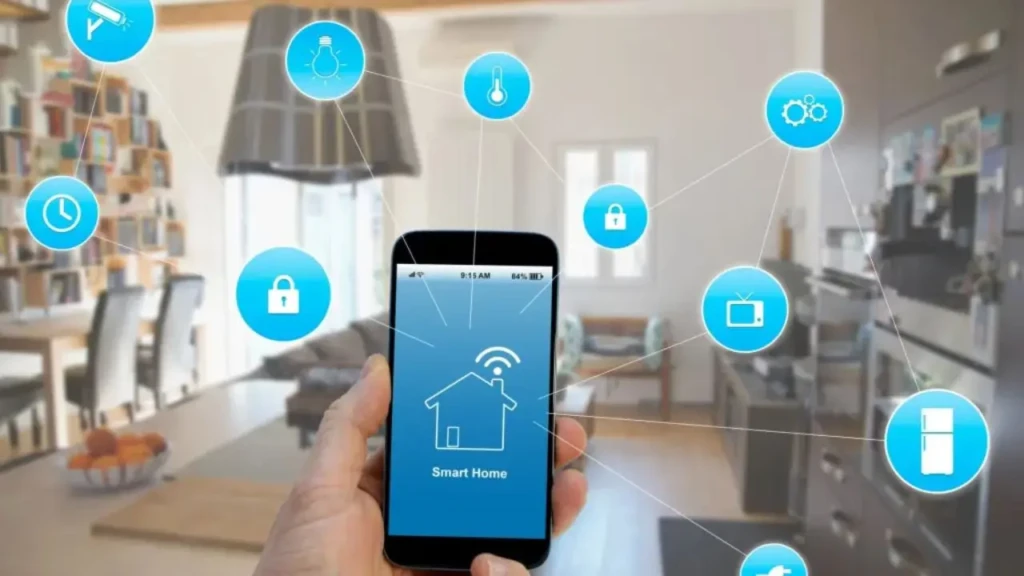
You don’t need a hub, a smart home platform subscription, or any wiring knowledge to get started. The only genuine prerequisites are a smartphone (iOS or Android) and a 2.4GHz Wi-Fi network, which virtually every home router broadcasts by default.
The one decision worth making before you buy anything is which voice assistant ecosystem you want to anchor to: Amazon Alexa, Google Assistant, or Apple HomeKit (Siri). All five devices in this guide work with Alexa and Google Assistant. HomeKit compatibility is more selective; the Philips Hue is the standout option here if you’re all-in on Apple. If you’re already using an Amazon Echo or Google Nest speaker, lean into that ecosystem for your other purchases. Mixing ecosystems is possible, but adds friction; you’ll end up managing multiple apps instead of one.
The second thing to know is that Matter, a newer universal smart home standard, is increasingly supported across devices, including the Google Nest Thermostat and newer Philips Hue products. Matter devices work across Alexa, Google, and HomeKit without friction, and are worth prioritising if future-proofing matters to you.
The Five Best Smart Home Devices for Beginners Reviewed
1. Kasa Smart Plug Mini EP25: Best First Smart Home Device
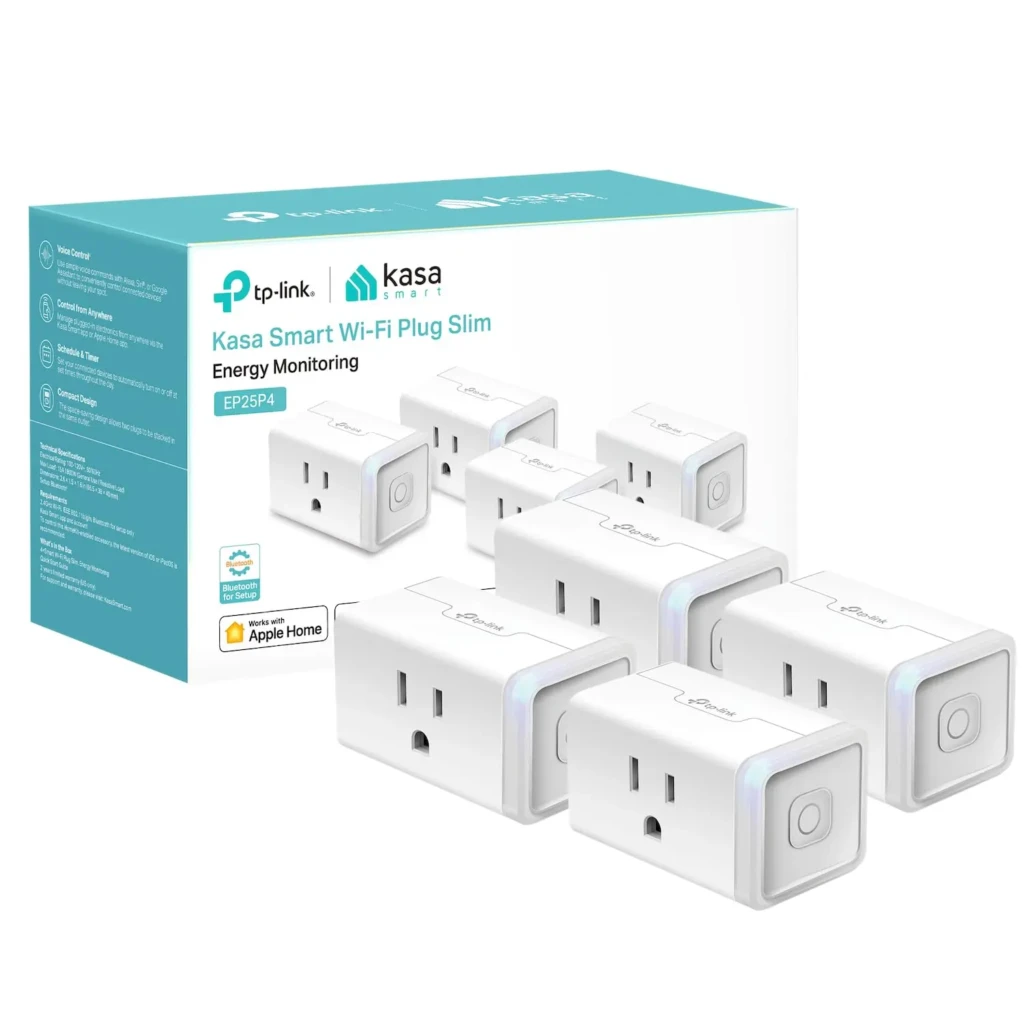
The Kasa Smart Plug Mini is the single best first smart home purchase you can make, and the reason is simplicity. You plug it into any standard wall outlet, connect it to your Wi-Fi via the Kasa app in about 3 minutes, and immediately gain remote control over whatever is plugged into it: a lamp, a fan, a coffee maker, or a space heater. No hub required, no rewiring, no tools. If you’ve never owned a smart home device before, this is where the lightbulb moment happens.
Beyond the basic on/off control, the EP25 adds genuine utility through energy monitoring, which shows you exactly how much power each connected device is consuming in real time, useful for identifying energy hogs you didn’t know you had. The Away Mode feature randomly cycles devices on and off when you’re travelling to simulate occupancy, which is a practical security feature at a price point where most competitors offer nothing beyond scheduling. The compact design is a deliberate choice: it doesn’t block the adjacent outlet on a standard dual-socket outlet, which may sound minor until you’ve owned a plug that does.
Key Specs
- Connection: Wi-Fi 2.4GHz, no hub required
- Voice Control: Alexa, Google Assistant, SmartThings
- Energy Monitoring: Yes, via the Kasa app
- Scheduling: Yes, with Away Mode
- Price: ~$15–20 per plug
Why It Stands Out
- Genuinely the easiest smart home device to set up. It takes roughly, around three minutes to set it up.
- Energy monitoring at this price is unusual and practically useful.
- Away Mode adds real security value for travellers.
- Compact design preserves the adjacent outlet socket.
Best For: Anyone buying their first smart home device, renters who can’t modify wiring, and anyone who wants to automate existing appliances without replacing them.
2. Philips Hue White & Color Ambiance Starter Kit: Best Smart Lighting
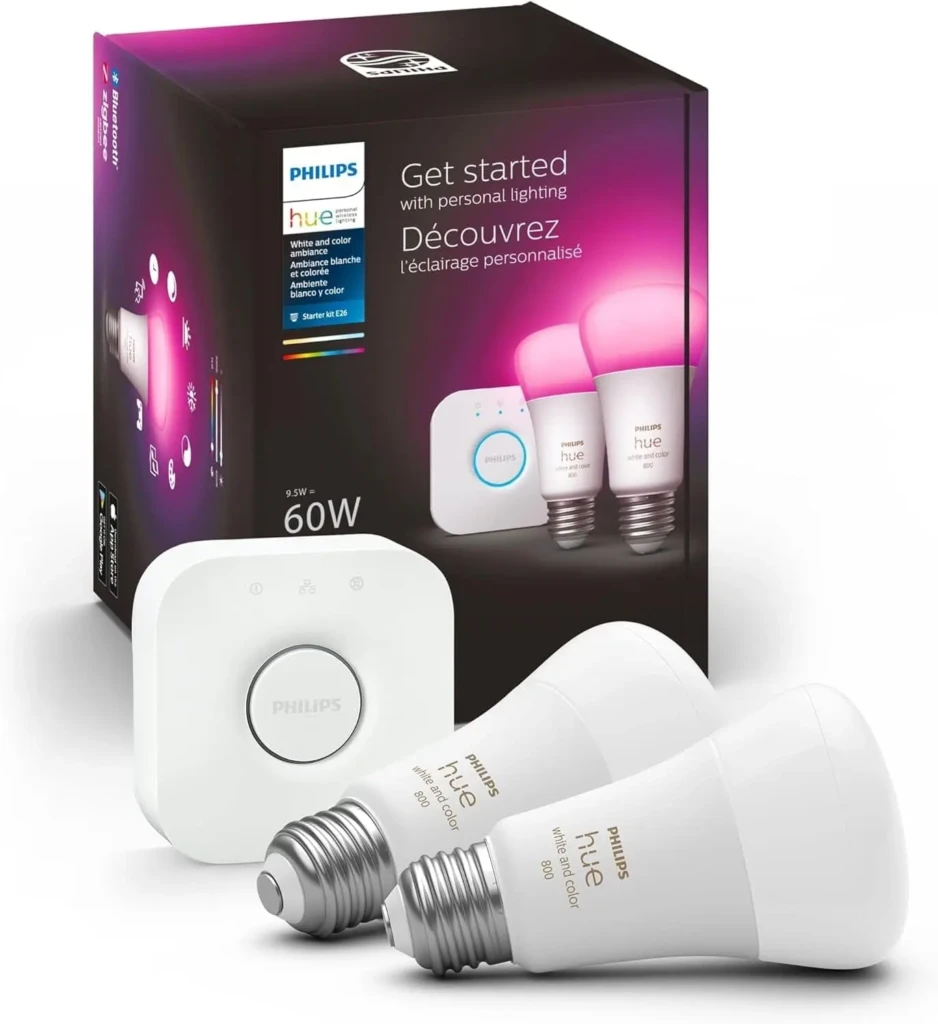
Smart lighting is where most people first experience what a connected home actually feels like day-to-day, and Philips Hue is the standard by which everything else in this category is measured. The White & Color Ambiance Starter Kit includes two A19 bulbs and the Hue Bridge, a small hub that plugs into your router and manages all your Hue devices over Zigbee rather than Wi-Fi directly. That matters: Zigbee is more reliable for lighting than Wi-Fi-direct bulbs, which can become unresponsive when your network is busy.
The 16 million colour option figure sounds like marketing, but the practical reality of colour-changing bulbs becomes clear within a week. You use them differently for different activities, such as a cooler, brighter white for working at a desk, warm amber in the evening, and red when watching a film. The Hue app’s Scenes feature handles this as presets you can switch with a tap or a voice command. The starter kit is more expensive up front than competing smart bulb systems, but Philips Hue’s reliability, app quality, and longevity make it the better long-term investment; cheaper bulbs often develop connectivity issues within a year or two.
Key Specs
- Bulbs Included: 2 x A19 White & Color Ambiance
- Hub: Hue Bridge (included, connects via Ethernet to router)
- Colours: 16 million, full RGB plus white spectrum
- Voice Control: Alexa, Google Assistant, Apple HomeKit
- Connectivity: Zigbee via Hue Bridge
Why It Stands Out
- Hue Bridge provides more reliable connectivity than Wi-Fi-direct bulbs.
- Apple HomeKit support, which is the best option in this guide for iPhone/iPad households.
- Extensive scenes, routines, and third-party app support.
- Long track record of reliability and software support.
Best For: Anyone who wants reliable, high-quality smart lighting with Apple HomeKit support, and households willing to invest slightly more upfront for long-term stability.
3. Amazon Echo Dot: Best Smart Speaker and Home Hub
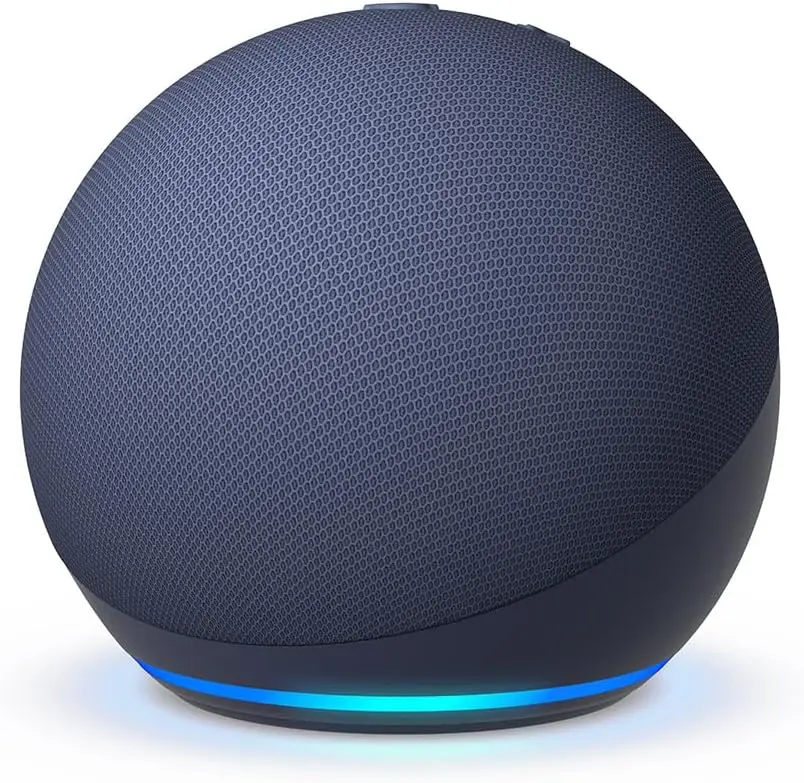
A smart speaker is the glue that holds a smart home together. Rather than pulling out your phone every time you want to adjust a light or check who’s at the door, you ask out loud, and it happens. The Amazon Echo 5th Gen is the best beginner choice for this role because Alexa has the broadest device compatibility among voice assistants. If you’re buying smart home products without a specific ecosystem in mind, Alexa is the safest bet for everything working together.
The audio quality on the 5th Gen Echo is a genuine step up from its predecessors and most competitors at the price; it’s a speaker you’d actually use for music rather than one you tolerate. The built-in temperature sensor is a feature that earns its place quickly: you can build routines like “if the room temperature rises above 24°C, turn on the fan via the Kasa plug” without any additional hardware. Multi-room audio, drop-in intercom between Echo devices, and guard mode (which listens for smoke alarms and glass breaking when you’re away) round out a device that earns its counter space well beyond its role as a smart home controller.
Key Specs
- Voice Assistant: Amazon Alexa
- Audio: 3-inch woofer, dual-firing tweeters
- Sensors: Built-in temperature sensor
- Smart Home: Controls thousands of compatible devices
- Additional Features: Multi-room audio, Drop In intercom, Guard mode
Why It Stands Out
- Alexa has the widest device compatibility of any voice assistant ecosystem.
- Built-in temperature sensor enables environmental automations without extra hardware.
- Genuine audio quality, usable as a primary room speaker.
- Guard mode provides passive home security monitoring.
Best For: Anyone building their first smart home who wants a single device to control everything by voice, especially those who prefer Amazon’s ecosystem or haven’t yet committed to one.
4. Wyze Cam v3: Best Budget Smart Security Camera
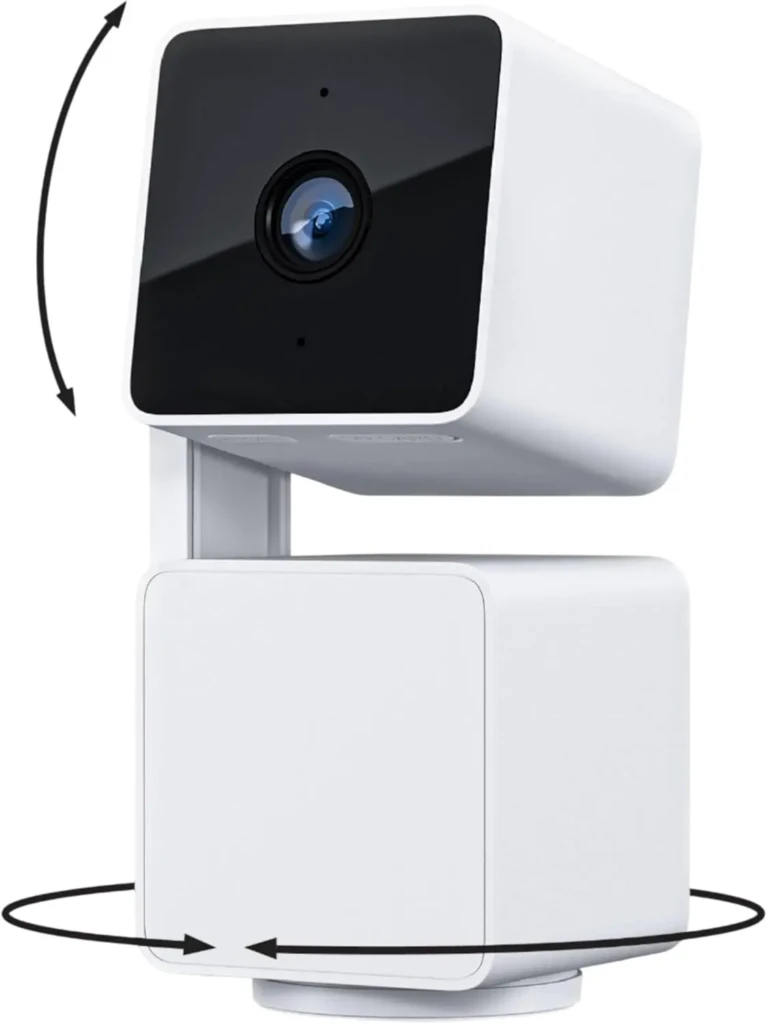
Home security cameras used to require professional installation, monthly monitoring fees, and hardware that cost hundreds of pounds. The Wyze Cam v3 disproves all of that. It’s a 1080p indoor/outdoor camera that costs under $35, takes about ten minutes to set up, and delivers motion-triggered alerts to your phone with enough image clarity to actually identify what triggered them. For a first security camera, it’s difficult to justify spending more on it.
The colour night vision is the standout feature; most cameras at this price produce green-tinted, difficult-to-read night footage. The Wyze Cam v3 uses colour night vision that produces usable, identifiable footage in low-light conditions, when security footage is most often needed. The weatherproof IP67 rating means it can be mounted outdoors without concern, and the free cloud storage tier covers the most recent 14 days of event clips. Wyze does offer a paid subscription for additional features like continuous recording and longer cloud storage, but the free tier is genuinely functional as a starting point.
Key Specs
- Resolution: 1080p Full HD
- Night Vision: Colour night vision (not green-tinted)
- Weather Resistance: IP67 (fully weatherproof for outdoor use)
- Alerts: Motion and sound detection with phone notifications
- Storage: Free 14-day event cloud storage; local microSD option
- Voice Control: Alexa, Google Assistant
Why It Stands Out
- Colour night vision at under $35 is an exceptional value.
- IP67 weatherproofing allows genuine outdoor use.
- The free cloud storage tier is functional without a subscription.
- Plug-and-play setup; no professional installation required.
Best For: First-time security camera buyers who want reliable indoor/outdoor monitoring without monthly subscription costs or complex installation.
5. Google Nest Thermostat: Best Smart Thermostat for Beginners
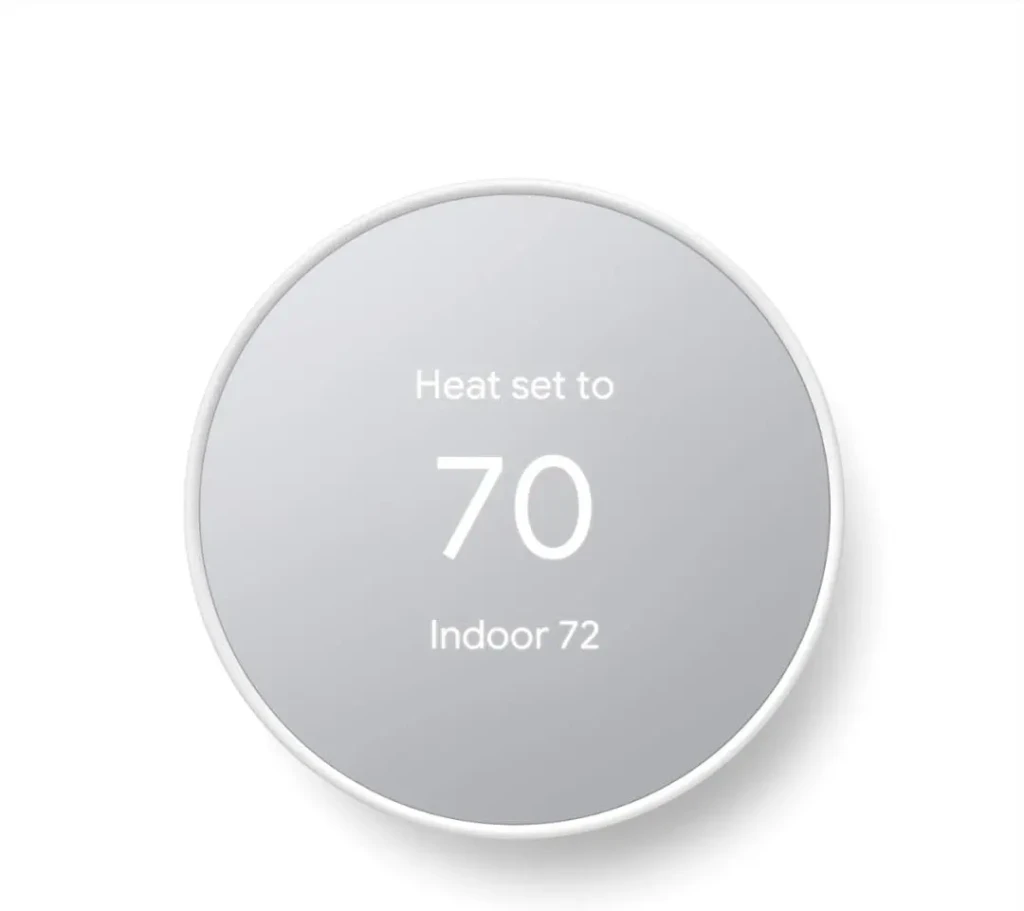
A smart thermostat is the smart home device that pays for itself over time, and the Google Nest Thermostat is the most approachable entry point. It connects to your existing HVAC system, replaces your current thermostat (most homeowners can do this themselves in about 30 minutes with a screwdriver), and from that point forward lets you control your home’s heating and cooling from your phone, including when you’re away from home.
The practical value shows up quickly. Eco Mode automatically switches to an energy-saving temperature when you leave the house, using your phone’s location to trigger the change, no manual scheduling required. The Google Home app gives you a clear view of your energy usage over time, which is surprisingly motivating for adjusting habits.
The Nest Thermostat also issues alerts when your HVAC system behaves unusually (filter reminders, unusual temperature swings), which can catch maintenance issues before they become expensive problems. Google’s own data suggests households save an average of 10–12% on heating and 15% on cooling after installing a Nest thermostat, which typically recovers the purchase cost within the first year.
Key Specs
- Compatibility: Works with most 24V heating, cooling, and heat pump systems
- Control: Google Home app (iOS and Android), voice via Google Assistant and Alexa
- Features: Eco Mode, HVAC monitoring, energy usage reports, remote scheduling
- Installation: DIY-friendly (standard thermostat wiring, no C-wire required for most setups)
- Design: Minimalist mirror display, available in multiple colours
Why It Stands Out
- Eco Mode uses phone location to automatically adjust the temperature when you leave.
- Energy reports provide actionable insights into heating/cooling usage and costs.
- HVAC alerts catch maintenance issues before they become expensive.
- No C-wire required for most installations (broader compatibility than competing thermostats).
Best For: Homeowners who want to reduce energy bills and gain remote control of their heating and cooling without complex installation or a professional setup.
How to Set Up Your First Smart Home System
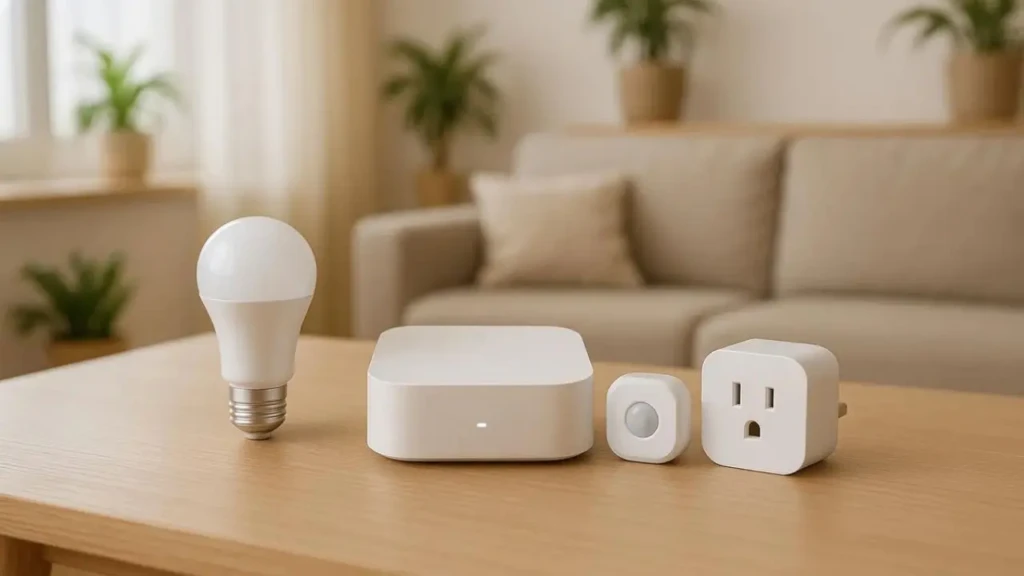
The practical setup process is simpler than most people expect, and following a sensible order saves you from the most common frustrations.
Start with the Amazon Echo or a smart plug, whichever feels less intimidating, and get comfortable with the app and voice control before adding anything else. Once you have a voice assistant working and one device responding to commands, every subsequent device follows the same pattern: download the app, connect to Wi-Fi, add to your Alexa or Google Home account, and test.
The single most common setup failure is a 5GHz Wi-Fi network. Most smart home devices, including all five picks in this guide, require a 2.4GHz Wi-Fi connection. Many modern routers broadcast both frequencies under the same network name, but some separate them. If a device fails to connect during setup, try connecting your phone to the 2.4 GHz band before attempting the pairing process again.
For Philips Hue specifically, the Hue Bridge connects to your router via an Ethernet cable rather than Wi-Fi. Plug it in near your router, let it establish a connection, then pair bulbs through the Hue app. The Nest Thermostat involves turning off power to your existing thermostat at the circuit breaker, photographing the existing wiring, following the Nest app’s step-by-step guide, and restoring power. Google’s compatibility checker at nest.com confirms whether your HVAC system works with the Nest before you buy.
Common Beginner Mistakes to Avoid
- Buying Incompatible Devices Before Checking Your Ecosystem: Before purchasing any smart home device, confirm it works with your chosen voice assistant. Alexa and Google compatibility is near-universal at this point, but Apple HomeKit support remains selective. Check the product listing and the manufacturer’s website before buying.
- Ignoring Wi-Fi Coverage: A smart home device is only as reliable as the Wi-Fi signal it connects to. Devices at the edges of your Wi-Fi range (a camera mounted near the front door, a smart plug in a garage) will be unreliable if the signal is weak there. A Wi-Fi extender or mesh network node solves this for less than the cost of a smart thermostat.
- Skipping Firmware Updates: Smart home devices receive regular firmware updates that fix connectivity issues, patch security vulnerabilities, and add features. Most devices update automatically, but it’s worth periodically opening the app for each device and confirming updates are enabled.
- Buying a Hub Before You Need One: Unless you’re specifically buying Philips Hue (which includes its own hub) or building a large Zigbee network, you don’t need a dedicated smart home hub as a beginner. Start with Wi-Fi devices, get comfortable with the ecosystem, and add a hub later if and when your device count makes it worthwhile.
How to Expand Over Time
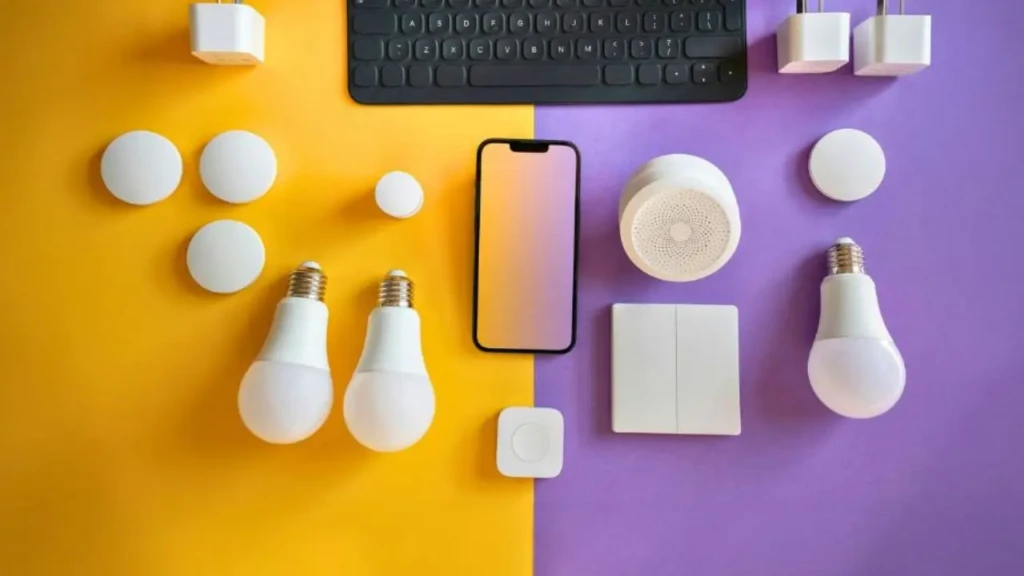
Once you’re comfortable with the basics, the natural next additions are smart locks (keypad entry and remote locking/unlocking, no physical key required), smart blinds or curtain motors (particularly useful combined with the Nest Thermostat for automated temperature management), and additional cameras for full perimeter coverage.
The most important thing to look for in any new device is Matter certification, the universal smart home standard that ensures compatibility across Alexa, Google, and HomeKit simultaneously. Matter is now supported by most major manufacturers, and prioritising it means new devices work with your existing setup regardless of which ecosystem you’re in. It future-proofs purchases in a way that Wi-Fi-only or proprietary protocol devices don’t.
Video doorbells, specifically the Ring Video Doorbell Wired or the Wyze Video Doorbell, are the most practically useful next step for most people after the five devices in this guide, combining the security camera and smart notification functions into a single device at the most visible point of your home.
FAQs
No. All five devices in this guide work without a separate hub. The Philips Hue Starter Kit includes its own Hue Bridge in the box. The others connect directly to your Wi-Fi. Dedicated hubs like the Samsung SmartThings Hub become useful when you have many devices across multiple brands, but they’re not a prerequisite for beginners.
Reputable brands like those in this guide use encrypted connections and regularly patch security vulnerabilities through firmware updates. The main security risks come from weak Wi-Fi passwords, reused credentials across accounts, and devices that haven’t been updated in a long time. Using a strong, unique password for your Wi-Fi network and enabling automatic updates on all devices covers the vast majority of the risk.
Mostly no. Remote control via app and voice commands requires an internet connection. However, the Kasa plug and Philips Hue can be controlled locally via Bluetooth when Wi-Fi is unavailable. Smart home devices that rely on cloud processing (such as the Nest Thermostat for remote control) revert to manual operation during outages. The Nest still functions as a regular thermostat with manual adjustment on the device.
All five devices in this guide are renter-friendly. The Kasa plug, Philips Hue bulbs, Amazon Echo, and Wyze Cam require no permanent installation. The Nest Thermostat requires replacing your existing thermostat, which may require landlord permission under most rental agreements. Check before installing.
Final Thoughts
The best smart home starting point is whichever device solves a real, daily friction point in your home. If you’re annoyed by lights left on, start with the Kasa plug. However, if you want to stop fumbling for light switches, start with Philips Hue. On the other hand, if energy bills are a concern, the Nest Thermostat will have the biggest measurable impact. There’s no wrong first step; the important thing is to pick one device, learn how it works, and build from there.
Smart home tech has a compounding quality: each device you add becomes more useful as it can interact with the others. A plug that turns off based on thermostat readings, lights that shift colour when your security camera detects motion, and a speaker that announces when a delivery arrives. None of that requires a big upfront investment; it emerges from starting small and expanding gradually. If you’re also thinking about the audio side of your setup, our best wireless earbuds under $100 guide and Spotify vs Apple Music comparison are good next reads.
At Your Tech Compass, we publish practical guides and honest tech reviews to help users make smarter decisions.