Smart locks are rapidly transforming how we secure and interact with our homes, offering a level of convenience, control, and visibility that traditional deadbolts simply cannot match. By replacing or enhancing conventional locks with connected technology, smart locks allow homeowners and renters to lock or unlock doors remotely, grant access to guests, and integrate security into a broader smart home ecosystem. As smart homes continue to evolve, understanding how smart locks work, their key features, and how they fit into your home’s broader automation system is essential for making an informed purchase.
In this detailed guide, you will learn not only the mechanics and benefits of smart locks, but also practical considerations such as security, compatibility, and common pitfalls to avoid. I’ll share insights drawn from hands-on testing and research so that whether you’re new to smart home technology or upgrading existing devices, you can choose a smart lock with confidence.
What Is a Smart Lock?
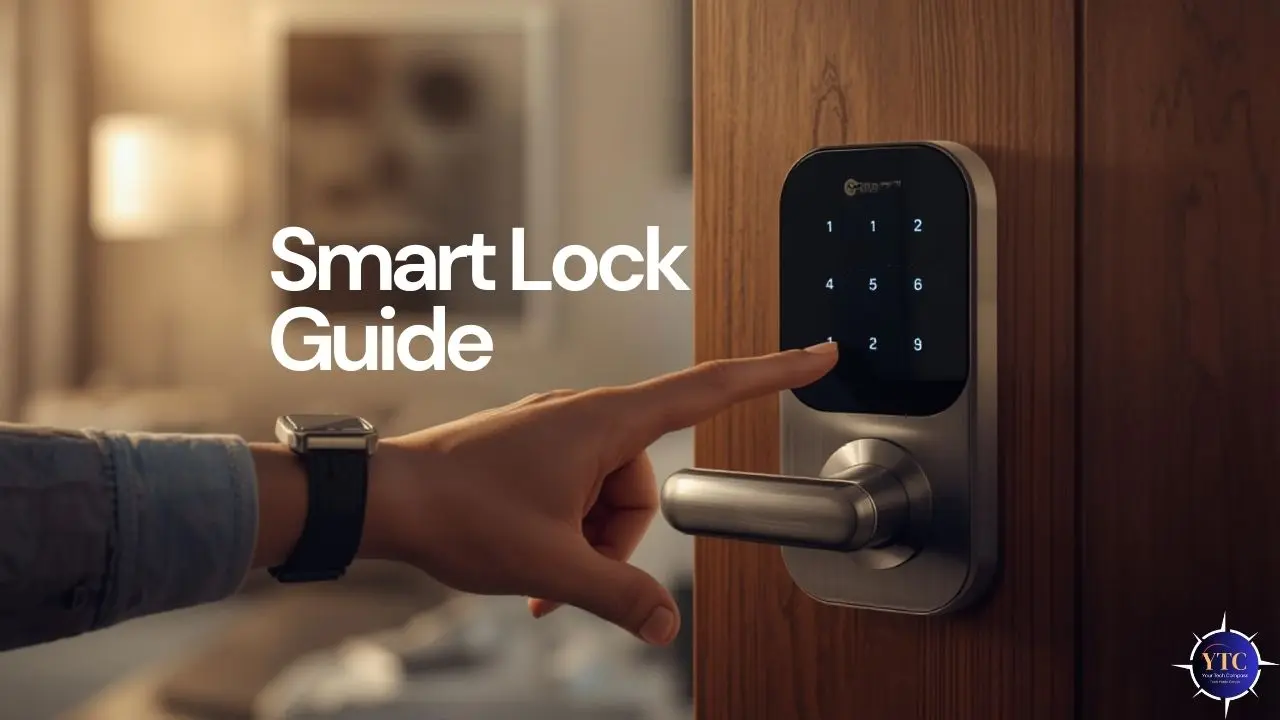
At its core, a smart lock is an electronic locking device that replaces or augments a traditional mechanical lock, enabling digital control over door access. Unlike conventional locks that require physical keys, smart locks communicate with smartphones, keypads, biometric sensors, or home automation hubs to authenticate users. This means you can lock or unlock your door remotely, monitor access history, and integrate the lock with automation routines.
Smart locks come in several configurations, including full-replacement models that replace existing deadbolts and retrofit kits that attach to your current lock hardware. They generally leverage wireless communication standards such as Bluetooth, Wi-Fi, Zigbee, and Z-Wave, depending on the model and integration requirements.
How Smart Locks Work
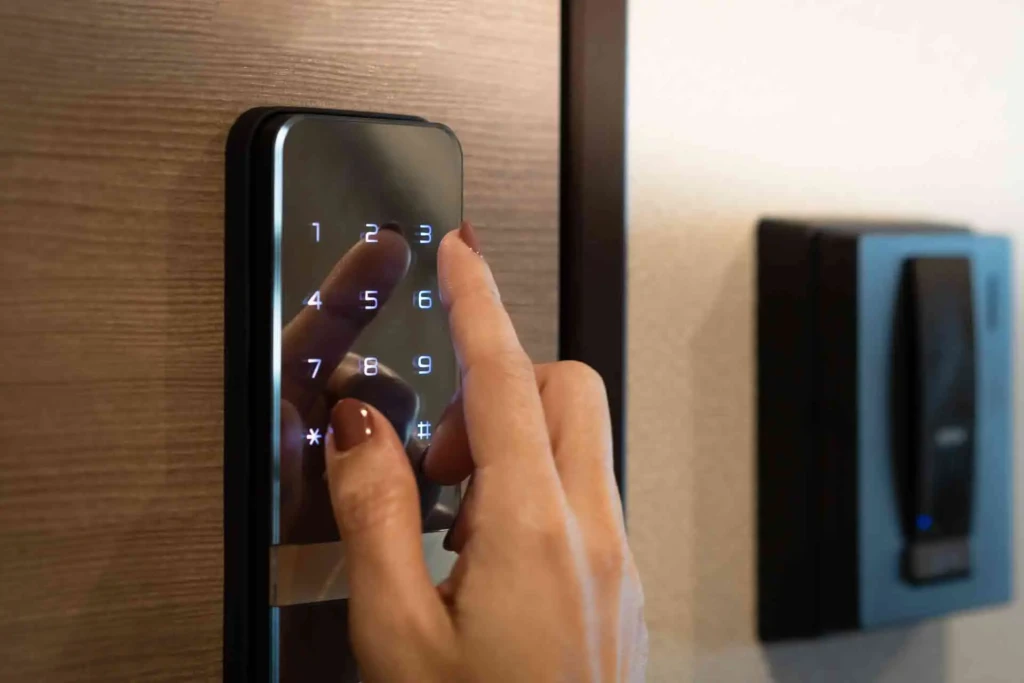
To understand a smart lock’s operation, it helps to break down the key technologies involved:
- Connectivity Methods:
- Bluetooth: Enables direct smartphone control when you are near the door.
- Wi-Fi: Provides remote access and notifications from anywhere with an internet connection.
- Zigbee / Z-Wave: Used primarily when the smart lock is part of a larger home automation system controlled by a hub.
- Authentication Methods:
- Mobile App Control: Most smart locks use companion apps for locking and unlocking, as well as for settings.
- PIN Codes: Numeric codes entered on a keypad add convenience for family members or guests.
- Biometrics: Advanced models include fingerprint scanners for added security.
- Physical Keys: Many smart locks retain a traditional key slot for backup access.
- Integration: Smart locks often integrate with broader smart home ecosystems, enabling automation based on time, presence, or other conditions. For instance, a smart lock may trigger lighting scenes or adjust thermostat settings as part of an entry or exit routine, which parallels how smart switches and smart thermostats work in coordinated automation.
Smart locks rely on cryptographic encryption and secure authentication protocols to ensure that only authorized users can gain access. However, because they are connected devices, security best practices, like strong passwords and up-to-date firmware, are essential.
Types of Smart Locks
There are multiple smart lock designs to suit various use cases:
Deadbolt Smart Locks
These replace the entire conventional deadbolt assembly. They are typically the most secure and feature-rich option, offering all connectivity and access methods supported by the device.
Retrofit Smart Locks
Retrofit kits attach to your existing deadbolt hardware, turning traditional locks into smart devices without replacing the entire mechanism. These are ideal for renters or anyone looking to retain original door hardware.
Lever-Style Smart Locks
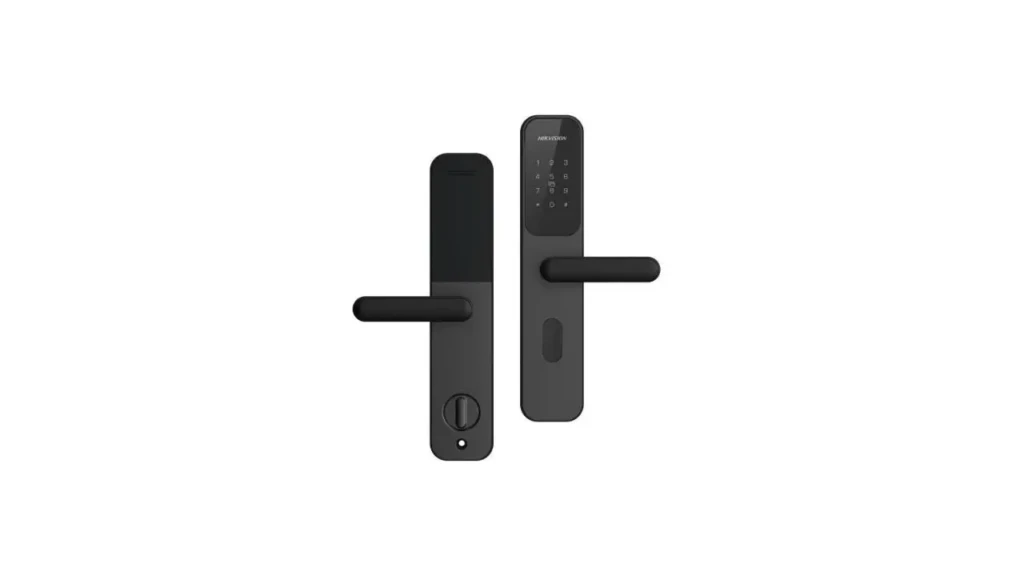
Designed for interior doors or commercial applications, lever-style smart locks provide smart access control for spaces like offices, bedrooms, or home offices.
Smart Padlocks
While not door locks, smart padlocks use similar technology to secure gates, sheds, or storage units, relying on digital authentication rather than keys.
Key Features to Look For in a Smart Lock
When evaluating smart lock options, these features help distinguish practical solutions from mediocre ones:
Lock/Unlock Methods
Multiple access options, such as app control, PIN codes, and biometric authentication, offer flexibility and redundancy.
Remote Access and Monitoring
Wi-Fi-enabled smart locks allow you to lock or unlock from anywhere, receive real-time notifications, and review access history.
Guest Access and Schedules
Temporary or scheduled codes let you provide secure access to guests, service providers, or rental occupants.
Auto-Lock and Notifications
Smart locks can automatically secure the door after a set time and notify you if the door remains unlocked or if someone attempts unauthorized entry.
Integration with Smart Home Platforms
Compatibility with smart home ecosystems, such as Amazon Alexa, Google Home, or Apple HomeKit, extends automation possibilities. This kind of integration mirrors how you might coordinate multiple smart devices, such as smart switches and smart thermostats, to improve energy efficiency and enable security automation.
Smart Lock Security and Privacy
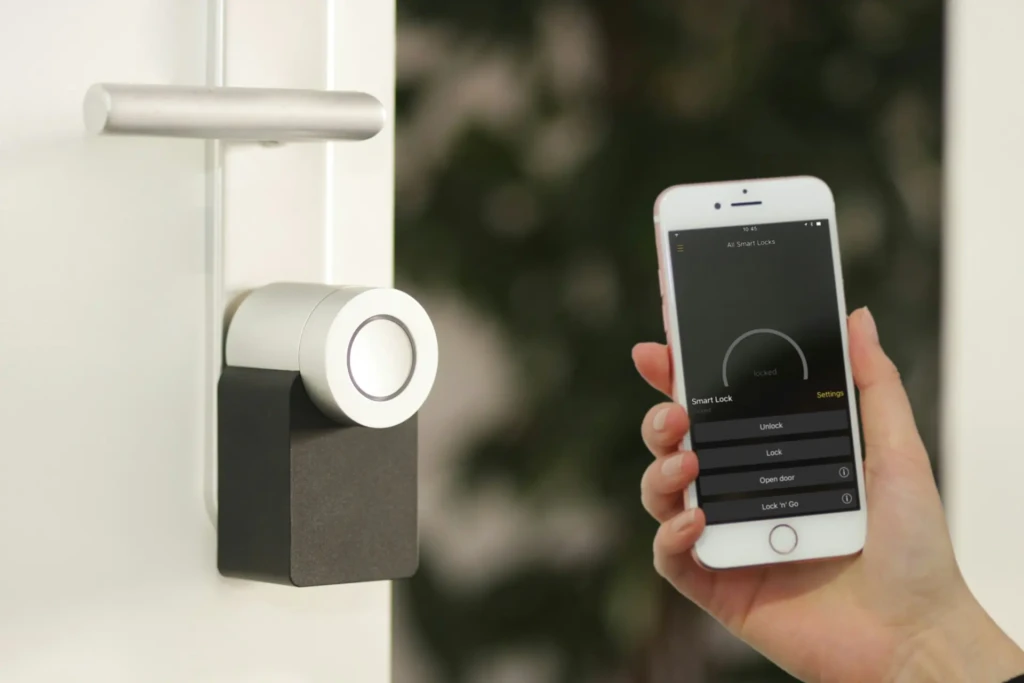
One of the most common concerns with smart locks is security. While smart locks offer convenience, poor implementation or weak security practices can expose vulnerabilities.
Encryption and Authentication
Reputable smart locks use encryption standards such as AES-128 or higher, ensuring that wireless signals between your lock and controller aren’t easily intercepted.
Are Smart Locks Safe from Hacking?
No device is entirely immune to attack, but locks that use secure key exchange protocols and regularly updated firmware are significantly harder to compromise. Always review manufacturer security policies and update firmware promptly.
Local vs Cloud-Based Access
Local control (e.g., Bluetooth) offers robust security without relying on internet connectivity, whereas cloud-based remote access adds convenience but increases potential exposure if not secured properly.
Power and Fail-Safe Considerations
Most smart locks use battery power. You should choose models that alert you about low battery and allow emergency access, either through a backup key or an external power source.
Smart Lock Compatibility and Installation
Before purchasing a smart lock, consider compatibility and installation requirements:
Door and Lock Compatibility
Not all smart locks fit every door or deadbolt configuration. Check specifications for door thickness and backset requirements to ensure proper fit.
DIY vs Professional Installation
Many smart locks are designed for DIY installation with simple instructions, while others, especially those that tie into home automation hubs, may benefit from professional setup.
Voice Assistant Integration
Smart locks that work with voice assistants like Amazon Alexa, Google Assistant, or Apple Siri allow voice-activated locking/unlocking within secure constraints.
Smart Home Ecosystem Integration
For advanced automation, such as automatically turning on lights or adjusting the thermostat when you unlock the door, ensure your chosen smart lock is compatible with your broader smart home setup.
Smart Lock Pros and Cons
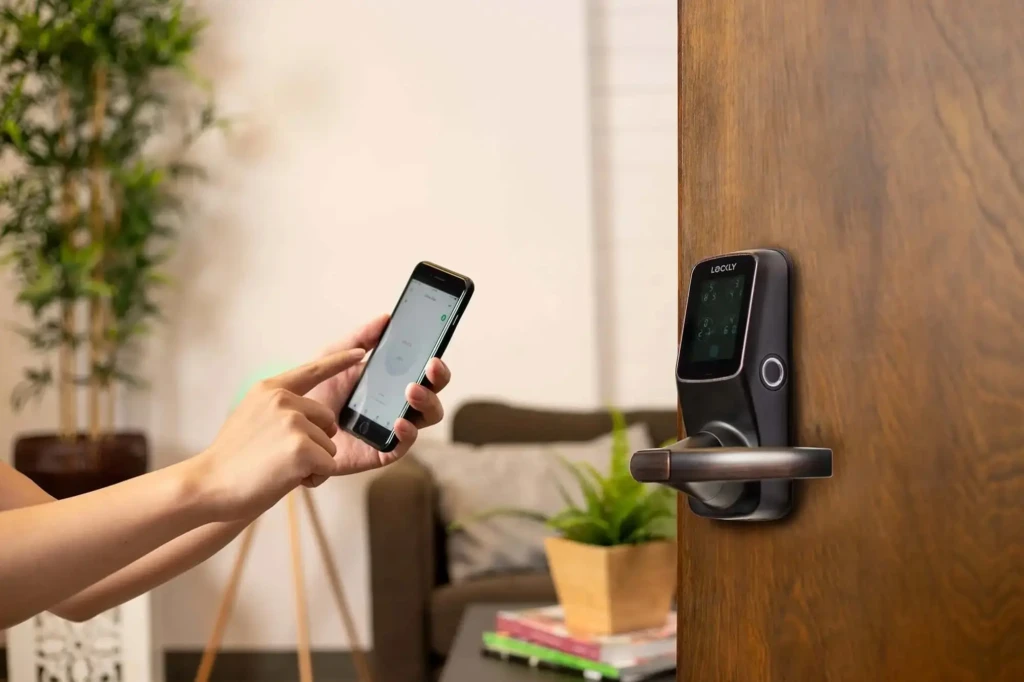
Understanding both advantages and limitations helps set realistic expectations:
Pros
- Convenience: Remote locking/unlocking and scheduled access.
- Access Control: Temporary codes and guest management.
- Automation: Seamless integration with broader smart home routines.
Cons
- Dependency on Power: Battery usage requires monitoring.
- Connectivity Limitations: Wi-Fi outages can affect remote access.
- Cost: Higher upfront investment than traditional locks.
Smart Lock vs Traditional Lock
When comparing smart locks with traditional mechanical locks, several differences emerge:
- Security and Monitoring: Smart locks offer insight and control over who enters and when, whereas traditional locks offer no remote visibility.
- Convenience: Smart locks eliminate the need for physical keys and allow remote management.
- Cost Considerations: Traditional locks are less expensive upfront, but smart locks add value through automation and security features.
Who Should Use a Smart Lock?
Smart locks are ideal for:
- Homeowners seeking enhanced control and remote access.
- Renters using retrofit options to gain smart functionality without changing hardware.
- Short-Term Rental Hosts who need temporary access control.
- Families looking to combine security with convenience.
Common Smart Lock Mistakes to Avoid
Avoiding these pitfalls will ensure a smoother experience:
- Choosing Incompatible Locks: Always verify door and hub compatibility.
- Ignoring Backup Access Methods: Have a backup key or power option.
- Weak App Security: Use strong passwords and secure mobile devices.
- Neglecting Firmware Updates: Keep the lock’s firmware up to date to patch vulnerabilities.
Final Verdict: Is a Smart Lock Worth It?
Smart locks offer a compelling blend of convenience, control, and integration for home security, particularly when paired with other smart devices such as lighting and climate systems. If you value remote access, guest management, and enhanced automation, alongside secure, encrypted communications, smart locks represent a meaningful upgrade over traditional deadbolts. While they require thoughtful installation and ongoing battery maintenance, the ability to manage access from anywhere and integrate with your smart home makes them a powerful addition to contemporary living spaces.
Personal Verdict: After testing multiple smart lock solutions and evaluating their security, compatibility, and real-world performance, I find that for many households, especially those with connected smart home setups, smart locks deliver value well beyond their cost. Their ability to blend convenience with control makes them a smart investment in both security and everyday usability.
This article complements broader smart home discussions, like how devices work together when networked, similar to insights from our smart home devices guide, and decision frameworks used in reviews of other smart technology categories, including best smart switches and best smart thermostats.
Smart Lock FAQs
Yes, reputable smart locks use strong encryption and authenticated access. Ultimately, security is a combination of proper setup and good practices.
Basic functions may still work locally using Bluetooth or a hub, but remote access usually requires Wi-Fi.
No system is perfect, but encrypted communication and frequent firmware updates greatly reduce risk.
For many users, the added convenience and automation justify the cost; however, traditional locks remain reliable and cost-effective.
At Your Tech Compass, we publish detailed tech guides, reviews, and comparisons to help users choose the right devices and tools.