Learning how to learn Python is one of the most practical and rewarding paths you can take in software development. Python’s simplicity and readability make it an excellent first language for beginners, yet its power and versatility also support advanced applications such as data science, automation, artificial intelligence, and web development. Because Python’s syntax is clear and intuitive, you can focus more on solving problems and less on language complexity.
In this guide, I’ll break down Python learning into manageable steps so that you understand not only what to study, but why it matters and how to build real skills that translate into real work. By the end of this article, you’ll have a practical roadmap infused with examples, practice strategies, and external resources that support your learning journey. I’ll walk through each phase step by step so you can apply this knowledge immediately.
What Is Python and Why Should You Learn It?
Python is a high-level, interpreted programming language designed to emphasize readability, simplicity, and ease of use. It was created to make programming accessible without sacrificing the ability to handle complex applications. Python’s syntax resembles plain English, reducing cognitive load for beginners and speeding up development for experienced programmers.
Because of this mixture of simplicity and capability, Python has become a dominant language across multiple domains:
- Web development (e.g., frameworks like Django and Flask)
- Data science and machine learning (e.g., Pandas, NumPy, and TensorFlow)
- Automation and scripting (e.g., automation of tasks)
- Software tooling and infrastructure
In fact, Python consistently ranks among the most popular languages globally due to its broad applicability and strong community support. According to the TIOBE Index, a widely referenced indicator of programming language popularity, Python frequently sits in the top positions, reflecting both its growth and adoption in industry and education.
What You Need Before You Start Learning Python
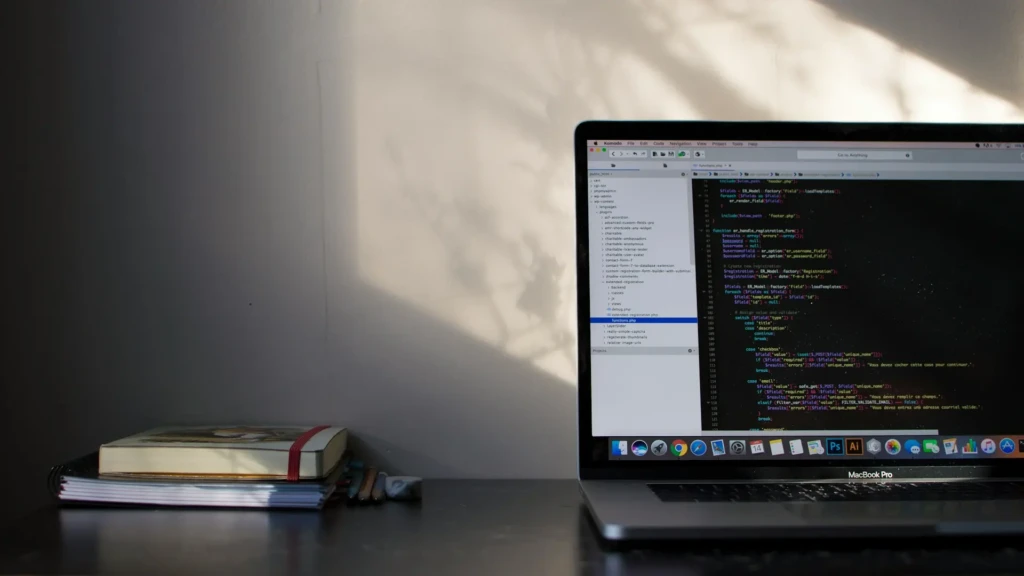
Before beginning your Python journey, you don’t need advanced equipment or prior coding experience. However, setting yourself up with the right tools and mindset makes the learning process much smoother:
- Computer and Internet Access: You’ll need a machine capable of running a code editor and Python interpreter.
- Python Installed Locally: Python can be downloaded from the official Python website and is available for Windows, macOS, and Linux.
- Code Editor/IDE: Tools like Visual Studio Code (VS Code) and PyCharm offer syntax highlighting, debugging, and extensions that make coding easier.
- Problem-Solving Mindset: Learning programming is less about memorizing syntax and more about solving problems methodically.
You don’t need strong mathematics to begin; basic arithmetic and logic will suffice, but commitment and regular practice are crucial to making steady progress.
How to Install Python and Set Up Your Environment
Installing Python
Python’s installer is platform-agnostic and includes a package manager called pip that makes it easy to add libraries later.
- Go to the official downloads page 👉 here.
- Choose your operating system.
- Download the recommended installer and follow the setup instructions.
- On Windows, check the box “Add Python to PATH” before installing.
Setting Up a Code Editor
Once Python is installed, you’ll want a comfortable environment to write and run code.
- Visual Studio Code: A popular, lightweight editor with Python extensions.
- PyCharm Community Edition: A dedicated Python IDE with helpful features for debugging and project organization.
Running Your First Python Program
After installation:
- Open your terminal or command prompt.
- Type python to enter the interactive shell.
- You can write your first line:
print(“Hello, Python!”)
This simple step confirms your setup is ready and gives you a taste of interactive development.
Python Basics You Must Learn First
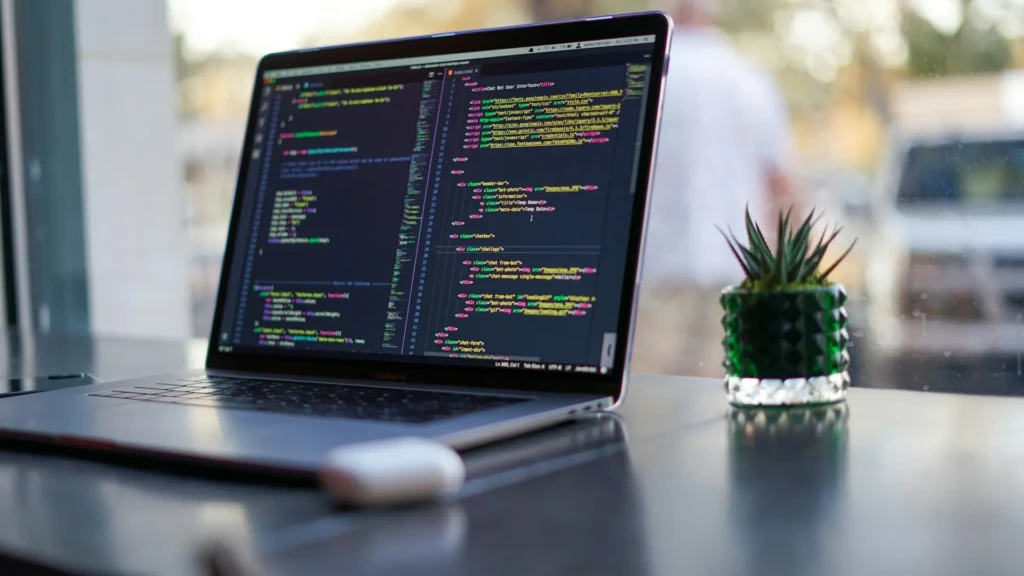
Begin with the core building blocks that form every Python program:
- Variables: Containers for storing values.
age = 25
- Data Types:
- Strings (“hello”),
- Numbers (42, 3.14),
- Booleans (True, False)
- Lists: Ordered collections:
colors = [“red”, “blue”, “green”]
- Dictionaries: Key-value pairs:
person = {“name”: “Alex”, “age”: 30}
- Comments:
# This is a comment
Understanding these basics prepares you to work with more complex structures and logic.
Core Programming Concepts in Python
Conditions (Decision Making)
Conditional statements allow code to react to different situations:
if age >= 18:
print(“Adult”)
else:
print(“Minor”)
This pattern enables programs to make decisions based on input or internal state.
Loops (Repetition)
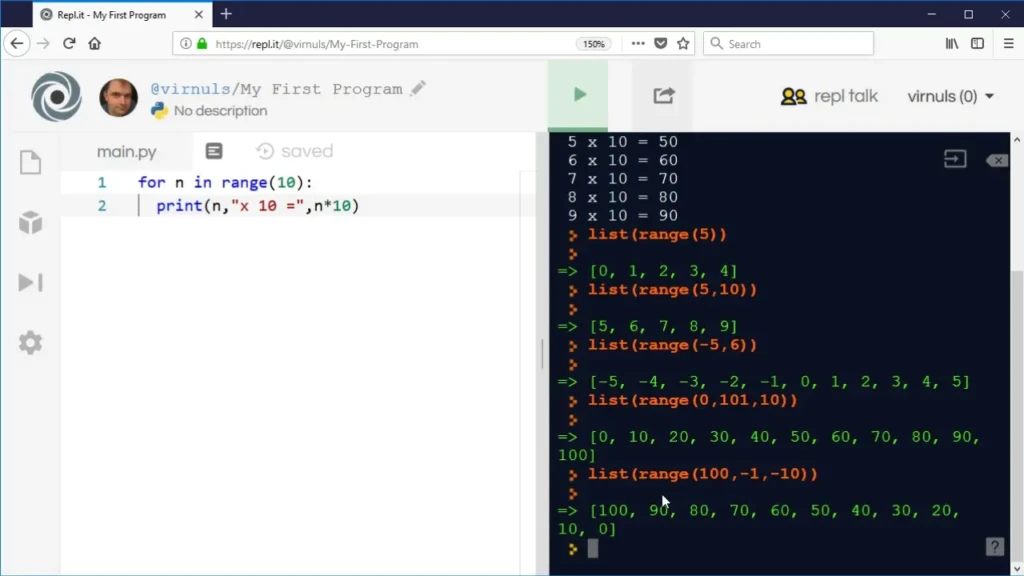
Loops help you repeat tasks efficiently:
for i in range(5):
print(i)
This loop prints numbers from 0 to 4. The for loop is common for iterating over collections or ranges.
Functions (Reusability)
Functions encapsulate logic:
def greet(name):
print(f”Hello, {name}!”)
Then call:
greet(“Alice”)
Functions make code more organized and reusable.
Basic Error Handling
Python’s error handling uses try-except blocks:
try:
result = 10 / 0
except ZeroDivisionError:
print(“Cannot divide by zero”)
This pattern helps keep code robust even when unexpected conditions arise.
How to Practice Python the Right Way
Practice is where learning becomes real. Several strategies help cement what you’ve learned:
- Code every day, even short sessions, build familiarity.
- Build small projects that incorporate what you’ve learned.
- Read and experiment with other people’s code on GitHub.
- Use online challenge platforms like HackerRank or Codecademy.
Small iterations reinforce fundamentals and develop intuition.
Learning Python Through Real Projects
Practical projects make abstract concepts tangible. Beginners might start with:
- Calculator App: Practice user input and arithmetic.
- To-Do List App: Manipulate lists and functions.
- File Organizer Script: Work with file I/O and string manipulation.
Projects like these push you to apply multiple concepts together, accelerating growth.
Best Resources to Learn Python Faster
Here are high-quality learning tools:
- Python Official Docs
- Interactive Platforms: Codecademy, freeCodeCamp, LeetCode
- Books: Automate the Boring Stuff with Python
- Video Tutorials: YouTube channels like Corey Schafer or Programming with Mosh
Choosing a mix of documentation, interactive exercises, and projects helps balance theory and practice.
Common Mistakes Beginners Make (and How to Avoid Them)
New learners often fall into these traps:
- Tutorial Hell: Watching videos without building projects
- Skipping Fundamentals: Trying frameworks before basics
- Overwhelm: Trying to learn everything at once
The antidote is a consistent, project-driven practice aligned with your learning goals.
What to Learn After Python Basics
After mastering the basics, you can explore:
- Object-Oriented Programming (OOP): Classes and objects
- File and API Interaction: Reading data and accessing web APIs
- Libraries and Frameworks: Flask, Django (web); pandas, NumPy (data)
- Testing and Debugging: Automated tests and advanced error handling
This progression opens real-world application paths.
How Long Does It Take to Learn Python?
There’s no fixed timeline, but here’s a realistic view:
- Foundational Comfort: A few weeks to a couple of months
- Intermediate Skills: Several months of practice
- Advanced Projects: Ongoing with consistent reinforcement
Progress depends on practice frequency and project complexity.
Is Python Enough to Get a Job?
Python on its own is powerful, but employers often look for:
- Portfolio of projects
- Familiarity with frameworks (Django/Flask)
- Coding best practices and version control (GitHub)
A strong portfolio and problem-solving skills matter more than language mastery alone.
Final Tips for Staying Consistent and Motivated
Consistency beats intensity. Build habits such as:
- Daily coding streaks
- Project milestones
- Peer collaboration or pair programming
Setting achievable goals prevents burnout and fosters momentum.
Comparison Table: Python vs Other Entry Languages
Feature | Python | JavaScript | Scratch |
Ease of Learning | High | Moderate | Very High |
Syntax Clarity | Very Clean | Verbose in places | Visual/Block |
Use Cases | Web, Data, AI, Automation | Web & Apps | Intro for kids |
Community Support | Large | Huge | Growing |
IDE/Tooling | Very Strong | Very Strong | Moderate |
This comparison shows where Python sits in the beginner learning landscape relative to other entry paths.
Conclusion
Learning Python is a highly practical choice for beginners entering the world of programming. Its readable syntax and broad application domains, from web apps to data science, make it one of the most versatile languages to master first. By following a structured roadmap and focusing on project-based learning, you can transform foundational concepts into real, usable skills.
Python naturally builds on core programming principles, as covered in our Basic Coding Concepts Explained guide, and integrates well with workflows supported by modern tooling, including intelligent coding assistants such as GitHub Copilot. Moreover, if you are moving from another language, such as JavaScript, see our How to Learn JavaScript guide. This Python roadmap will help you confidently transfer your coding logic into a new environment.
Ultimately, acquiring proficiency in Python is not about memorizing syntax but about developing a way of thinking that enables you to solve problems with code. I encourage you to embrace consistent practice, build tangible projects, and integrate the concepts discussed here so that your journey from beginner to confident Python developer becomes both effective and rewarding.
FAQs
Basic logic suffices; deep math is only essential for data science and machine learning.
Yes. Structured practice and projects often matter more than formal education.
VS Code and PyCharm are both excellent starting points.