Photo editing is a fundamental part of creativity, content creation, and visual storytelling, yet expensive software can be a barrier for many users. Fortunately, there’s a wide range of free photo editors that offer surprisingly powerful tools for enhancing images, adjusting color and contrast, fixing common issues, and preparing photos for social media or professional use. From open-source desktop programs with advanced capabilities to browser-based editors that work instantly without installation, these free tools make quality editing accessible to everyone.
This guide walks through the free photo editors that are actually worth your time, explains what each one does best, and helps you avoid tools that look good on the surface but fall apart in real use. The goal is to help you pick an editor that fits how you edit photos in the real world, whether that’s quick fixes, creative projects, or more serious image work, and I’m approaching this as someone who cares about results, not feature lists.
Best Free Photo Editors (Comparison Table)
The table below highlights standout free photo editors across different categories, including desktop and web-based tools:
Editor | Platform | Key Strength | Best For |
GIMP | Desktop | Advanced editing (layers, masks) | Power users & pros |
Darktable | Desktop | RAW processing & non-destructive edits | Photography workflows |
Pixlr | Web | Photoshop-like interface | Quick online edits |
BeFunky | Web | Easy interface & collage tools | Social media and creative |
Adobe Express | Web/Mobile | Templates & quick adjustments | Social graphics & posts |
RawTherapee | Desktop | Deep raw photo control | Advanced photographers |
The selection above covers a range of use cases, from deep, desktop-based editing to light cloud-based tweaks.
What Is a Free Photo Editor
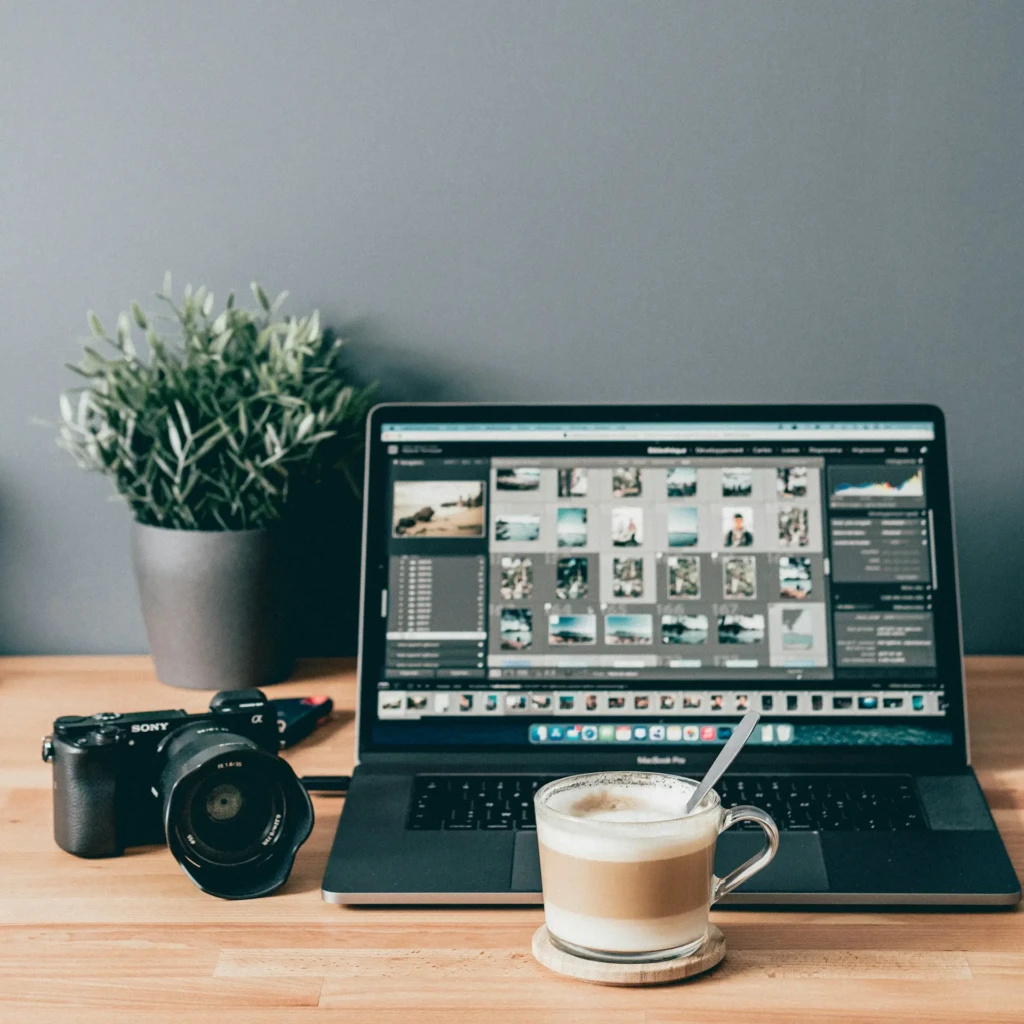
A free photo editor is software or an online service that allows users to perform image editing tasks without paying upfront. These tools vary widely in capability, from simple adjustments like cropping and color corrections to more advanced features such as layers, RAW support, and batch editing. Some are true free software maintained by the community (like open-source editors), while others operate under a freemium model, where core features are free but advanced tools may require payment.
Unlike trial versions that expire after a fixed period, a free photo editor should let you use essential features indefinitely, although some limitations (such as export size caps or watermarks) may apply depending on the tool.
What to Look for in the Best Free Photo Editor
Before choosing a free photo editor, consider the following criteria:
- Supported File Formats: Ensure the editor supports common formats like JPG, PNG, and, ideally, RAW if you work with camera files.
- Editing Tools: Look for basic adjustment tools (exposure, contrast, color) and more advanced tools, such as layers and masks, for deeper control.
- Export Quality: Check whether the editor limits resolution or adds watermarks.
- Platform Compatibility: Decide whether you need a desktop app, a web editor, or a mobile solution.
- Ease of Use: A clean, intuitive interface reduces the learning curve, especially for beginners.
Understanding these points helps you match a photo editor to your workflow and skill level.
Top Free Photo Editors Reviewed
1. GIMP: Best Advanced Free Photo Editor for Desktop
GIMP (GNU Image Manipulation Program) is a powerful open-source photo editor that brings advanced tools normally found in paid software to a free platform. It supports layers, masks, and a wide range of filters and plugins, and can be used for detailed retouching, composition, and various image-enhancement tasks. Because it is open source, the community continuously contributes extensions and improvements.
Why It Stands Out
- Fully featured with professional-grade controls
- Extensive plugin ecosystem
- Cross-platform support (Windows, Mac, Linux)
Best For: Power users and photographers who need full control without paying a license fee.
2. Darktable: Best Free RAW Photo Editing and Workflow Tool
Darktable focuses on non-destructive photo editing and RAW image development, making it ideal for photographers. Its interface includes modules for tone mapping, color correction, and detailed adjustments, and it supports a broad range of RAW formats, a key benefit not always found in free editors.
Why It Stands Out
- Handles RAW formats and non-destructive edits
- Advanced color and exposure tools
- Extensive workflow organization
Best For: Photographers who shoot in RAW and want detailed control over development.
3. Pixlr: Best Free Online Photo Editor for Quick Edits
Pixlr is a browser-based photo editor with a suite of free tools for cropping, color correction, retouching, and creative effects. Its web-based nature means there’s no download requirement, and you can edit directly from any device with a browser. Pxielr also integrates AI-assisted tools for background removal and quick touch-ups.
Why It Stands Out
- No installation required
- Quick and accessible on any device
- Photoshop-like tools in a web interface
Best For: Users who want fast edits without installing desktop software.
4. BeFunky: Best Free Creative Editor for Social and Casual Use
BeFunky provides an easy-to-use web photo editor with tools for cropping, filters, text overlays, and creative effects, along with collage templates. It’s designed for users who want to quickly create engaging visuals for social media or creative projects.
Why It Stands Out
- Intuitive drag-and-drop interface
- Collage and design templates built in
- No watermarks on free exports
Best For: Social media creators and casual editors.
5. Adobe Express Photo Editor: Best Free Editor for Social Graphics and Quick Enhancements
Adobe Express offers a free online photo editor that’s great for basic image adjustments and graphic creation. You can crop, add text, remove backgrounds, and use templates to create social posts or promotional images. The tool integrates with Adobe’s ecosystem and works cross-platform via web and mobile.
Why It Stands Out
- Easy integration with templates and design features
- Online and mobile access
- Solid basic editing tools with enhancements
Best For: Users making social graphics or marketing visuals.
6. RawTherapee: Best Free RAW Processing Editor for Detailed Control
RawTherapee is a free RAW photo editor with powerful demosaicing and noise-reduction tools that give photographers granular control over image development. Its workflow emphasizes non-destructive adjustments, similar to those in higher-end commercial tools.
Why It Stands Out
- Comprehensive controls for RAW images
- Non-destructive editing workflow
- Strong color management features
Best For: Advanced photographers and enthusiasts who work with RAW files.
Free Photo Editor vs Paid Photo Editor
While free photo editors deliver powerful capabilities, there are some distinctions compared to paid software:
- Feature Depth: Paid tools may offer refined brushes, AI segmentation, or cloud sync features that free editors lack.
- Support and Updates: Commercial software often comes with professional support and frequent updates.
- Ease of Use: Some paid tools prioritize simplicity and guided workflows, whereas free tools can be less intuitive.
Nevertheless, many free editors serve most everyday needs very well and are often the first choice for casual creators, students, and hobbyists.
Common Limitations of Free Photo Editors
Free photo editors often have one or more of these constraints:
- Limited Advanced Tools: High-end retouching or generative AI features may require paid versions.
- Export Restrictions: Some editors limit resolution or file size for free exports.
- Learning Curve: Tools like GIMP and Darktable can be complex for beginners.
Understanding these limitations helps you choose the right editor based on your skill level and needs.
How to Choose the Right Free Photo Editor
To choose the right editor, ask yourself:
- Do you need RAW support or just basic adjustments?
- Are you working on a desktop or in a browser?
- How much editing control do you need?
- Do you want quick templates for social content?
Answering these helps narrow down tools that best align with the workflow and skill.
Conclusion
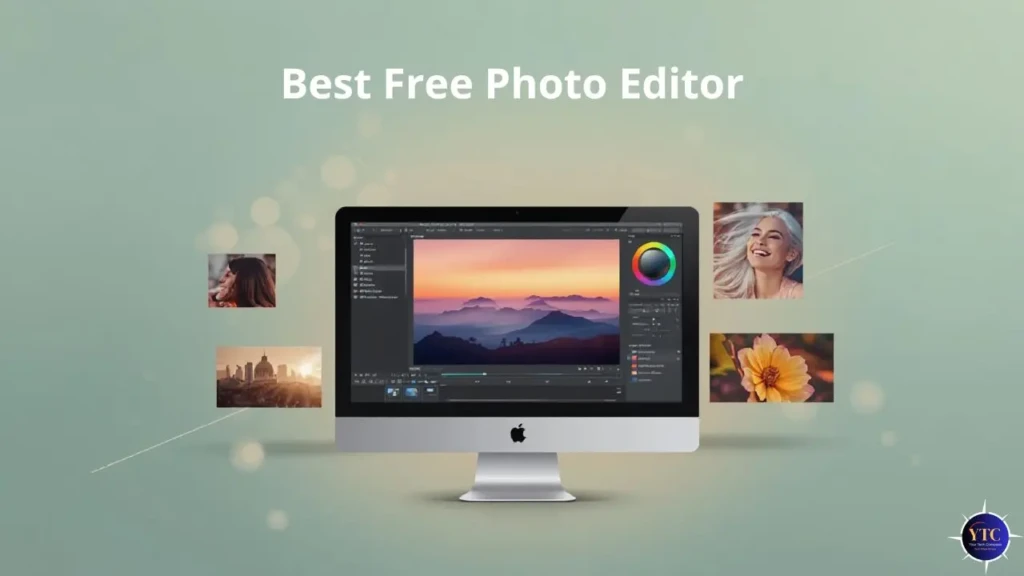
Free photo editors have reached a point where they can comfortably handle most everyday editing tasks, creative projects, and even advanced photography workflows. Desktop tools like GIMP and Darktable provide deep control for users who want precision, while web-based editors such as Pixlr, BeFunky, and Adobe Express focus on speed and accessibility. Each option serves a different type of user, and choosing the right one depends on how much control, simplicity, and flexibility you need.
If most of your editing happens on a phone, pairing these tools with insights from the best mobile photo editor guide can help you build a smoother mobile workflow. For portrait-heavy edits, the apps covered in best portrait retouching apps are worth exploring alongside desktop or web editors. And if photo editing is part of a larger content setup that includes video, understanding how tools overlap, like in the CapCut vs InShot comparison, can save time and frustration. Based on how these tools perform in everyday use, I see free photo editors as reliable, capable options when you choose them deliberately rather than settling for whatever looks popular.
FAQs About Free Photo Editors
Most reputable free editors are safe, but always download from official sources to avoid bundled malware.
Many do not, especially true open-source tools, but some web editors may limit export quality without a subscription.
Tools like Darktable and RawTherapee support RAW formats, while others focus on standard image formats.
Security varies; browser editors may upload images to servers, so avoid sensitive content unless you trust the platform.
At Your Tech Compass, we publish detailed tech guides, reviews, and comparisons to help users choose the right devices and tools.