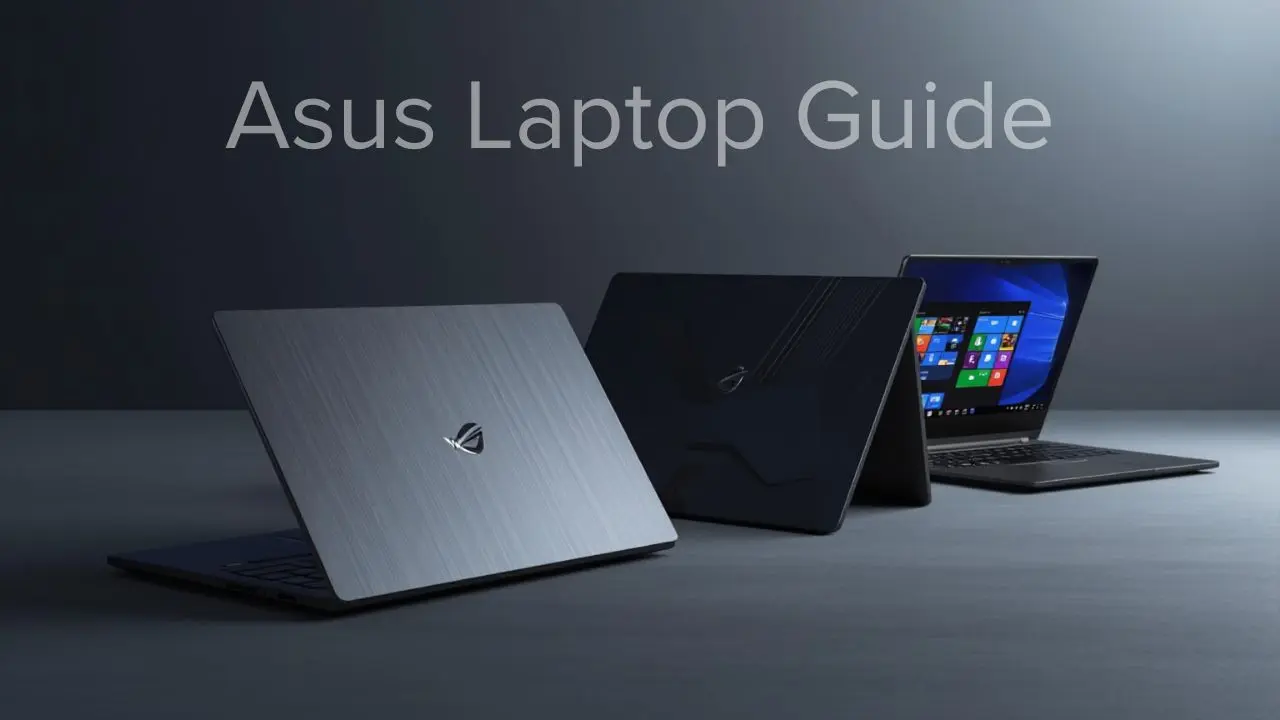
Choosing the right ASUS laptop can feel overwhelming, especially with so many models tailored to different needs, from everyday use and work to creative projects and gaming. ASUS has built a strong reputation for offering solid performance, thoughtful design, and often excellent value across its lineup. Whether you prioritize portability, raw power, or a balanced mix of both, there’s likely an ASUS laptop that fits your needs.
In this guide, I’ll walk you through the most popular ASUS laptop series, break down the key features and hardware differences to watch for, and explain how to match a specific model to your use case. I’ll also compare ASUS laptops to other industry favorites like the MacBook Air M4 and discuss how features and ecosystem preferences, similar to choices users make when exploring macOS options in our macOS Monterey features guide, can influence your decision. By the end, you’ll have a clear sense of which ASUS laptop makes the most sense for you.
ASUS Laptop: Key Highlights at a Glance
Before diving into specific series, it helps to understand what generally defines an ASUS laptop:
- Wide Performance Range: ASUS covers everything from budget everyday machines to premium ultrabooks and high-performance gaming rigs.
- Strong Value Proposition: Across many segments, ASUS balances features and price aggressively compared with competitors.
- Diverse Designs: You’ll find thin-and-light laptops for travel, durable builds for students, and aggressive aesthetics for gaming.
- Innovation Focus: ASUS often adopts new hardware trends early, such as high-refresh displays, dual-screen options, and advanced cooling.
- Reliable Battery Life: Many models deliver dependable endurance, especially in thin-and-light categories.
These attributes set the stage for what you can expect from the broader ASUS laptop ecosystem.
ASUS Laptop Series Explained

ASUS organizes its laptops into several core series, each tailored to different users:
Zenbook Series
The ZenBook family focuses on premium ultrabooks with slim, lightweight designs, with solid performance and long battery life. ZenBooks often feature premium materials, sleek aesthetics, and features such as high-resolution displays and fast NVMe storage.
Best For: Professionals, frequent travelers, students who carry their laptops daily.
Vivobook Series
Vivobook laptops occupy the mainstream segment with balanced hardware and accessible price points. They’re suitable for everyday tasks like web browsing, office work, and media consumption. Vivobooks typically offer comfortable keyboards and a range of screen sizes.
Best For: Everyday users, students on a budget, and office productivity.
ROG (Republic of Gamers) Series
Under the Republic of Gamers (ROG) brand, ASUS delivers gaming-focused laptops with powerful CPUs, dedicated GPUs, aggressive cooling, and high-refresh displays. ROG machines are built to handle demanding titles and creative work, such as 3D rendering and video editing.
Best For: Gamers, creators, high-performance workflows.
TUF Gaming Series
The TUF Gaming line emphasizes durability and value. TUF laptops are typically less expensive than ROG but still bring capable hardware and reinforced builds.
Best For: Budget gamers, users who prioritize rugged design.
ProArt Series
ProArt laptops are designed for creative professionals with color-accurate displays, optimized GPU performance, and certification for creative apps. They strike a balance between performance and reliability for demanding workflows.
Best For: Content creators, graphic designers, and video editors.
Design, Build Quality, and Portability

ASUS laptop designs vary significantly across series, but a few patterns emerge:
- Zenbook models generally use aluminum or metal alloys for a premium feel and lightweight build, making them ideal for travel and frequent use.
- Vivobook models often mix plastic and metal to balance cost and sturdiness, with keyboards that are comfortable for extended typing.
- Gaming series (ROG and TUF) usually prioritize robust cooling, larger footprints, and aggressive styling, which can add weight but improve performance and thermals.
No matter the series, ASUS laptops tend to balance weight and durability thoughtfully, with design choices that align with their intended use case.
Performance and Hardware Options
Performance in ASUS laptops depends on how you plan to use your machine. Here are some performance and hardware options available:
- Processors: Intel and AMD compete across the lineup. Zenbook and Vivobook models might use efficient Core i5/i7 or Ryzen 5/7 processors, while ROG and ProArt often include higher-end chips with more cores for demanding tasks.
- Memory: 8GB of RAM is common for everyday use, while 16GB or more is advisable for gaming and creative work.
- Storage: Most models use solid-state drives (SSDs) for fast boot times and app loading. Some gaming or professional models offer dual-drive configurations.
- Graphics: Integrated graphics suffice for everyday tasks and media. Dedicated GPUs (NVIDIA GeForce or RTX series) are standard in gaming and creator laptops.
For example, if you’re choosing between a lightweight productivity machine and a gaming rig, the processor and GPU options are often the defining factors between series.
Display Quality and Audio Experience
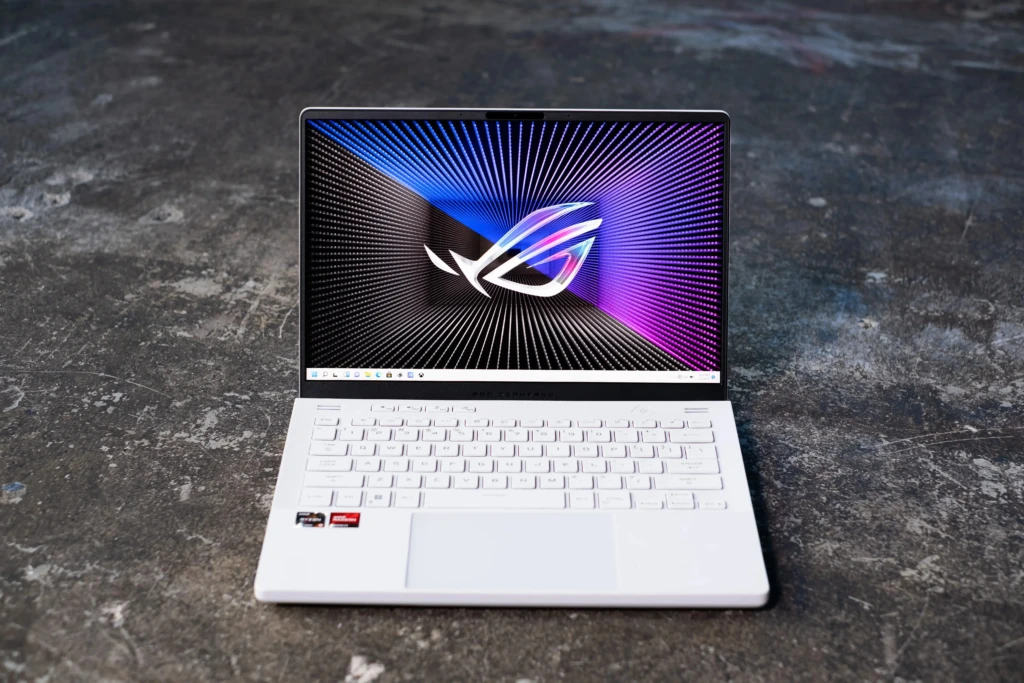
Display and audio matter for productivity, entertainment, and creative work:
- Screen Sizes: Ranging from ultraportable 13-inch models to larger 17-inch screens.
- Panels: IPS panels with wide viewing angles are common, with some higher-end models offering OLED or high-refresh panels for gaming.
- Refresh Rate: Gamers benefit from 120Hz, 144Hz, or higher refresh rates that make motion smoother.
- Color Accuracy: Creative series such as ProArt often offer factory-calibrated displays with broader color coverage.
Audio quality is generally solid for everyday use, but it can vary by model; premium Zenbook and ProArt machines often deliver richer sound than budget Vivobook units.
Battery Life and Charging
Battery life varies by design and workload:
- Ultrabooks: Zenbook and similar models often prioritize efficiency for longer unplugged use.
- Gaming Laptops: ROG and TUF consume more power, so runtimes are shorter under load.
- Balanced Models: Vivobook and mid-range laptops typically deliver moderate endurance enough for a workday.
Charging technologies like fast charging can help minimize downtime when you need a quick power boost.
ASUS Laptop for Different Users
To make this practical, here’s how you might match an ASUS laptop to your needs:
- Everyday Users & Students: Look to the Vivobook series for affordable performance and solid battery life.
- Professionals On the Go: Zenbook machines deliver lightweight portability without sacrificing responsiveness.
- Gamers: ROG laptops are purpose-built for performance, featuring dedicated GPUs and high-refresh displays.
- Creators: ProArt models offer color accuracy and hardware tuned for creative apps.
This user-centric approach helps narrow down choices quickly.
ASUS Laptop vs Other Major Brands

ASUS laptops compete with big names like Apple and PCs across performance and price. For instance, ultrabooks like the MacBook Air M4 are popular for their seamless ecosystem and long battery life. Still, ASUS offers similarly portable options with Windows flexibility and a broader price range.
Here’s a basic comparison:
Feature | ASUS Laptops | Macs / Other Premium Laptops |
Portability | Strong (Zenbook) | Excellent |
Performance | Broad range | Optimized hardware |
Value | Often better price | Premium pricing |
Software | Windows flexibility | Ecosystem integration |
Creative Workflows | Good (ProArt) | Excellent in native apps |
Both ecosystems have strengths; your preference often comes down to software habits and workflow needs.
Pricing, Warranty, and After-Sales Support
ASUS laptop pricing spans:
- Entry-level: Affordable Vivobooks
- Mid-range: Balanced Zenbook and standard ROG editions
- Premium: ROG high-end and ProArt
Warranty and support vary by region, but ASUS generally offers standard limited warranties with optional extensions. Checking local support availability matters if you plan to keep a laptop long-term.
Pros and Cons of ASUS Laptops
The Pros
- Wide range of models for every budget
- Often strong performance per dollar
- Good design and build options
- Innovative features in many series
The Cons
- Battery life varies significantly by model
- Premium experience can lag behind category leaders in some cases
- Windows laptops may require setup and customization post-purchase
Final Verdict: Is an ASUS Laptop Worth Buying?

ASUS laptops deliver meaningful value whether you need a daily workhorse, a powerful gaming machine, or a creative desktop replacement. There’s no one-size-fits-all answer, but the strength of the ASUS lineup lies in its breadth and adaptability.
If you want Windows flexibility, solid hardware choices, and good price-to-performance across categories, and whether you compare them against premium alternatives like the MacBook Air M4, an ASUS laptop is an option worth serious consideration, and that’s the conclusion I arrived at after breaking down the lineup comprehensively.