A Honeywell Home Thermostat is often one of the first upgrades people make to improve comfort and lower energy bills without overcomplicating their home. Whether you are replacing an old manual thermostat or considering a smart model for the first time, Honeywell’s range covers everything from simple temperature control to app-based automation. That flexibility is exactly why these thermostats are so common in both older homes and new builds.
However, choosing the right Honeywell Home Thermostat is not as simple as picking the most expensive or the newest option. Different models are designed for different HVAC systems, lifestyles, and levels of smart home involvement. This guide walks you through how Honeywell thermostats work, which features matter, and how to choose a model that fits your home and daily routine without paying for features you will never use.
What Is a Honeywell Home Thermostat?
A Honeywell Home Thermostat is a temperature control device designed to manage heating and cooling systems more accurately and efficiently. At its core, it measures room temperature and tells your HVAC system when to turn on or off. What sets Honeywell apart is the range of control options available, from basic manual adjustment to advanced smart scheduling and remote access.
If you are new to smart home technology, a thermostat is often one of the easiest devices to start with because it delivers immediate, noticeable benefits. You do not need a full smart home to see value. In fact, this aligns closely with how most people begin their smart home journey, as explained in this beginner-friendly guide on smart home devices.
How Honeywell Home Thermostats Work
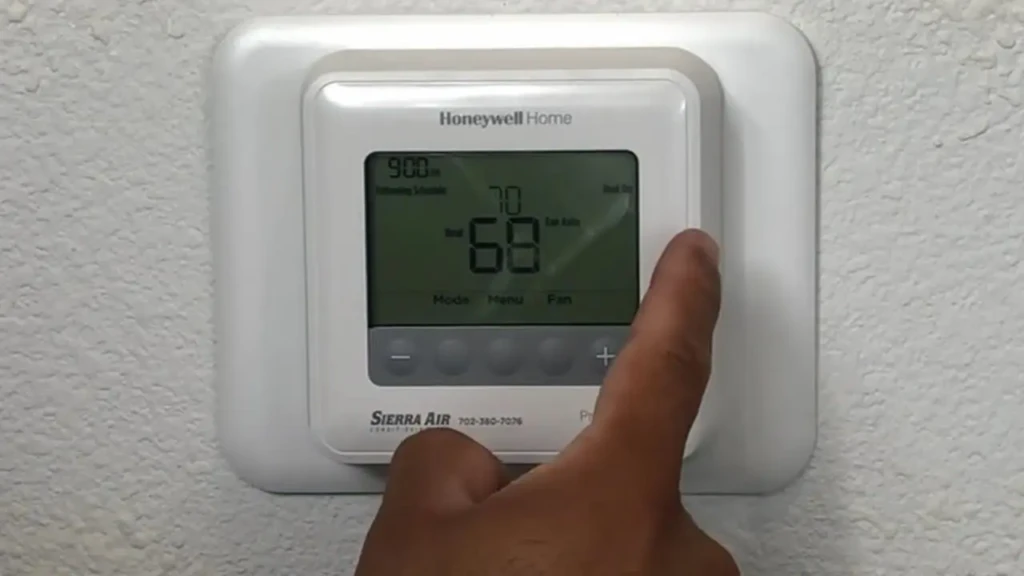
All Honeywell thermostats work on the same basic principle: they monitor temperature and activate heating or cooling when thresholds are crossed. The difference lies in how those thresholds are set and adjusted.
- Manual models require you to adjust the temperature manually.
- Programmable models follow a schedule you define.
- Smart models adapt based on usage patterns, location, and app-based controls.
As you move from basic to smart models, control shifts from constant manual adjustment to automation. Over time, this reduces temperature swings and unnecessary system runtime, which directly affects energy usage.
Key Features to Look For
When comparing Honeywell Home Thermostat models, these features deserve the most attention:
- Programmable Scheduling: Set different temperatures for mornings, nights, and weekends.
- Wi-Fi Connectivity: Control temperature remotely from your phone.
- Mobile App Access: Adjust settings and view usage data anywhere.
- Voice Assistant Compatibility: Works with platforms like Alexa and Google Assistant.
- Energy Reports: Track usage trends and efficiency improvements.
- HVAC Compatibility: Support for conventional, heat pump, or multi-stage systems.
Not every home needs all of these features. The goal is to match functionality to how you actually live.
Types of Honeywell Home Thermostats
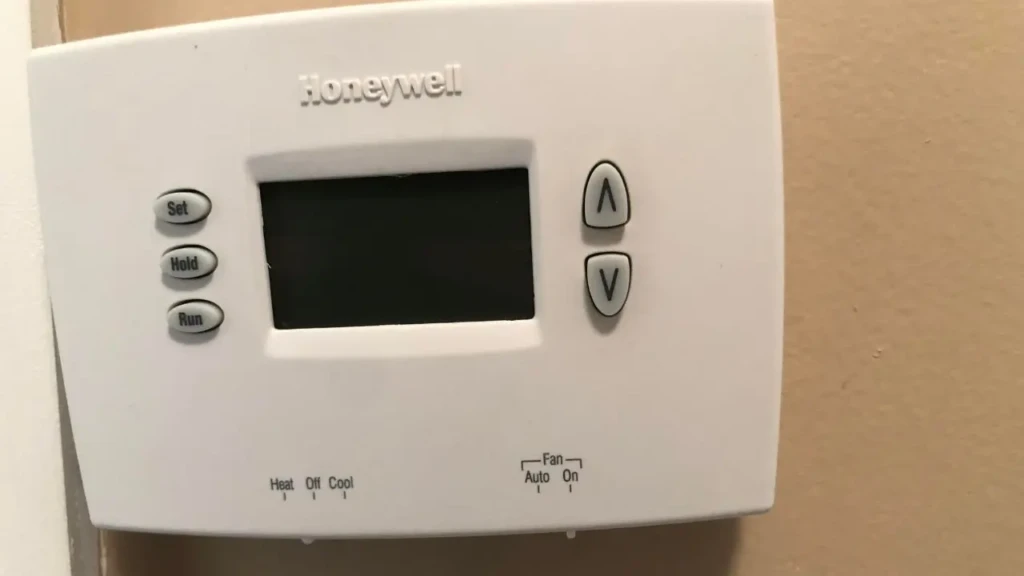
Honeywell Home thermostats generally fall into four categories:
- Non-programmable Thermostats: Best for users who want simple, no-frills control.
- Programmable Thermostats: Ideal if your daily schedule is predictable and you want automation without Wi-Fi.
- Smart Thermostats: Designed for remote control, learning schedules, and smart home integration.
- Touchscreen vs Dial-based Models: A preference, but touchscreen models often offer more advanced features.
Understanding these categories helps narrow options quickly before comparing individual models.
Popular Honeywell Home Thermostat Models (Overview)
Rather than listing every model, it helps to think in use cases:
- Basic Comfort Control: Simple digital non-programmable models.
- Energy-conscious Scheduling: 5-2-day or 7-day programmable thermostats.
- Smart Home Integration: Wi-Fi-enabled models with app and voice control.
If you are already exploring smart speakers and voice assistants, it is worth understanding how thermostats fit into that ecosystem. This broader smart speaker guide explains how voice control often becomes the central interface for smart devices.
Smart Features and Home Integration
Smart Honeywell Home Thermostats integrate with leading smart home platforms, allowing you to control the temperature from your phone or via voice commands. Once connected, you can include the thermostat in routines, for example, lowering the temperature automatically when you leave home.
Smart devices rarely operate in isolation. Thermostats often interact with sensors, speakers, and automation rules. If you want a clear explanation of how these systems communicate, this guide on how smart home devices work together breaks it down simply.
For homes using Alexa, thermostat integration is usually straightforward. You can adjust temperature, change modes, or activate schedules with voice commands. This Alexa integration walkthrough explains how these connections are typically configured.
Energy Savings and Efficiency
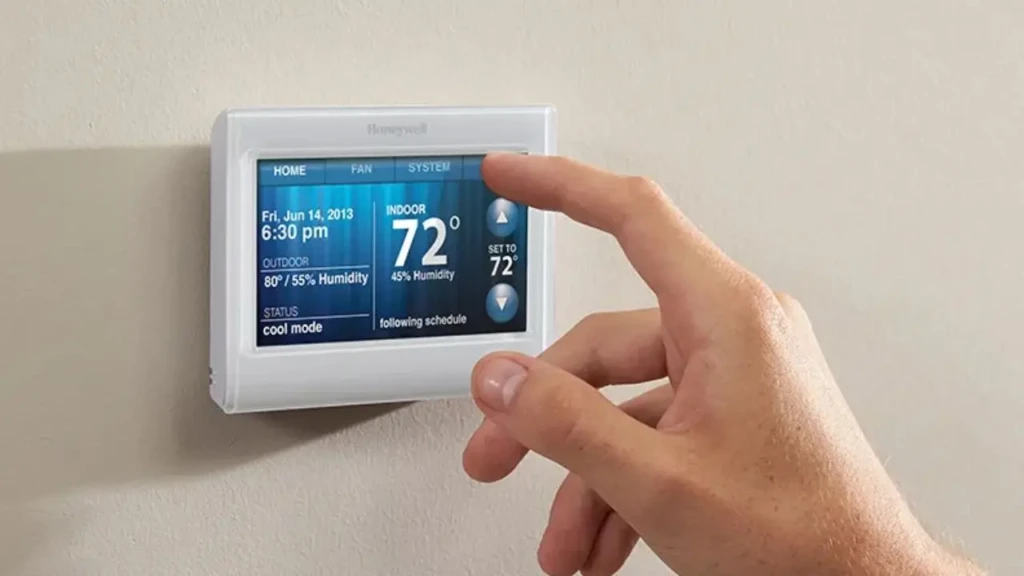
One of the biggest reasons people upgrade to a Honeywell Home Thermostat is energy efficiency. Smart and programmable models reduce wasted heating and cooling by avoiding unnecessary runtime.
That said, savings depend on usage. A smart thermostat delivers the best results when schedules are set correctly and adjusted over time. It is not magic; it simply removes inefficiencies that are often overlooked in manual control.
Comparison Table: Honeywell Home Thermostat Types
Feature | Non-Programmable | Programmable | Smart |
Scheduling | No | Yes | Yes (adaptive) |
Remote Access | No | No | Yes |
Mobile App | No | No | Yes |
Voice Control | No | No | Yes |
Energy Reports | No | Limited | Yes |
Best For | Simple use | Fixed routines | Smart homes |
This table helps clarify which category best aligns with your needs before you choose a specific model.
How to Choose the Right Honeywell Home Thermostat
To choose confidently, focus on five questions:
- What HVAC system do you have? Compatibility comes first.
- Do you want remote access? If yes, choose a smart model.
- Is your schedule predictable? Programmable models work well here.
- Are you building a smart home? Smart thermostats integrate better long-term.
- How much control do you actually want? More features mean more setup.
If you already use Apple devices and are considering a smart home expansion, understanding how Apple-centric setups differ can be useful. This overview of the Apple HomePod ecosystem provides helpful context for comparison.
Installation and Setup Basics
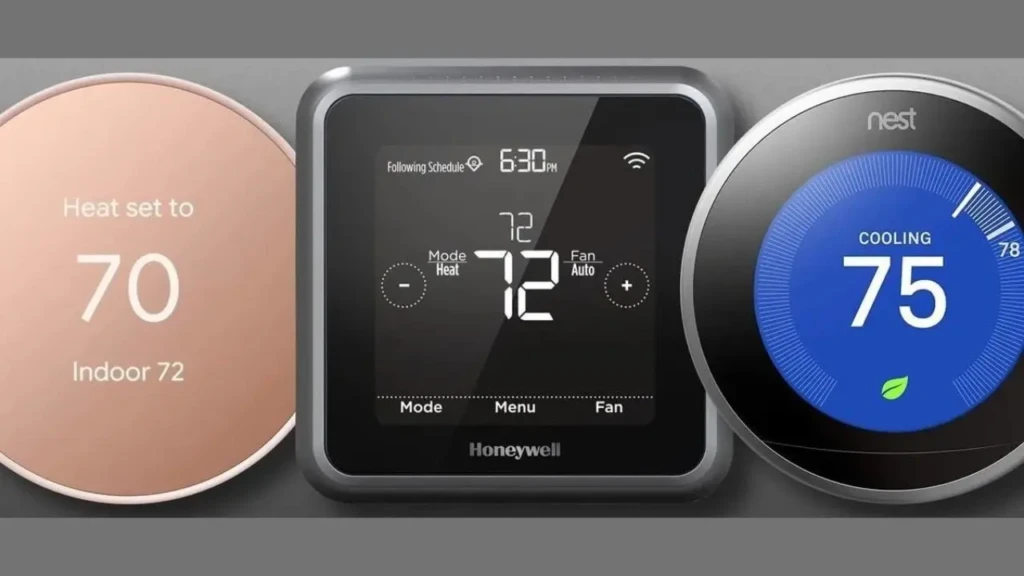
Many Honeywell Home Thermostats are designed for DIY installation, especially if a C-wire is already present. Smart models usually provide guided setup through their apps. However, older HVAC systems may require professional installation to avoid wiring issues.
Before purchasing, always check compatibility using Honeywell’s official compatibility tools.
Common Limitations to Consider
Even well-designed thermostats have limits:
- Some models require a C-wire.
- Smart features depend on a stable internet connection.
- Learning features take time to adapt.
- Not all HVAC systems support advanced controls.
Understanding these constraints upfront prevents frustration later.
FAQs
Yes, especially if you want reliable temperature control and proven energy-saving features.
Basic temperature control works, but remote access and automation require Wi-Fi.
Yes, when schedules and usage are optimized correctly.
Conclusion

A Honeywell Home Thermostat is a practical upgrade that improves comfort while giving you more control over energy use. The key advantage is choice; you can start with a simple model or invest in a smart thermostat that grows with your home. When matched correctly to your HVAC system and lifestyle, the benefits are noticeable almost immediately.
Before buying, think about how involved you want to be with temperature control and whether smart home integration matters to you. By focusing on real-world usage rather than feature lists, you can choose a Honeywell Home Thermostat that is helpful every day rather than complicated.
At Your Tech Compass, we publish practical guides and honest tech reviews to help users make smarter decisions.