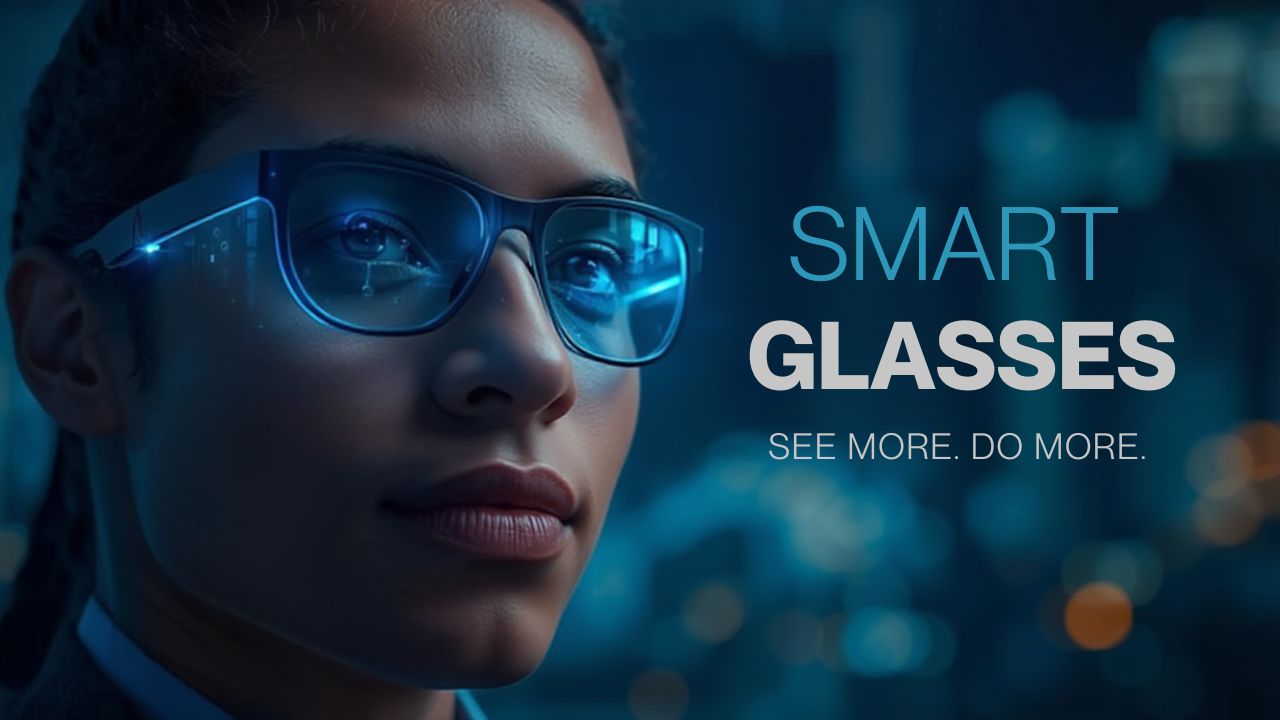
Smart glasses are no longer just a futuristic concept from sci-fi movies; they’ve become a tangible part of the tech world. These innovative devices blend the digital and real worlds, allowing you to receive notifications, access information, and interact with apps without ever reaching for your phone. From augmented reality (AR) overlays to built-in sensors that track movement, smart glasses are redefining how we work, play, and navigate daily life.
In this guide, I’ll break down how smart glasses work, covering the core technology, essential features, popular models, and real-world applications. By exploring their sensors, displays, connectivity, and AI integration, you’ll get a clear picture of what makes these devices tick and how to choose the right pair for your lifestyle.
How Smart Glasses Work (Core Technology)
To grasp how smart glasses work, it’s helpful to start with their fundamental building blocks: the hardware and software elements that enable augmented reality (AR) or “smart” functionality.
AR vs MR vs VR Glasses
- AR (Augmented Reality): These glasses overlay digital information on top of your real-world view. Smart glasses typically fall in this category.
- MR (Mixed Reality): MR devices blend the digital and physical worlds more seamlessly, allowing virtual objects to interact with real ones.
- VR (Virtual Reality): Fully immersive, you’re placed inside a digital world and can’t see your real environment.
Most consumer smart glasses today are AR-based, aiming to provide notifications, navigation, and contextual data as you go about your day.
Micro‑Displays and Projection Technology
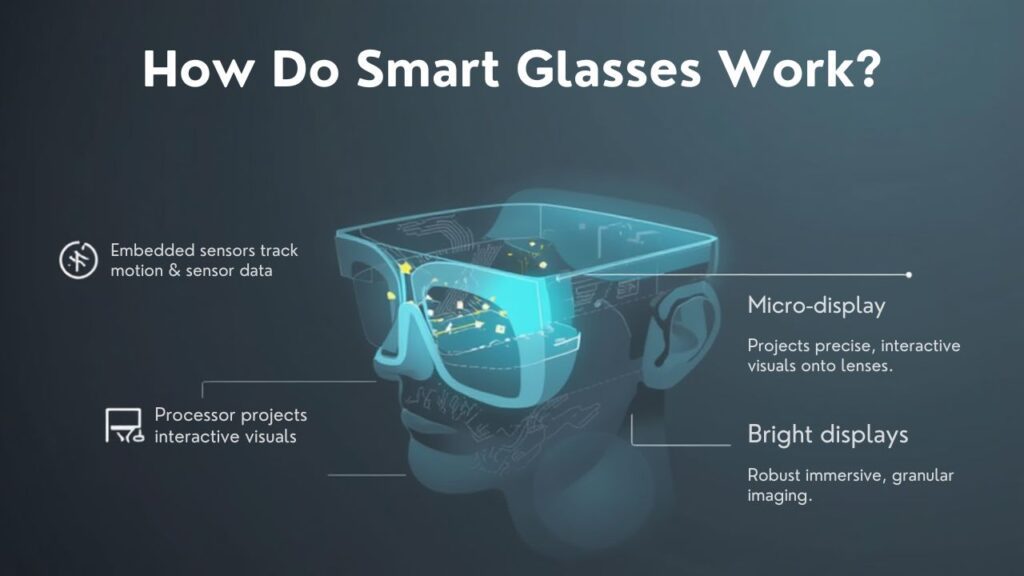
Smart glasses rely on tiny displays to beam images into your eyes. Depending on the model, they use different technologies:
- Waveguides: These are transparent optical paths embedded in the lenses. A micro-display projects light into the waveguide, which then guides it to your eye. This gives the illusion that digital content floats in front of you.
- HUD (Heads-Up Display): Similar to what pilots use, a HUD reflects data onto a small combiner or prism. This method can be bulkier but often brighter and clearer.
- Micro-OLED / Micro-LED: These are the tiny displays that generate the visuals. They are compact, energy-efficient, and capable of high resolution for glasses.
Sensors: Motion and Orientation
Smart glasses include a host of built-in sensors to understand your movements:
- Accelerometer: Detects linear motion (like walking or tilting your head).
- Gyroscope: Tracks rotational movement (turning your head, nodding).
- Magnetometer: Acts like a compass, helping orientation relative to Earth’s magnetic field.
These sensors enable context-aware features, for example, adjusting what you see when you look up, or switching modes when you’re walking vs stationary.
Cameras and Image Processing
Many smart glasses include a camera (or multiple), allowing them to:
- Capture photos and video.
- Recognize objects or faces.
- Use computer vision to overlay relevant information (e.g., when you look at a landmark, the glasses could display historical info).
The camera’s feed is processed by a built-in chipset or via a paired smartphone, interpreting what you see and then rendering overlays in real time.
Connectivity: Bluetooth, Wi-Fi & Smartphone Integration
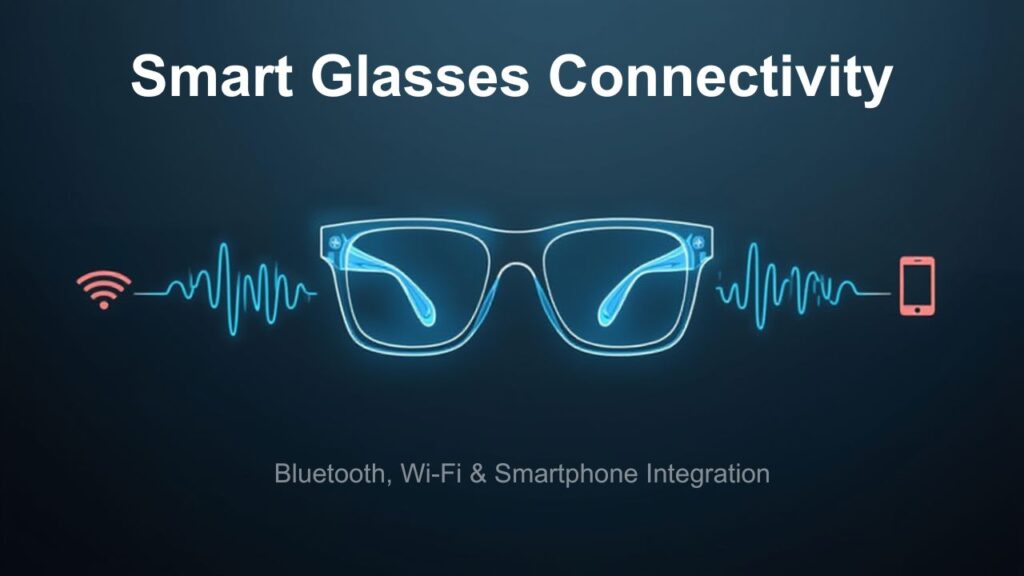
Smart glasses need to communicate with other devices:
- Bluetooth: Most glasses connect to your phone for audio, commands, and data sync.
- Wi‑Fi: Some higher-end models can connect directly to Wi-Fi to stream content or receive updates.
- Smartphone Pairing: Many smart glasses rely on a smartphone’s processing power. For instance, the phone handles heavy tasks, while the glasses serve as a display and control interface.
Voice Recognition and AI Integration
Voice commands are central to many smart glasses. Using built-in microphones and AI, these devices can:
- Recognize spoken instructions (“Take a picture,” “Show me directions”).
- Activate digital assistants.
- Interpret natural language through embedded AI, sometimes using models similar to those in Gemini AI, which is why they can feel intuitive, responsive, and context-aware. (See how AI works in depth in our How Gemini AI Works guide.)
Key Features of Smart Glasses
Now that we’ve looked at the tech backbone, let’s explore the practical features that smart glasses enable.
Heads-Up Display (HUD)
The HUD is the “screen” of your smart glasses. Unlike a phone screen, it’s projected into your field of view so the information appears at a glance without blocking your view. This could show messages, navigation arrows, or even AR games.
Gesture Controls
Some smart glasses support gesture input, for example, navigating menus by swiping the temple of the frame, tapping a touchpad, or making hand motions that the glasses can sense.
Voice Commands
Using voice is often the most natural way to interact. With integrated microphones and AI, you can issue commands, ask questions, or control apps without touching anything.
Notifications & Messaging
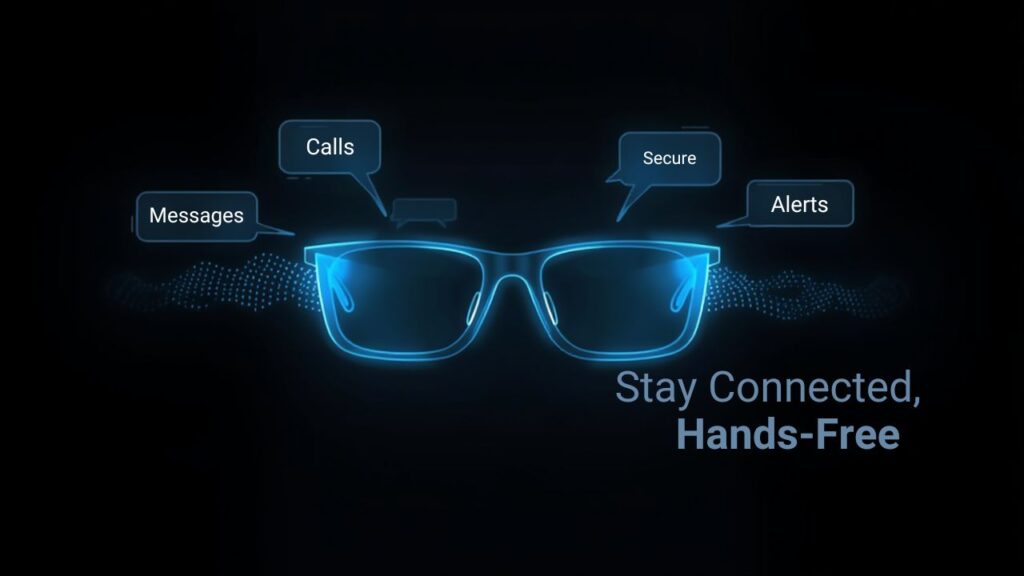
Smart glasses can mirror calls, texts, or app notifications. Instead of pulling out your phone, you glance up and see them right in front of you.
GPS Navigation
With location data, smart glasses can overlay digital arrows, route directions, or location-based information on your real-world view. This is super useful for walking, biking, or even driving.
Fitness & Health Tracking
Thanks to built-in sensors, some models can track steps, posture, calories burned, or other health metrics, turning your glasses into a mini fitness tracker.
Integration with Apps and IoT Devices
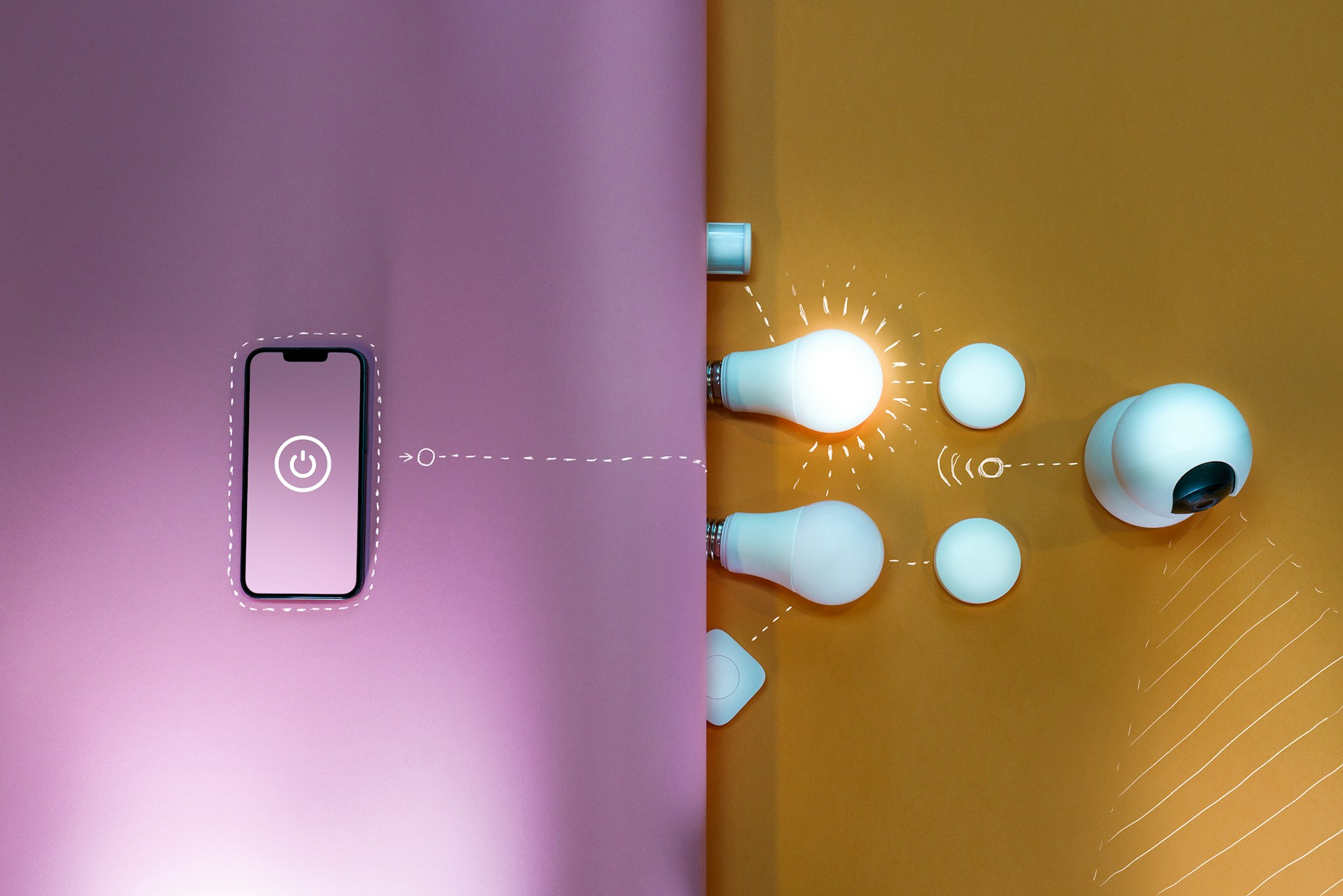
Smart glasses can tie into your broader digital ecosystem. For example, they can display your calendar reminders, control smart-home devices, or connect to cloud-based services that leverage AI, making them an extension of your phone or your smart home.
Real‑World Applications
Understanding how smart glasses work becomes much more compelling when you think about how they’re used in real life. Here are some key scenarios:
Workplace Productivity
In professions like manufacturing or healthcare, workers can view instructions, check lists, or supervise tasks hands-free. Smart glasses reduce the need to constantly refer to paper or handheld devices.
Medical & Health Care
Smart glasses help surgeons, nurses, and technicians: they can view patient data, get imaging overlays, or share a real-time camera view with remote experts, making collaboration smoother.
Navigation & Travel
With HUD directions, you can walk or bike through a city without taking your eyes off the road. Glasses can display arrows or points of interest projected on your lens.
Gaming & AR Entertainment
Smart glasses enable immersive yet real-world-aware AR experiences: imagine overlaying creatures or game elements into your surroundings and interacting with them.
Fitness & Sports
With sensors that track motion and health metrics, smart glasses help with workouts by giving you real-time feedback on movement, posture, and distance without looking at a watch.
Benefits and Drawbacks
The Benefits
- Hands-free access to information: You don’t always need to pull out your phone.
- Contextual awareness: Smart glasses can show relevant data based on where you look or what you’re doing.
- Multitasking: You can navigate, take notes, or follow instructions without interrupting your physical flow.
- Style + tech: Many models blend fashion and function.
- Extended productivity: In professional settings, smart glasses can streamline workflows.
The Drawbacks
- Battery limitations: Because they’re compact, battery size is limited, which restricts how long they can run, especially with power-hungry features.
- Privacy concerns: Built-in cameras raise questions about recording in public and the ethics of being recorded.
- Cost: Advanced smart glasses can be very expensive.
- Learning curve: Adjusting to HUDs, voice commands, and gestures takes time.
- Overheating and performance: Just like smartphones (e.g., when an iPhone overheats), smart glasses can get warm under load, especially when processing AR visuals or running AI tasks, which is something to watch out for if you’re using them heavily. You can read more about device overheating in our iPhone overheating guide.
The Future of Smart Glasses
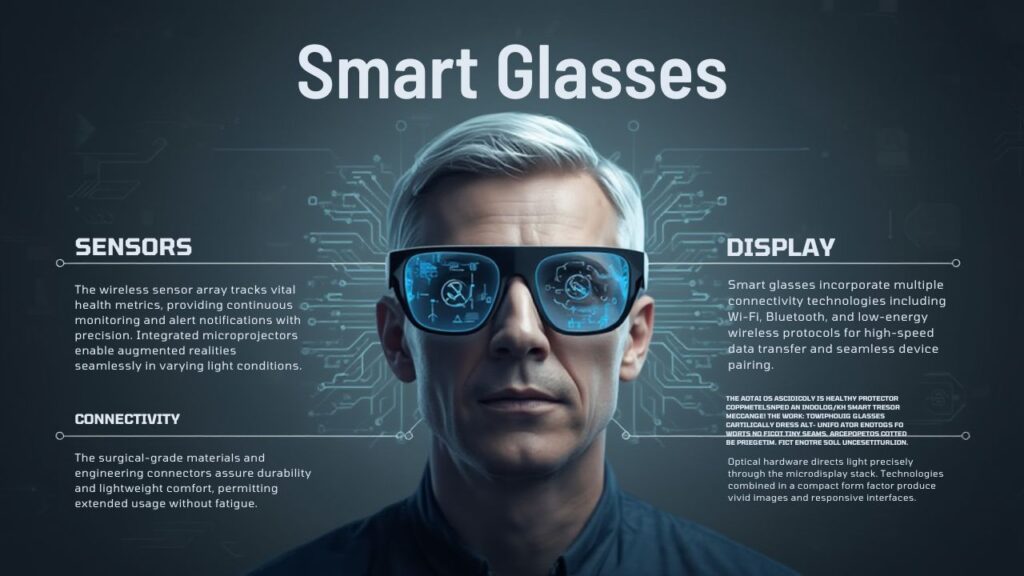
Looking at how smart glasses work today is fascinating, but the future is even more exciting. Here are some trends to keep an eye on:
- Deeper AI integration: As models like Gemini AI advance, we’ll likely see smarter voice assistants baked into the glasses, enabling predictive notifications, context-aware actions, and even voice-based content creation.
- Improved display tech: Waveguides, micro-LEDs, or newer optical systems will make visuals sharper, brighter, and more power-efficient.
- Longer battery life: As battery technology evolves, smart glasses can run longer without needing a bulky case or frequent charging.
- Lightweight designs: Future frames will likely become slimmer, more stylish, and even more comfortable.
- Enterprise & consumer convergence: We may see smart glasses become as commonplace as smartwatches, used for work, play, and everything in between.
How to Choose the Right Smart Glasses
When you’re deciding which smart glasses to buy, here’s a simple framework to help you based on how you plan to use them:
- Define Your Use Case:
- For Work: Choose enterprise-grade glasses like Google Glass or Vuzix.
- For Creative Content: Look at AR-first options like Spectacles.
- For Audio + Style: Bose Frames make sense.
- For Work: Choose enterprise-grade glasses like Google Glass or Vuzix.
- Consider Your Device Ecosystem:
- Do you have a compatible phone or PC?
- Will your glasses rely on your phone for heavy tasks?
- Do you have a compatible phone or PC?
- Review Battery Life vs Size:
- A long battery means a bigger case or a heavier frame.
- Shorter battery but compact size = may require frequent charging.
- A long battery means a bigger case or a heavier frame.
- Evaluate Display Quality:
- Do you need a very bright or sharp HUD?
- Will you use them in sunlight or indoors?
- Do you need a very bright or sharp HUD?
- Check App and Developer Support:
- Are there useful apps for your use (fitness, enterprise, AR)?
- Does the maker provide an SDK for third-party development?
- Are there useful apps for your use (fitness, enterprise, AR)?
- Privacy and Safety:
- Consider models without front-facing cameras if privacy is a concern.
- Make sure any AR content doesn’t distract from your surroundings.
- Consider models without front-facing cameras if privacy is a concern.
Final Thoughts

Smart glasses are more than just a cool gadget; they represent a fundamental shift in how we interact with technology. By combining projection displays, sensors, connectivity, and AI, they provide a hands-free, context-aware digital overlay of the real world.
While there are trade-offs, such as battery life and price, the benefits for productivity, creativity, and daily convenience are compelling. As display and AI technologies evolve, I believe smart glasses will become a mainstream piece of our personal tech ecosystem, not just a niche toy.
I’m genuinely excited about what’s next, and I hope this guide helps you understand how smart glasses work in a practical, clear, and future-focused way.