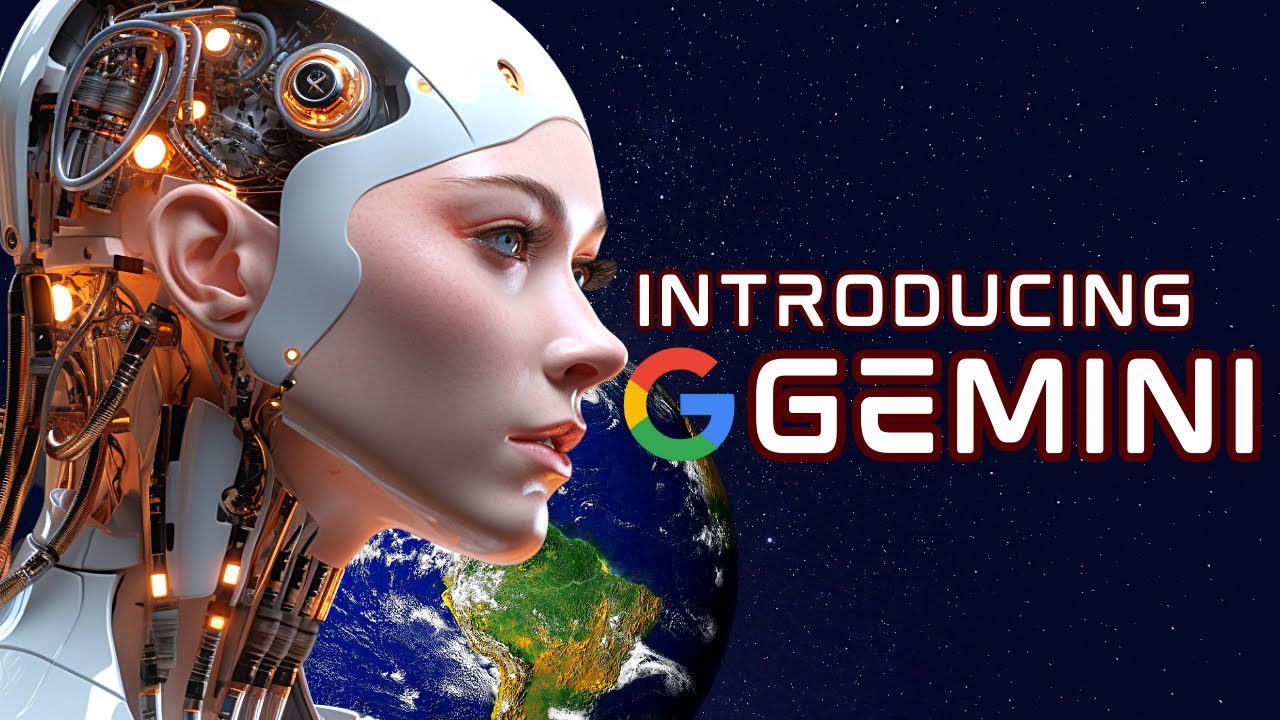
Google has been in the AI race longer than most people realize, but for years, its public-facing products didn’t reflect that. Gemini changed that. Launched in late 2023 and significantly upgraded through 2024 and into 2025, Gemini is Google’s AI model family powering everything from the Gemini chatbot to Google Search summaries, Gmail Smart Compose, Google Docs writing assistance, and the AI features built into Android phones.
If you use Google products, you’re almost certainly already using Gemini in some form. This guide explains how it works, what the different versions mean, what it’s genuinely good at, where it falls short, and how it compares to ChatGPT and Claude, so you can decide whether to use it intentionally rather than just by default.
A note before we begin: every YTC score is earned, never negotiated. If you want to understand exactly how we evaluate apps & tools and how we handle affiliate relationships, our Review Methodology lays it all out.
What Is Gemini AI?
Gemini is Google’s family of large multimodal AI models, built and maintained by Google DeepMind. “Multimodal” means it can process and generate multiple types of content: text, images, audio, video, and code, rather than being limited to text alone.
You interact with Gemini primarily through the Gemini chatbot at gemini.google.com, but the models also power AI features across Google’s product suite: Search Generative Experience, Workspace (Docs, Gmail, Sheets), Google Photos, Google Assistant on Android, and Pixel phone features like Call Screen and Live Translate.
The name replaced “Bard,” Google’s earlier AI chatbot, in February 2024. And the rebrand reflected a deeper restructuring. Google unified its AI research under Google DeepMind and gave the model family a single, consistent identity across all its products.
The Gemini Model Family: Which Version Is Which?
Google has released several Gemini model tiers, each optimized for different tasks and deployment contexts. Understanding the difference matters because “Gemini” can mean anything from a lightweight on-device model to one of the most capable AI systems available.
Gemini Nano
Gemini Nano is the smallest model, designed to run directly on the device (on Pixel phones and other Android hardware) without sending data to the cloud. In addition, it powers on-device features like Summarize in Recorder, Smart Reply in Gboard, and offline AI capabilities.
Speed and privacy are the priorities. However, raw capability is limited.
Gemini Flash
Gemini Flash (1.5 and 2.0 variants) is a mid-tier model optimized for speed and efficiency at scale. It handles most everyday tasks, such as summarisation, Q&A, content drafting, and basic reasoning, with fast response times. This is what most users interact with on the free tier of Gemini.
Google Gemini Pro
Gemini Pro (2.5 and 3.0 variants) is a more capable model for complex reasoning, long-context tasks, and multi-step problem-solving. Gemini 2.5 Pro has a context window of up to 1 million tokens (one of the largest available), making it particularly strong for analyzing long documents, large codebases, or extended conversations.
Google Gemini Pro is available through Gemini Advanced and the API.
Gemini Ultra
Gemini Ultra is Google’s most powerful model tier, reserved for the most demanding tasks and Gemini Advanced subscribers. In benchmark testing, it competes with the top models from OpenAI and Anthropic.
How Gemini Works
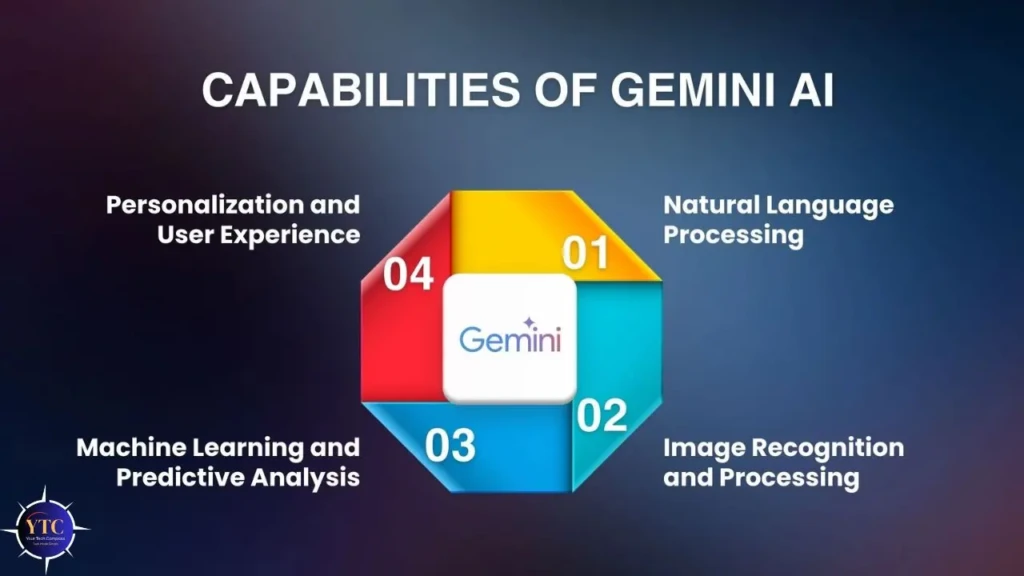
Gemini is built on a transformer architecture, the same foundational approach used by GPT-4, Claude, and most modern large language models. It was trained on a massive dataset of text, images, audio, video, and code, and then refined through reinforcement learning from human feedback (RLHF) to improve response quality and safety.
What distinguishes Gemini architecturally is that it was designed as multimodal from the ground up. Earlier multimodal systems typically bolted vision capabilities onto an existing text model. However, Gemini was trained across modalities simultaneously, which Google argues produces better cross-modal reasoning and the ability to genuinely integrate visual and textual information rather than processing them as separate inputs.
When you send a prompt, Gemini tokenizes your input, processes it through layers of attention mechanisms that identify relationships among different parts of the input, and generates a response token by token based on probability distributions learned during training. The specific model version, the system instructions, and your conversation history all influence what gets generated.
Key Capabilities
Text Generation and Editing
Text generation and editing are the foundation. That’s why Gemini excels in writing, summarising, translating, drafting emails, explaining concepts, and answering questions. In addition, it performs particularly well across tasks that benefit from Google’s knowledge base integration.
Multimodal Input
Multimodal input lets you upload images, PDFs, audio files, and video (on supported tiers) alongside text prompts. You can photograph a handwritten equation and ask Gemini to solve it, upload a PDF report and ask for a summary, or share an image and ask for analysis.
Additionally, the image understanding is genuinely capable. It outperforms many competitors on tasks that require detailed visual descriptions or chart interpretation.
Long-Context Processing
Long-context processing is one of Gemini 2.5 Pro’s standout capabilities. A 1-million-token context window means it can process a 700-page book, an entire codebase, or hours of transcribed audio in a single session. Most competitors cap out at 128k–200k tokens.
Google Ecosystem Integration
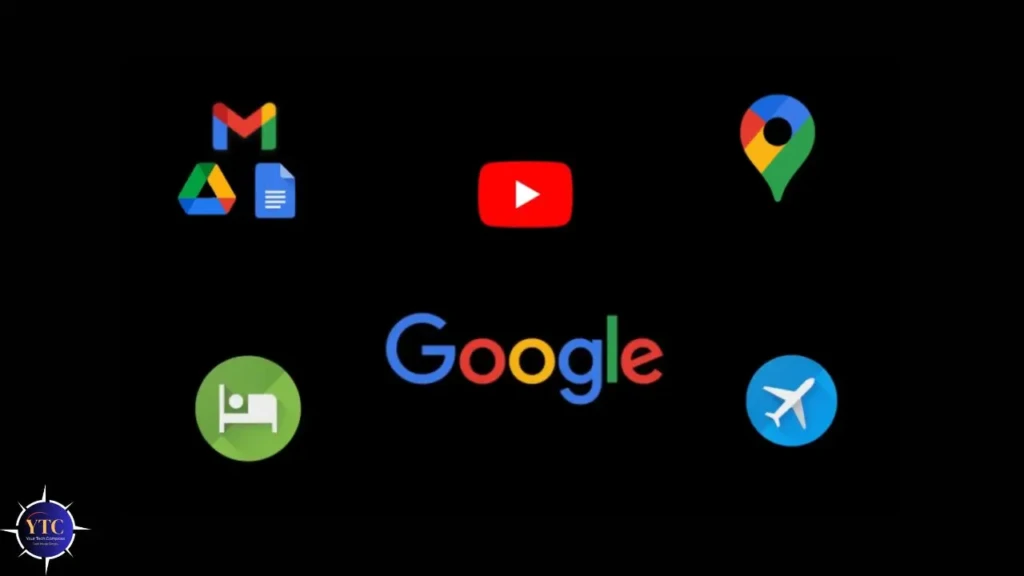
Google ecosystem gives Gemini a structural advantage. It’s embedded in Gmail, Docs, Sheets, Slides, and Drive, meaning AI assistance is available directly within the tools many people spend their working day in, without context switching to a separate chat interface.
Coding Assistance
Coding assistance covers generation, debugging, and explanation across major languages. Gemini 2.0 and 2.5 show meaningful improvements here, though GitHub Copilot and specialized tools like Blackbox AI remain stronger choices for developers who want deep IDE integration.
Image Generation
Image generation is available on supported plans via Imagen, Google’s image generation model, and Gemini. For a detailed comparison of AI image generation tools, the best AI image generation tools guide covers how Imagen compares to Midjourney, DALL·E 3, and others.
Gemini vs ChatGPT vs Claude
Feature | Gemini (Advanced) | ChatGPT (GPT-4o) | Claude 3.5/3.7 |
Multimodal | ✅ Text, image, audio, video | ✅ Text, image, audio | ✅ Text, image |
Context Window | Up to 1M tokens (Pro) | 128k tokens | 200k tokens |
Google Integration | ✅ Deep (Docs, Gmail, Drive) | Limited | Limited |
Web Search | ✅ Built-in | ✅ Built-in | Limited |
Coding | Strong | Strong | Strong |
Free Tier | ✅ Yes (Flash model) | ✅ Yes (GPT-4o mini) | ✅ Yes (limited) |
Best For | Google Workspace users, long docs | General use, broad ecosystem | Writing, reasoning, nuanced tasks |
- Choose Gemini if you live in Google Workspace, need to process very long documents, or want AI integrated directly into Gmail and Docs without extra setup.
- Choose ChatGPT if you want the broadest third-party integrations, the most mature plugin ecosystem, or if you’re already using OpenAI products for other purposes.
- Choose Claude if your primary use cases are writing, nuanced reasoning, or tasks where you want a model that’s particularly careful about accuracy and caveats its uncertainties.
For a different kind of AI tool focused on research and real-time information, Perplexity AI is well-suited.
Pricing and How to Access It
Free Tier
The Gemini chatbot at gemini.google.com is free and runs on Gemini Flash. You get text and image input, access to Google Search integration, and basic image generation. For most everyday tasks, the free tier is sufficient.
Gemini Advanced
$19.99/month (included in Google One AI Premium). Gives you access to the most capable Gemini models (currently Gemini 1.5 Pro and Gemini 2.0), 2TB of Google One storage, and Gemini integration across all Google Workspace apps. Worth it if you use Workspace heavily or need the extended context window for document analysis.
Google Workspace with Gemini
Business plans from $30/user/month include Gemini features across Docs, Gmail, Sheets, Slides, and Meet. The enterprise tier adds additional security and data governance controls.
Gemini API
Available through Google AI Studio (free for development) and Google Cloud Vertex AI (pay per token). For developers building applications on top of Gemini models.
Real-World Use Cases
- For Writers and Content Creators: Drafting, editing, rephrasing, and summarising within Google Docs without leaving the document. The “Help me write” feature in Docs generates first drafts from a short prompt; “Summarise this document” condenses long reports into key points.
- For Professionals Managing Email: Gmail’s Gemini integration can draft replies, summarise long email threads, and suggest follow-up actions. For high-volume inboxes, this is one of the most immediately practical applications.
- For Researchers and Analysts: The 1-million-token context window in Gemini Pro means you can upload entire research reports, legal documents, or financial statements and ask specific questions across the full content, something most other models can’t handle in a single session.
- For Developers: Code generation, debugging assistance, and uploading an entire codebase for analysis are the strongest use cases. The Gemini API is competitively priced per token compared to OpenAI’s equivalents.
- For Students: Explaining concepts, summarising textbooks, generating practice questions, and working through problems step by step. The free tier handles these tasks well.
Safety and Privacy
Google processes prompts sent to Gemini to improve its models unless you opt out in your account settings. If you’re using a personal Google account, review the data settings under myaccount.google.com. You can disable Gemini Apps Activity to prevent your conversations from being reviewed by human reviewers.
For Workspace accounts under a business or school plan, data handling is governed by the organization’s Google Workspace agreement, which typically includes stronger privacy protections and data processing agreements.
Standard precautions apply regardless: don’t share passwords, financial details, or confidential client information in AI chat interfaces. Treat prompts the way you’d treat any input to a cloud service.
Pros and Cons
What Gemini Does Well
The Google Workspace integration is the strongest practical advantage. If your workflow runs through Gmail, Docs, and Drive, Gemini is embedded in those tools in a way that ChatGPT and Claude are not, reducing friction significantly compared to switching between a chat interface and your work apps.
The context window on Gemini 1.5 Pro is a genuine differentiator for document-heavy work. Being able to process a full 700-page PDF in a single session and ask specific questions across the entire document is a capability most tools don’t offer.
The free tier is genuinely usable, not a stripped-down demo. In addition, most everyday tasks are handled well by Gemini Flash without requiring an Advanced subscription.
Where Gemini Falls Short
Google’s iterative release cadence means the model landscape changes frequently, and keeping track of which model you’re actually using at any given time requires attention. The Flash vs Pro vs Ultra distinctions aren’t always clearly surfaced in the interface.
Gemini’s performance on nuanced writing tasks and careful reasoning lags behind Claude for users who prioritize those qualities. For tasks where tone, subtlety, and intellectual precision matter most, Claude 3.5/3.7 remains the stronger choice.
The Workspace integrations, while powerful, can feel inconsistent at times. Therefore, features available in Docs aren’t always available in Sheets, and the experience varies by platform and account type.
FAQs
Yes. The Gemini chatbot at gemini.google.com is free and runs on Gemini Flash. Gemini Advanced, which runs on more capable models and integrates with Workspace apps, costs $19.99/month.
Bard was Google’s earlier AI chatbot, rebranded to Gemini in February 2024. The rebrand reflected a deeper restructuring: Google unified its AI research under Google DeepMind and significantly upgraded the underlying models.
It depends on the task. Gemini is stronger for Google Workspace integration and for processing very long documents. ChatGPT (GPT-4o) has a broader plugin ecosystem and more mature third-party integrations. For writing and nuanced reasoning, Claude is competitive with both. No single model wins across all use cases.
Yes. Gemini has built-in Google Search integration, meaning it can retrieve current information rather than relying solely on its training data. This is available on both the free and paid tiers.
By default, yes. Gemini Apps Activity is enabled on personal Google accounts. You can turn this off in your Google Account settings under Data & Privacy → Gemini Apps Activity.
Gemini 2.0 is Google’s second-generation model family, released in December 2024. It introduces improved reasoning, better coding performance, and enhanced agentic capabilities, including the ability to perform multi-step actions using tools such as web search, code execution, and third-party APIs. Gemini 2.5 Pro (experimental) represents the current frontier of the model family.
Yes, through Google’s Imagen model. Image generation is available on the free Gemini tier with some restrictions and on Gemini Advanced with expanded capabilities.
Final Thoughts
Gemini is a genuinely capable AI model that has improved significantly since its early days as Bard. Its strongest case is for people already embedded in the Google ecosystem. If Gmail, Docs, Drive, and Android are central to how you work, Gemini’s integrations deliver practical value that ChatGPT and Claude can’t match, simply because they’re not built into those tools.
For users who evaluate AI tools on raw capability, the picture is more nuanced. Gemini Pro’s context window is exceptional for document work. Gemini’s multimodal capabilities are strong. But in terms of writing quality and careful reasoning, Claude remains competitive, and ChatGPT’s breadth of ecosystems is hard to match. The honest answer is that the best AI tool depends on what you’re doing, and for many tasks, trying Gemini’s free tier costs nothing.
Found this helpful? Browse more in-depth tech guides, honest reviews, and step-by-step tutorials at YourTechCompass, your go-to resource for making smarter tech decisions.