If you’re considering a Lenovo ThinkPad laptop for work, school, or everyday productivity, understanding the lineup is essential before making a decision. ThinkPads have long been associated with reliability, strong performance, and business-focused features, making them a popular choice among professionals, students, and enterprise users alike. However, with multiple series, configurations, and price points available, choosing the right model can quickly become overwhelming.
This guide breaks down everything you need to know about Lenovo ThinkPad laptops, from the differences between each series to performance expectations and key buying considerations. Along the way, you’ll also see how ThinkPads compare to alternatives such as ASUS laptops and performance-oriented options like the Acer Nitro lineup, helping you place ThinkPads in the right context before buying. I’ll walk you through the lineup step by step so you can confidently choose the ThinkPad that fits your needs.
What Makes Lenovo ThinkPad Different
From the moment you explore a Lenovo ThinkPad, it becomes clear that these laptops are designed with serious users in mind. First, ThinkPads are known for their rigorous durability testing, often meeting military standards for resistance to drops, vibration, and extreme temperatures. This means they can withstand everyday wear and tear better than many consumer-oriented laptops.
Second, ThinkPads are built for productivity. That starts with a comfortable keyboard, a hallmark of the ThinkPad brand, and extends to thoughtful design choices, such as an extensive port selection and enterprise-focused security features, including TPM and biometric authentication.
Because of this focus on durability and business-grade performance, many professionals choose ThinkPads over more consumer-oriented models. However, if you want alternatives focused on creative performance or gaming, be sure to see our comparison of ASUS laptops or the Acer Nitro 5 review, as those serve different use cases more directly.
Lenovo ThinkPad Series Explained
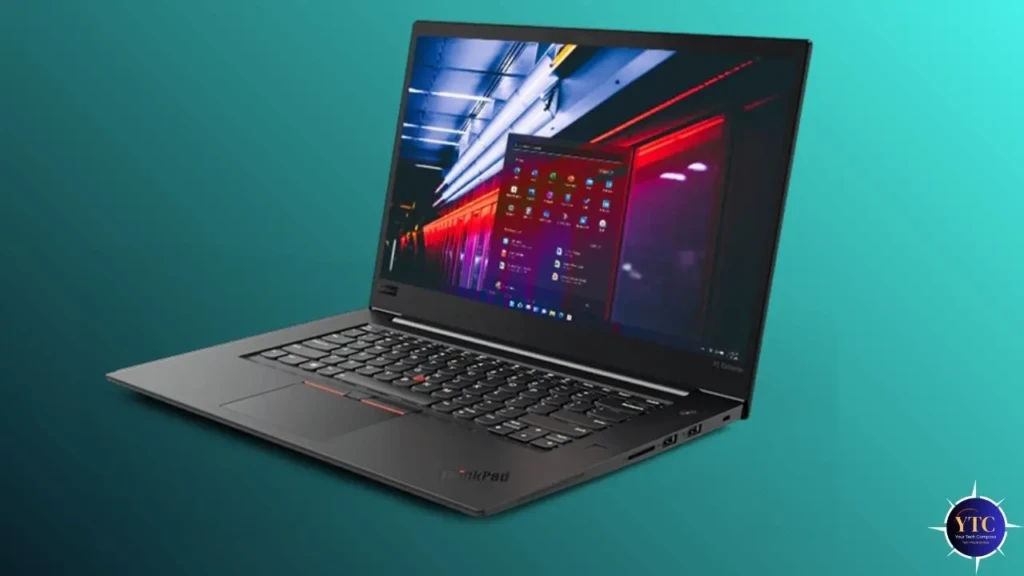
Understanding the various ThinkPad series will help you match your needs to the right laptop category.
ThinkPad X Series
The X Series focuses on ultraportable laptops that balance performance and mobility. These are ideal for users who travel often or need a lightweight machine without sacrificing capability.
ThinkPad T Series
The T Series is widely regarded as the core business lineup. These models combine strong performance, solid build quality, and long battery life, typically appealing to professionals who want a dependable everyday device.
ThinkPad P Series
The P Series offers workstation-class performance with powerful CPUs and professional GPUs. These are suited for engineers, designers, and creators who need advanced computational power.
ThinkPad L & E Series
The L and E Series offer value-oriented options that maintain ThinkPad durability and features but at a more accessible price point. These are great for students or professionals on a budget.
Performance and Hardware Overview
Across the lineup, Lenovo ThinkPad models typically pair modern Intel or AMD processors with robust memory and storage options. This enables smooth multitasking, from editing documents and spreadsheets to running virtual machines or heavy datasets, depending on configuration.
Moreover, battery life on most ThinkPad laptops is strong, with many models capable of lasting a full workday on a single charge. While gaming-focused laptops like the Acer Nitro 5 emphasize raw graphics performance, ThinkPads prioritize balanced workloads and sustained productivity.
Display, Build Quality, and Port Selection
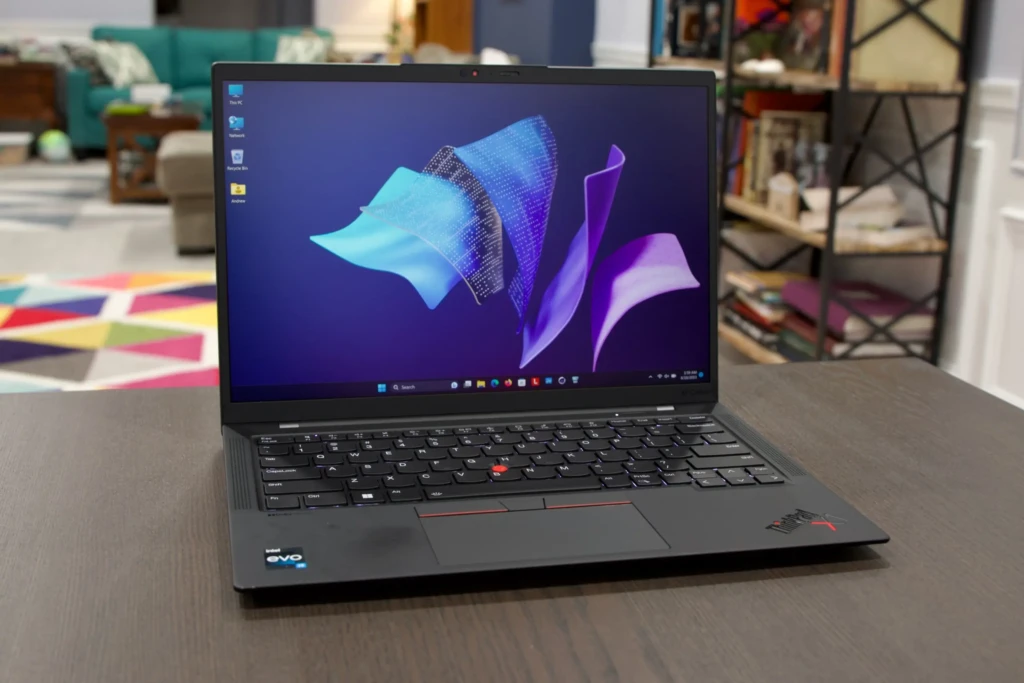
You’ll find a range of screen sizes and panel types across the ThinkPad lineup, from compact 13-inch ultraportables to large-format workstations. Many models offer high-resolution displays with good color accuracy, making them suitable for detailed work.
Build quality is a standout area: ThinkPad chassis frequently uses magnesium alloys or carbon fiber to achieve both strength and light weight. This rugged construction, paired with spill-resistant keyboards and dependable hinges, helps ensure the laptops endure for years.
Keyboard, TrackPoint, and User Experience
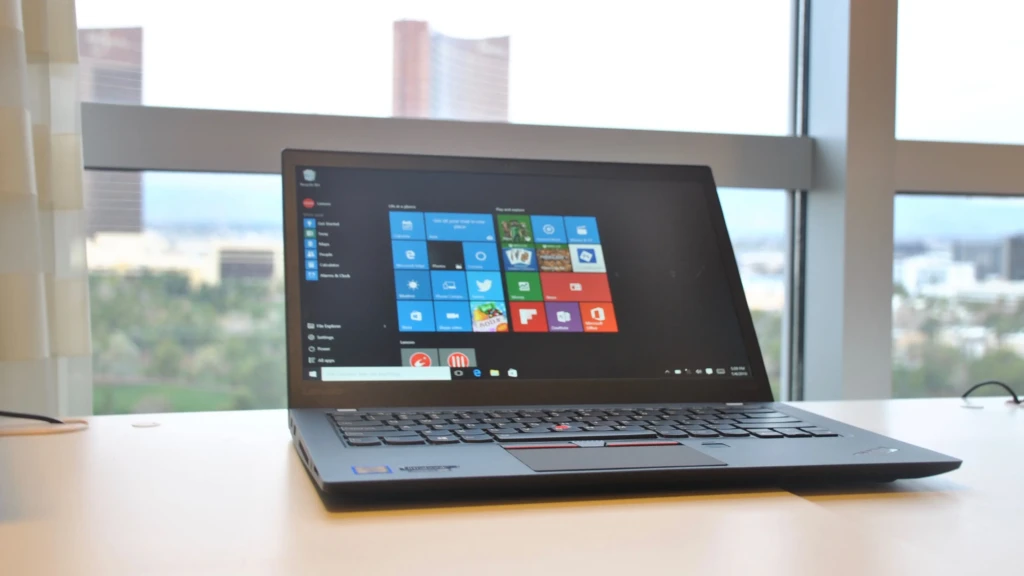
One of the most distinctive ThinkPad features is the keyboard. Known for its deep key travel and comfortable layout, it remains a favorite among users who type extensively. Many models also include the iconic red TrackPoint, which allows precise cursor control without moving hands from the keyboard.
These tactile elements enhance the overall user experience, particularly for professionals who spend long hours on their laptops.
Lenovo ThinkPad for Different Use Cases
To clarify how ThinkPads serve different user profiles, the table below summarizes typical use cases:
Use Case | Recommended Series | Why It Works |
Travel/Remote Work | X Series | Lightweight, long battery life |
Everyday Business | T Series | Balanced performance and durability |
Professional Workstations | P Series | High-end CPUs/GPUs for demanding tasks |
Budget Solutions | L & E Series | Value-oriented with core ThinkPad reliability |
This breakdown helps you prioritize the features you care about most while comparing models.
Things to Consider Before Buying a Lenovo ThinkPad
Before making a decision, think about:
- Purpose and Workload: Are you mainly writing, coding, designing, or running complex simulations?
- Budget: Higher-end workstations cost more, but value models deliver excellent business-ready performance for less.
- New vs Refurbished: Refurbished units can offer substantial value, but ensure you buy from a reputable seller with warranty coverage.
Additionally, you may want to consult our Lenovo brand explained article for a broader context on how ThinkPads fit within Lenovo’s broader laptop ecosystem.
Lenovo ThinkPad vs Other Business Laptops
When compared with alternative business laptops, ThinkPads typically stand out for their durability, keyboard quality, and enterprise-ready features. While competitors like HP EliteBooks and Dell Latitude offer strong alternatives, many professionals still prefer ThinkPads for their consistent performance and robust support infrastructure.
In contrast, if creative tasks or gaming are priorities, devices like the ASUS ZenBook series or dedicated gaming machines may be more suitable.
Final Thoughts
In summary, the Lenovo ThinkPad family delivers a wide range of laptops designed for professionals, students, and power users. By focusing on durability, usability, and thoughtful design, ThinkPads remain a reliable choice for anyone who depends on their machine for productivity.
For a balanced recommendation tailored to your needs, consider the type of work you do most often and align it with the series descriptions above. Don’t forget to explore alternatives and related guides as you refine your choice. I hope this guide clarifies how to choose the right ThinkPad for your needs and helps you make a confident decision.