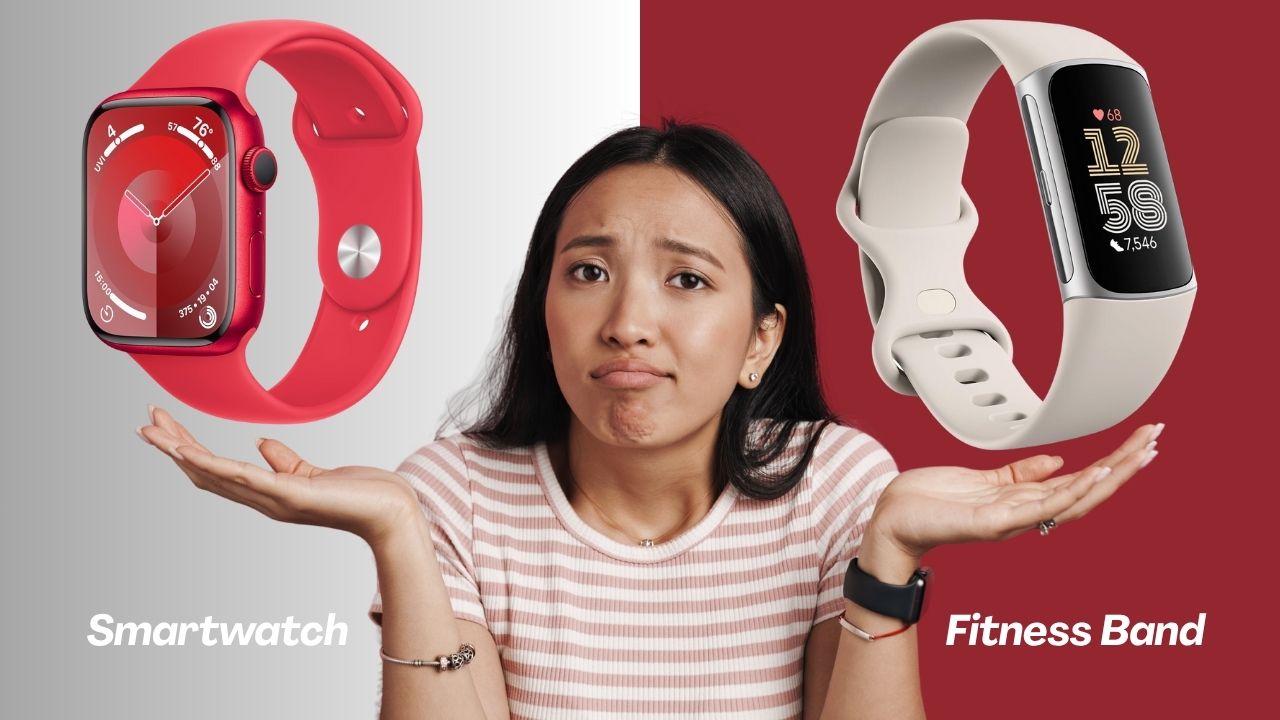
Choosing between a smartwatch and a fitness band sounds like it should be straightforward, but most people who get it wrong do so because they focus on specs instead of asking a simpler question first: what do I actually need this device to do every day? Get that answer right, and the rest of the decision follows naturally.
I’ve used both categories of wearable extensively, and the honest truth is that neither is universally better. They’re designed for different priorities, different lifestyles, and increasingly, different budgets. In this guide, I’ll break down every meaningful difference between them in design, features, battery life, health tracking, app support, and price. I’ll also give you a clear framework for deciding which one is actually right for you.
Smartwatch vs Fitness Band: The Core Difference
Before getting into specifics, it’s worth understanding the fundamental design philosophy behind each device, because it shapes every trade-off that follows.
A smartwatch is designed to be a wrist-based extension of your smartphone. It prioritises features, notifications, apps, and versatility; the goal is to reduce how often you need to pull your phone out of your pocket.
A fitness band is designed to be a dedicated health and activity tracker. It prioritises accuracy, battery life, and wearability. The goal is to stay on your wrist at all times, including during sleep and workouts, without getting in the way. Every difference between these two categories, the battery life gap, the price gap, the size difference, flows directly from those two different design goals.
Design and Display
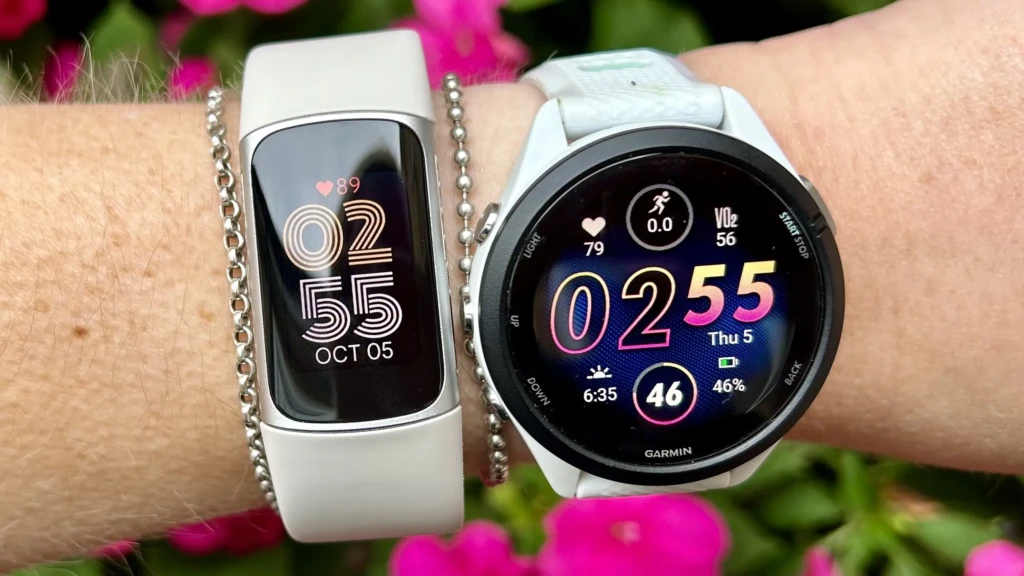
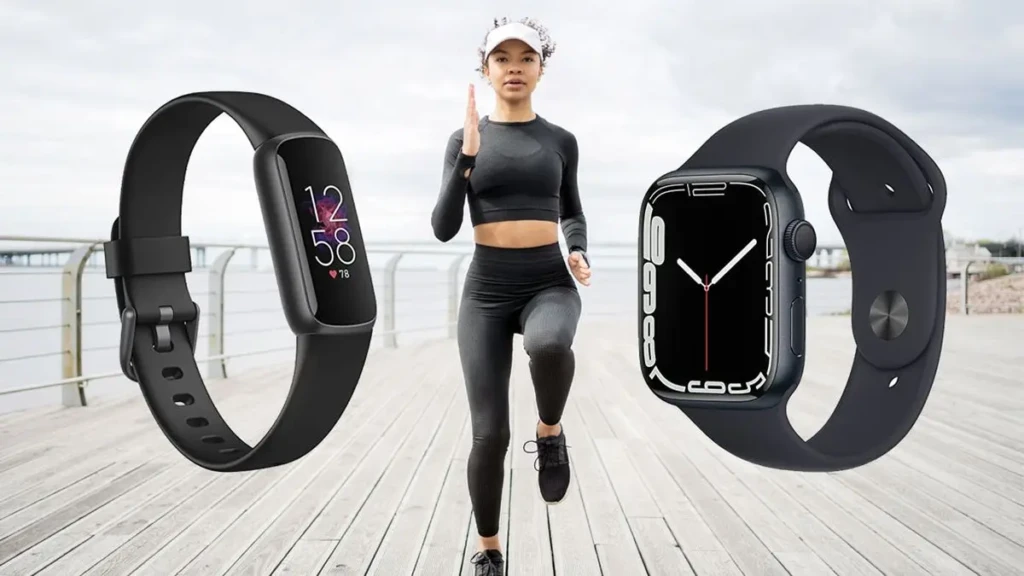
Smartwatches are built to be noticed. Devices like the Apple Watch Series 10 and Samsung Galaxy Watch 7 feature aluminium, stainless-steel, or resin cases, bright AMOLED displays large enough to read notifications and navigate apps, and interchangeable straps that let you dress them up or down. The display is genuinely useful; you can read full messages, view maps, control music, and interact with apps without squinting. The trade-off is size and weight. Wearing a smartwatch is noticeable in a way that a fitness band never is, and some people find that uncomfortable during exercise or sleep.
Fitness bands are designed to disappear on your wrist. Devices like the Fitbit Charge 6 and Xiaomi Smart Band 9 are slim and lightweight, built almost entirely from silicone and plastic, materials that prioritise long-term comfort over a premium feel. The displays are smaller and simpler, typically showing one metric at a time rather than a full interface.
You can glance at your step count, heart rate, or time without interacting with anything. For people who want to wear their tracker 24 hours a day, including while sleeping and swimming, that low-profile design is a significant practical advantage.
Bottom Line: If you want a wearable that looks like a premium accessory and has a screen you can actually read and interact with, choose a smartwatch. And if you want something comfortable enough to forget you’re wearing, choose a fitness band.
Features and Smart Functionality
This is the biggest gap between the two categories, and it’s widening as smartwatches add more capabilities.
A modern smartwatch handles calls, texts, emails, calendar notifications, music playback, contactless payments, navigation, and a growing library of third-party apps, all from your wrist. If you use a running app like Strava or Nike Run Club, our Strava vs Nike Run Club comparison covers how both apps integrate with Apple Watch. Voice assistants (Siri on Apple Watch, Google Assistant on Wear OS) let you set reminders, send messages, and control smart home devices without touching your phone. For people who want to be less tethered to their phone without losing connectivity, a smartwatch genuinely delivers on that promise.
Fitness bands handle notifications; you’ll see incoming calls and messages on the screen, but interaction is limited to dismissing or occasionally replying with a preset response. There are no third-party apps, no voice assistant, and no ability to take calls directly from the device. What fitness bands do well is the basics: step counting, heart rate monitoring, sleep tracking, and workout detection. They do those things consistently, accurately, and without draining their battery trying to do anything else.
Bottom Line: If smart features and phone integration are important to you, a smartwatch is the only choice. However, if you mainly want accurate activity and health tracking with minimal distraction, a fitness band is more than sufficient.
Battery Life
Battery life is where fitness bands make their most compelling argument, and it’s worth being specific about the gap.
Most smartwatches last between one and three days on a single charge with typical use. The Apple Watch lasts around 18–36 hours. Samsung Galaxy watches can last for two or three days. If you use GPS, always-on display, or LTE, expect the lower end of those ranges. This means smartwatch users charge their device nightly, the same routine as charging a phone, and if you forget to charge it one night, you may find yourself without a watch the next day.
Fitness bands typically last 7 to 14 days on a single charge. Some stretch even further. This battery advantage exists because fitness bands do far less computational work; they’re not running apps, maintaining Bluetooth for audio, or powering a large, always-on display. For travellers who don’t want another daily charging obligation, or anyone who wants to track sleep without worrying about battery life, this difference is significant. There’s a particular freedom in putting on a wearable and not thinking about its battery for two weeks.
Bottom Line: If daily charging is no inconvenience to you, a smartwatch is fine. However, if you travel frequently, dislike daily charging, or want to track sleep without a nightly charging gap, a fitness band’s battery life is a genuine practical advantage.
Health and Fitness Tracking
Both categories have improved dramatically in recent years, but they approach health tracking differently.
Smartwatches offer the broadest sensor arrays, including ECG, blood oxygen saturation (SpO₂), skin temperature, stress detection, VO₂ max estimation, fall detection, and automatic workout recognition. The Apple Watch in particular has FDA-cleared ECG and irregular heart rhythm notifications, features that have legitimate medical relevance beyond simple fitness tracking. Smartwatches also sync seamlessly with popular fitness platforms, enabling detailed training analysis and long-term health trend tracking across apps.
Fitness bands focus on core metrics such as steps, heart rate, calories, sleep stages, and basic workout tracking. What they do, they do well and consistently, and the accuracy gap between a good fitness band and a smartwatch on those core metrics has narrowed considerably. A Fitbit Charge 6 or Garmin fitness tracker will give you sleep data and heart rate trends that are just as useful day-to-day as what a smartwatch provides for most people. Where fitness bands fall short is in advanced health features: no ECG, no fall detection, and a more limited selection of workout modes.
Bottom Line: For general fitness and health awareness, a fitness band covers everything most people actually need. If you have specific health monitoring needs, such as cardiac monitoring, medically relevant sensors, or advanced training metrics, a smartwatch’s sensor suite is meaningfully superior.
App Ecosystem and Compatibility
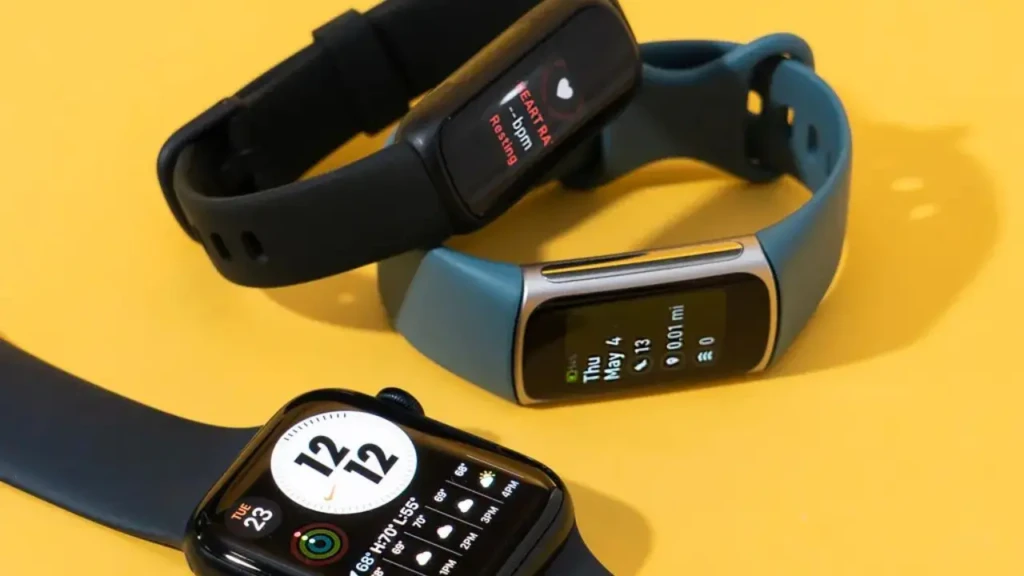
Smartwatches have mature, well-developed app ecosystems. watchOS (Apple Watch) and Wear OS (Google/Samsung) both support thousands of third-party apps covering fitness, productivity, travel, finance, and more. This ecosystem is a genuine advantage if you want your wearable to extend your digital life beyond basic tracking.
Fitness bands work through companion apps on your smartphone, such as Fitbit’s app, Xiaomi’s Zepp app, Garmin Connect, and so on. These companion apps are excellent for visualising your health data over time, but the band itself doesn’t run apps independently. Compatibility is broad; most fitness bands work with both iOS and Android, while some smartwatches are more restrictive (Apple Watch requires an iPhone).
Bottom Line: If you’re an iPhone user, Apple Watch’s ecosystem integration is unmatched. However, if you’re on Android or split between platforms, both options are well-supported, but check compatibility for the specific smartwatch model before buying.
Price and Value
Price is often the deciding factor, and the gap is substantial.
Entry-level smartwatches start at $150–200, with devices like the Apple Watch SE and Samsung Galaxy Watch FE, while flagship models (Apple Watch Ultra, Samsung Galaxy Watch 7) range from $400–800. You’re paying for the screen, the processor, the app ecosystem, and the premium materials.
Fitness bands start at $30–40 for basic models and rarely exceed $150, even for the most capable options like the Fitbit Charge 6 or Garmin Vivosmart 5. At that price point, you get accurate tracking, long battery life, and solid build quality, without the features that drive up smartwatch prices.
If you’re new to wearables or not sure how much you’ll actually use one, a fitness band is a low-risk way to find out. If you already know you want smart features and connectivity, the smartwatch investment is justified by the broader capability it provides.
A Quick Comparison Table
Feature | Smartwatch | Fitness Band |
Price Range | $150 – $800+ | $30 – $150 |
Display | Large, full-colour touchscreen | Small, minimalist |
Battery Life | 1–3 days | 7–14 days |
Smart Features | Calls, apps, voice assistant, and payments | Notifications only |
Health Tracking | Advanced (ECG, SpO₂, fall detection) | Core (steps, heart rate, sleep) |
App Ecosystem | Full third-party app support | Companion app only |
Best For | Productivity + connectivity + fitness | Focused health and fitness tracking |
Comfort for Sleep/Swim | Varies by model | Excellent (designed for all-day wear) |
Who Should Buy a Smartwatch?
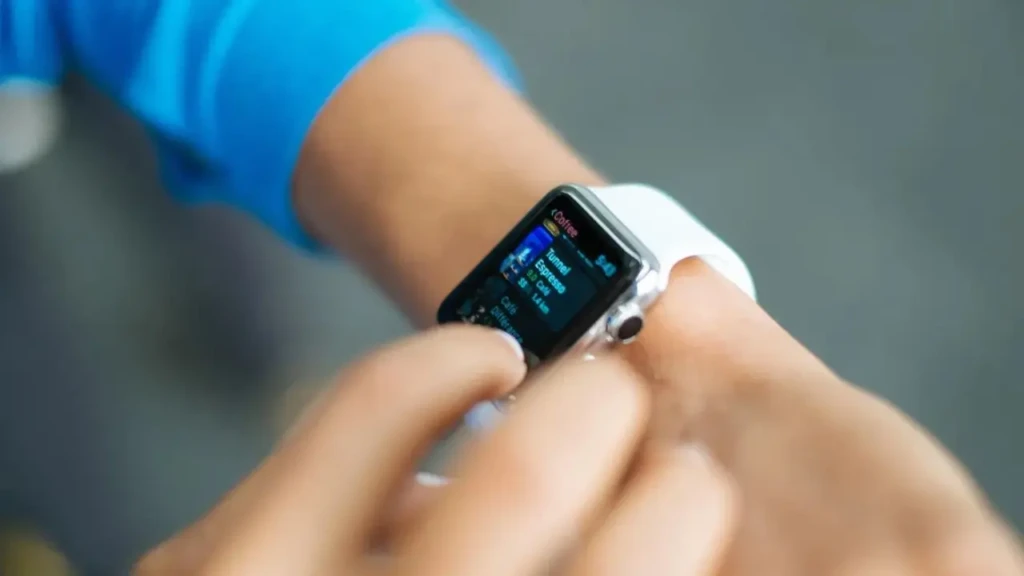
A smartwatch is the right choice if you want your wearable to do more than track activity. If you regularly leave your phone in another room and want to stay connected, if you want to control music, respond to messages, or use navigation from your wrist, or if you want advanced health sensors like ECG or fall detection, a smartwatch delivers all of that in ways a fitness band simply can’t.
It’s also the right choice if you care about the device looking good on your wrist in professional or social settings. A quality smartwatch is a wearable you’d be comfortable wearing to a meeting or dinner, unlike a slim plastic fitness band. The Apple Watch SE is worth considering if you want a capable, well-supported smartwatch at a lower entry price without the full flagship cost.
Who Should Buy a Fitness Band?
A fitness band is the right choice if health and activity tracking are your primary goals and you don’t need your wearable to replicate your phone. If you want to monitor your steps, sleep, heart rate, and workout sessions accurately and consistently without daily charging or the expense of a smartwatch, a fitness band does all of that exceptionally well for a fraction of the price.
It’s also the practical choice if you want to wear your device continuously, for instance, during sleep, swimming, and exercise, without worrying about it getting in the way or needing to charge. And if you’re new to wearables and not sure how much you’ll actually use the data, starting with a $50–80 fitness band rather than a $300 smartwatch is a sensible way to test whether tracking your health actually changes your behaviour before committing to a more expensive device. If you do find yourself wanting more features after a few months, you can always upgrade with a clearer sense of what you actually need.
FAQs
Most fitness bands work with both iOS and Android through their companion apps. Always check the specific model’s compatibility before buying, but cross-platform support is standard across the major fitness band brands, such as Fitbit, Garmin, Xiaomi, and Amazfit, which all support both platforms.
Fitness bands have a practical advantage here: their lighter weight, longer battery life, and slimmer profile make them more comfortable to sleep in. Many smartwatch users choose to remove their watch for charging overnight, which means they lose sleep tracking entirely. If sleep data is a priority, a fitness band that you can comfortably wear every night will give you more consistent data than a smartwatch you occasionally skip.
The band itself tracks activity independently, but most fitness bands require a companion smartphone app to view detailed data, sync history, and configure settings. The band stores data onboard and syncs when your phone is nearby, but without the app, your data access is limited to whatever the band’s own screen displays.
Both work well for running, but the right choice depends on how seriously you train. For casual runners who want pace and distance, either works. For runners following structured training plans who want detailed split analysis, heart rate zone data, and integration with training platforms like Strava, a smartwatch or a dedicated GPS running watch gives you significantly more useful data. Our Strava vs Nike Run Club guide covers how these apps work across wearable platforms if you’re building a running-focused setup.
Final Thoughts
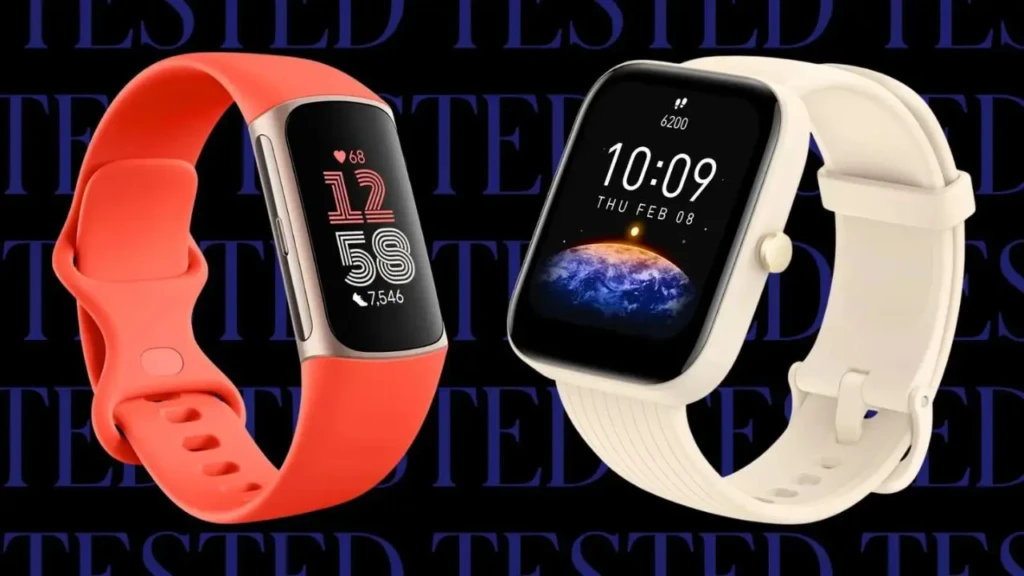
Smartwatches and fitness bands solve the same underlying problem, keeping you connected to your health and your digital life, but they solve it in genuinely different ways, for genuinely different people. The right choice isn’t the more expensive or more feature-rich device; it’s the one that matches how you actually live.
If you want connectivity and smart features on your wrist, a smartwatch is worth the investment. If you want reliable, low-maintenance health tracking without the complexity and cost of a smartwatch, a fitness band does the job exceptionally well. And if you’re still unsure, a fitness band is always the lower-risk starting point; you can upgrade later once you know exactly what you’d use a more capable device for. For more beginner-friendly tech guides that help you make smarter buying decisions, browse our full Tech Guides section.
Found this helpful? Browse more in-depth tech guides, honest reviews, and step-by-step tutorials at YourTechCompass; your go-to resource for making smarter tech decisions.