Sending money instantly has gone from a convenience to a necessity. Whether it’s splitting a bill, paying rent, or getting paid for side work, apps like Cash App promise speed and simplicity without the friction of traditional banking. But behind that clean interface are important details that many users overlook: fees that apply only in certain situations, limits that vary based on verification, and rules that can affect how and when funds actually move.
This guide breaks down Cash App in plain terms, focusing on how it works in everyday use. You’ll learn exactly how payments are processed, what fees to expect (and how to avoid them), how sending and withdrawal limits are set, and where Cash App makes sense, or doesn’t, depending on how you manage your money. The goal is to help you use Cash App confidently, without surprises, and decide whether it fits your financial habits.
What Is Cash App?
Cash App is a mobile-first financial app that lets individuals send and receive money instantly, hold a balance, get a customizable debit card (Cash Card), deposit paychecks, and even buy stocks and Bitcoin. It aims to simplify small-value transactions between friends, family, and casual buyers/sellers.
Cash App belongs to a broader class of mobile apps people rely on daily, similar to the tools featured in curated app roundups such as this Best Google Play Store Apps guide, where usability and trust matter more than advanced financial complexity.
Importantly, Cash App is not a bank in the traditional sense; it provides payment and financial services through partners and a technology platform. That means some banking features are available (direct deposit, FDIC-like protections through partner banks in certain cases), while others, such as full checking accounts or broad consumer protections, work differently from those at a traditional bank.
How Cash App Works (Step-by-Step)
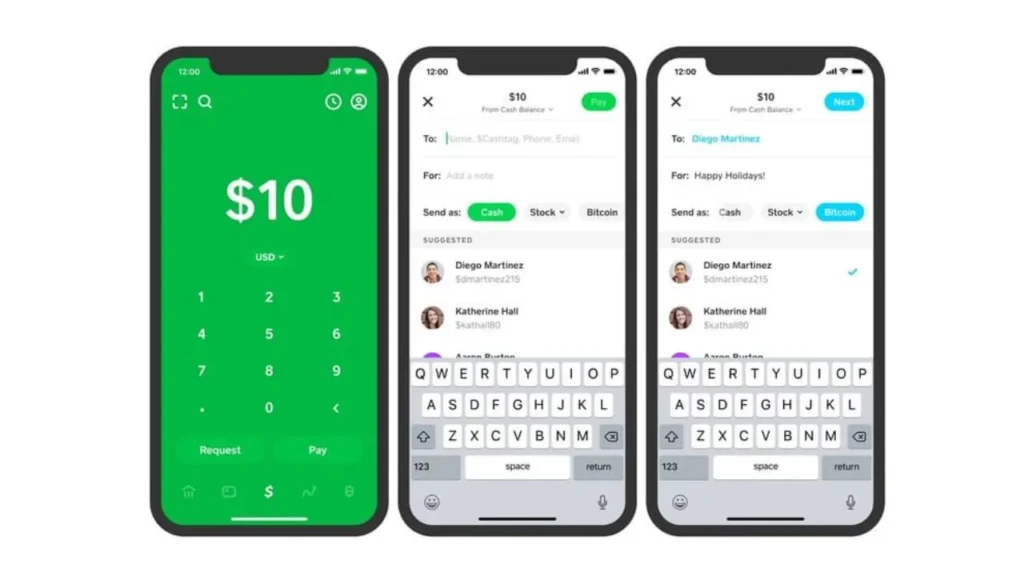
Here’s how Cash App handles the most common tasks:
- Create an Account. Download the app (iOS or Android), register with an email or phone number, and set a PIN or enable biometrics for security.
- Link Funding Sources. Add a debit card or link a bank account to load funds or cash out. Linking a bank account also unlocks higher limits after verification.
- Send and Receive Money. Send money to a $Cashtag, phone number, or email. Recipients typically get the money instantly in their Cash App balance.
- Use the Cash Card. The Cash Card is a Visa debit card that lets you spend directly from your Cash App balance or your linked account. It can be used online, in stores, or at ATMs.
- Deposit and Withdraw. Receive direct deposit for paychecks or transfer your balance back to a bank account. Standard transfers are usually free but take 1–3 business days, while Instant transfers incur a fee.
- Invest or Buy Crypto. Users can buy fractional shares of stocks and small amounts of Bitcoin directly in the app; note that investing features carry market risk and fees.
Throughout these steps, Cash App abstracts many details, so actions feel immediate, but that simplicity also hides important policy and security considerations, which are explained below.
From a technical standpoint, apps like Cash App are built and maintained using the same mobile development foundations discussed in guides such as Android Studio Explained and Apple’s official toolchain covered in the Xcode guide. While users never see this layer, it directly affects reliability, updates, and security.
Cash App Features Explained in Detail
Peer-to-Peer Payments
Send money using a $Cashtag, email, or phone number. Transactions are usually instant for both parties within Cash App. If the recipient doesn’t have an account, they receive instructions to sign up.
Practical Tip: Use $Cashtags instead of plain phone numbers for repeat payees to avoid mistakes.
Cash Card (Debit Card)
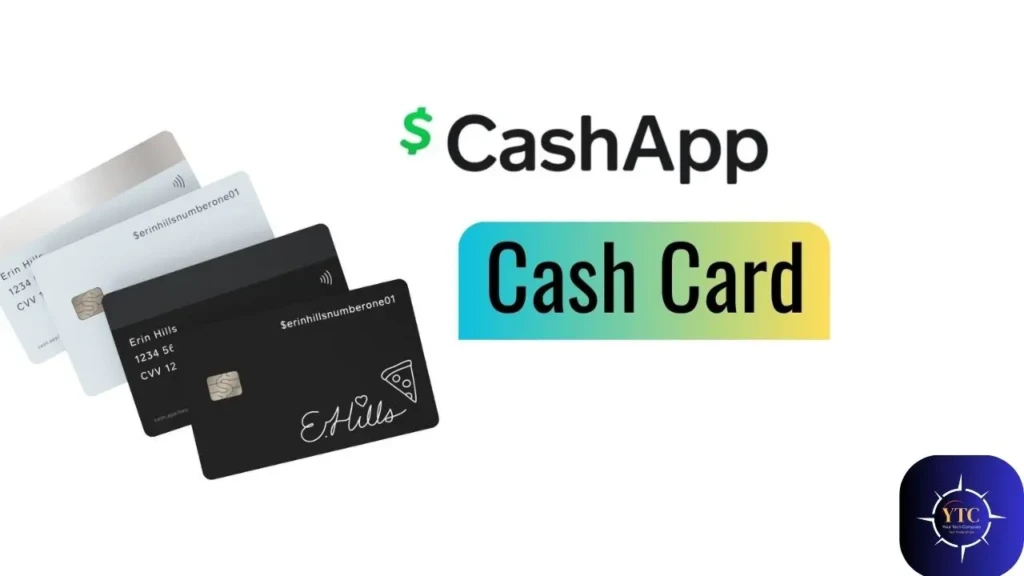
The Cash Card is a physical or virtual Visa debit card tied to your Cash App balance. It can be used anywhere Visa is accepted. Cash Card also supports boosts (discounts) at select merchants.
Practical Tip: Treat the Cash Card like any debit card, monitor transactions and lock the card in the app if it’s lost.
Direct Deposit
Cash App supports direct deposit of paychecks, which can make the app act like a lightweight bank account. Early deposit features sometimes allow paychecks to be deposited a day or two earlier than with traditional banks.
Practical Tip: Verify employer compatibility and understand hold policies before relying on Cash App for recurring bills.
Investing: Stocks & Bitcoin
Cash App allows fractional stock purchases and Bitcoin trades. This is convenient for beginners but offers fewer robust trading tools and potentially higher spreads than dedicated brokerages.
Apps offering financial services, such as investing and trading, often rely heavily on app store visibility and acquisition strategies, as detailed in our Apple Search Ads guide. This visibility plays a major role in the widespread adoption of tools like Cash App.
Practical Tip: Treat Cash App investing as an entry point; for serious trading or tax reporting, use a full-featured broker.
ATM Withdrawals
Use the Cash Card at ATMs. Cash App may charge ATM fees, and the ATM operator may also charge a fee. Direct deposit can qualify you for fee reimbursements in certain cases (check current Cash App terms).
Cash App Fees: What to Expect
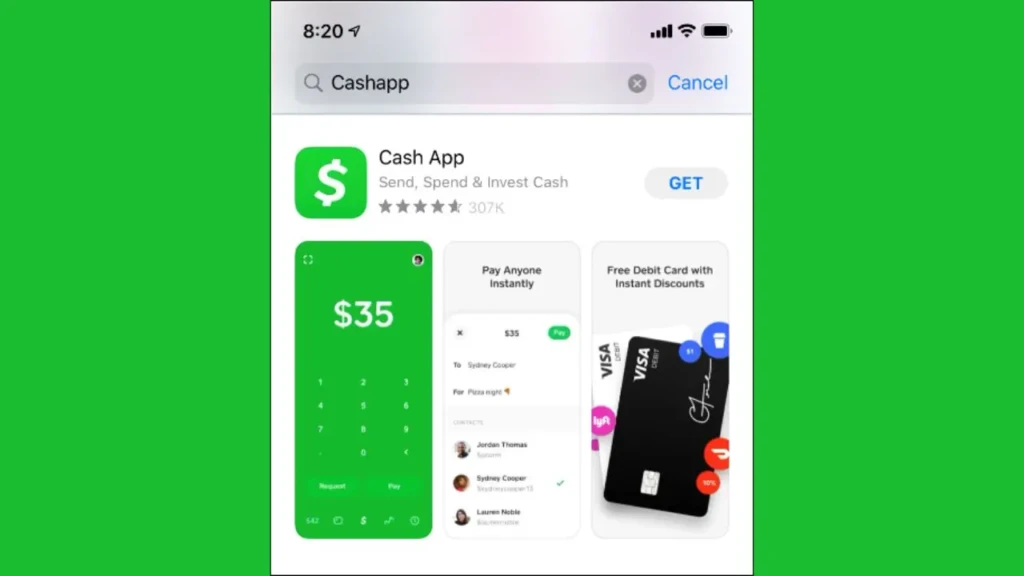
Understanding fees avoids surprises:
- Standard Bank Transfers: Usually free; take 1 to 3 business days.
- Instant Transfers to Bank/Debit Card: Small percentage fee (a few percent).
- ATM Withdrawals: Cash App may charge; ATM operator fees may apply.
- Credit Card Payments: Sending money with a credit card incurs a fee (higher than debit).
- Bitcoin Trading: Spread and/or fees apply when buying or selling Bitcoin.
In short, basic peer payments and deposits are free when you use standard methods and linked bank accounts; fees apply for faster, more convenient, or credit-based options.
Cash App Limits You Should Know
Limits are important for both convenience and safety:
- Unverified Accounts: Lower sending/receiving limits; verification typically requires personal details (name, DOB, SSN).
- Verified Accounts: Higher daily/monthly limits; verification unlocks more features (crypto purchases, direct deposit).
- Cash Card ATM Limits: Daily withdrawal and purchase limits exist and differ by region.
- Investment/crypto Limits: Buying limits may be imposed on new accounts or after verification.
Always check the app’s current limits in Settings → Limits, as they vary by account status.
Is Cash App Safe to Use? (Security & Scam Guidance)
Safety is layered, both technical and behavioral:
Built-in Security
- Encryption: Communications and transactions are encrypted in transit.
- PIN/biometrics: App lock options prevent unauthorized access.
- Account recovery: Tied to phone/email and often multi-step verification.
Fraud & Scams (User Behavior Matters)
Scammers often target P2P apps by requesting “urgent” payments or faking buyer/seller interest. Common scams include:
- Overpayment scams followed by fake refund requests
- Impersonation of friends/family asking for money
- Romance or investment scams asking to transfer funds
The Federal Trade Commission (FTC) and other consumer agencies regularly publish guidance on these scams, always verify requests and never send money to strangers for promises that sound too good to be true.
Recovery & Reversals
Unlike regulated credit card chargebacks, P2P app payments are often final. If a friend accidentally sends money, Cash App can help, but once a payment is claimed by the recipient or sent outside the platform, recovery can be difficult. That’s why caution with one-time or stranger payments is essential.
Practical Safety Rules: Enable the PIN, enable two-factor where available, verify $Cashtags before sending, and never use credit cards for “instant” payments to strangers.
What Cash App Is Good For (Use Cases)
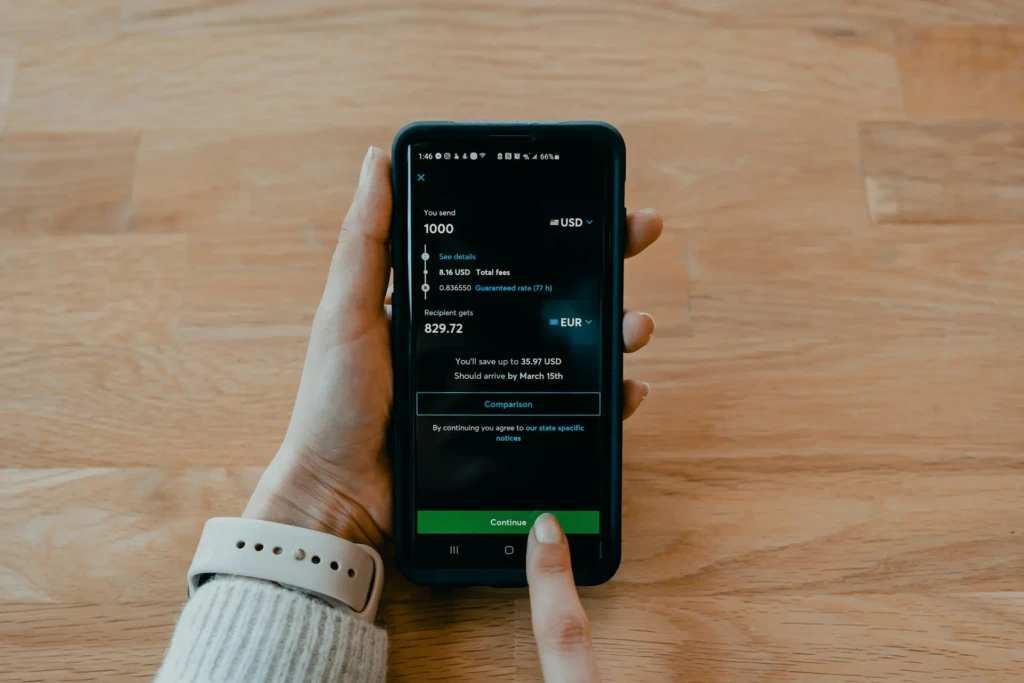
- Splitting Bills: Quick and frictionless.
- Paying Gig Workers or Babysitters: Fast pay without checks.
- Small Online Sales: Easier than invoicing for casual sellers.
- Trying Micro-Investing: Easy entry to fractional shares or Bitcoin.
What Cash App Is NOT Good For
- Holding Large Balances Long-Term: It’s safer to keep large funds in a bank with FDIC insurance.
- Business Operations with Chargebacks: Limited dispute protections make it risky for high-volume merchant use.
- International Banking: Cross-border features are more limited than those of global payment services.
Cash App vs Other Payment Apps: Quick Comparison
Use this table to decide which app best fits your habits.
Feature / Factor | Cash App | Venmo | PayPal | Zelle |
P2P Ease of Use | Excellent | Excellent | Good | Excellent |
Instant Bank Transfer Fee | Yes (instant) | Yes (instant) | Yes | Varies (bank dependent) |
Debit/credit Card Payments | Yes (fees for credit) | Yes (fees) | Yes (fees) | No (bank-to-bank) |
Buyer/seller Protection | Limited | Limited | Stronger (merchant focus) | Limited |
Investing / Crypto | Yes | No | No (limited) | No |
Cross-platform Availability | iOS/Android | iOS/Android | iOS/Android | Bank apps / limited |
Bottom Line: Cash App combines P2P convenience with lightweight investing; PayPal is stronger for merchant protection and dispute resolution; Zelle is bank-centric (fast but limited to participating banks).
Fees, Limits, and Real-World Cost Examples
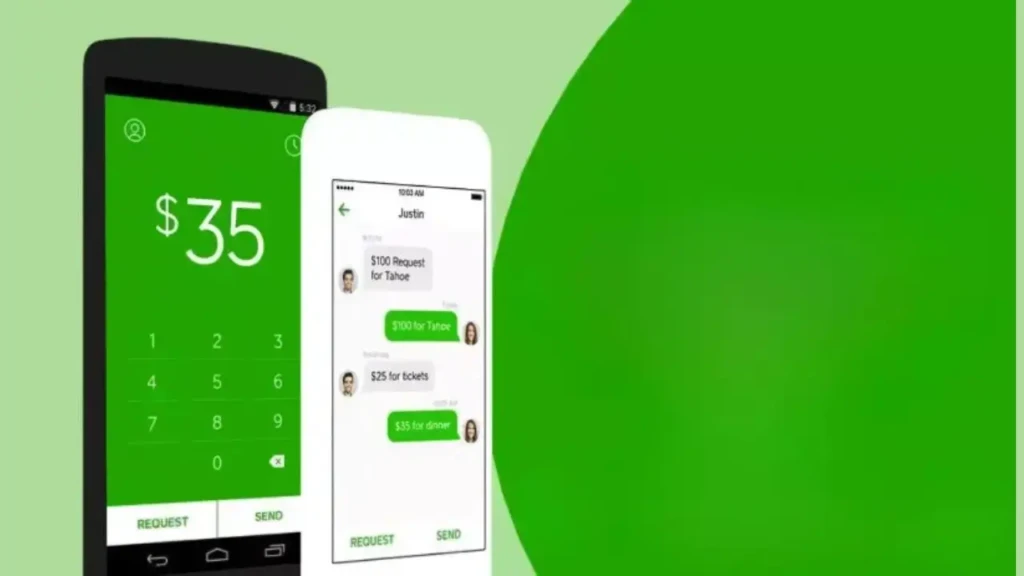
To illustrate:
- Sending $50 with standard transfer → usually free, arrives in 1–3 days.
- Sending $50 with Instant transfer to your debit card → instant but a fee (e.g., 0.5–1.75% or a minimum fee).
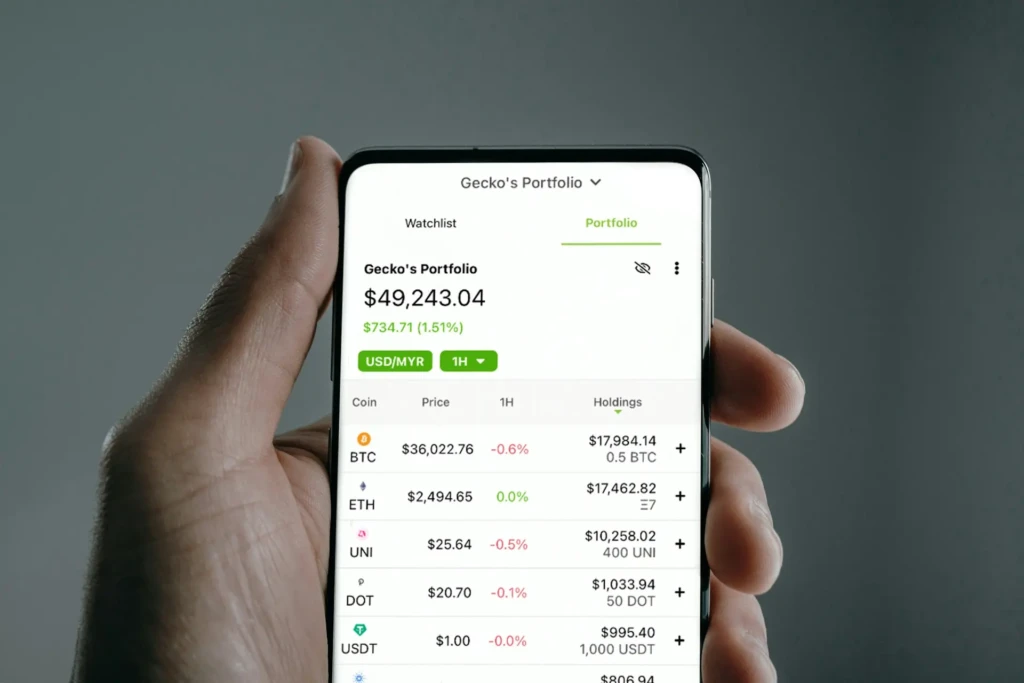
- Buying Bitcoin with $25 → spread and possible fees make micro-trades slightly more expensive than large trades.
Always check the app’s current fee schedule before taking any high-value action.
Common Problems and How to Fix Them
Payment Pending or Failed
- Check network connectivity and correct recipient details.
- If funds were deducted, contact Cash App support and keep the transaction IDs.
Account Locked or Restricted
- Follow the verification prompts in the app and be prepared to provide ID as required.
Missing Direct Deposit
- Verify employer/ADP settings and ensure that the account/ABA details submitted to the payroll provider match the Cash App information.
For persistent issues, use Cash App support channels and document timestamps and transaction IDs.
Who Should Use Cash App and Who Shouldn’t
Use Cash App if:
- You make frequent small peer payments.
- You want a simple debit card tied to a mobile wallet.
- You’re experimenting with small purchases of stock or Bitcoin.
Avoid Cash App if:
- You need strong buyer protection for online purchases.
- You manage large funds and require full bank protection.
- You run a business that needs invoicing and chargeback management.
FAQs About Cash App
Basic sending and receiving from a linked bank account is usually free; instant transfers and some other services incur fees.
Not entirely. While direct deposit and Cash Card offer bank-like features, Cash App is not a full bank and does not offer all the protections and services.
Typically no. Peer payments are often final; mistakes require recipient cooperation or support from the intervention team.
It’s fine for small, casual trades, but those markets carry risk, and Cash App’s trading features are less comprehensive than dedicated brokerages.
Final Verdict: Is Cash App Worth Using?
Cash App is a strong, convenient tool for everyday peer payments and casual financial experiments (such as fractional investing and Bitcoin purchases). Its user experience is streamlined, and features like the Cash Card and direct deposit make it a credible option for many casual users.
However, Cash App’s simplicity comes with trade-offs: limited dispute protection, fee structures for certain conveniences, and risks if used with strangers. For safety and financial hygiene, use Cash App for what it’s best at, small, trusted transactions, and keep larger balances and business operations in traditional, well-insured banking channels.