Cash App Borrow is a short-term loan feature built directly into Cash App that lets eligible users borrow between $20 and $500 without a credit check, a bank visit, or a lengthy application process. You apply inside the app, the money lands in your Cash App balance in seconds, and you repay it within four weeks. The feature is issued by First Electronic Bank and serviced by Square Financial Services, Inc., meaning it’s a legitimate loan product, not a workaround or an informal advance. Interestingly, Cash App uses behavioral underwriting rather than traditional credit scoring: 70% of active Cash App Borrow customers have FICO scores below 580, yet the platform maintains a 97% repayment rate, which tells you the eligibility system is working off account activity and deposit history rather than your credit report.
The honest context you need before anything else is this: Cash App Borrow is not available to every Cash App user. It’s limited to users who meet specific eligibility criteria (primarily around direct deposit history and account activity) and is only available in 48 US states (not Colorado or Iowa). If you search for the Borrow option and don’t find it, that means you don’t currently qualify, rather than that you’re doing something wrong. This guide covers exactly who qualifies, the step-by-step borrowing process, what repayment actually costs you, and what to do if the feature isn’t visible in your app yet.
What Is Cash App Borrow?
Cash App Borrow is a short-term lending feature offered by Cash App (owned by Block, Inc., formerly Square) that gives eligible users access to small loans directly within the app. The concept is straightforward: you need a small amount of money quickly; you borrow it through Cash App; it hits your balance instantly; and you pay it back within four weeks, along with a flat 5% fee.
Here’s what the key numbers look like in practice. Borrow amounts range from $20 to $500, depending on your account eligibility, though first-time borrowers typically receive a limit of around $153, with higher limits available as you build more account history.
The loan carries a flat 5% fee, not an annual interest rate applied monthly, but a single flat charge on the amount you borrow. Therefore, if you borrow $100, you owe $105 at repayment. And if you borrow $200, you owe $210.
The repayment window is four weeks from the date you borrow. And if you miss that window, Cash App charges a 1.25% weekly late fee on the outstanding balance until it’s fully repaid.
No credit check is involved at any stage. Cash App doesn’t pull your credit report, and responsible repayment doesn’t build your credit history either. Cash App does not report on-time payments to credit bureaus. However, if you miss payments and the debt goes to collections, Cash App can and will report delinquencies to Equifax, Experian, and TransUnion, which can damage your credit. That asymmetry (no benefit to your credit for paying on time, real damage for not) is worth knowing before you borrow.
Do You Qualify for Cash App Borrow?
Eligibility is the most important thing to understand before the steps, because if you don’t qualify, the steps are irrelevant, and understanding why helps you unlock the feature over time.
Cash App doesn’t publish a fixed eligibility checklist, and a Cash App service representative confirmed to researchers that “there isn’t a solid ‘the customer does this, and it automatically unlocks’ type of eligibility.” What is confirmed directly from Cash App’s official Borrow page is the clearest guidance available:
Most users become eligible when they:
- Deposit $300 or more in paychecks per month directly into Cash App, or
- Link an external account that receives $500 or more in monthly deposits
Beyond the deposit threshold, these additional factors increase your likelihood of qualifying:
- Regular use of the Cash App Card (the Visa debit card linked to your balance)
- Consistent account activity (sending, receiving, and spending through the app)
- An account that has been active for several months with a positive history
- No outstanding unpaid Cash App Borrow loans
- US residency in one of the 48 eligible states (Cash App Borrow is not available in Colorado or Iowa)
- Age 18 or older with verified identity in the app
Factors that reduce your likelihood of qualifying:
- No direct deposit set up through Cash App
- Minimal transaction history or a new account
- Outstanding unpaid Cash App Borrow balance
- Flagged account or violations of Cash App’s terms of service
The honest framing here is that direct deposit is the single most reliable lever you have. Users who don’t have direct deposit set up rarely qualify. However, users who regularly deposit their paycheck into Cash App are significantly more likely to see Borrow appear in their Banking tab. Therefore, if you’re not eligible today, setting up direct deposit and consistently using your Cash App Card for 4–6 weeks is the most reliable way to unlock the feature.
For a full breakdown of everything Cash App offers beyond Borrow, our Cash App guide covers the platform’s complete feature set.
How to Check if Cash App Borrow Is Available to You
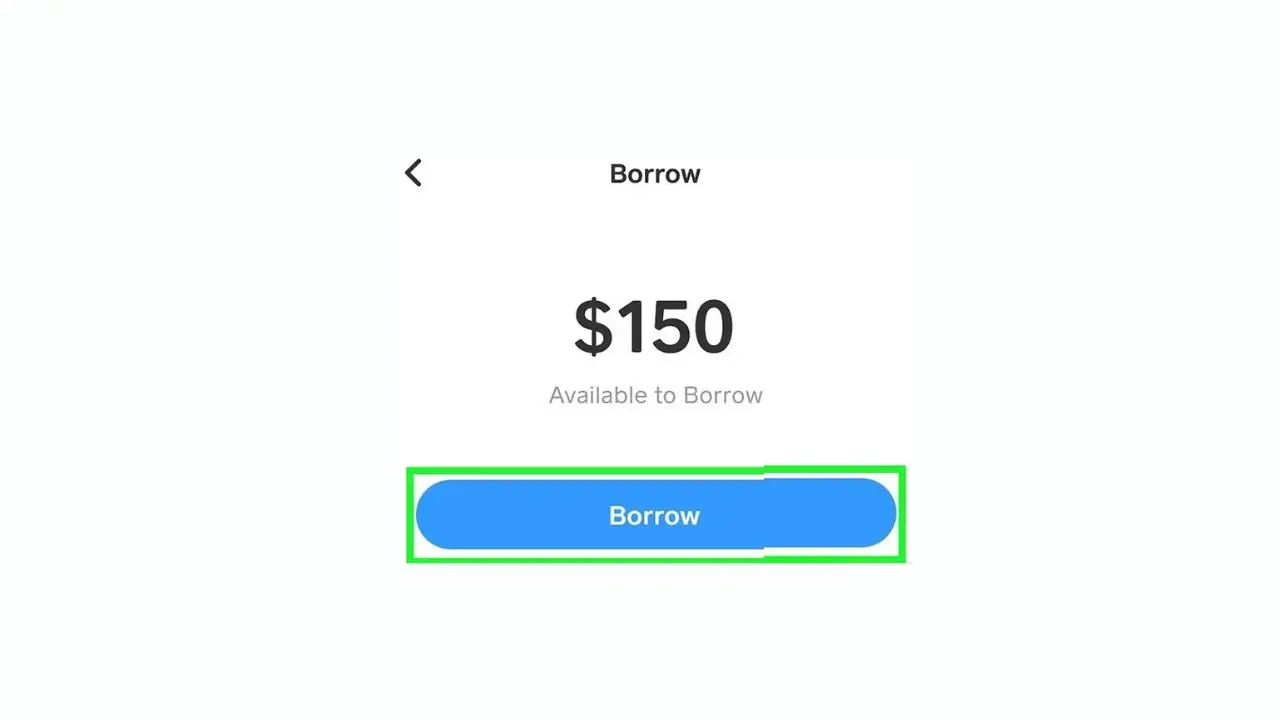
Before you follow the borrowing steps, spend 30 seconds checking whether Borrow is currently available on your account. Here’s exactly where to look.
- Open Cash App on your iPhone or Android device
- Tap the Banking tab (the icon that looks like a bank or building at the bottom of the screen)
- Look for a “Borrow” option in this section.
If you see “Borrow,” it’s available in your account, and you can proceed with the steps below. If you don’t see “Borrow,” the feature isn’t currently available on your account; it’s not hidden in another section of the app. If Borrow isn’t visible in the Banking tab, it’s not available on your account.
What to do if Borrow doesn’t appear:
- Set up direct deposit: Banking tab → Direct Deposit → follow the setup steps to route your paycheck or benefits to Cash App
- Use your Cash App Card for regular everyday purchases over the coming weeks
- Send and receive money through Cash App consistently to build a transaction history
- Return to the Banking tab after 4–6 weeks of increased activity and check again
Additionally, Cash App launched a Cash App Score pilot in late 2025, a transparency feature that shows your lending eligibility score in near-real time, explains which factors are influencing it, and suggests specific actions to improve it. According to Brian Boates, Risk Lead at Block, the pilot gives customers visibility into their scores and the ability to take concrete steps to build their financial health within Cash App. The pilot is expanding broadly throughout 2026. Check your app for this feature, as it may now be available to you.
How to Borrow Money From Cash App: Step-by-Step
Once Borrow appears in your Banking tab, the process takes under two minutes from start to funded balance.
Step 1: Open Cash App and go to the Banking tab
Tap the bank icon at the bottom of your screen to open the Banking section.
Step 2: Tap Borrow
You’ll see the Borrow option in the Banking section. Tap it to open the feature.
Step 3: Tap Unlock If Prompted
Some users see an initial screen asking them to unlock the Borrow feature. Tap Unlock to proceed to the loan selection screen.
Step 4: Review Your Available Loan Amount
Cash App shows you the maximum amount you’re eligible to borrow. This is your current limit; it ranges from $20 to $500 depending on your account activity and history. You can choose any amount up to this limit.
Step 5: Select the Amount You Want to Borrow
Use the selector to choose your loan amount. Only borrow what you need. The flat 5% fee applies to the full amount you select, so borrowing $200 when you only need $100 means paying double the fee.
Step 6: Review the Loan Terms Carefully
Cash App clearly displays: the amount you’re borrowing, the flat 5% fee, your total repayment amount, the repayment due date (four weeks from today), and your repayment plan options. Read these before confirming. Once you accept, the terms are set.
Step 7: Choose Your Repayment Plan
Cash App gives you flexible repayment options:
- Lump Sum: Pay the full amount plus the fee in one payment on or before the due date
- Weekly Installments: Four approximately equal weekly payments spread over the four-week period
- Pay As You Go: Cash App automatically sets aside approximately 10% of incoming funds toward the loan balance until it’s paid
Step 8: Read and Accept the Loan Agreement
The loan is issued by First Electronic Bank and serviced by Square Financial Services, Inc. The agreement specifies the amount, fee, due date, and repayment terms. Confirm your acceptance.
Step 9: Receive Your Funds
The borrowed amount appears in your Cash App balance instantly, typically within seconds. You can now spend it using your Cash App Card, send it to someone, or transfer it to your linked bank account. Standard bank transfers take 1–3 business days and are free; instant transfers carry a small percentage fee.
Cash App Borrow Repayment: Everything You Need to Know
Understanding repayment before you borrow prevents surprises, and surprises come in the form of late fees that accumulate weekly.
The Flat Fee in Plain Terms
You pay the 5% fee regardless of how early you repay within the four-week window. Paying on day three doesn’t reduce the fee. The only financial benefit of early repayment is clearing your loan record so you can borrow again sooner and avoiding late fees if your balance fluctuates around the due date.
The Late Fee Explained With Real Numbers
If you borrow $100 and don’t repay by the due date, Cash App charges 1.25% per week on the outstanding balance. After week one: $105 × 1.25% = $1.31 in late fees, bringing your balance to $106.31. After week two, an additional 1.25% on $106.31, and so on each week until fully repaid. Those amounts sound small individually, but they add up significantly if you ignore the loan for several weeks.
How Repayment Is Collected
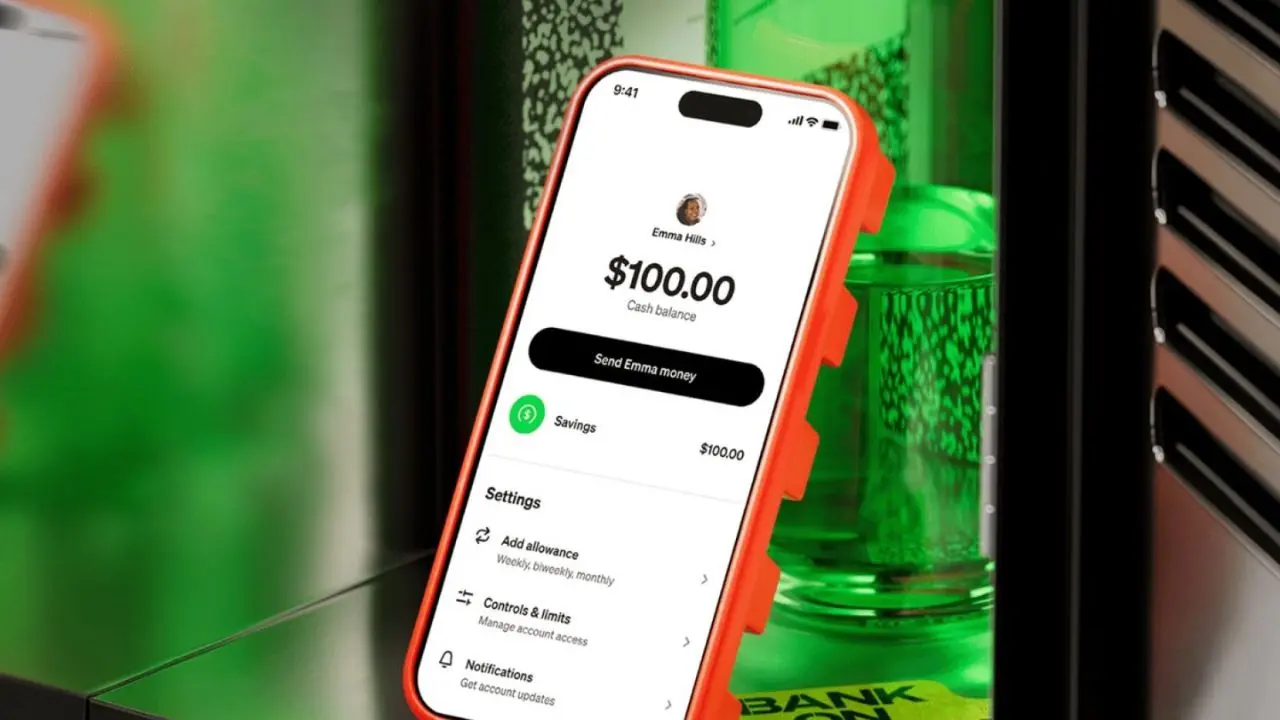
Cash App automatically attempts to deduct repayments from your Cash App balance on the scheduled dates. Therefore, if your Cash App balance is insufficient, Cash App will attempt to collect from your linked bank account. And if you have autopay enabled and both your Cash App balance and linked bank account are insufficient, you may face overdraft charges from your bank in addition to Cash App’s late fees (a compounding cost you can avoid by ensuring your account has sufficient funds around your repayment dates).
A $5 Outstanding Balance Fee Applies
If payment isn’t made within four calendar days of the due date, and you selected a repayment schedule other than the one Cash App originally recommended. This is separate from the 1.25% weekly late fee and applies in specific repayment schedule situations.
Military Members Receive An APR Discount
The Military Lending Act caps consumer credit APRs at 36%, so military personnel borrowing through Cash App have their effective rate capped at that threshold, regardless of the standard 5% flat fee structure.
How to Repay Your Cash App Borrow Loan Early
Paying early is simple and takes about 30 seconds:
- Open Cash App and tap the Banking tab
- Tap Borrow
- Tap Repay or Pay Early
- Select the full remaining balance or a partial payment amount
- Confirm the payment process immediately from your Cash App balance
Early repayment doesn’t reduce the 5% flat fee, but it clears your outstanding loan and may restore your borrowing eligibility sooner for your next loan. Therefore, if there’s any uncertainty about whether your balance will be sufficient by the scheduled due date, paying early eliminates the risk of a late fee.
Cash App Borrow vs Other Short-Term Borrowing Options
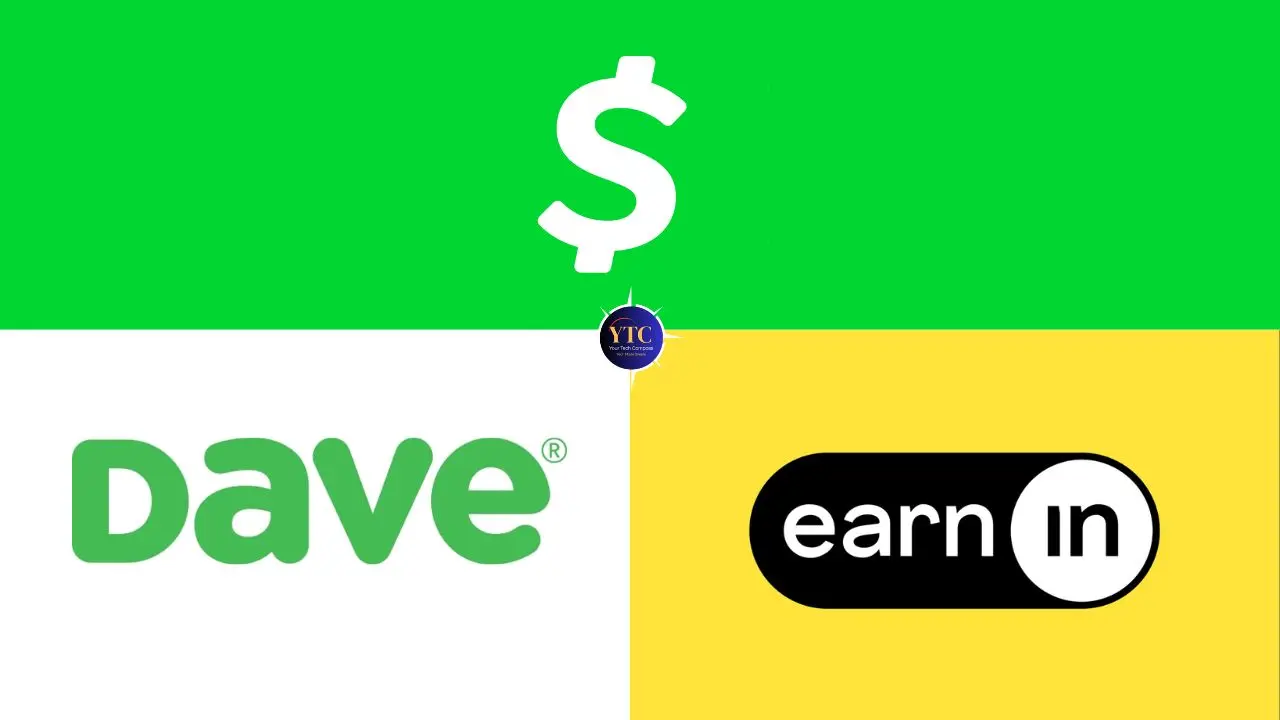
Option | Borrow Amount | Fee / Rate | Speed | Credit Check |
Cash App Borrow | $20–$500 | 5% flat (≈65% APR) | Instant | ❌ No |
Dave App | Up to $500 | $5/month membership | Same day | ❌ No |
EarnIn | Up to $750/pay period | No fee (optional tip) | Same day | ❌ No |
Credit Card Cash Advance | Up to credit limit | 25–30% APR + fee | Instant | ✅ Required |
Personal Loan (Bank/CU) | $1,000+ | 8–36% APR | Days–weeks | ✅ Required |
Payday Loan | $100–$1,000 | ~400% APR average | Same day | ❌ No |
The honest positioning: Cash App Borrow’s 65% APR on a four-week loan is significantly more expensive than traditional credit; a personal loan from a bank or credit union at 8–36% APR is substantially cheaper if you qualify. Consequently, Cash App Borrow makes the most sense for users who need $20–$500 quickly and don’t have access to traditional credit, not as an alternative to lower-cost borrowing options when those are available.
Compared to payday loans at approximately 400% APR, Cash App Borrow is significantly cheaper and carries less risk of falling into a debt trap. However, compared to earned wage access apps like Dave ($5/month membership, no per-advance fee) and EarnIn (no fee, optional tip), Cash App Borrow is slightly more expensive but doesn’t require employment verification or linking a specific employer’s payroll system. Consequently, the right choice depends on which apps you already use and which eligibility requirements you meet.
For users evaluating other payment apps alongside Cash App, our Zelle app review covers how Zelle compares as a peer-to-peer payment platform, and the apps and tools section covers the broader financial app landscape.
Troubleshooting: Common Cash App Borrow Problems
You Can’t Find the Borrow Feature
If Borrow doesn’t appear in your Banking tab, your account doesn’t currently qualify. The feature isn’t hidden elsewhere in the app; its absence from the Banking tab is a direct signal of ineligibility, not a technical glitch. Therefore, set up direct deposit ($300+ monthly paychecks), use your Cash App Card regularly, and check back after 4–6 weeks of consistent activity.
Your Borrow Amount Is Lower Than Expected
Cash App determines your limit based on account history and deposit patterns. First-time borrowers typically see limits of around $153.
As your direct deposit history grows and you repay loans on time, your available limit increases gradually. Also note that there’s no manual way to request a higher limit. Cash App’s algorithm adjusts it automatically based on your account behavior over time.
You Can’t Borrow Because You Have An Existing Loan
You can only hold one active Cash App Borrow loan at a time. Navigate to Banking → Borrow → Repay to clear the outstanding balance before borrowing again.
Borrow Is Unavailable in Your State
Cash App Borrow is available in 48 states but not in Colorado or Iowa. If you’re in one of those two states, the feature won’t appear regardless of your account activity or eligibility in every other respect.
A Scheduled Repayment Failed
If your Cash App balance and linked bank account both have insufficient funds on a repayment date, the payment fails, and late fees begin accumulating. Therefore, ensure you maintain sufficient funds in your Cash App balance or linked bank account around your scheduled repayment dates. You can also make a manual repayment early through Banking → Borrow → Repay if you’re uncertain about your balance on the scheduled date.
FAQs
No. Cash App Borrow is available only to eligible users in 48 US states (not Colorado or Iowa). Eligibility is determined by Cash App’s internal algorithm based on account activity, direct deposit history, and account standing. Only approximately 40% of Cash App users qualify at any given time. If you don’t see Borrow in your Banking tab, you don’t currently qualify for it.
Borrowing through Cash App doesn’t require a credit check, and on-time repayments are not reported to credit bureaus, so responsible borrowing won’t help build your credit. However, if you miss payments and the debt goes to collections, Cash App will report delinquencies to Equifax, Experian, and TransUnion, which can damage your credit score.
The borrowed amount appears in your Cash App balance instantly after you confirm the loan, typically within seconds. You can spend it immediately with your Cash App Card or transfer it to your linked bank account (free standard transfers take 1–3 business days; instant transfers carry a small fee).
After the four-week due date, Cash App charges a 1.25% weekly late fee on the outstanding balance. Additionally, a $5 Outstanding Balance Fee may apply in specific repayment schedule situations. Cash App may restrict your ability to borrow again, attempt to collect from future deposits, and ultimately send the debt to collections, which would then be reported to credit bureaus and impact your credit score.
Yes. Cash App Borrow limits range from $20 to $500, depending on your eligibility and account history. Users without Cash App Green (the subscription tier) can access up to $400; Cash App Green subscribers may access up to $500. First-time borrowers typically start with around $153, with limits increasing over time through consistent deposits and on-time repayment.
Set up direct deposit with at least $300–$500 in monthly deposits, make 10 or more transactions per month, and repay existing loans on time. Cash App’s algorithm evaluates your account activity in real time and automatically adjusts your limit. There is no manual request process. Consistent, responsible use over time is the reliable path to a higher limit.
Conclusion
Cash App Borrow is a legitimate, fast, and accessible short-term loan option for eligible users who need $20–$500 quickly without a credit check or bank visit. The 5% flat fee and four-week repayment window are straightforward: borrow $100 on Monday, repay $105 within four weeks, and the loan is closed. The feature works best for bridging an unexpected gap before your next paycheck when you have a clear repayment plan and sufficient funds coming in to cover the balance. Where it becomes problematic is the repeated reliance; the 65% APR equivalent makes it an expensive habit compared to building an emergency fund or accessing lower-cost credit when available.
The most important practical step, if Borrow isn’t currently visible in your app, is to set up direct deposit. Routing $300 or more in monthly paychecks directly to Cash App is the clearest documented path to unlocking the feature. Use your Cash App Card regularly, maintain consistent account activity, and check your Banking tab after 4–6 weeks. The Cash App Score pilot, expanding in 2026, will make the eligibility picture more transparent for more users over time. Therefore, check your app for that feature, as it may already be available to you.
At YourTechCompass, every guide is written to give you accurate, practical information; no sponsored fluff, no vague advice. Explore more and find the answers you’re actually looking for.