NVIDIA Canvas has emerged as one of the most intriguing AI-powered creative tools, particularly for digital artists and concept designers. Rather than requiring years of painting experience or advanced artistic skill, Canvas uses artificial intelligence to interpret simple brush strokes and turn them into realistic landscape images. This capability makes it appealing for creative professionals who want to generate ideas quickly or visualize environments without starting from scratch, and it highlights how AI is transforming creative workflows across industries.
In this article, I’ll explain what NVIDIA Canvas is, how it works, its key features, typical use cases, hardware requirements, and where it fits in the broader landscape of AI creative tools. By the end, you’ll have a clear, practical sense of whether and how to use it in your creative projects, and I’ll share practical observations from real-world workflows.
What Is NVIDIA Canvas
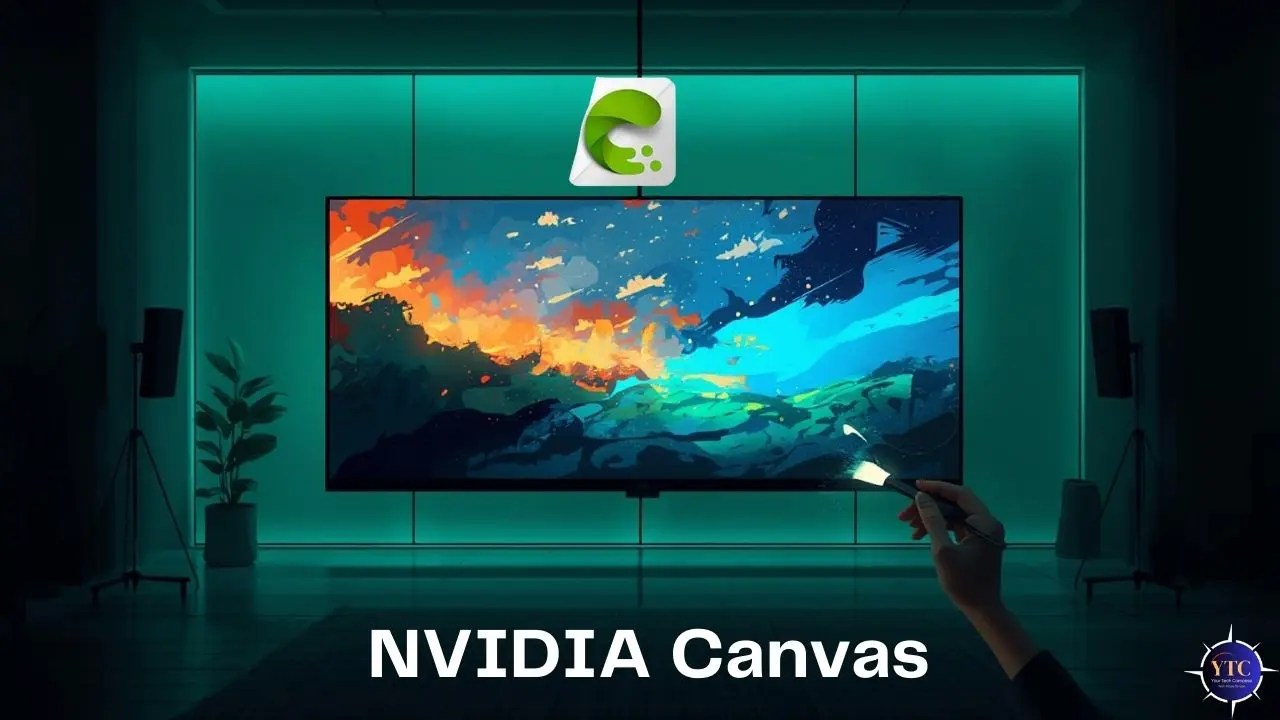
NVIDIA Canvas is an AI-powered painting application that transforms simple sketches into photorealistic images in real time. Instead of traditional digital painting, which relies on manual brush strokes, color blending, and detailed technique, Canvas lets users draw only basic shapes and lines, which the AI then interprets and fills with realistic textures, landscapes, and environments.
The technology behind Canvas is rooted in generative adversarial networks (GANs), which train two neural networks, the generator and discriminator, to continuously improve the quality of generated imagery. NVIDIA’s GauGAN research project evolved into the Canvas application, enabling anyone with suitable hardware to create lifelike art from rudimentary inputs.
How NVIDIA Canvas Works
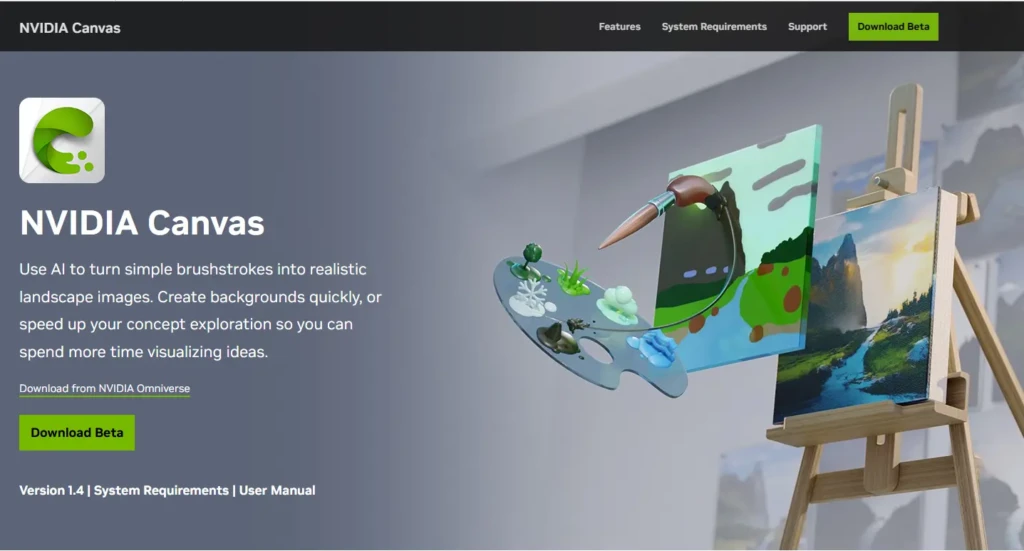
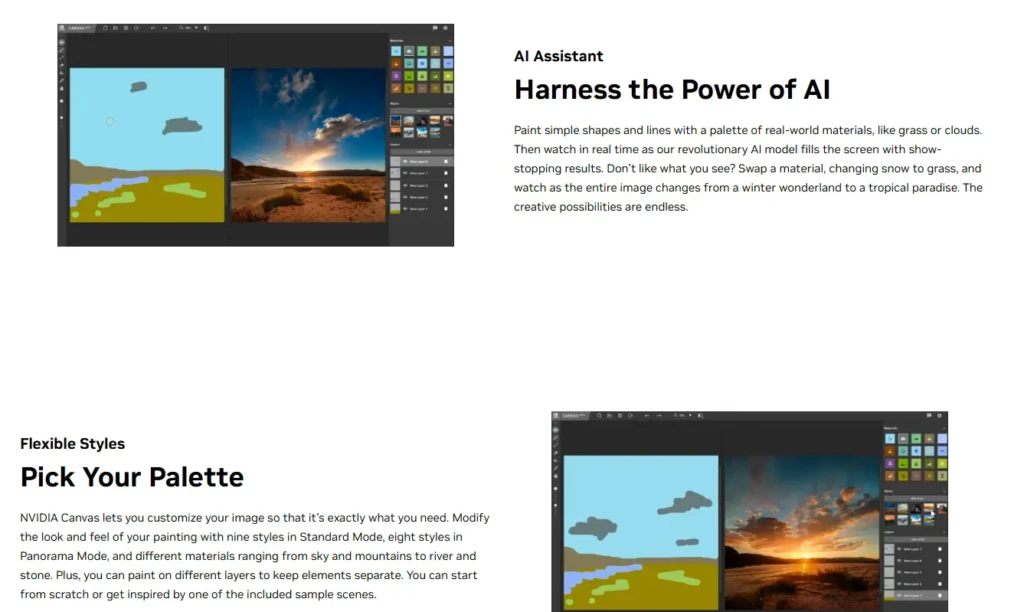
At a high level, NVIDIA Canvas uses a deep learning model to map simple drawings to detailed images. Users select “materials” such as grass, clouds, or water and then sketch rough shapes using those materials. The AI interprets the layout and generates the corresponding photorealistic elements, updating in near real time as the sketch progresses.
This design allows for rapid iteration: artists can adjust materials, add or remove elements, and experiment with composition without having to manually retrace every detail. Because the system leverages GPU acceleration, specifically the Tensor Cores in NVIDIA’s RTX hardware, the computations required to generate lifelike scenes can be performed quickly and interactively.
Key Features of NVIDIA Canvas
NVIDIA Canvas includes several features that support creative workflows:
- AI-driven Real-time Generation: Sketches are transformed into landscapes in real time.
- Material-based Painting: Users choose from a palette of real-world materials, such as sky, mountains, and water.
- Panorama and Export Options: Canvas supports 360° panorama landscapes and can export to formats such as PSD for further refinement in tools like Adobe Photoshop.
- Layered Workflow: Multiple layers help organize artworks and independently control elements.
These features lend themselves to both experimentation and production workflows, enabling concept visualization and rapid prototyping.
System Requirements and Hardware Limitations
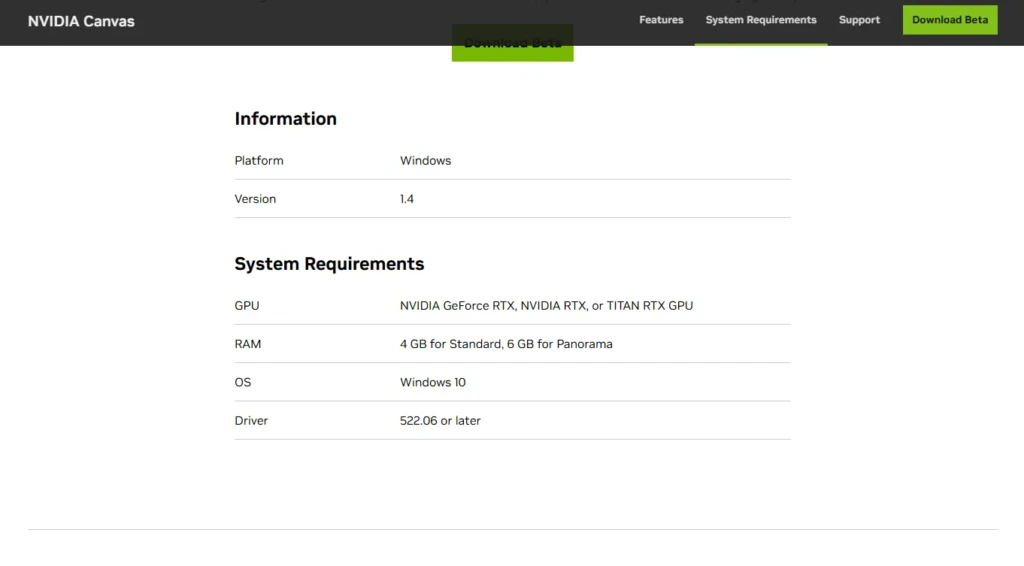
NVIDIA Canvas requires specific hardware and software to function effectively. Most importantly, it depends on Nvidia’s RTX series GPUs (including GeForce RTX, NVIDIA RTX, or TITAN RTX models), as the AI model uses tensor processing capabilities available only on those GPUs.
Minimum system requirements typically include:
- GPU: NVIDIA RTX or equivalent
- Operating System: Windows 10 or later
- Memory: RAM suitable for real-time rendering
- Storage: SSD recommended for performance
Without compatible hardware, users may not be able to run the application locally, though web-hosted versions may be accessible in some cases.
NVIDIA Canvas Use Cases
NVIDIA Canvas is useful in several creative and professional scenarios:
- Concept Art and Environment Design: Rapidly explore visual themes for games, films, or digital worlds.
- Background Generation: Create landscape backdrops for digital art or multimedia projects.
- Creative Experimentation: Artists who want to sketch ideas without committing to detailed rendering.
- Education and Learning: Students and learners can experiment with visual composition without needing traditional drawing skills.
These use cases highlight the tool’s strength in concept visualization rather than final production.
NVIDIA Canvas vs Traditional Digital Art Tools
The table below outlines how NVIDIA Canvas compares with more traditional digital art tools:
Aspect | NVIDIA Canvas | Traditional AI Software |
Ease of Dreaming Up Visuals | Very high | Moderate to high |
Dependency on Artistic Skill | Low | High |
Real-time Generation | Yes | No |
Fine Control Over Detail | Moderate | High |
Best for Final Production | Limited | Yes |
NVIDIA Canvas excels in ideation and early-stage concept creation, while traditional tools like Photoshop or Krita are better suited for detailed artwork and production workloads.
Who Should Use NVIDIA Canvas
NVIDIA Canvas is ideal for:
- Concept artists and visual designers who need rapid iteration.
- Game developers exploring environmental aesthetics.
- Digital content creators looking for quick background generation.
- Artists exploring AI-assisted workflows.
Beginners can start without extensive training, but a basic understanding of composition and design will help achieve better results.
Limitations of NVIDIA Canvas
Despite its strengths, Nvidia Canvas has limitations:
- Hardware Dependency: Requires an NVIDIA RTX GPU for local use.
- Not a Full Art Suite: It lacks advanced tools found in professional art software.
- Style Constraints: The tool is focused on landscape and environment generation and is less suited to character art or abstract styles.
- Beta Status: As a beta application, it may have bugs or incomplete features.
These constraints mean Canvas is best viewed as an idea generation and visualization tool, not a complete replacement for traditional digital art applications.
Is NVIDIA Canvas Worth Using?
For creators looking to accelerate their concept workflows, NVIDIA Canvas delivers real value by reducing the time needed to visualize landscapes and backgrounds. Its AI-driven approach complements other tools rather than replaces them, and when integrated into a broader creative pipeline, including tools such as those used for advanced AI content generation like Chat GPT 4 or even larger workflow platforms akin to Scale AI and Vertex AI, it can be part of a powerful suite of creative and analytical capabilities.
However, if your work depends on detailed paint-by-pixel control or production-ready graphics, Canvas should be seen as a starting point rather than the final destination.
Conclusion
NVIDIA Canvas is a noteworthy application of artificial intelligence to the creative process, enabling users to quickly and interactively transform basic sketches into photorealistic landscapes. Its strength lies in ideation and concept visualization, reducing the gap between rough ideas and refined visuals, particularly for artists, designers, and visual storytellers. Because Canvas is built on generative models similar in spirit to those discussed in the Chat GPT 4 guide, and because it reflects broader trends in AI tooling seen in platforms such as Scale AI and Vertex AI, it serves as an example of how specialized AI applications can empower creative workflows without requiring extensive technical expertise.
At the same time, NVIDIA Canvas is not a complete art suite and works best when integrated with other tools in a creator’s workflow. Based on this balanced view of its capabilities and limitations, I see Canvas as an accessible and practical tool for early-stage visual exploration and rapid concept generation, and I would recommend it to creators exploring AI-assisted artistry.
FAQs About NVIDIA Canvas
Yes. The Canvas application is available as a free beta download for compatible NVIDIA GPUs.
No. It is designed for rapid concept and background creation and is often used in combination with full-featured art applications.
Yes. Canvas supports exporting images in formats such as PSD, allowing further refinement in other software.
Local use typically does not require an internet connection once the software is installed.
At Your Tech Compass, we publish detailed tech guides, reviews, and comparisons to help users choose the right devices and tools.