In today’s digital world, protecting your personal information has never been more critical. Every website you visit, every app you use, and even the devices you own can collect data about you, from your browsing habits to sensitive personal details. Without proper protection, this data can be misused, stolen, or tracked, leaving you vulnerable to identity theft, phishing scams, or unwanted ads.
Understanding how to protect your privacy online is essential for maintaining control over your digital life. Fortunately, safeguarding your online privacy doesn’t require extreme measures or expensive tools. In this guide, I’ll walk you through the most effective strategies to protect your information, stay secure, and browse safely.
Understand Your Digital Footprint
A digital footprint is the trail of information you leave behind when you use the internet. This includes everything from social media posts to search history, app activity, and even metadata from your devices. Over time, these traces can be collected and analyzed by advertisers, hackers, or third parties looking to exploit your data.
To protect yourself, it’s essential to review and minimize your footprint regularly. Delete unused accounts, limit the personal information you share online, and be mindful of what you post. Reducing your digital footprint makes it harder for others to track your online activity.
For more on staying safe while managing your devices, see guides like how to connect AirPods to a MacBook, how to clear cache on Android, and how to screen record on iPhone.
Use Strong Passwords and Two-Factor Authentication
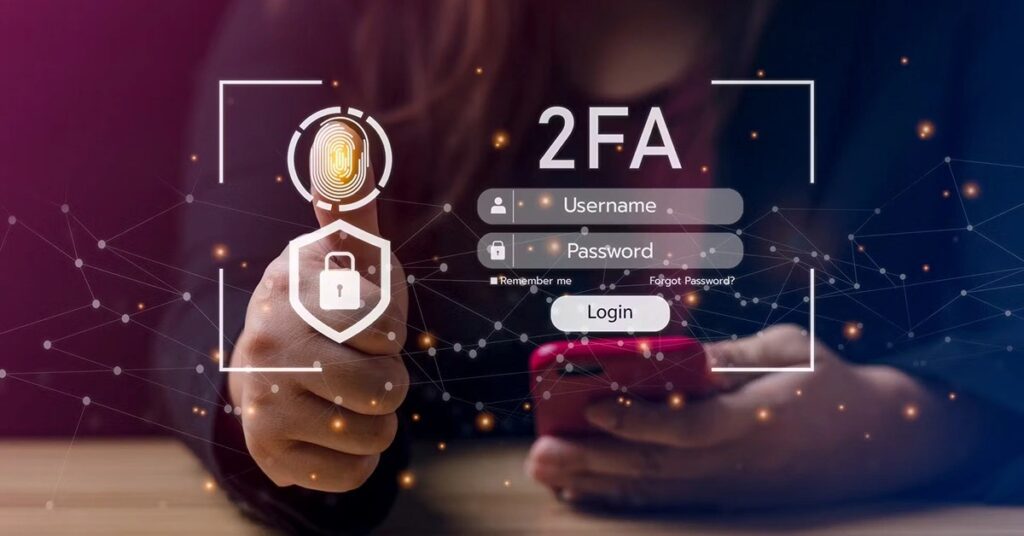
One of the simplest ways to protect your privacy online is by using strong, unique passwords for each account. Avoid using the same password across multiple services, and aim for a mix of uppercase and lowercase letters, numbers, and special characters. Password managers can help generate and store secure passwords without requiring memorization.
Additionally, enabling two-factor authentication (2FA) adds an extra layer of protection. Even if a hacker obtains your password, they cannot access your accounts without the second factor, such as a code sent to your phone. This simple step significantly improves account security.
Browse Securely: VPNs, Secure Browsers, and Public Wi-Fi
Public Wi-Fi networks are convenient, but they also expose your data to potential hackers. Using a VPN (Virtual Private Network) encrypts your internet connection, hides your IP address, and prevents third parties from tracking your online activity.
You should also consider privacy-focused browsers and browser extensions that block tracking scripts and enforce encrypted connections. Avoid logging into sensitive accounts, like banking or email, on public Wi-Fi if a VPN isn’t available.
Protect Your Data on Social Media
Social media platforms are designed to collect and share user data. Limiting what you post and adjusting privacy settings can prevent oversharing personal information. Restrict who can see your posts, turn off location sharing, and avoid sharing sensitive details like home addresses or phone numbers.
Regularly review old posts and consider deleting unused accounts. By reducing the information available, you make it more difficult for scammers or advertisers to exploit your data.
Be Wary of Phishing and Scams
Phishing attacks remain one of the most common ways people lose privacy online. Be cautious with emails, messages, and links from unknown sources. Double-check URLs before entering credentials, and avoid downloading attachments from unverified senders.
By staying vigilant, you reduce the chances of falling victim to identity theft or account compromise.
Use Privacy-Focused Tools

Using specialized tools can make protecting your online privacy easier. Some of the tools you can use include:
- Password Managers: Safely generate and store complex passwords.
- Encrypted Messaging Apps: Keep your conversations private.
- Privacy-Focused Search Engines and Browsers: Reduce tracking and data collection.
These tools, combined with good habits, help ensure that your personal information stays private.
Regularly Update Software and Devices
Software updates aren’t just for new features; they patch vulnerabilities that hackers might exploit. Keep your operating system, apps, and antivirus software up to date, and enable automatic updates when possible. This simple step helps maintain your device’s security and your privacy.
Mobile Privacy: Securing Your Devices on the Go
Since most people browse the web and access sensitive accounts on their smartphones, mobile privacy is critical. Mobile devices are particularly vulnerable to tracking apps, phishing attempts, and malware.
Start by updating your device regularly to patch any security vulnerabilities. Clear cache and stored data on your Android device to remove tracking cookies and unnecessary files (how to clear cache on Android). Similarly, iPhone users should regularly manage app permissions and can use features like screen recording responsibly (how to screen record on iPhone) to avoid accidentally capturing sensitive data.
When connecting accessories, such as headphones or AirPods, ensure secure pairing and connect only to trusted devices (how to connect AirPods to a MacBook). Finally, use VPN apps for mobile browsing to encrypt your internet activity on the go, especially when using public Wi-Fi.
Comparison Table: Privacy Tools & When to Use Them
Tool / Practice | Best Used For | Why It Matters |
Strong passwords + password manager | All online accounts | Prevents password reuse and makes accounts more challenging to hack |
Two-Factor Authentication (2FA) | Email, social media, financial accounts | Adds an extra security layer even if the password is stolen |
VPN / secure browser | Public Wi-Fi, general browsing | Encrypts the connection and hides the IP from trackers |
Privacy-focused browser extensions/search engines | Web browsing | Blocks tracking scripts and minimizes data collection |
Regular software updates | Devices, apps, OS | Closes security vulnerabilities |
Encrypted messaging apps | Messaging | Keeps conversations private and secure |
Mobile security tools | Smartphones, tablets | Protects sensitive data and ensures safe device use |
Conclusion
Protecting your privacy online is about combining good habits, the right tools, and awareness. Using strong passwords, enabling 2FA, browsing safely, limiting social media exposure, avoiding phishing scams, employing privacy-focused tools, keeping your software updated, and securing your mobile devices are all essential steps to safeguard your personal information.
You don’t need to be a tech expert; consistency is key. By integrating these strategies into your daily routine, you can enjoy a much safer digital experience. I’ve implemented these steps myself, and they’ve significantly improved my online security.