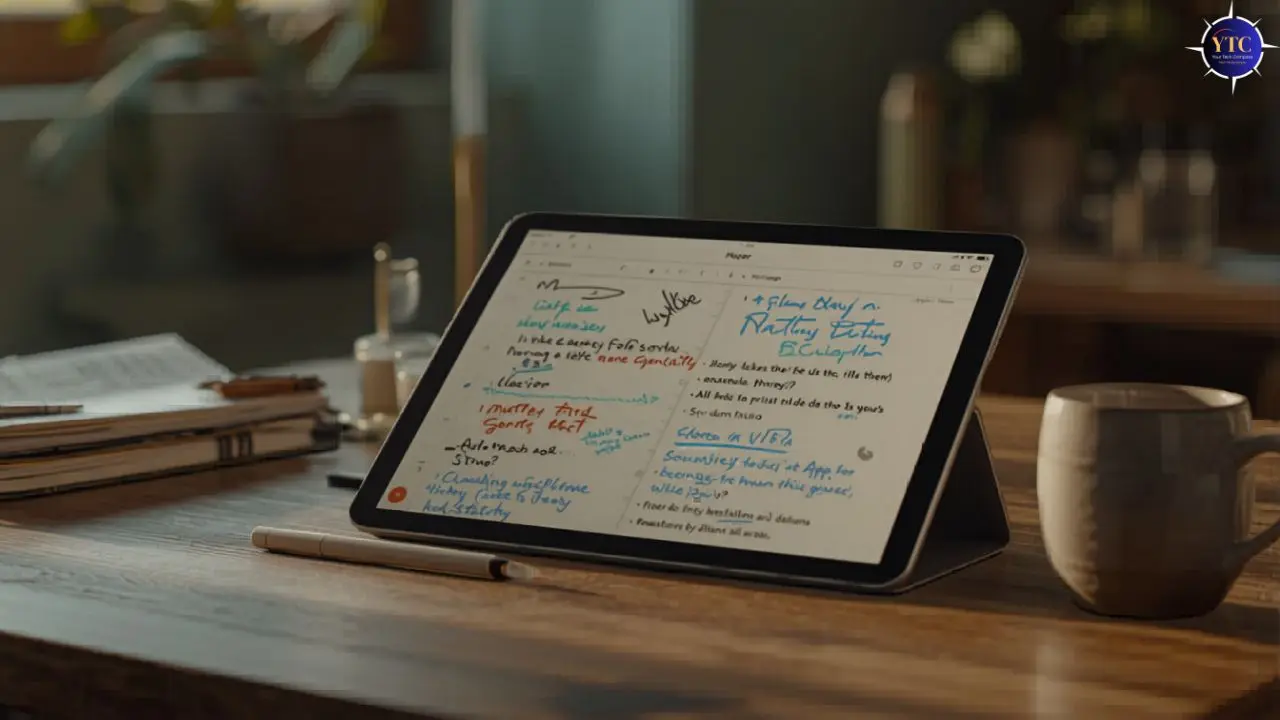
The tablet you choose for note-taking shapes your entire study or work experience, and it matters far more than most buyers realize before they spend the money. Stylus latency, display lamination, app ecosystem depth, and handwriting-to-text accuracy all vary significantly across devices, and getting any one of these wrong turns what should be a productivity tool into a frustrating daily friction point. A stylus that feels sluggish on screen, a display with a gap between glass and digitizer, or an app ecosystem that lacks the tools you actually need, any of these will make you reach for paper again within a week.
What makes this choice genuinely difficult is that the best tablet for note-taking isn’t a single answer; it depends on whether you’re on iPhone or Android, whether you prefer handwritten or typed notes, how large a screen you need for PDF annotation, and what your budget allows. This guide cuts through all of that directly. You get the specs that actually matter explained clearly, six tablets reviewed in full, a comparison table, and a direct recommendation for your specific situation.
Tablet Comparison Table
Tablet | Display | Stylus | Latency | Key Apps | OS | Battery |
13″ OLED 120Hz | Apple Pencil Pro (~$129 extra) | Sub-9ms | GoodNotes 6, Notability, Apple Notes | iPadOS | ~10hrs | |
13″ LCD 60Hz | Apple Pencil Pro (~$129 extra) | Sub-9ms | GoodNotes 6, Notability, Apple Notes | iPadOS | ~10hrs | |
14.6″ AMOLED 120Hz | S Pen (included) | 9ms | Samsung Notes, GoodNotes, OneNote | Android 16 | ~23hrs video | |
11″ AMOLED 120Hz | S Pen (included) | 9ms | Samsung Notes, GoodNotes, OneNote | Android 16 | ~18hrs video | |
11″ LCD 60Hz | Apple Pencil Pro (~$129 extra) | Sub-9ms | GoodNotes 6, Notability, Apple Notes | iPadOS | ~10hrs |
What Makes a Tablet Good for Note-Taking?
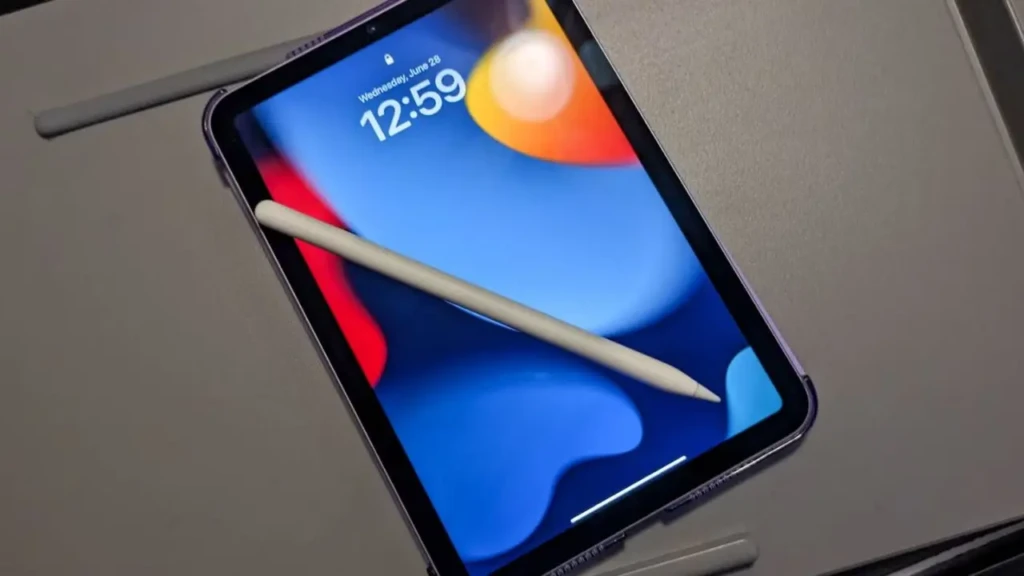
Stylus Latency
Latency is the delay between moving the pen tip and seeing ink appear on screen, and it’s the single spec that determines whether note-taking feels natural or artificial. Under 10ms feels indistinguishable from a physical pen; 9ms (Samsung S Pen) and Apple Pencil Pro’s sub-9ms response are the current gold standards. Above 20ms, handwriting starts to feel like dragging a marker through wet concrete (technically functional but fundamentally wrong).
Display Lamination and Size
A fully laminated display bonds the glass and digitizer together, eliminating the visible gap that makes cheaper tablets feel like writing above the screen rather than on it. Every tablet on this list uses fully laminated displays, which is non-negotiable for serious note-taking use. Additionally, screen size matters practically: 11 inches is the comfortable minimum for annotating A4-format PDFs and lecture slides; 13 to 14 inches gives you genuine notebook-sized writing space for long handwritten sessions.
App Ecosystem
The note-taking app you use shapes your entire workflow, and each platform has distinct strengths. iPadOS offers the deepest ecosystem: GoodNotes 6, Notability, Apple Notes with Apple Intelligence, Notion, and Concepts all run at their absolute best on iPad.
Samsung’s Android platform handles Samsung Notes, Noteshelf, OneNote, and GoodNotes for Android extremely well. On the other hand, Windows on Surface gives you full desktop versions of OneNote, Obsidian, Notion, and every Windows productivity app, with no compromise. Therefore, choosing your tablet and app together is more important than choosing them separately.
For a deep dive on the best apps available, our best note-taking apps for Mac guide covers the full landscape, and our Apple Notes guide and Google Keep explainer are both worth reading before committing to a platform.
Stylus Cost and Storage
This is the most commonly overlooked budget factor. Samsung includes the S Pen in the box at no extra cost on every Galaxy Tab S11 model, saving you around $100 to $130 compared to buying an Apple Pencil Pro separately. Factor that into your total cost comparison: an iPad Air M4 at ~$799 plus an Apple Pencil Pro at around $129 (total ~$928); a Samsung Galaxy Tab S11 at ~$799 includes the S Pen.
The Best Tablets for Note-Taking Apps
1. Apple iPad Pro 13-inch (M4)
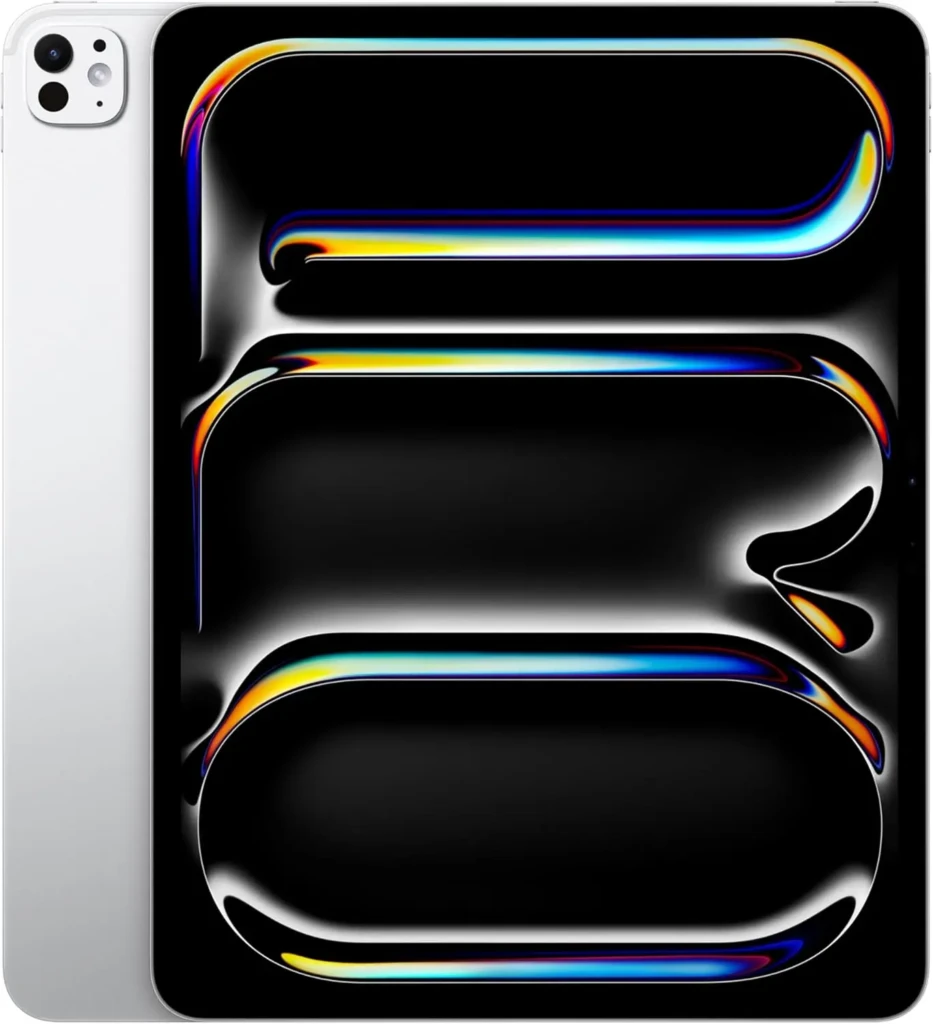
The 13-inch iPad Pro with the M4 chip is the best note-taking tablet money can buy, and the reasons are architectural rather than marketing-driven. The Tandem OLED display stacks two OLED panels to deliver 2,000,000:1 contrast, 1,600 nits peak HDR brightness, and ProMotion 120Hz refresh, all of which directly benefit stylus feel. In addition, at 120Hz, the display renders each stroke faster and more fluidly than any 60Hz competitor.
Apple Pencil Pro support brings sub-9ms latency, barrel roll detection, squeeze gesture, hover preview, and haptic feedback, the most capable stylus experience currently available on any tablet. Additionally, the M4 chip’s Neural Engine handles Apple Intelligence features in Notes, GoodNotes 6’s AI search across handwritten pages, and Notability’s real-time audio-to-notes sync without any perceptible lag.
Key Specs
- Display: 13-inch Ultra Retina XDR Tandem OLED, 120Hz ProMotion, 2,000,000:1 contrast, 1,600 nits HDR
- Chip: Apple M4 with Neural Engine
- RAM / Storage: 8GB or 16GB RAM; 256GB, 512GB, 1TB, or 2TB
- Stylus: Apple Pencil Pro (sold separately, ~$129)
- Connectivity: USB-C Thunderbolt 4, Wi-Fi 6E, optional 5G
- Battery: Up to 10 hours of mixed use
- Weight: 579g (Wi-Fi)
Why It Stands Out
- Tandem OLED is the best display ever put in a tablet (relevant for long reading and annotation sessions).
- Sub-9ms Apple Pencil Pro latency at 120Hz delivers the closest pen-on-paper experience currently available.
- Deepest note-taking app ecosystem: GoodNotes 6, Notability, Notion, and Apple Notes with Apple Intelligence all perform best on iPadOS.
- M4 chip handles every AI note feature without lag (real-time handwriting search, audio sync, and AI summaries).
- 13-inch canvas provides true notebook-sized writing space for extended handwritten sessions.
Best For: Power users, creative professionals, and serious students who want the absolute best note-taking experience and can justify the premium investment.
2. Apple iPad Air 13-inch (M2)
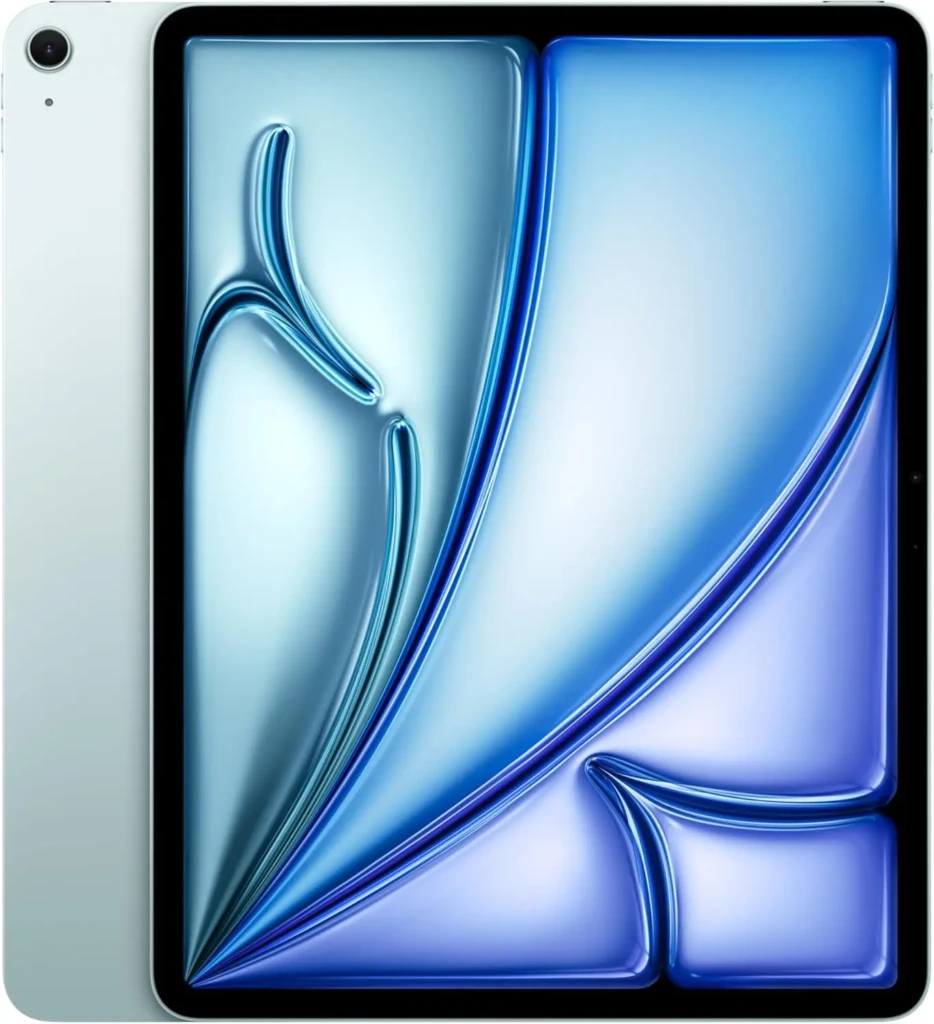
The 13-inch iPad Air with the M2 chip delivers approximately 90% of the iPad Pro’s note-taking capability, and for most students and professionals, that remaining 10% is imperceptible in daily use. Apple Pencil Pro support is present, so you get the same sub-9ms latency, barrel roll, squeeze gesture, and hover preview as the Pro. The M2 chip runs GoodNotes 6, Notability, Apple Notes, and every major iPadOS note-taking app without hesitation. Consequently, if your primary use is handwritten notes, PDF annotation, and lecture capture (rather than 4K video editing and professional illustration), the iPad Air is the smarter financial decision.
The main trade-offs versus the iPad Pro are the Liquid Retina LCD (no OLED, no ProMotion; 60Hz only) and the absence of Thunderbolt connectivity. However, for note-taking specifically, the 60Hz display is the meaningful difference: ProMotion makes the ink feel faster and more fluid as you write with the pen.
Key Specs
- Display: 13-inch Liquid Retina IPS LCD, 60Hz, 2732×2048
- Chip: Apple M2
- RAM / Storage: 8GB RAM; 128GB, 256GB, 512GB, or 1TB
- Stylus: Apple Pencil Pro (sold separately, ~$129)
- Connectivity: USB-C 10Gb/s, Wi-Fi 6E, optional 5G
- Battery: Up to 10 hours of mixed use
- Weight: 617g (Wi-Fi)
Why It Stands Out
- Full Apple Pencil Pro support (same stylus experience as iPad Pro at approx. $500 less).
- M2 chip handles every major note-taking app and AI feature without bottlenecks.
- The 13-inch canvas provides the same large writing space as the iPad Pro.
- Full iPadOS app ecosystem access (GoodNotes 6, Notability, Notion, and Apple Notes).
- Lighter than the iPad Pro, it’s more comfortable to carry all day between classes.
Best For: Students and professionals who want the full iPadOS note-taking experience (Apple Pencil Pro, large canvas, and deep app ecosystem) without the iPad Pro’s premium price tag.
3. Samsung Galaxy Tab S11 Ultra
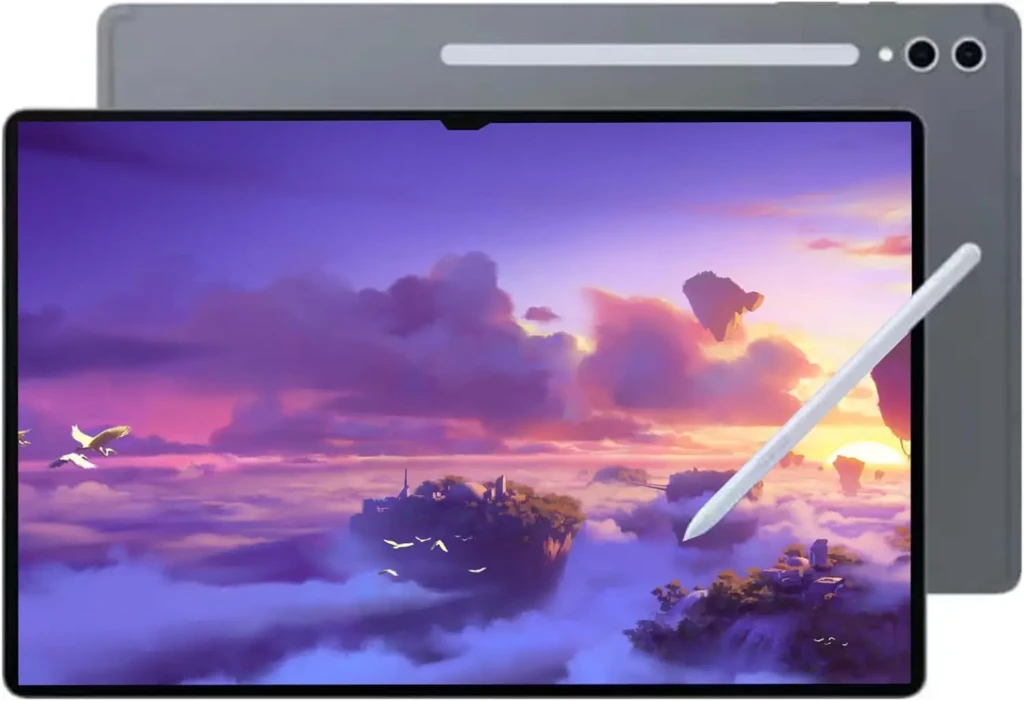
The Samsung Galaxy Tab S11 Ultra launched on September 4, 2025, and immediately set a new benchmark for Android note-taking tablets. Its 14.6-inch Dynamic AMOLED 2X display reaches a peak brightness of 1,600 nits with an anti-reflective coating, making it genuinely usable outdoors in direct sunlight, a scenario where most tablets become effectively unusable.
Galaxy AI’s Note Assist feature automatically summarizes lecture and meeting notes, Writing Assist refines tone and style, and Drawing Assist converts rough sketches into clean AI-generated visuals. Beyond note-taking, DeX mode transforms the tablet into a desktop-class productivity environment when connected to a monitor, the most versatile productivity configuration available on any Android tablet. The Dimensity 9400+ chipset delivers 24% CPU and 27% GPU gains over the S10 Ultra, and 7 years of guaranteed software updates provide long-term value that few Android tablets match.
Key Specs
- Display: 14.6-inch Dynamic AMOLED 2X, 120Hz, 2960×1848, 1,600 nits, anti-reflection coating
- Chip: MediaTek Dimensity 9400+ (3nm)
- RAM / Storage: 12GB RAM; 256GB, 512GB, or 1TB; microSDXC up to 2TB
- Stylus: S Pen included (hexagonal design, cone-shaped tip, IP68)
- Battery: 11,600mAh; up to 23 hours of video playback
- Water Resistance: IP68 (tablet and S Pen)
- Weight: 692g (Wi-Fi)
Why It Stands Out
- S Pen included at no extra cost.
- The 14.6-inch display is the largest mainstream note-taking canvas available on any tablet.
- Galaxy AI Note Assist automatically summarizes notes; no manual organization is required.
- IP68 for both tablet and S Pen (genuinely weather-resistant for outdoor and campus use).
- DeX mode provides desktop productivity on a monitor without a separate laptop.
- 7 years of software updates (the longest Android update commitment in the category).
Best For: Android users, Samsung ecosystem users, and professionals who want the largest note-taking canvas available with an included stylus, AI note features, and desktop productivity mode.
4. Samsung Galaxy Tab S11
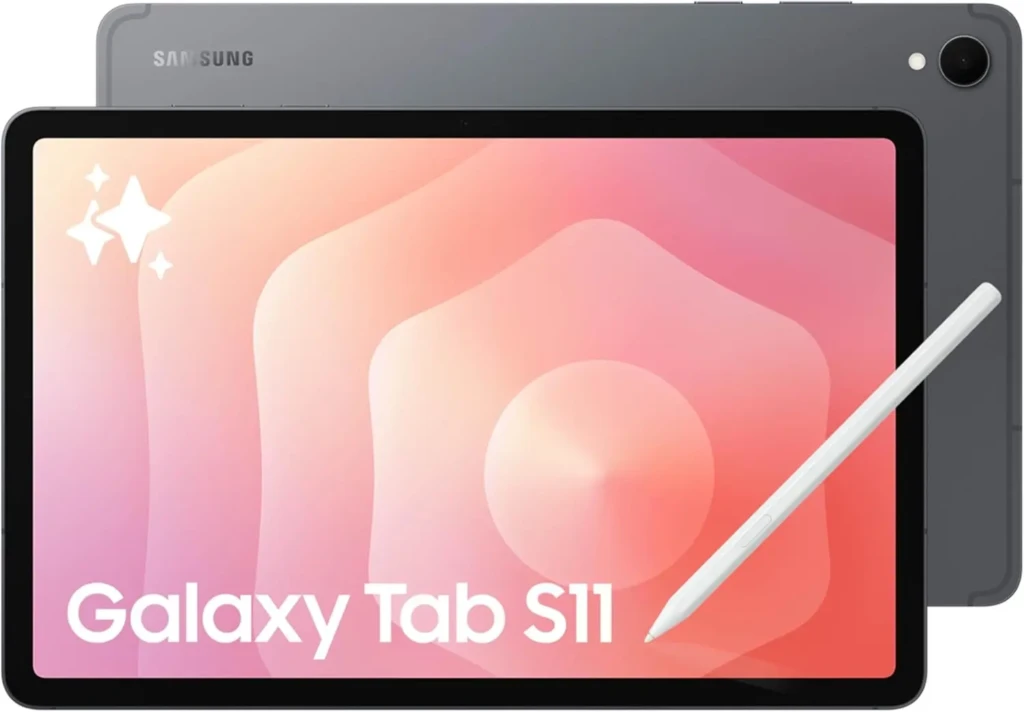
The Samsung Galaxy Tab S11 launched alongside the S11 Ultra on September 4, 2025, and represents the more practical choice for most Android note-takers who want flagship Samsung quality in a portable 11-inch form factor. It shares the same Dimensity 9400+ chipset, One UI 8 with Android 16, Galaxy AI features, and IP68 certification as the Ultra, at ~$400 less and in a significantly more portable 469g body.
For students specifically, the 11-inch form factor slips into a backpack without adding meaningful weight, the Dynamic AMOLED 2X display renders lecture slides and textbook PDFs with vivid clarity, and Samsung Notes’ handwriting-to-text OCR makes handwritten notes fully searchable after class. Additionally, GoodNotes and Noteshelf are officially optimized for Galaxy Tab S11, making the Android note-taking app experience meaningfully better than on generic Android tablets that lack this direct developer partnership.
Key Specs
- Display: 11-inch Dynamic AMOLED 2X, 120Hz, 2560×1600, 1,600 nits
- Chip: MediaTek Dimensity 9400+ (3nm)
- RAM / Storage: 12GB RAM; 128GB or 256GB; microSDXC up to 2TB
- Stylus: S Pen included; hexagonal design, cone-shaped tip, IP68
- Battery: 8,400mAh; up to 18 hours of video playback
- Water Resistance: IP68 (tablet and S Pen)
- Weight: 469g (Wi-Fi)
Why It Stands Out
- Same Dimensity 9400+ chip and Galaxy AI features as the S11 Ultra at ~$400 less.
- 469g (significantly lighter than the Ultra for all-day carry between classes).
- S Pen included; no additional stylus purchase needed.
- Dynamic AMOLED 2X at 120Hz delivers fluid, bright note-taking display quality.
- microSDXC slot (expandable to 2TB total storage for offline textbooks and handwritten notebooks).
- 7 years of software updates.
Best For: Students and Android users who want flagship Samsung performance, an included S Pen, and a portable 11-inch canvas without the Ultra’s size and price premium.
5. Apple iPad (11-inch, A16)
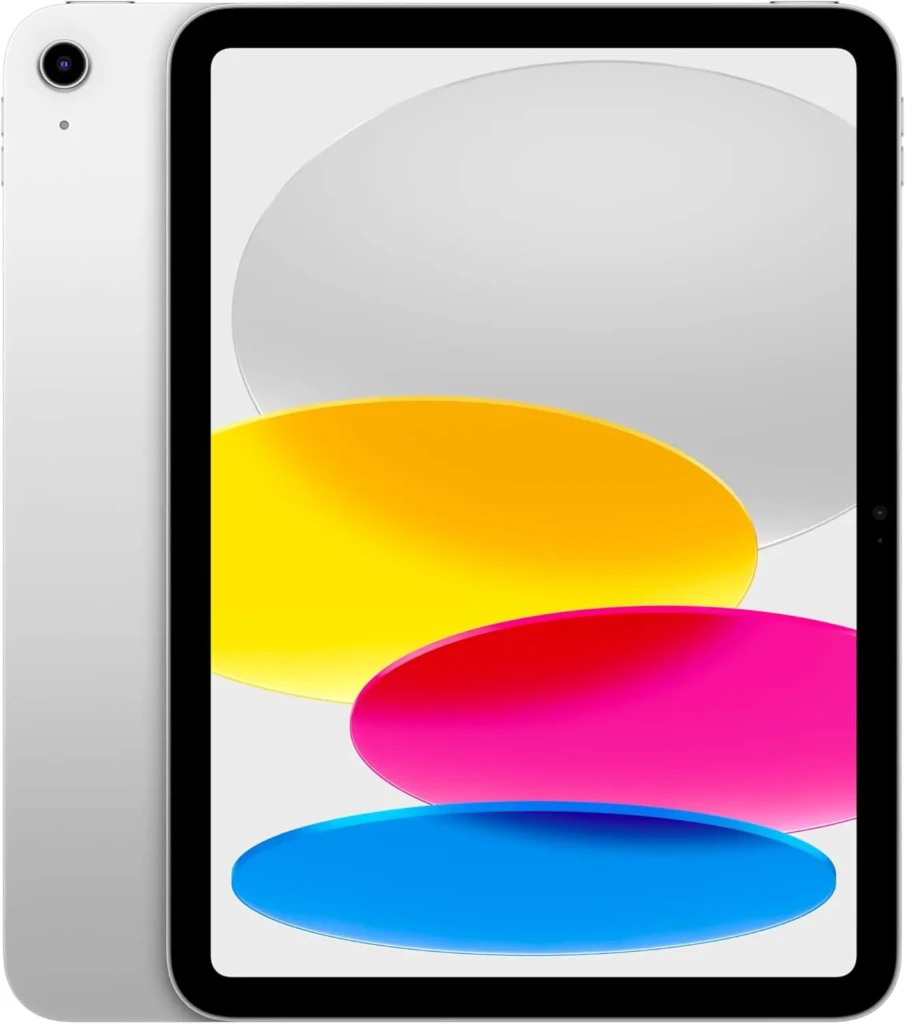
The base iPad with the A16 chip is the entry point on this list, and it earns its place because it does something no other sub-$600 tablet manages: it supports Apple Pencil Pro, giving you access to the best stylus on the market in the most affordable iPad. That matters enormously for note-taking, because the stylus experience (latency, pressure sensitivity, tilt detection, hover preview) is what separates digital note-taking from a frustrating workaround.
The honest limitations are the 60Hz display (no ProMotion), the LCD panel (no OLED), and the 11-inch canvas only (no larger option at this tier). However, for a student who primarily takes lecture notes, annotates PDFs, and uses Apple Notes, none of those limitations significantly change the daily experience.
Key Specs
- Display: 11-inch Liquid Retina IPS LCD, 60Hz, 2360×1640
- Chip: Apple A16
- RAM / Storage: 8GB RAM; 128GB, 256GB, or 512GB
- Stylus: Apple Pencil Pro (sold separately, ~$129)
- Connectivity: USB-C, Wi-Fi 6, optional 5G
- Battery: Up to 10 hours of mixed use
- Weight: 477g (Wi-Fi)
Why It Stands Out
- Apple Pencil Pro support (same flagship stylus experience as iPad Pro and Air, at the lowest iPad price).
- Full access to the iPadOS app ecosystem; GoodNotes 6, Notability, Apple Notes, and Notion all run well.
- A16 chip handles all major AI note features without bottlenecks for standard workflows.
- Lightest iPad on this list at 477g (easiest to hold during long handwriting sessions).
- Best long-term software support of any tablet at this price (Apple typically supports iPads for 5–7 years).
Best For: Students on a tighter budget who want full access to iPadOS note-taking apps and Apple Pencil Pro support without paying for Pro- or Air-tier hardware.
Which Note-Taking App Should You Use?
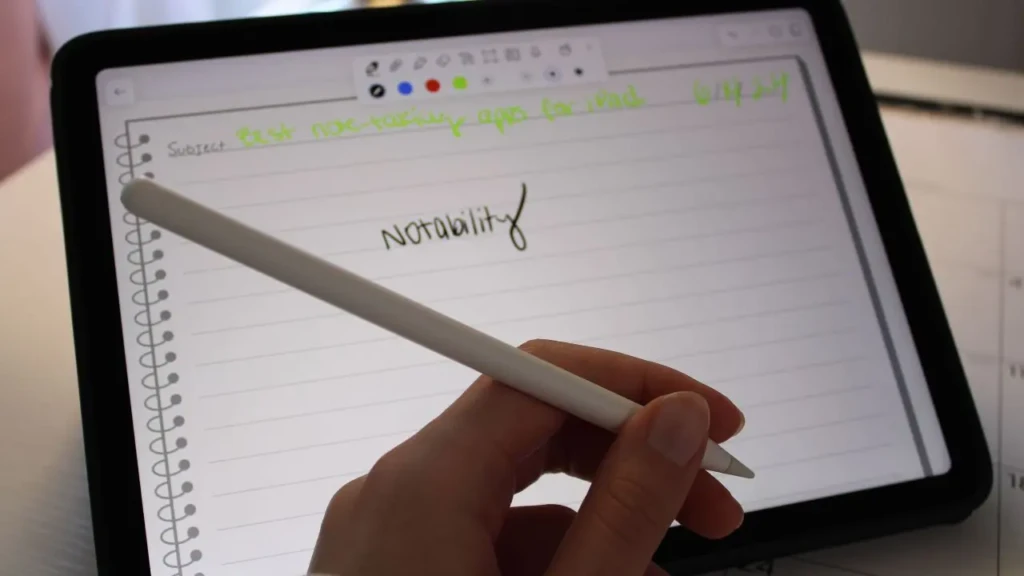
Choosing the right app is as important as choosing the right tablet, and the best app depends heavily on your platform and workflow.
For Apple iPad (any model)
Start with GoodNotes 6 if you want the best combination of handwriting quality, AI search across handwritten pages, and notebook organization. Use Notability if you record lectures and want audio automatically synced to your handwritten notes; tapping any word in your notes jumps to the moment it was written in the recording.
Apple Notes is the best free option and increasingly capable with Apple Intelligence features (summarization, smart reply, contextual search). Our Apple Notes guide covers everything it can do, and the Apple Notes vs Google Keep comparison helps you decide which free app suits your study style.
For Samsung Galaxy Tab
Start with Samsung Notes; it’s free, fully optimized for the S Pen, and Galaxy AI’s Note Assist makes it significantly smarter than any basic note app. Its handwriting-to-searchable-text OCR is among the best on Android.
Use Noteshelf for a premium handwriting experience with more templates and organization options. OneNote, on the other hand, is the strongest choice for students who need cross-platform sync across Windows, Android, and the web, and for anyone in a Microsoft 365 environment. In addition, Google Keep is worth exploring for quick capture and cross-device sync; our Google Keep guide clearly explains its full feature set.
iPad vs Samsung vs Surface for Note-Taking
Choose iPad if you’re in the Apple ecosystem (iPhone, Mac) and want the deepest selection of note-taking apps. iPadOS has more apps specifically built and optimized for handwriting, PDF annotation, and lecture capture than any competing platform. The automatic iCloud sync means notes appear on your iPhone and Mac without any setup.
Choose the Samsung Galaxy Tab if you use an Android phone, live in Google Workspace, or want the largest possible screen with a stylus included. The S Pen’s 9ms latency comes close to the Apple Pencil Pro, Samsung Notes is genuinely excellent, and DeX mode gives you desktop-level productivity that no iPad currently replicates.
The Honest Hybrid Case: Some students and professionals carry both an iPad for handwritten lectures and a laptop for typed work, and that combination makes sense when your note-taking and productivity needs genuinely require different tools. If you find yourself making that case, however, it’s worth first trying a single device seriously for 30 days before concluding you need two.
Tips for Getting the Most From Your Note-Taking Tablet
Add a Matte Screen Protector Immediately
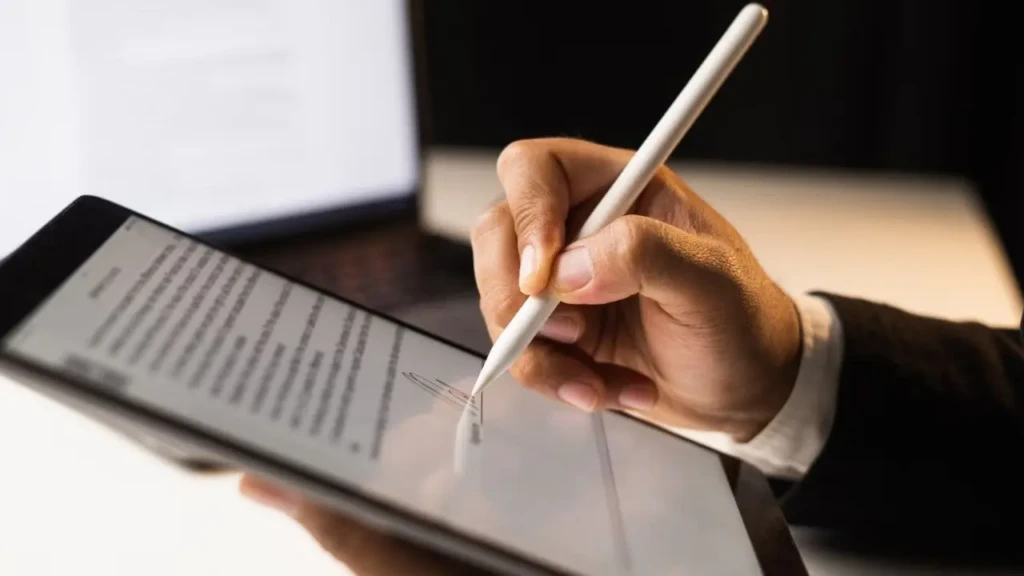
A paper-texture matte protector (Paperlike for iPad, anti-glare film for Samsung) adds resistance under the stylus tip, making handwriting feel dramatically more natural, reducing glare in brightly lit classrooms, and protecting the display. It’s the single highest-impact ~$25 upgrade available for any tablet on this list.
Enable Cloud Sync Before Your First Session, NOT After
iCloud for iPad, Google Drive or OneDrive for Samsung; set automatic backup on day one. Losing a semester’s worth of handwritten notes to a damaged or lost tablet is entirely preventable, and the 5 minutes of setup permanently removes the risk.
Learn Your App’s Handwriting Search Feature from the Start
GoodNotes, Notability, and Samsung Notes all OCR your handwriting and make it fully searchable; you can type a word into the search bar and jump directly to every page where you wrote it. That capability transforms digital handwritten notes from a prettier version of a paper notebook into something genuinely more powerful. Most users discover it months after they needed it; they start using it from day one.
For a broader look at productivity app options across every platform, our apps and tools section covers the full range.
Frequently Asked Questions
The 13-inch Apple iPad Pro with the M4 chip is the best for pure note-taking performance, sub-9ms Apple Pencil Pro latency, 120Hz ProMotion OLED, and the deepest iPadOS app ecosystem. For value, the 13-inch iPad Air M2 delivers 90% of that experience for ~$500 less.
Both are excellent. Choose iPad for the best handwriting experience, the deepest note-taking app ecosystem, and seamless Apple ecosystem integration. Choose the Samsung Galaxy Tab S11 if you’re on Android, want the S Pen included at no extra cost, need expandable microSD storage, or want the largest canvas on the Tab S11 Ultra.
Not necessarily. The base iPad with the A16 chip at ~$599 (plus ~$129 for the Apple Pencil Pro) gives you full access to iPadOS apps and excellent stylus support. The Samsung Galaxy Tab S11, priced at ~$799, includes the S Pen. Both cover everyday note-taking comprehensively.
GoodNotes 6 is the most widely recommended for handwritten notes with AI-powered search. Notability is best for lecture recording synchronized with handwriting. Apple Notes is the best free option and is increasingly powerful with Apple Intelligence. The right choice depends on whether you prioritize handwriting quality, audio sync, or cross-device access.
Yes. Microsoft OneNote is available on iPadOS with full stylus support and cloud sync across all devices. The iPad version has slightly fewer features than the full Windows desktop version, but covers every core note-taking workflow, including handwriting, typing, drawing, audio recording, and file attachment.
Conclusion
For most students and professionals, the right choice comes down to two clear options. If you’re in the Apple ecosystem and want the best handwriting experience on a tablet, the 13-inch iPad Air M2 is the starting point. It pairs with Apple Pencil Pro for sub-9ms latency, runs every major note-taking app at full capability, and costs ~$929 total with the stylus. Upgrade to the 13-inch iPad Pro M4 only if the OLED display and ProMotion 120Hz are worth the extra cost, which they are for professionals who spend hours annotating dense documents daily. For Android users, the Samsung Galaxy Tab S11 Ultra is the most capable note-taking tablet in the Android ecosystem, and the included S Pen means its price compares more favorably to Apple’s options than the sticker price suggests.
The most important advice that transcends any specific hardware recommendation is this: pick your note-taking app for your tablet before you buy it, not after. The combination of hardware and software defines your experience more than either choice in isolation. Download GoodNotes, Samsung Notes, or Apple Notes in your first week; explore the handwriting search feature; set up cloud sync; and build your organizational structure from day one. The tablet is the canvas; your habits and app setup are what make it genuinely useful.
Found this helpful? Browse more in-depth tech guides, honest reviews, and step-by-step tutorials at YourTechCompass; your go-to resource for making smarter tech decisions.