There are many AI coding assistants competing for developers’ attention right now. GitHub Copilot has brand recognition. ChatGPT has the flexibility. Cursor has deep IDE integration. Blackbox AI, on the other hand, occupies a specific segment of this market: a free-to-start, multilingual coding assistant built around code search, natural language generation, and VS Code integration. It’s worth evaluating on its own terms rather than just as a cheaper alternative to Copilot.
This review covers what Blackbox AI actually does, how its core features perform in practice, where it competes well and where it doesn’t, and who it’s genuinely built for. If you’re a developer evaluating coding assistants, this should save you the setup time of figuring it out yourself.
A note before we begin: every YTC score is earned, never negotiated. If you want to understand exactly how we evaluate apps & tools and how we handle affiliate relationships, our Review Methodology lays it all out.
What Is Blackbox AI?
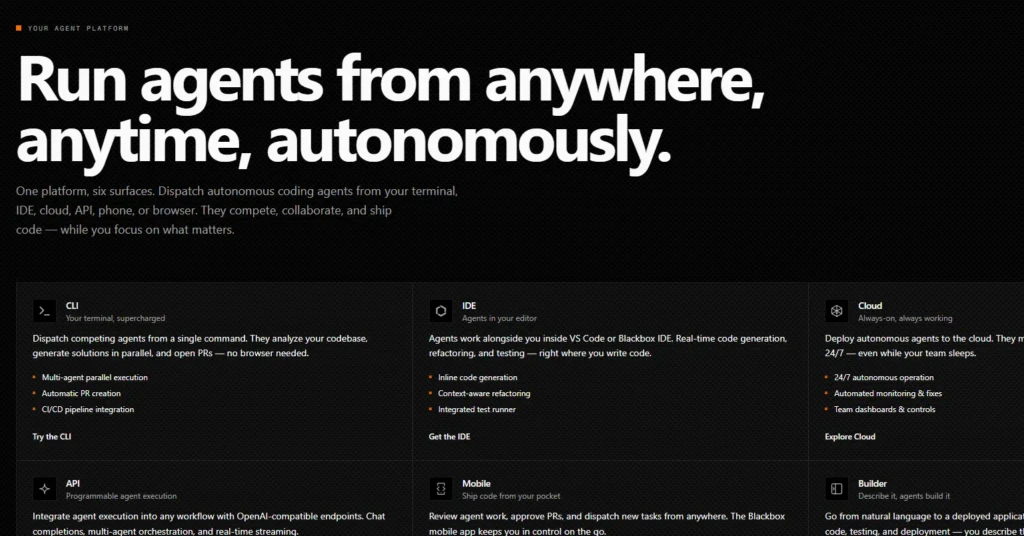
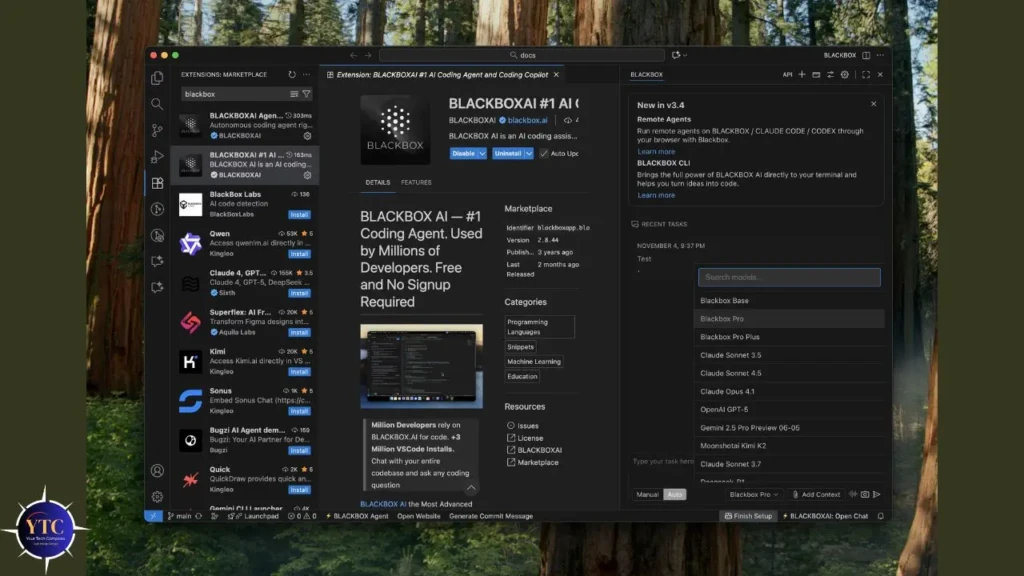
Blackbox AI is an AI-powered coding assistant that helps developers write, search, debug, and understand code across more than 20 programming languages. It integrates with VS Code as an extension, runs as a web app, and offers a browser extension for code search on GitHub, Stack Overflow, and other developer resources.
The core proposition is straightforward: describe what you want in plain English, and Blackbox generates the code. Ask it to explain a function, debug an error, or convert a Python snippet to Go, and it handles the request conversationally.
Unlike general-purpose AI tools like ChatGPT, Blackbox is purpose-built for code. In addition, its search engine is trained specifically on code repositories, and its autocomplete is tuned for developer workflows rather than general writing.
Blackbox AI is positioned as a free-to-start option in a market where GitHub Copilot costs at least $10/month. That positioning matters for students, solo developers, and early-stage teams who want AI coding assistance without a recurring subscription cost eating into a tight budget.
Key Features
AI Code Generation
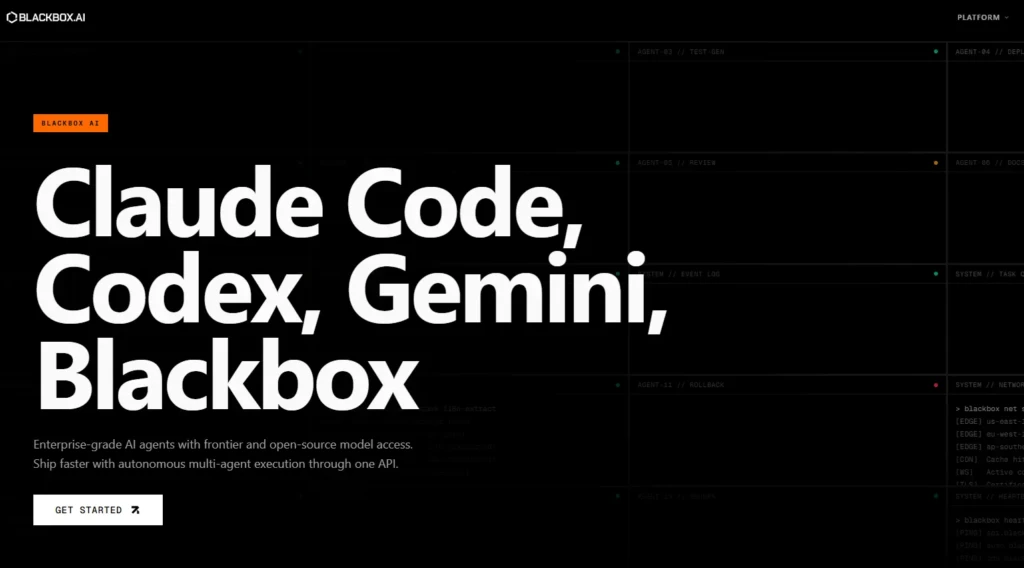
Describe a task in natural language, and Blackbox generates working code. “Write a Python function that reads a CSV and returns rows where the date column is in the last 30 days” produces a functional result with appropriate imports and error handling. The quality varies by language and complexity. For instance, Python and JavaScript outputs are strongest; less common languages can produce less reliable results.
Code Autocomplete
Real-time inline suggestions as you type in VS Code, similar to GitHub Copilot’s core feature. Blackbox predicts the next line or block based on your current context. The suggestions are useful but less context-aware than Copilot’s on large codebases. In addition, it performs better on isolated functions than on complex multi-file projects where understanding the broader architecture matters.
Code Chat
An integrated chat interface where you can ask questions about your code directly. “What is the time complexity of this function?” “Why is this loop producing an off-by-one error?” “Convert this to an async implementation.” The conversational format is intuitive for developers already comfortable with ChatGPT-style interactions.
Code Search Engine
A search tool specifically designed to find relevant code examples across public repositories and documentation. If you’re trying to understand how a library function works or looking for implementation patterns, Blackbox’s code-specific search returns more immediately useful results than a general web search. This is one of its genuine differentiators from general AI tools.
Repository-Aware Assistance
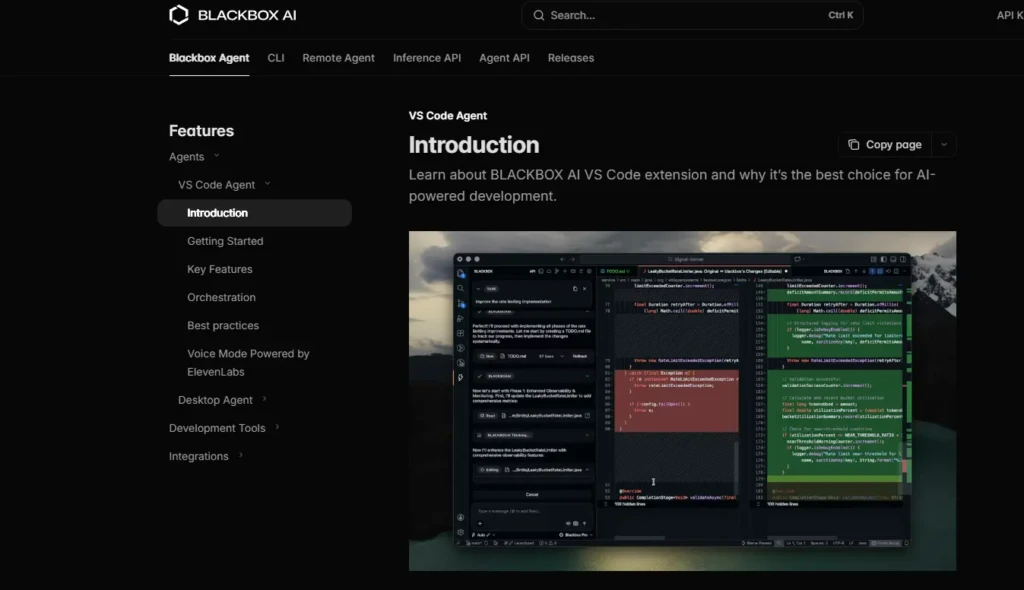
The VS Code extension can read context from your open project, making suggestions that account for your existing code patterns, variable names, and imported libraries. This contextual awareness improves output quality significantly for developers working on existing projects rather than starting from scratch.
Multi-Language Support
Python, JavaScript, TypeScript, Java, Go, Ruby, C++, C#, PHP, Rust, and more than 20 languages in total. For developers who work across multiple languages, this breadth is a real advantage over tools that excel in one language family but underperform in others.
How It Works in Practice
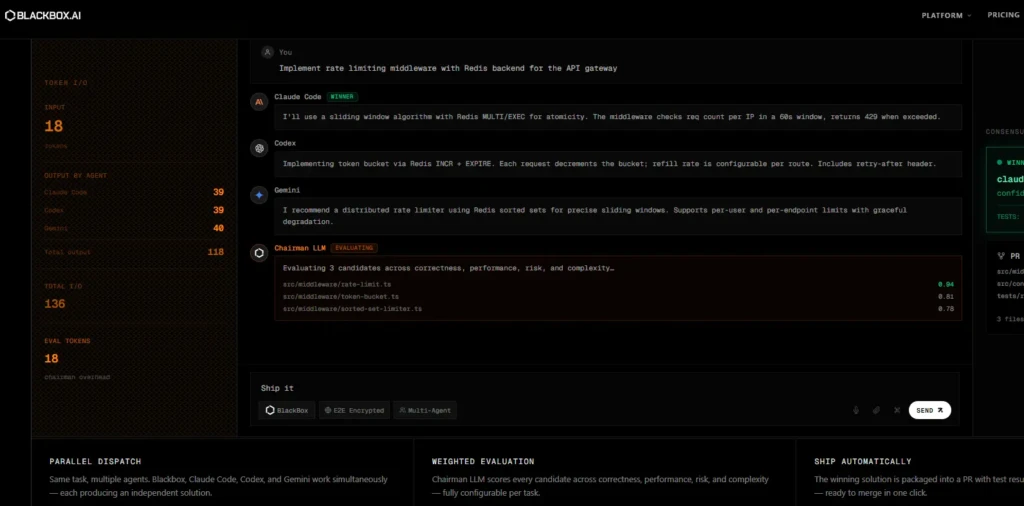
Setup is quick: install the VS Code extension, create a free account, and the tool will be active in your editor within a few minutes. The browser extension adds a code search sidebar to GitHub and documentation sites.
For straightforward generation tasks, Blackbox performs well. Short- to medium-length functions, boilerplate code, unit test scaffolding, and data transformation tasks all produce clean output that requires minimal revision. The natural language interface removes the friction of having to remember exact syntax across languages, particularly for developers who frequently switch between them.
Where it shows limitations: complex, multi-file architectural tasks that require understanding the full context of the codebase. Blackbox’s repository awareness helps, but it doesn’t match the depth of tools like Cursor, which are built specifically for codebase navigation. For tasks that require understanding intricate business logic across many interdependent files, you’ll need to provide more context manually or verify the output more carefully.
The code chat feature is genuinely useful for learning and debugging. Asking “explain what this function does line by line” or “what edge cases does this miss?” produces clear, accurate responses that junior developers and students will find valuable.
Blackbox AI vs Competitors
Feature | Blackbox AI | GitHub Copilot | ChatGPT (GPT-4) | Cursor |
Free Tier | ✅ Yes | ❌ No ($10/month) | Limited | ❌ No ($20/month) |
IDE Integration | VS Code + browser | VS Code, JetBrains, etc. | Via plugin | Built-in (VS Code fork) |
Code Search | ✅ Strong | Limited | ❌ No | Limited |
Codebase Awareness | Moderate | Good | Limited | ✅ Strongest |
Language Breadth | 20+ | 20+ | Broad | 20+ |
Best Use Case | Multi-language code search | GitHub-centric workflows | Prototyping, learning | Large codebase navigation |
GitHub Copilot is the benchmark. It offers deeper IDE integration, stronger codebase awareness, and access to GitHub’s enormous training dataset. If you’re primarily working within GitHub and your organization already pays for it, Copilot is likely the better tool. Blackbox AI’s free tier is the compelling differentiator for individual developers.
ChatGPT handles code generation through conversation but lacks IDE integration and dedicated code search. It’s better for prototyping, explaining concepts, and generating isolated code snippets than for integrated development workflows.
Cursor is the strongest option for deep codebase navigation in large projects, but it comes with a higher price and a steep learning curve. Blackbox AI is a more accessible starting point for developers new to AI coding assistants.
Pricing
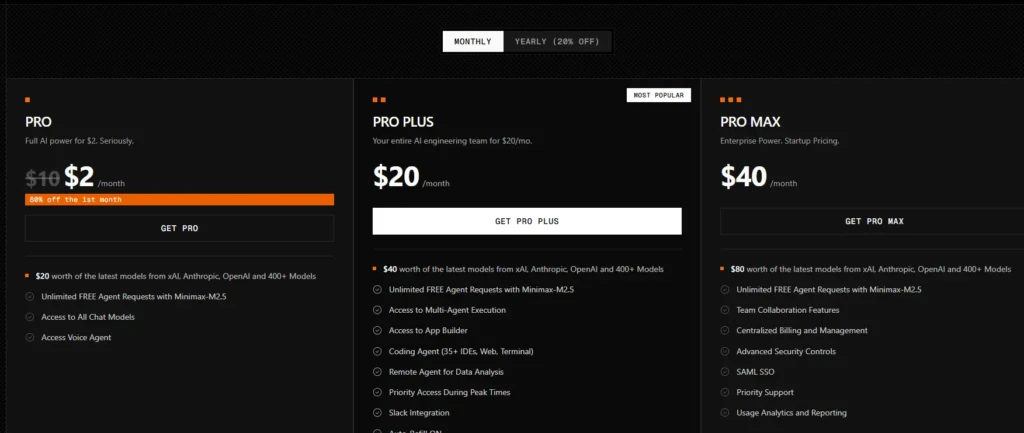
Blackbox AI offers a free tier that includes core features such as code generation, autocomplete, and code search, with usage limits. Paid plans unlock higher usage caps, team collaboration features, priority processing, and additional language support.
Exact pricing is updated regularly; check the Blackbox AI pricing page for the latest tiers. The free plan is generous enough for individual developers to evaluate the tool meaningfully before committing to a subscription.
Who Should Use It
Here are people who should use Blackbox AI:
- Individual developers working across multiple languages get the most from Blackbox AI. The broad language support and natural language interface reduce context-switching friction when you’re jumping between Python scripts, JavaScript frontends, and Go services on the same day.
- Students and early-career developers benefit particularly from the code chat and explanation features. Being able to ask “explain this line” or “what’s the better way to write this” in a conversational interface accelerates learning in ways that documentation and Stack Overflow don’t.
- Developers on a tight budget who want AI coding assistance without the $10–20/month cost of Copilot or Cursor. The free tier is the most straightforward way to evaluate whether AI coding assistance improves your workflow before committing to it.
- Code reviewers and researchers who need to search and understand code across public repositories will find the code search engine more targeted for developer tasks than a general web search.
It’s less compelling for teams deeply integrated into the GitHub ecosystem, where Copilot’s native integration provides a smoother experience, or for developers working on very large, complex codebases where Cursor’s deep project awareness matters most.
Is It Safe to Use?
The standard precautions that apply to any AI coding assistant apply to Blackbox AI. The VS Code extension accesses code in your open editor to provide contextual suggestions. Therefore, avoid using it with files containing API keys, credentials, or proprietary business logic that shouldn’t leave your local environment without first reviewing your organization’s AI tool policy.
Review AI-generated code before committing it to production. Blackbox’s outputs are generally functional, but like all AI code generators, they can produce plausible-looking code with subtle bugs, insecure patterns, or incorrect assumptions about your data. Treat suggestions as a starting point, not a finished product.
Blackbox AI is built with developer privacy in mind, but always check the current terms of service, especially if you work in an industry with strict data-handling requirements.
Pros and Cons
What Blackbox AI Gets Right
The free tier is genuinely usable, not just a stripped-down demo. Core features (code generation, chat, autocomplete, search) are all available without a subscription, which makes it one of the few AI coding tools you can evaluate properly before spending money.
The code search engine is a real differentiator. When you’re trying to find usage examples for a specific library function or understand how a pattern is typically implemented, Blackbox’s code-specific search returns more useful results than asking a general AI or running a web search.
Natural language generation across 20+ languages is reliable for standard tasks. For developers who switch languages regularly, having a single, consistent interface that handles syntax differences is highly practical.
Where Blackbox AI Falls Short
Codebase awareness is weaker than GitHub Copilot and significantly weaker than Cursor on large, complex projects. For work that requires understanding deep architectural relationships across many files, Blackbox’s contextual suggestions are less reliable.
Autocomplete quality is inconsistent compared to Copilot. On well-established patterns and common code structures, it performs well; on bespoke or domain-specific code, it can produce suggestions that miss the intent.
The VS Code integration is solid, but Blackbox doesn’t yet support as many IDEs as Copilot does; for example, JetBrains users have fewer options.
FAQs
Yes. Blackbox AI offers a free tier that includes code generation, autocomplete, code search, and code chat, each with usage limits. Paid plans are available for higher usage caps and team features.
Copilot has stronger IDE integration, better codebase awareness for large projects, and access to GitHub’s training data. Blackbox AI’s main advantage is its free tier and code search engine. For individual developers evaluating AI coding tools without committing to a subscription, Blackbox is a reasonable starting point.
Over 20 languages, including Python, JavaScript, TypeScript, Java, Go, Ruby, C++, C#, PHP, and Rust. Python and JavaScript outputs are the most reliable.
Yes. The VS Code extension provides inline autocomplete, code chat, and repository-aware suggestions directly in the editor. There’s also a web app and browser extension for code search.
With review, yes. Treat all AI-generated code as a draft and verify it. Check for security vulnerabilities, incorrect assumptions about your data, and edge cases the generator may have missed. Never commit AI-generated code directly to production without a code review.
Individual developers working across multiple languages, students learning to code, and developers who want to try AI coding assistance without paying for Copilot or Cursor. Teams deeply invested in the GitHub ecosystem will likely get more value from Copilot.
Final Thoughts
Blackbox AI occupies a useful space in the AI coding assistant market, capable of being genuinely helpful, free enough to evaluate without risk, and differentiated enough from Copilot to be worth considering on its own merits rather than just as a budget alternative. Its code search engine and multilingual coverage are the strongest reasons to try it; its weaker codebase awareness in large projects is the main reason experienced developers working on complex codebases may still prefer Copilot or Cursor.
If you’re building out your broader AI toolkit beyond coding (for research, writing, or productivity), Perplexity AI and Janitor AI cover different use cases that complement a coding-focused tool like Blackbox well.
At YourTechCompass, every guide is written to give you accurate, practical information; no sponsored fluff, no vague advice. Explore more and find the answers you’re actually looking for.