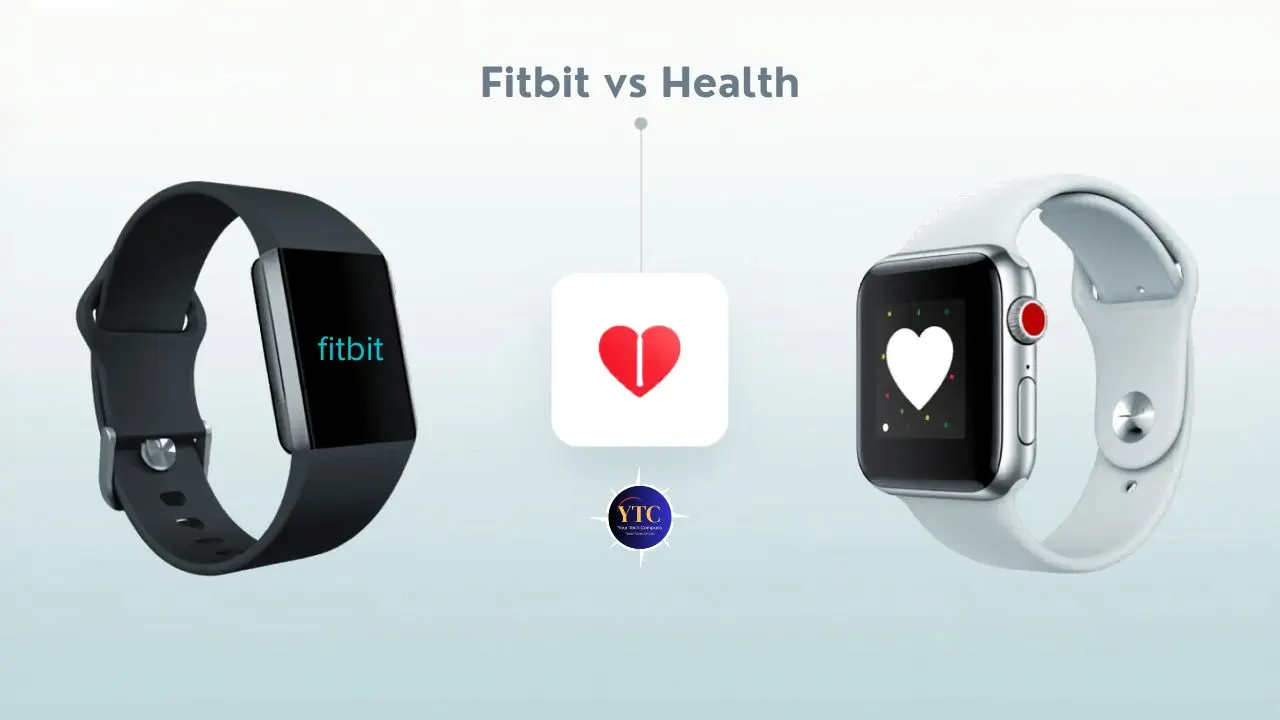
Most people search “Fitbit vs Apple Health” expecting a straightforward feature comparison: better sleep tracking, better heart rate, better price. But the comparison is more complicated than that, and understanding why saves you from spending money on the wrong system. Fitbit is a complete health-tracking platform (hardware devices, a companion app, and a subscription layer) that works on both iPhone and Android. Apple Health is iOS’s built-in health data aggregation platform that centralizes data from Apple Watch, third-party apps, and medical devices into one place on your iPhone. They’re not direct like-for-like competitors. They operate differently at a fundamental level, serve different ecosystems, and the right choice between them depends more on which phone you use and what you want from health tracking than on any individual feature comparison.
This guide cuts through that confusion by explaining exactly what each platform is, how they work in practice, and which one genuinely suits your situation. You’ll get an honest feature breakdown of sleep tracking, heart rate monitoring, stress, exercise, battery life, and privacy, plus a direct verdict on which platform is best for you, so you can make a clear decision before buying anything.
A note before we begin: every YTC score is earned, never negotiated. If you want to understand exactly how we evaluate apps & tools and how we handle affiliate relationships, our Review Methodology lays it all out.
Fitbit vs Apple Health: Understanding What Each Actually Is
Before any feature comparison makes sense, you need a clear picture of what you’re actually comparing, because the names suggest a simpler head-to-head than reality is.
Fitbit
Fitbit is a closed health and fitness ecosystem. Google acquired Fitbit in January 2021 for $2.1 billion, and the platform now operates as Fitbit hardware (trackers and smartwatches) paired with the Fitbit app, with Google account integration tying everything together.
Fitbit’s devices collect health data, including heart rate, sleep stages, SpO2, steps, stress, and skin temperature. The Fitbit app organizes and presents that data with coaching features, challenges, sleep scores, and health insights. The platform works on both iPhone and Android, which is its single most important practical advantage.
You don’t need to be in Apple’s ecosystem to use Fitbit. Additionally, Fitbit recently launched a Gemini-powered AI Health Coach feature, bringing conversational AI to health insights within the app, signaling where Google is taking the platform.
Apple Health
Apple Health is iOS’s built-in health data aggregation platform, not a standalone device. It ships on every iPhone running iOS 8 or later and serves as a central repository for health data collected by the Apple Watch, third-party fitness apps like Strava and MyFitnessPal, medical devices like blood pressure monitors, and manual entries.
Critically, Apple Health doesn’t collect data itself; it aggregates data from the devices and apps that feed into it. Apple Watch is the primary data source; without it, Apple Health is largely a display platform for third-party data. Furthermore, Apple Health is iOS-exclusive; Android users cannot access it, which is the non-negotiable platform consideration that ends the comparison for a large portion of readers.
The practical implication of that distinction is direct: if you’re an Android user, the comparison ends here. Fitbit is your choice because Apple Health and Apple Watch require an iPhone to function.
If you’re an iPhone user, both platforms are available to you, and the decision depends on what you value. Interestingly, Fitbit syncs health data to Apple Health on iPhone, so iPhone users can use a Fitbit device and still have their data aggregated in Apple Health alongside data from other sources. The two platforms aren’t mutually exclusive on iPhone.
Fitbit Platform Overview
Fitbit’s current device lineup covers a broad price range. The Fitbit Inspire 3 retails for approximately $99.95 and offers core fitness tracking, including steps, heart rate, sleep, and SpO2.
On the other hand, the Fitbit Charge 6 at approximately $159.95 adds built-in GPS, ECG capability, EDA (electrodermal activity) stress scanning, Google Maps, and Google Wallet. However, the Fitbit Sense 2 is the premium health-focused smartwatch with continuous EDA sensing for stress and a full health dashboard.
The Fitbit Versa 4 balances smartwatch features with fitness tracking. All devices feed into the Fitbit app, which is available on both iOS and Android.
Fitbit Premium
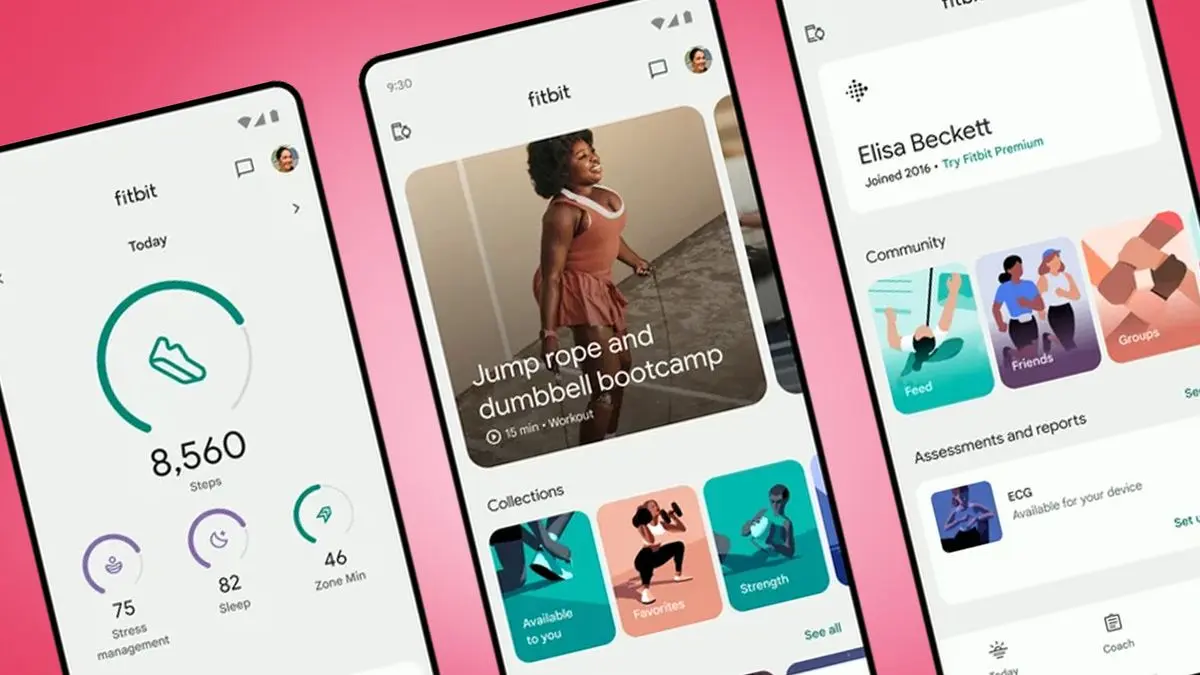
Fitbit Premium is the subscription layer at approximately $9.99/month or $79.99/year that unlocks the platform’s most valuable features: advanced sleep analysis, personalized health insights, the daily Readiness Score (combining sleep, heart rate variability, and activity into a recovery metric), stress management tools, guided breathing exercises, and 200+ workout videos. Without Premium, Fitbit competently tracks the basics.
However, with Premium, the data becomes genuinely interpretive, telling you not just what your body did but what it means for how you should train and recover today. Additionally, Fitbit now requires a Google account to sign in, which ties your health data to your Google ecosystem (a privacy consideration worth noting before signing up).
Apple Health Platform Overview
Apple Health is the hub. Every health metric Apple Watch tracks (heart rate, sleep stages, ECG, blood oxygen, temperature, VO2 Max, crash detection, fall detection, reproductive health) flows directly into the Health app on your iPhone. Additionally, hundreds of third-party apps (Strava, MyFitnessPal, Calm, Headspace, and medical devices) can write to and read from Apple Health, creating a genuinely comprehensive personal health record in one place.
The primary device feeding Apple Health is the Apple Watch. The current lineup includes the Apple Watch SE 3 (September 2025, approximately $249; covered in depth in the Apple Watch SE review), the Apple Watch Series 11, and the Apple Watch Ultra 3.
The SE 3 provides the Health app’s Vitals monitoring, including heart rate, respiratory rate, and sleep duration, while the Series 11 and Ultra add ECG, blood oxygen monitoring, hypertension notifications, and wrist temperature sensing for advanced cycle tracking. Apple Fitness+ is an optional content subscription at approximately $9.99/month or $79.99/year, providing guided workout videos that integrate live Apple Watch metrics during workouts and a coaching layer built on top of Apple Health’s data platform.
Apple Health’s privacy architecture deserves specific mention because it’s one of the platform’s clearest differentiators. Health data stays on your device by default. Third-party apps cannot read health data without your explicit permission for each specific data type. Apple explicitly does not use health data for advertising. That architecture, not just a policy statement but a technical design choice, makes Apple Health the privacy-first health data platform in the consumer wearables market.
Fitbit vs Apple Health: Feature-by-Feature Breakdown
Sleep Tracking
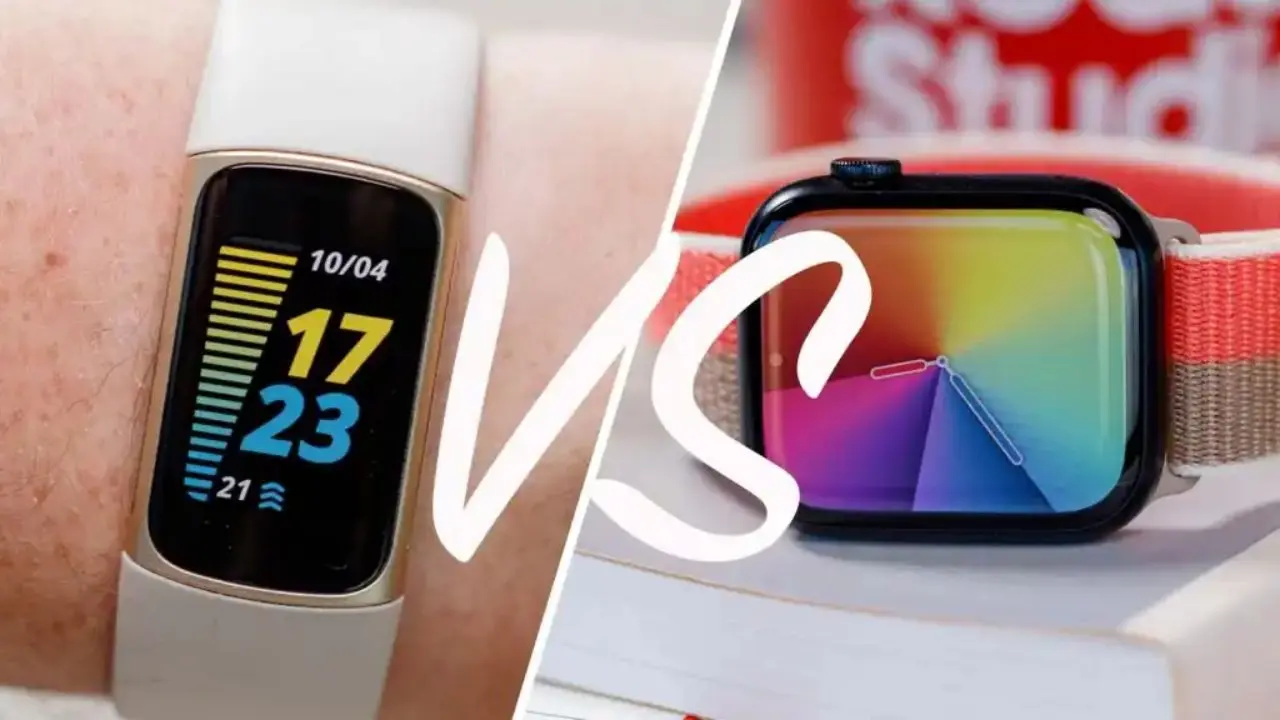
Sleep tracking is where Fitbit holds its clearest, most consistent advantage over Apple’s ecosystem. Fitbit tracks sleep stages (light, deep, and REM) by analyzing heart rate and movement, then delivers a Sleep Score from 0 to 100 that combines duration, quality, and restlessness into a single actionable number every morning. The Sleep Profile feature (available with Premium) runs a monthly analysis of 10 sleep metrics to identify your consistent sleep patterns over time. Skin temperature variation during sleep and breathing rate add layers of data that most competing platforms don’t capture.
Apple Watch added sleep-stage tracking with watchOS 9 and has since improved it. It now tracks light, deep, and REM sleep using motion sensors, heartbeat sensors, and microphones detecting micro-movements.
The honest limitation is that the Apple Watch doesn’t provide a sleep score; you get stage breakdowns and total time in the Health app, but there’s no single interpretive number that tells you at a glance whether you slept well. Real-world testing comparing the two platforms (wearing both simultaneously for multiple nights) consistently shows Fitbit’s sleep presentation as more immediately interpretable and actionable. Additionally, Fitbit’s longer battery life means you can wear it overnight without the daily charging concern that keeps many Apple Watch users from tracking sleep, instead charging overnight and charging between sleep and morning.
Verdict: Fitbit leads in sleep-tracking depth, scoring, and practical wearability overnight.
Heart Rate Monitoring
Both platforms offer continuous 24/7 heart rate monitoring, and both are genuinely capable of everyday health tracking. The meaningful differences emerge in specific contexts. Apple Watch responds more quickly to heart rate spikes during high-intensity exercise, interval training, and HIIT workouts. Apple Watch captures spikes almost instantly, while Fitbit smooths data more aggressively, making it look cleaner but introducing slight delays during rapid heart rate changes.
For steady-state cardio, such as running or cycling at a consistent effort, the two platforms perform equally well. Apple Watch Series 11 also adds faster heart rate spike detection during irregular conditions, and the FDA-cleared ECG on Apple Watch Series 4 and later, plus irregular rhythm notifications for AFib detection, give it a medical-grade capability that Fitbit’s ECG on the Charge 6 and Sense 2 approaches but doesn’t fully replicate in terms of regulatory approval depth.
Verdict: Apple Watch leads in high-intensity workout accuracy and medical-grade heart monitoring. Both are equally strong for everyday cardiovascular tracking.
Stress Tracking and Mental Health
Fitbit’s stress tracking is more comprehensive and consistently measured than Apple’s. The Stress Management Score combines heart rate variability, sleep quality, and activity data into a daily stress metric.
The Sense 2 adds continuous EDA (electrodermal activity) sensing, measuring electrical changes in your skin that correlate with stress responses, producing stress data that builds meaningful patterns over weeks of use rather than delivering isolated daily readings. Guided breathing exercises and mindfulness sessions (expanded with Premium) round out Fitbit’s stress toolkit.
Apple Watch’s mental health approach shifted with watchOS 10, adding state-of-mind logging, mental health check-ins, and reflection prompts that feed into Apple Health’s mental health data categories. Integration with third-party mindfulness apps (Calm, Headspace) via Apple Health means the breadth of mental wellness content in the ecosystem is greater than Fitbit’s. That said, Fitbit’s dedicated EDA sensor and multi-signal stress score deliver more passive, always-on stress measurement than Apple’s reflection-based approach.
Verdict: Fitbit leads on passive, sensor-based stress measurement. Apple leads the mental health content ecosystem through third-party app integration.
Exercise and Fitness Tracking
Fitbit tracks 40+ exercise modes with Active Zone Minutes (AZM) as the primary fitness intensity metric, measuring time spent in cardio and peak heart rate zones rather than just total active minutes. AZM rewards cardiovascular intensity over total duration, which is a more scientifically sound measure of fitness benefit than raw time.
SmartTrack, on the other hand, automatically detects and records exercise sessions without manual activation. Built-in GPS is available on the Charge 6, Sense 2, and Versa 4; the Inspire 3 uses connected GPS from your phone.
Apple Watch’s fitness framework is built around the Activity Rings: Move (active calories), Exercise (minutes of brisk activity), and Stand (hours with at least one minute of standing). The rings provide a motivational framework for daily consistency rather than an intensity-first metric.
The Apple Watch has built-in GPS across the entire lineup, responds more accurately to heart rate changes during intense exercise, and estimates VO2 Max for cardiovascular fitness benchmarking. In addition, workout competitions featuring friends wearing Apple Watches add a social layer of motivation.
The AZM vs Activity Rings comparison is genuinely a philosophical difference, not a quality difference. In addition, Rings motivate daily consistency and closing streaks; they work well for building regular movement habits.
AZM motivates cardiovascular intensity; it works well for users focused on improving fitness rather than just maintaining movement. Therefore, choose the framework that specifically motivates you.
For a broader look at how smartwatches compare to fitness bands across these tracking philosophies, our smartwatch vs fitness band guide covers that decision in detail.
Verdict: Both are strong: Active Zone Minutes for intensity-focused training; Activity Rings for motivation toward daily consistency.
Health Data Breadth and Medical Integration
This is Apple Health’s clearest and most significant advantage. Apple Health aggregates data from over 100 third-party apps and medical devices (including fitness apps, nutrition trackers, meditation tools, blood pressure monitors, glucose monitors, and hearing aids) into a unified health record.
Healthcare provider integration allows your medical records to appear in the Health app in supported regions. Medication tracking, cycle tracking with retrospective ovulation estimates, PHQ-9 and GAD-7 mental health assessments, hearing health, and vision health tracking are all available. In addition, the platform functions as a genuinely comprehensive personal health record that extends well beyond fitness data.
Fitbit’s health data primarily stays within the Fitbit/Google ecosystem. The platform is excellent at what it’s designed for (activity, sleep, stress, and cardiovascular health), but it doesn’t attempt to be a comprehensive health record aggregator. Fitbit data syncs to Apple Health on iPhone, but the breadth of aggregation flows only in one direction.
Verdict: Apple Health leads significantly in breadth of health data, third-party integration, and medical record connectivity.
Battery Life
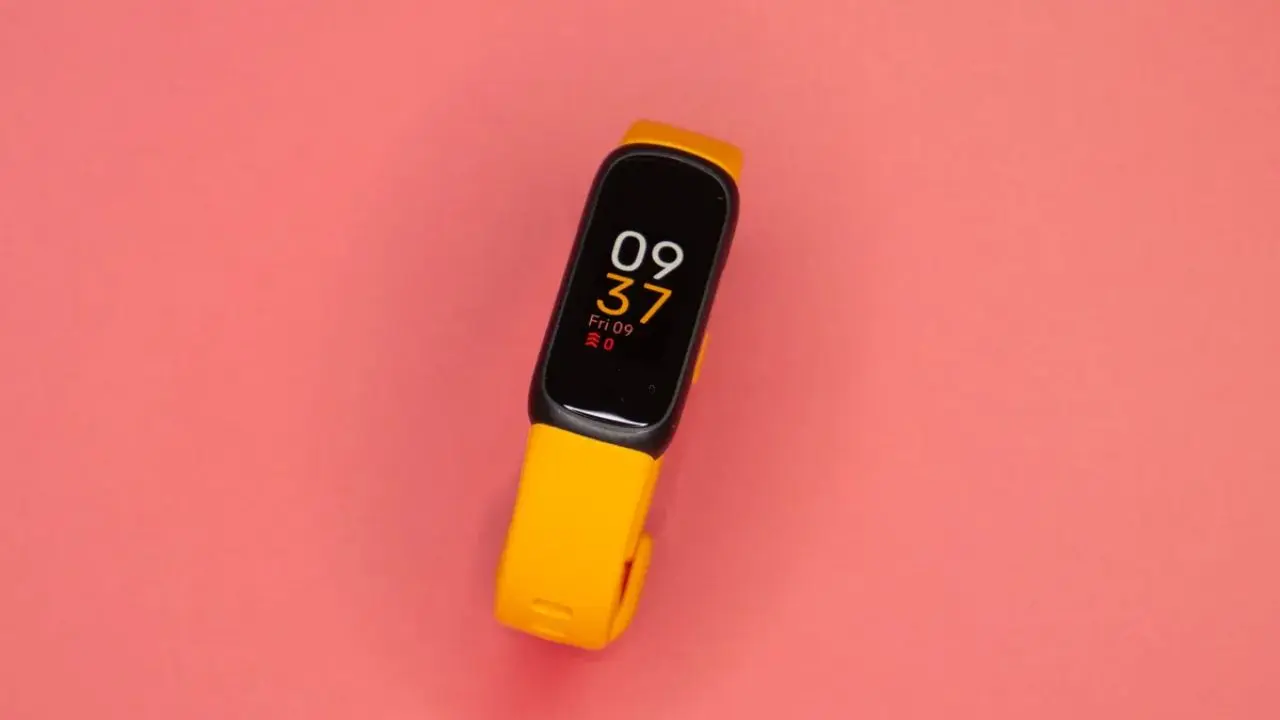
This is one of Fitbit’s most practically impactful advantages for everyday users. The Fitbit Charge 6 lasts approximately 7 days on a single charge. Fitbit Inspire 3, on the other hand, lasts up to 10 days. Even the Sense 2 and Versa 4 deliver 5–6 days of battery life between charges. That multi-day battery life means you can wear Fitbit to sleep every night without managing charging logistics; you charge once a week and forget about it.
Apple Watch Series 11 lasts approximately 18 hours under normal use and up to 36 hours in Low Power Mode. The Apple Watch Ultra 3 lasts approximately 60 hours. In practical terms, most Apple Watch users charge their device every night, meaning they take it off before bed and interrupt sleep tracking unless they adjust their routine to charge it in the evening before sleep.
Verdict: Fitbit leads significantly on battery life. For users who want continuous sleep tracking without managing overnight charging, this matters more than any feature comparison.
Privacy and Data Handling
Apple Health’s on-device data architecture is its most architecturally enforced privacy advantage. Health data stays on your device by default; third-party apps require your explicit permission for each data type they access, and Apple explicitly does not use health data for advertising. That’s not just a policy; it’s built into how the platform stores and shares data.
Fitbit’s privacy situation changed meaningfully after Google’s 2021 acquisition. Your health data is now tied to your Google account, and while Google has committed that Fitbit health data won’t be used for ad targeting, data governance policies under a major advertising company are subject to change in ways that Apple’s architecture-level privacy commitments are not. For users who are specifically concerned about where their health data goes and who has access to it, this distinction matters.
Verdict: Apple Health leads on privacy by architectural design. Fitbit/Google’s privacy commitments are stated but less structurally enforced.
Full Comparison Table
Feature | Fitbit | Apple Health / Apple Watch |
Platform Compatibility | ✅ iOS + Android | ❌ iOS only |
Primary Device Required | Fitbit device | Apple Watch |
Sleep Score | ✅ Daily score (0-100) | ❌ No score (stage data only) |
Sleep Tracking Depth | ✅ Industry-leading | ⚠️ Good but less detailed |
Stress Tracking | ✅ EDA sensor + score | ⚠️ State of mind check-ins |
Heart Rate (Workouts) | ⚠️ Slight delay on spikes | ✅ Faster spike detection |
ECG / AFib Detection | ✅ Charge 6 + Sense 2 | ✅ Series 4+ (FDA-cleared) |
Battery Life | ✅ 5–10 days | ⚠️ 18–36 hours |
Health Data Aggregation | ⚠️ Fitbit ecosystem only | ✅ 100+ apps + medical records |
Third-Party App Integration | ⚠️ Limited | ✅ Extensive |
Privacy Architecture | ⚠️ Google account tied | ✅ On-device; no ad use |
Premium Subscription | $79.99/year (optional) | $79.99/year Fitness+ (optional) |
Device Price Range | ~$99–$299 | ~$249–$799 |
Best For | Android users; sleep; battery | iPhone users; medical; privacy |
Can Fitbit and Apple Health Work Together?
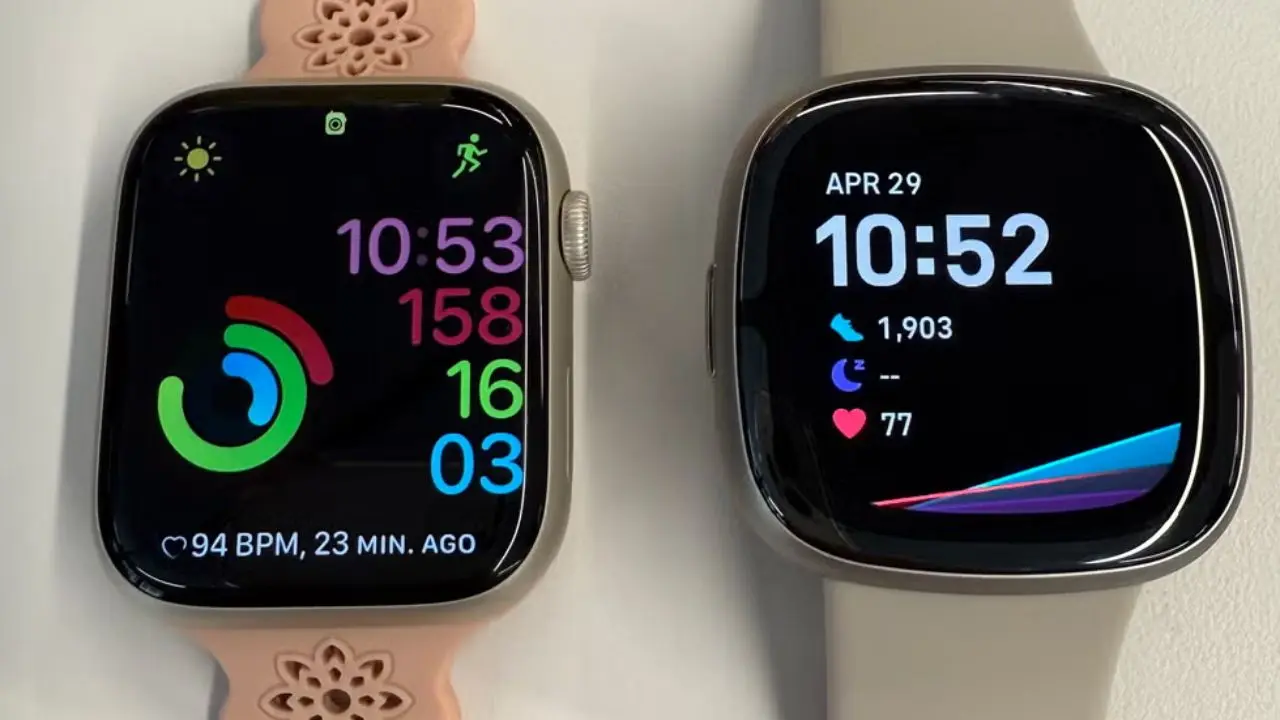
Yes, and it is worth knowing before you assume you have to choose between them. On iPhone, Fitbit automatically syncs health data to Apple Health.
Steps, heart rate, sleep stages, and workout data from your Fitbit device appear in the Apple Health app alongside data from any other sources you use. That means iPhone users can use a Fitbit device for its longer battery life and superior sleep tracking while still having that data centralized in Apple Health for comprehensive aggregation.
The integration is one-directional. Fitbit sends data to Apple Health, but Apple Health data doesn’t feed back into Fitbit. Additionally, the coaching ecosystems don’t cross over.
Fitbit Premium insights stay in the Fitbit app, and Apple Fitness+ workouts stay in Apple’s ecosystem. The data aggregates; the coaching doesn’t. For many iPhone users who want Fitbit’s sleep ecosystem without abandoning Apple Health’s aggregation benefits, this one-way sync effectively covers the use case without requiring you to choose one platform and abandon the other entirely.
Who Should Choose Fitbit?
Android Users
Android users have no meaningful choice in this comparison. This is because Apple Health and Apple Watch require an iPhone to function, making Fitbit one of the strongest health-tracking options for Android users without ecosystem restrictions.
Users Who Prioritize Battery Life
People who prioritize battery life find Fitbit’s 5–10-day battery life a genuine daily quality-of-life advantage. Not charging your health tracker every night means uninterrupted sleep tracking, no charging schedule to manage, and no risk of wearing a dead device because you forgot to charge. That simplicity has real value for users who have tried the Apple Watch and found the daily charging requirement disruptive to their sleep-tracking consistency.
Sleep Tracking Enthusiasts
Sleep-tracking enthusiasts consistently find Fitbit’s sleep ecosystem (Sleep Score, sleep stages, Sleep Profile, temperature variation, breathing rate, and Readiness Score with Premium) more detailed and more immediately interpretable than Apple Watch’s sleep presentation. The difference between a clear 0-100 score and a set of stage percentages is meaningful for users who want to act on their sleep data rather than just review it.
Budget-Conscious Users

Budget-conscious users benefit from Fitbit’s broader price range. For instance, the Inspire 3, at approximately $99.95, delivers capable health tracking at a fraction of the Apple Watch’s entry price.
For a broader look at evaluating health-tracking tools within the apps and tools landscape, the apps and tools section covers the full range of health and productivity tools worth considering.
Who Should Choose Apple Health and Apple Watch?
iPhone Users
iPhone users already in the Apple ecosystem get a health tracking experience through Apple Health and Apple Watch that no cross-platform tool can replicate: Siri health queries, integration with iPhone’s Medical ID, seamless sharing with Apple’s fitness and nutrition apps, and health data accessible across iPhone, iPad, and Mac in a unified record.
Users Looking for Medical-Grade Health Monitoring
Users who want medical-grade health monitoring find Apple Watch’s FDA-cleared ECG, irregular rhythm notifications for AFib detection, fall detection, crash detection, and healthcare provider record integration, making it the most medically oriented consumer smartwatch on the market. For users who actively manage cardiovascular health or want their wearable data to integrate with their healthcare provider, Apple Watch offers a level of clinical rigor that Fitbit’s wellness-first philosophy doesn’t match.
Privacy-First Users

Privacy-first users benefit from Apple Health’s on-device architecture, health data that doesn’t leave your device, third-party app permissions you explicitly control, and an explicit no-advertising-use policy backed by architectural design rather than just a policy document. Furthermore, the Apple Watch SE provides the Apple Health ecosystem at the most accessible price point in Apple’s current lineup, making it the natural entry point for iPhone users evaluating the Apple Watch for the first time.
FAQs
Yes. On iPhone, Fitbit automatically syncs steps, heart rate, sleep, and workout data to Apple Health. The sync is one-way: Fitbit sends data to Apple Health, but data from Apple Health doesn’t flow back into Fitbit. This means iPhone users can use a Fitbit device and still have their health data centralized in Apple Health, alongside data from other apps and devices.
Fitbit leads in sleep tracking for most users. It provides a daily Sleep Score from 0 to 100, detailed sleep-stage tracking, breathing rate, skin temperature variation, and, with Premium, a monthly Sleep Profile analysis. Apple Watch tracks sleep stages and total time, but doesn’t provide a sleep score. Fitbit’s longer battery life also means you can wear it overnight consistently without managing charging logistics around your sleep schedule.
No. Apple Health is iOS-exclusive. It’s built into every iPhone, but there isn’t an Android version. Apple Watch also requires an iPhone to set up and operate. If you use an Android phone, Fitbit is one of the strongest health-tracking platforms, with full support in the Android app.
For everyday cardiovascular monitoring (resting heart rate, HRV, heart rate during steady-state exercise), both platforms perform equally well. For high-intensity workout accuracy and medical-grade cardiac monitoring, Apple Watch leads; its FDA-cleared ECG, AFib detection, and faster heart rate spike detection during interval training give it a clinical capability edge. Fitbit’s Charge 6 and Sense 2 include ECG and EDA sensing for stress, but Apple Watch’s cardiac monitoring is more established in medical contexts.
Final Thoughts
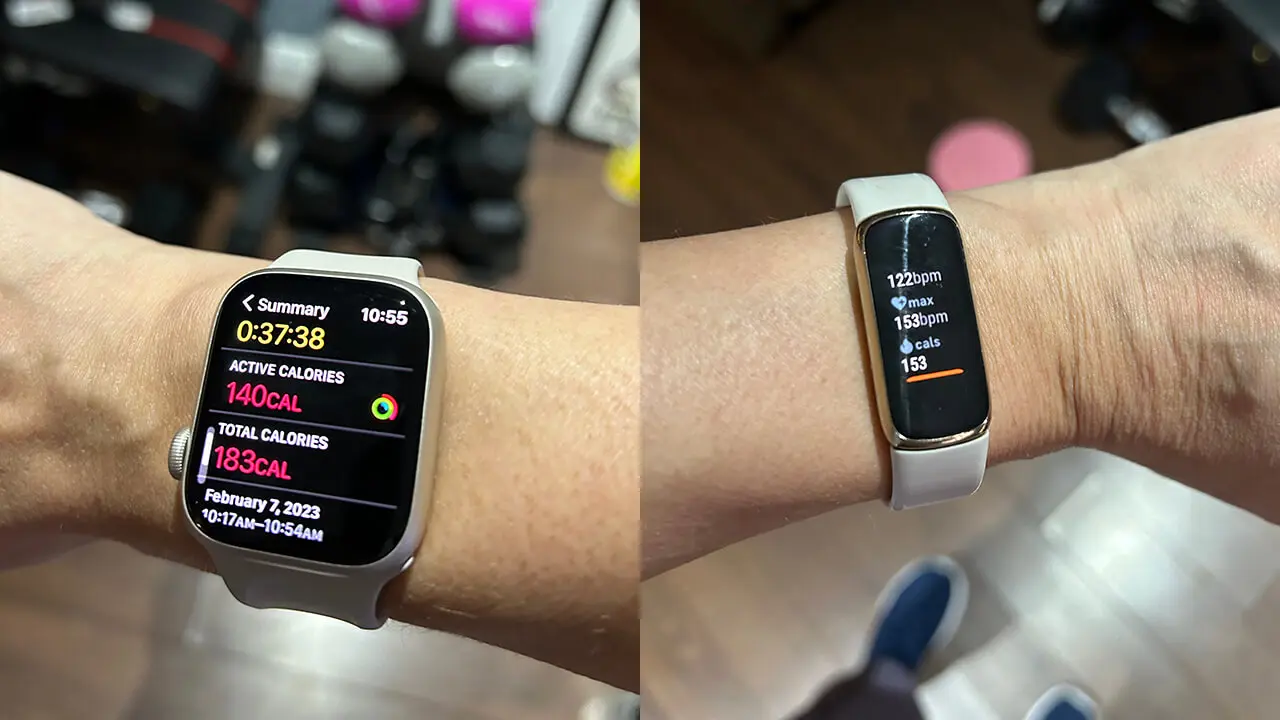
Fitbit and Apple Health serve genuinely different users, and the right choice is clearer than most comparison articles suggest. If you use an Android phone, Fitbit is your platform; Apple Health and Apple Watch aren’t an option. And, if you’re an iPhone user who wants the strongest sleep tracking, the longest battery life, and cross-platform flexibility at a lower device cost, Fitbit is the better fit. However, if you’re an iPhone user who wants deep ecosystem integration, medical-grade cardiac monitoring, comprehensive health data aggregation across hundreds of apps, and Apple’s privacy-first data architecture, Apple Health with Apple Watch is the natural choice; the Apple Watch SE 3 is the most accessible entry point into that ecosystem.
The one scenario in which both platforms coexist without conflict is for iPhone users who want Fitbit’s sleep tracking and battery life alongside Apple Health’s breadth of data aggregation. Fitbit’s one-directional sync to Apple Health covers that hybrid workflow without requiring you to choose one platform and abandon the other. Beyond that, the decision comes down to your phone, your health tracking priorities, and how much you care about where your health data goes and who holds it.
For more tech guides and honest reviews, visit YourTechCompass.