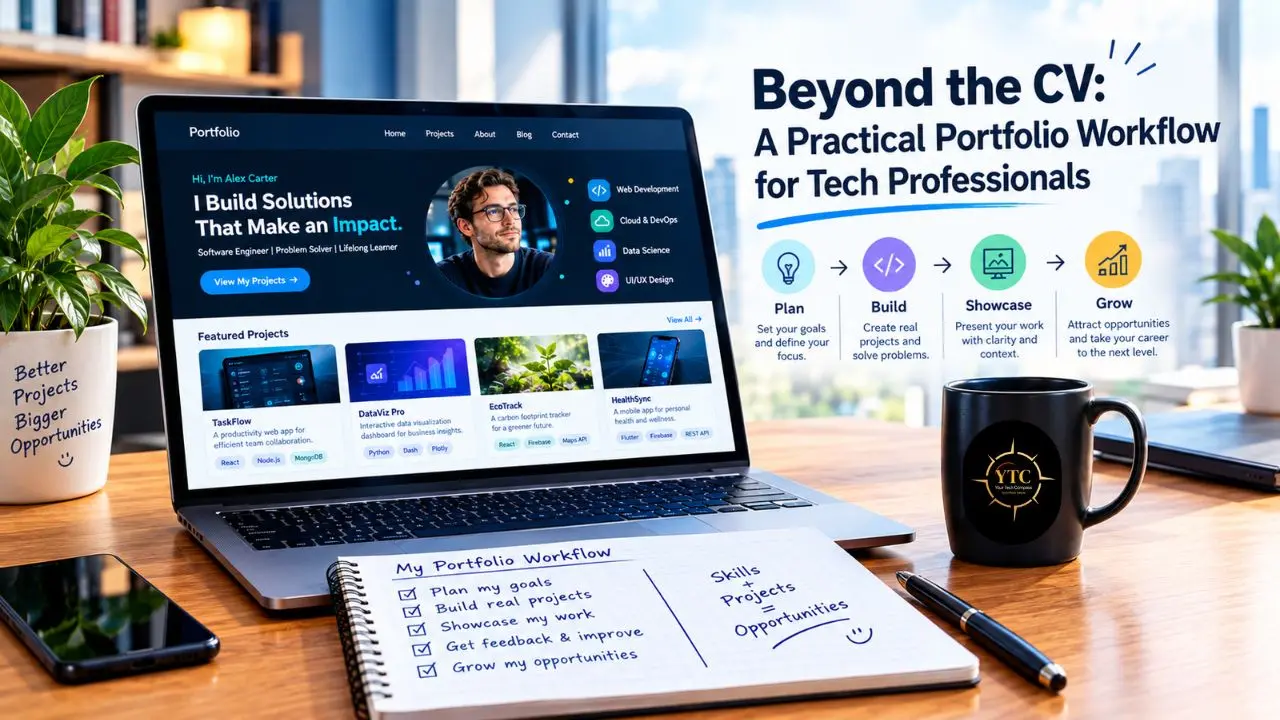
A junior developer finishes a bootcamp with a GitHub profile full of eleven tutorial clones and a to-do app, then sits down to build a portfolio and freezes: which of these, if any, actually proves she can do the job? A senior engineer has the opposite problem: years of real, shipped work, almost none of it public, and a vague sense that a portfolio means starting from zero. Both are solving the wrong problem. A portfolio isn’t a volume contest or a coding bootcamp showcase; it’s a small, curated set of evidence that lets a stranger evaluate whether you can do a specific kind of work.
This piece walks through that evidence-first approach end to end: choosing a hiring direction narrow enough to guide your picks, selecting a handful of projects instead of a wall of them, writing the short explanatory note that makes each one legible, and making the underlying work genuinely inspectable rather than just linked. It also covers where to publish the result, including when a simple resume-to-website tool is the right call and when it isn’t, and how to pressure-test the finished page before you share it with anyone who matters.
Start With the Work You Want to Do
Choose a hiring direction narrow enough to guide your choices. “Technology” is too broad; “backend engineering on data-heavy products” or “product design for developer tools” gives you something concrete to compare against. Read several current role descriptions you would genuinely consider, and note the recurring responsibilities rather than just the list of frameworks and tools.
Turn those responsibilities into evidence questions:
- If a role asks for reliable systems, what work shows how you handled failure or a constraint?
- If it asks for cross-functional collaboration, what artifact shows how you clarified a problem with other people?
- If it asks for data judgment, can you show the question, method, and limits of an analysis?
The answer may be code, a design, a technical explanation, a test plan, a diagram, or a carefully redacted case note.
The research backs up why this matters. In its 2026 Spring Update, the National Association of Colleges and Employers asked employers hiring the Class of 2026 what they look for on a candidate’s resume, and teamwork and problem-solving topped the list, with verbal communication, technical skills, and written communication also ranking highly.
A separate study of 218 U.S. recruiters hiring computer science graduates, published in ACM Transactions on Computing Education, found that respondents weighed experience, GPA, and projects when reviewing resumes, with technical or coding assessments usually appearing later in the process. In practice, that means a selected project gives a reader concrete material to discuss alongside whatever’s already listed on your CV.
Select Evidence, Not Volume
Make a private inventory before building a page. Include work from a job, an open-source contribution, a course, a volunteer project, an internal tool, a research task, or a personal experiment. A project doesn’t become valuable because it’s public or large; it becomes useful when it gives a reader a credible view of work relevant to the role.
Choose a small set with different jobs to do. One piece might demonstrate technical depth; another might show how you make trade-offs or communicate with collaborators. Prefer work with evidence you can actually share: if a project is confidential, describe your contribution at a level your employer permits, remove identifying details, and use a permitted artifact such as a redacted diagram. If you can’t discuss it safely, leave it out.
A quick filter helps here. For each candidate project, ask:
- Is it relevant to the role?
- Is there something a reader can inspect?
- Can you state your own contribution accurately?
- Does this example add something the other selected pieces don’t?
If the answer is no to most of those questions, it’s probably a learning exercise worth keeping privately rather than a portfolio item.
There’s no quota to fill. Two well-explained projects can carry more information than ten cards that say “built with Python.” Experienced professionals may have stronger evidence in shipped work, decisions, or technical writing than in side projects; the goal is to make the best available evidence visible, not to manufacture a new project just to make the page look busy.
Write the Explanation Before the Layout
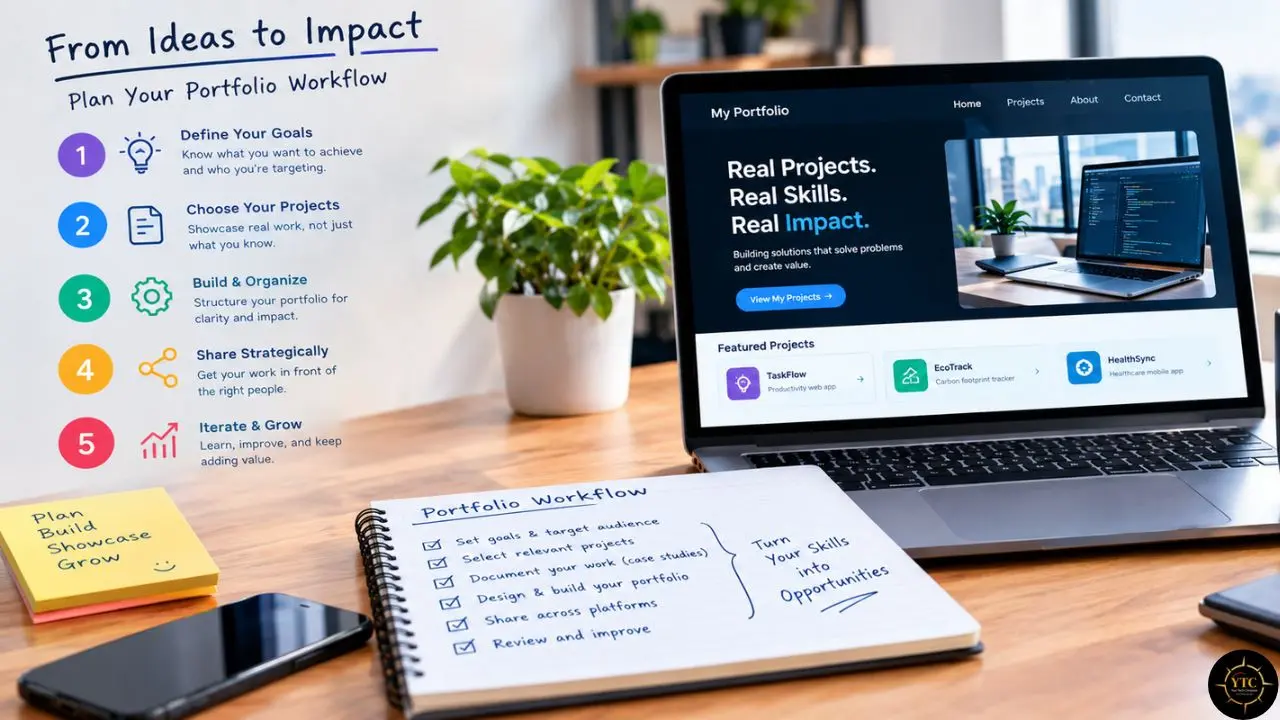
For every item you keep, write a short note that separates what happened from what you did. Four prompts are usually enough for a useful first draft:
- Context and constraint: What needed to work, for whom, and what made the problem difficult?
- Contribution: Which parts were yours, and where did other people or teams contribute?
- Decision: What approach did you choose, what alternative did you consider, and why?
- Evidence and status: What can someone inspect, what changed, and what’s still unfinished or limited?
Answer with concrete nouns and verbs. “Improved performance” needs a before-and-after measure if you have one; if you don’t, describe the change you can verify, such as the test that now passes or the failure mode the design handles. “Led the project” needs a clear account of what you actually owned, and when the work was shared, say so; clear attribution gives a reader a reason to trust the result.
This note is the useful part of a portfolio card or case study. The visual can then stay simple: a clear title, a one-sentence purpose, the note, and a link to the most informative artifact. A reader shouldn’t have to infer whether a screenshot is a production interface, a prototype, or a concept; label it.
Make the Project Inspectable
For software work, the repository often is the evidence. A README should orient a visitor before they open a single file. GitHub’s own guidance frames it as the place to explain what a project does, why it’s useful, how to get started, where to get help, and who maintains it.
Most READMEs don’t do this well. A 2018 study that examined 4,226 sections across 393 randomly sampled GitHub repositories found that READMEs commonly explained what a project does and how to use it, while purpose and status were often missing entirely. That gap is your opportunity: say why you made the project, whether it’s maintained, and what you learned from the choices you made.
Give the reader a route through the material. Link directly to the relevant pull request, demo, notebook, design, test, or section of a technical document instead of sending them to a repository root and hoping they find the point. If a code sample needs setup, provide a short, tested path to run it, or say plainly that it’s a static example.
The same idea applies for designers, analysts, infrastructure specialists, QA engineers, and product-minded developers, even when source code isn’t the best artifact. Show the decision trail or a representative output, explain the constraints, and identify what a reviewer should notice, and never publish internal dashboards, customer information, credentials, or employer-owned work without permission.
Choose the Simplest Container That Works
A portfolio doesn’t have to be a custom-coded website. A well-kept GitHub profile, a GitHub Pages site, a Notion page, a general site builder, or a resume-to-website tool can all work as a front door. YTC’s Apps and Tools category and best open-source productivity tools roundup are worth a browse if you’re comparing options.
Think of the landing page as a map, not a replacement for your CV. State the role or work you’re focused on, put the most relevant evidence near the top, and make your contact details easy to find. Let each project link to its deeper source. A short page with clear paths is often easier to use than a large site with several menus and no obvious starting point.
Only spend time on visual polish that helps the work read well. Check the page on a phone, make headings descriptive, use readable contrast, and ensure links have useful labels. Avoid autoplay and decoration that competes with the artifact; if building the site itself is evidence for the role, explain that decision; otherwise, don’t let site maintenance become a second project.
A Closer Look: Resume-to-Website Tools Like Self
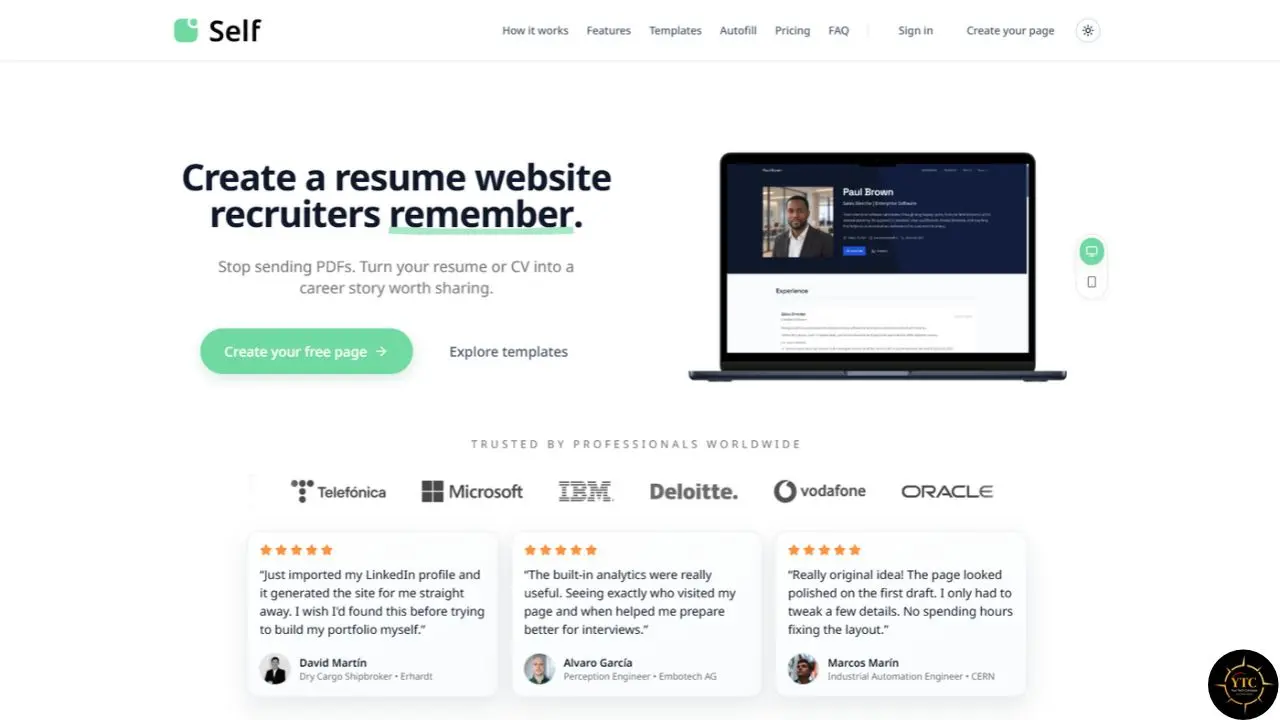
Disclosure: I’m the founder and CEO of Self, a resume-to-website service that converts an existing CV into an editable webpage. It handles layout, formatting, and hosting, so you can add links to your work and publish without configuring a server from scratch.
If the container is the part you want to spend the least time on, this is the category of tool worth knowing about. Self takes an existing resume or CV and converts it into an editable, hosted webpage: you upload or paste your resume, the layout and formatting are generated automatically, and you then edit the draft, add links to your actual work, and publish; no design tool and no server configuration required.
The honest limitation is the same one that applies to any tool in this category: it solves the publishing problem, not the curation problem. Feeding in an unfiltered resume produces a webpage version of the same wall-of-everything problem this guide argues against; the selection and the explanatory notes described above still have to happen first, by hand.
- Good fit if: you already have a solid resume, want something live within minutes, and plan to do the curation and note-writing yourself before or after publishing.
- Less useful if: you want granular control over layout or you haven’t yet decided which pieces of work to feature. In that case, do that selection work first, since the container is genuinely the easy part.
Review It as Someone Who Doesn’t Know You
Before sharing the page, ask someone outside the project to spend a minute with it, then ask three questions:
- What kind of work do you think I want to do?
- Which example best supports that?
- What was my contribution?
If their answers differ from yours, fix the order or add missing context.
Click every link from a logged-out browser. Check that a demo still works, that a code sample has the right license, and that a private artifact hasn’t slipped into public view. Read the page at mobile width and with a keyboard, and ask whether every claim can be backed by something visible, and whether any outcome belongs to a wider team rather than to you alone.
Keep the page honest about status. Mark an experiment as an experiment, an archived project as archived, and a prototype as a prototype. A finished-looking page can create false certainty; a small status note often gives a reader more useful information than another screenshot.
Reading the Compass: What Your Portfolio Should Point To

A portfolio fails for the same reason most of these pages go unread: it tries to prove everything at once instead of pointing clearly at one or two things worth a closer look. The workflow here isn’t complicated (pick a direction, choose a small set of evidence that fits it, write the note that explains what you actually did, make the work inspectable, and publish it somewhere simple), but it is deliberately narrow, because narrow is what makes a page easy for a stranger to evaluate in the ninety seconds they’re willing to give it.
If you take one thing from this guide, let it be the order of operations: decide what to show before you decide where to show it, since no template or tool fixes a page that’s showing the wrong things clearly. Whichever container you choose, the page is working the moment a reader can say, correctly, what kind of work you do and why this example proves it.
For more practical, no-fluff guides to the tools and workflows shaping how tech professionals work, point your compass back toward the Tech Guides section of YourTechCompass.com.
About the Author
Javier Martínez Samblas is a software developer and the founder and CEO of Self, a platform that turns existing CVs and portfolios into personal webpages. His background spans software engineering, telecommunications, machine learning, computer vision, and scientific research. He has worked as a researcher at Universidad Carlos III de Madrid and CERN, where he contributed to projects in beam instrumentation and accelerator physics. Originally from Madrid, he builds tools that help professionals present their experience clearly and make their work easier to explore online.