I spent 25 years in enterprise IT, including CIO roles, and the most expensive number in enterprise software is the one nobody puts in the business case: the hours your people spend learning a tool, and then relearning it. I once priced the retirement of a platform most of the company disliked, and the license fee came out as the smallest line in the whole model. Retraining the staff was the line that killed the project, so we renewed software our own employees complained about.
That used to be a cost you paid once, on the day you switched tools. With AI tools, you pay a version of it every time the model underneath updates, on a schedule your vendor sets, and a ten-person agency feels this as sharply as a bank does because the ten-person agency has nobody whose job is to notice. This article shows you how to calculate what model churn costs you, grounds the problem in the retirement schedules Anthropic, OpenAI, and Microsoft publish, and ends with six checks to run before you buy your next AI tool.
Disclosure: I co-founded Argo Intelligence, an AI automation platform mentioned later in this article.
Model Churn Is Scheduled, Published, and Not Yours to Control
The major AI providers all publish retirement schedules, so the churn is visible long before it lands. The catch is that each provider runs its own clock, with different notice periods and different consequences when the date arrives. This table compares what each one puts in writing.
Provider | Notice Commitment | At Retirement | Worth Knowing |
At least 60 days for publicly released models | Requests to the retired model fail | Four lifecycle states: active, legacy, deprecated, retired | |
No fixed period stated in the notices we reviewed | Model leaves ChatGPT; the API runs on a separate schedule | Business, Enterprise and Edu plans kept GPT-4o in custom GPTs until April 3, 2026 | |
At least 60 days for generally available models; at least 30 days for preview upgrades | Requests return HTTP 410 Gone | Standard deployments auto-upgrade; provisioned deployments need manual migration |
In practice, those notices turn into hard deadlines. Anthropic retired Claude Opus 4 and Claude Sonnet 4 on June 15, 2026, and OpenAI pulled GPT-4o, GPT-4.1, GPT-4.1 mini, o4-mini, and both GPT-5 modes from ChatGPT on February 13, with the GPT-5.1 models following on March 11. Microsoft fixes each generally available model’s retirement date at launch, typically about 18 months out, so a deployment you build today already carries an expiry date.
If your tool is set to always use the latest version, nobody asks your permission. The software your team used on Friday can behave differently on Monday with nothing changed in your account settings. Microsoft’s auto-upgrade works the same way: eligible deployments move to the newer version automatically, which helps uptime and surprises anyone who tuned a workflow to the old model.
These dates also move. Microsoft’s schedule had gpt-4o version 2024-11-20 going out of service on October 1, 2026, and it now lists April 14, 2027. Anyone who planned a migration around the first date did that work on Microsoft’s timetable rather than their own.
A retired deployment returns an HTTP 410 error, which is the status code for something permanently gone, so the date matters a great deal. Microsoft sets dates per model version and deployment type, which means the only date that counts is the one attached to your exact setup. And it is not a date you get to set.
Looking beyond the schedules, YTC explainers on Claude AI, Claude Opus 4.7 and ChatGPT 5.4, plus the head-to-head in GPT-5.5 vs. Claude Opus 4.8, show how individual releases fit this cycle.
Your SOPs Break Before Your Software Does
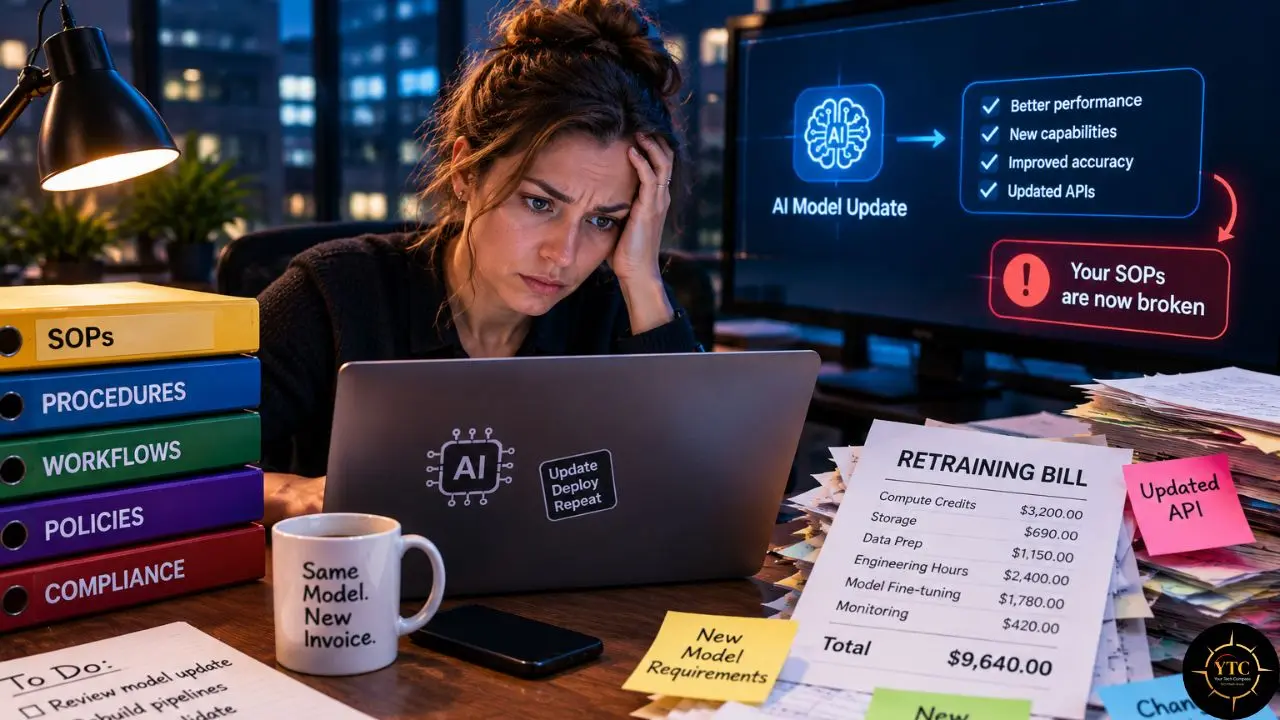
You get no error message when a model changes. The app looks identical, everything still works, and the output reads fine until someone looks closely. What changed is what the tool decides to do with your input.
The prompt your ops person spent three weeks getting right comes back structured slightly differently, and the spreadsheet it feeds stops reading it. Your support summaries run longer than they used to, so agents skim them and miss things. A tool that reliably caught one type of contract clause stops catching it, or starts flagging four more, and nobody can tell which version is right without pulling the last thirty and checking them by hand.
The higher cost is that your team no longer knows when to trust the tool. They spent months working out where it is solid and where it needs a second pair of eyes, and all of that was learned on one specific version. Nobody tells them it has gone stale.
Some people keep trusting it and send out work with mistakes in it. The careful ones go back to checking everything, which is the exact labor you bought the tool to stop paying for.
What the Tool Is Allowed to Do Sets the Price
How much a model update costs you depends on what the tool is allowed to do.
What the Tool Does | What Breaks After an Update | Rough Cost to Absorb |
Writes first drafts | Tone and structure shift, but someone reads every draft and fixes what looks off | Low |
Summarizes or classifies | Length, structure, or detection rates drift, and nobody notices without a spot check | Medium |
Updates records or routes tickets | Permissions, approval steps, and exceptions need a second look | High |
Posts or approves on your behalf | Whoever signs off has to work out again what they are signing off on | Highest |
Draft-only tools are cheap to absorb because a human reads every output anyway. Tools that act are expensive because you have to revisit the permissions, approval steps, and exceptions, which is why the last two rows deserve their own clause in any AI contract.
How to Calculate Your Model Churn Tax
Run this once, for your most-used AI tool. It takes four lines, and you can do it on the back of an envelope.
The Four Lines
- Relearning Time: People who use the tool, multiplied by the hours each spends adjusting after a major version change. Two to four hours is realistic for a daily-use tool, spread across a couple of weeks as people hit surprises one at a time.
- SOP Rewrite: Hours your one or two power users spend rewriting prompts, templates, and documentation, usually somewhere between eight and twenty hours per tool.
- Verification: The re-checking period, when people manually confirm outputs they had stopped confirming. Two weeks of reduced throughput is a fair estimate for anyone whose work depends on the tool.
- Frequency: How many times a year the model underneath this tool has changed. Check the vendor’s changelog, and if the vendor publishes none, assume at least three and treat the silence as its own finding.
Treat those ranges as working estimates, not published benchmarks. Replace them with what your own team reports after the next update.
A Worked Example
Take a 40-person team where 25 people use an AI tool daily, at a fully loaded rate of $55 an hour, with a $9,000 annual subscription (an assumption: 25 seats at $30 a month). Twenty-five people at three hours each is $4,125 in relearning, and fifteen hours of SOP rewriting adds $825. Two weeks of slower work while people re-check outputs, about four and a half hours per person, adds roughly $6,200.
That comes to roughly $11,100 per version change. At three changes a year, you spend roughly $33,400 to keep using a tool with a $9,000 subscription, which puts the real annual cost near $42,400, almost five times the sticker price.
Those figures are illustrative, so the value lies in running the exercise on your own numbers.
Rerun It at Your Own Rate
The $55 rate does most of the work in that example, so swap in your own fully loaded hourly cost before you trust any total. The table compares the same 25-person scenario at $55 and at an illustrative $15 an hour, with the subscription held at $9,000.
Hourly Rate | Cost per Version Change | Cost at Three Changes a Year | Subscription | Real Annual Cost |
$55 | $11,138 | $33,413 | $9,000 | $42,413 |
$15 | $3,038 | $9,113 | $9,000 | $18,113 |
At $15 an hour, the churn line lands almost exactly on the subscription, so the tool still costs about twice its sticker price. Teams in lower-wage markets, including many across Africa, tend to see the churn line shrink while a dollar-billed subscription stays put. The ratio also shifts with the exchange rate, because the subscription bills in dollars while the hours are paid in local currency, so rerun the numbers at every renewal.
YTC’s AI in Africa coverage follows how teams across the continent adopt and pay for these tools, which helps when you choose your own inputs.
Six Checks to Run Before You Buy an AI Tool

Every input in that formula is something you can shrink with decisions you make before you buy. These six checks go after them one at a time.
1. Version Pinning
Ask whether you can stay on a version you have already tested while you evaluate the new one, and for how long. Ask during the sales conversation, while you still have leverage. For API customers, dated model identifiers such as claude-opus-4-20250514 let you stay on a tested snapshot, but the snapshot still retires on a published date, so pinning buys you time to rerun your tests rather than permanence.
2. The Notice Period, in Writing
Get the number in writing before you sign, because the notice window is the time you have to rerun your tests. Anthropic and Microsoft commit to at least 60 days for their generally available models, while ChatGPT’s February retirement gave about two weeks. Many SaaS products built on top of those models can pass changes straight through with no notice at all, because they never committed to any.
3. A Changelog You Can Find Before You Sign
A vendor who publishes model changes expects you to plan around them. A vendor with no changelog will surprise you, and you will hear about it from a confused employee instead of an email. Look for one during the trial, because the changelog also gives you the frequency number the formula needs.
4. Your Prompts and SOPs, Stored in Your Own Documents
The vendor’s saved-template feature is the wrong home for institutional knowledge you want to keep through a switch. Put your prompts and SOPs in a file you control, with a version history you can read. The payoff is that a vendor change costs you a rewrite of one document rather than a rediscovery of everything the team learned.
5. One Named Owner
In a small company, this role runs about 30 minutes a month. The owner watches the changelog, reruns a short set of test cases after any update, and tells the team what changed. Skip it, and everyone discovers the change separately, in the middle of client work.
6. A Test Set of Ten to Twenty Real Inputs
Save ten to twenty real inputs with known good outputs in a doc, and rerun them after any version change. It is the cheapest control on this list, and almost nobody does it. For a support-summary tool, for example, that could be ten recent tickets, each with an approved summary and a three-point pass check covering length, refund status, and legal language.
One More Question for Tools That Act
For anything where the AI takes action instead of drafting, add one more question: what happens to my automations, approvals, and audit records when the model changes, and who pays for revalidating them? Put the answer in the contract, because revalidation is where the cost sits in the table above.
Keep the Surface Separate From the Parts That Change
The principle underneath all six checks is the one I ended up building a company around. Keep the surface your team works on separate from the vendor components that will change without asking you. Every hour of retraining you pay traces back to those two being welded together, where a change to the model becomes a change to the thing your people touch.
Argo Intelligence, which I co-founded, is built on that separation for large enterprises, where people work in one place in plain language while the tools and models underneath stay swappable. Developer teams get a version of the same separation from orchestration frameworks, and the YTC LangChain explainer covers one widely used example. The same principle works at twenty seats with nothing more than your prompts and SOPs in documents you own, your test cases written down, and one person who knows when the ground moved.
Who Should Run the Numbers First
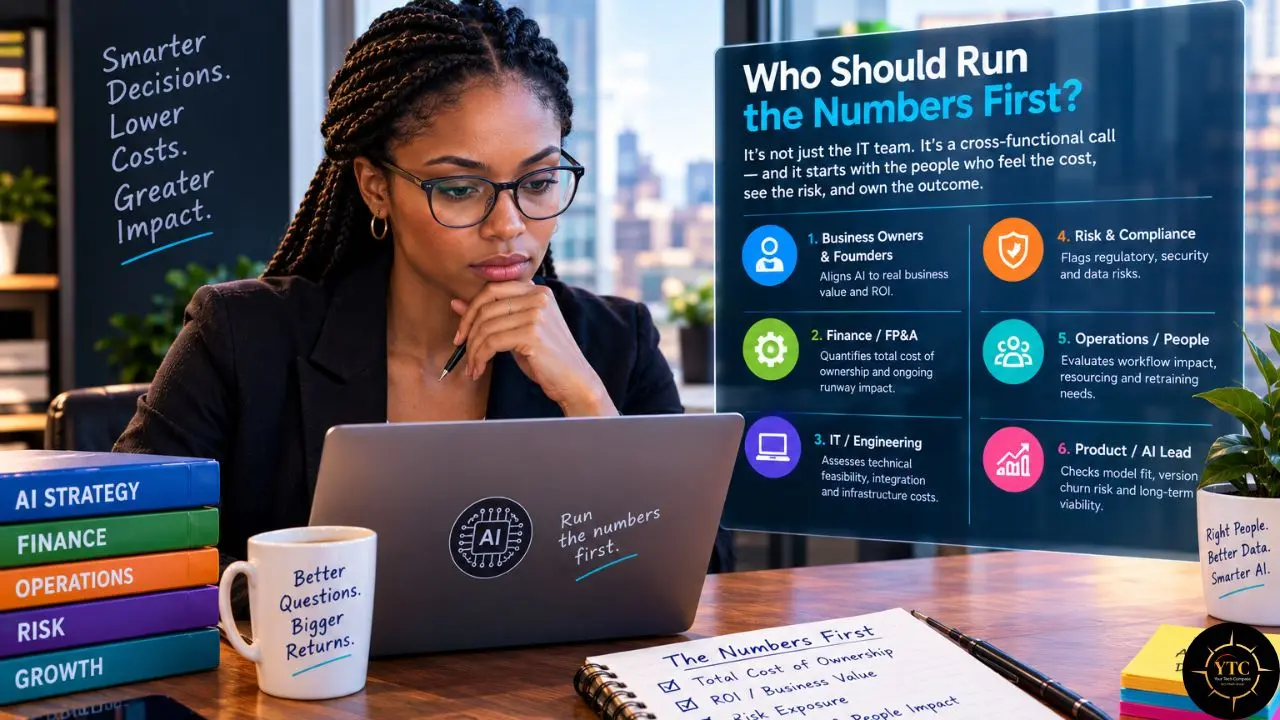
Run the calculation first if:
- Several people use the same AI tool every day.
- The tool updates records, routes tickets, posts for you, or approves anything.
- The vendor publishes no changelog and gives no written notice period.
- Your next renewal lands within the quarter.
You can defer it if:
- Use is occasional or personal, and nobody depends on the output.
- The tool only drafts, and a human edits every output before it goes anywhere.
- You could swap the tool in a week without retraining anyone.
Not sure where to start? Pick the tool your team would miss most, and check the other AI products in your stack against the reviews in AI Unboxed.
Where the Math Falls Short
The formula counts costs and nothing else. A newer model can also write better, summarize faster, or catch more, and a complete business case nets those gains against the churn instead of ignoring them.
The ranges are working estimates, and the cost per change varies with how deeply a tool is embedded. A version change that only renames a model in a dropdown costs far less than one that alters output structure, so the frequency line works best when you count only the changes your team actually felt.
One more limit: vendors define a version change differently. An API snapshot retiring, a consumer app swapping its default model, and any change a vendor makes without telling you all land in your workflow the same way but arrive on different schedules, which is why the vendor-by-vendor notice check matters.
FAQs
AI model churn is the cost your team pays each time a vendor updates, replaces, or retires the model behind a tool. The software looks the same, but the outputs shift, so people relearn where to trust it, rewrite prompts, and re-check results. The model churn tax is the annual total of those hours.
Anthropic and Microsoft commit to at least 60 days for generally available models, while OpenAI’s February 2026 ChatGPT retirement came 15 days after the announcement. SaaS products built on top of these models set their own terms, so get the notice period in writing.
On Anthropic’s API, requests to a retired model fail. On Microsoft Foundry, a retired deployment returns HTTP 410 Gone, and because Microsoft auto-upgrades eligible Standard deployments, the errors land on deployments it does not upgrade, such as provisioned ones.
Only until its retirement date. API customers can call dated model identifiers to stay on a tested snapshot, but those snapshots retire on published schedules, and Microsoft’s dates apply per model version and deployment type. Consumer apps such as ChatGPT remove retired models outright.
Multiply four lines at your fully loaded hourly rate: relearning hours across daily users, SOP rewrite hours, verification time, and the number of version changes per year. Run it on your most-used tool first, then compare the annual total with the subscription price.
Ask about version pinning, the notice period in writing, and where the changelog lives. Then keep your own prompts and SOPs, name one owner and save a test set, and for tools that act, ask who pays to revalidate automations and audit records after a model change.
A Compass for the Next AI Renewal: Price the Churn First
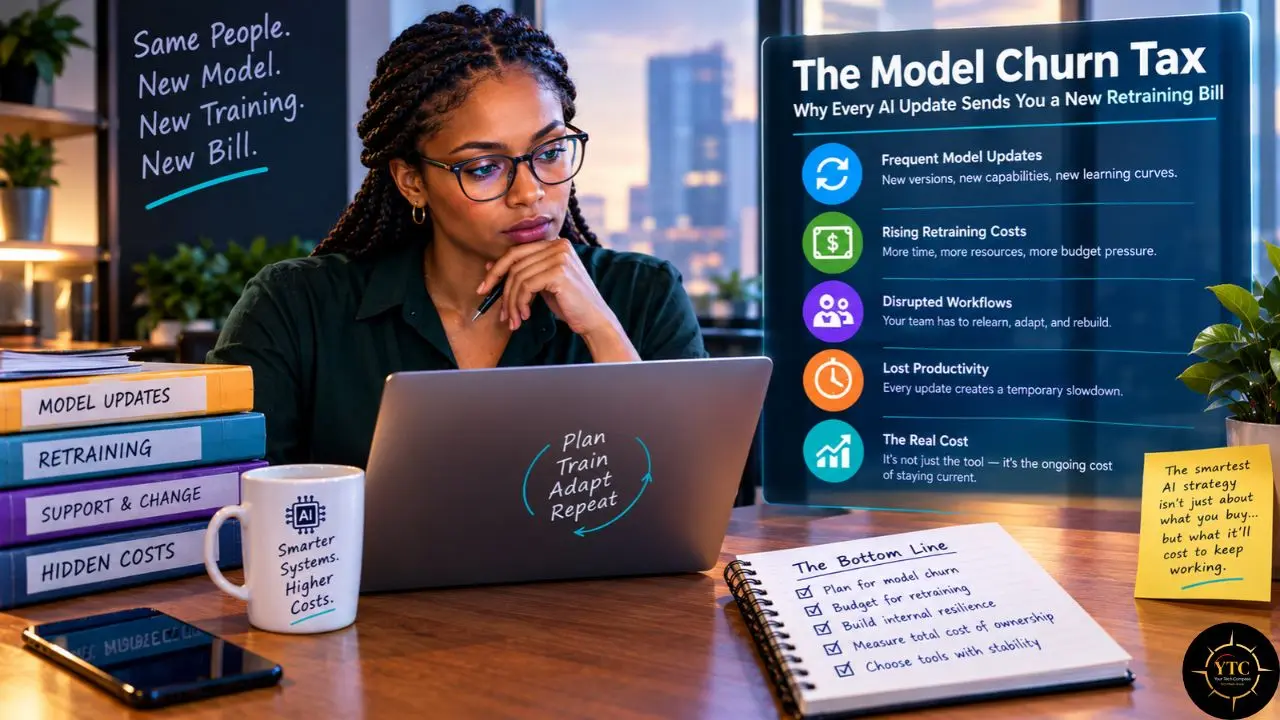
Software has always charged a switching cost, and AI tools moved it from the day you leave to every time the vendor’s calendar says so. The sticker price tells you what a tool costs to own, while the churn tax tells you what it costs to keep trusting. Teams that treat model updates as a scheduled expense, rather than an interruption, absorb them with a test set and a named owner, and the rest relearn the tool in the middle of client work.
Price the churn on one tool this week, before your next renewal lands. If the churn cost comes out bigger than the subscription, you now have a number to take into that conversation, and a short list of questions that will make your next AI contract cheaper to live with. Operations leads can bring the four-line formula to procurement, agency owners can rerun it at their own hourly rates, and anyone on a small team can start with one saved test set and one name on the changelog.
Before the next model update lands on your team, set your bearings at YourTechCompass.com, where the fine print gets read first.
About the Author: Rajeev Jaswal is co-founder and CEO of Argo Intelligence, an AI automation platform for enterprises mentioned in this article. He spent 25 years in enterprise IT, including CIO roles, where he signed the kind of contracts described here and learned what they cost to leave.