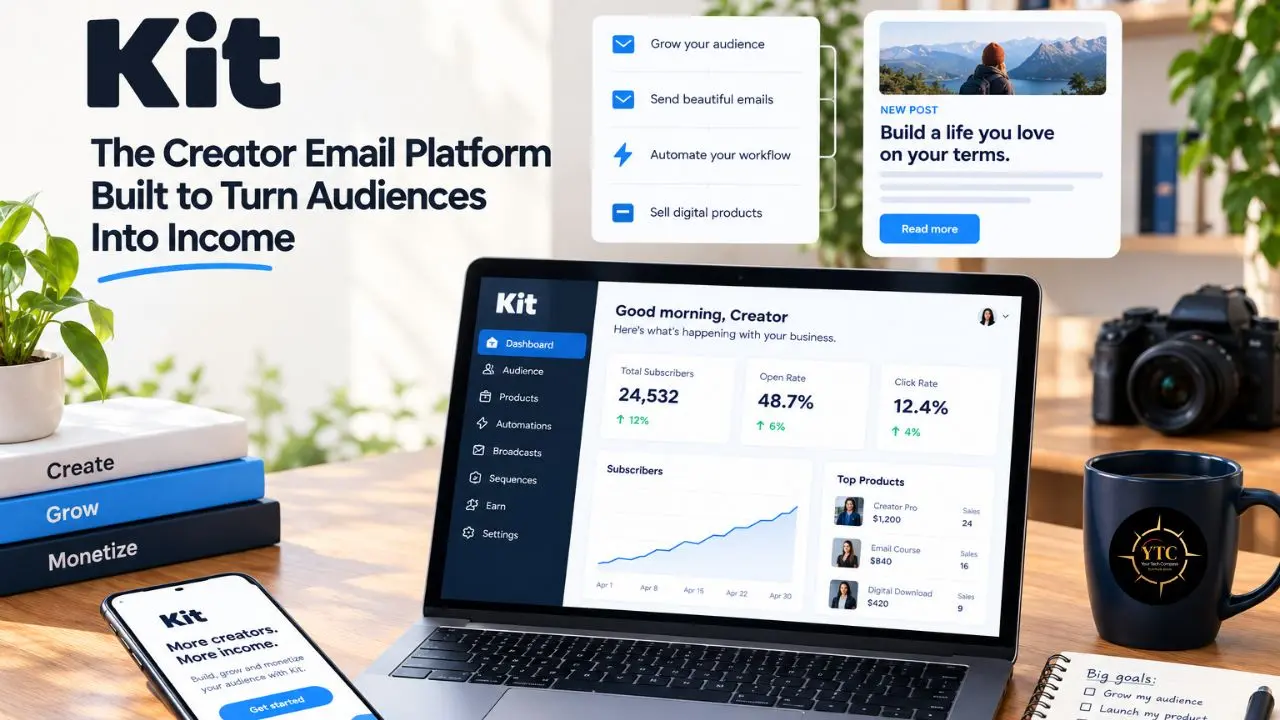
You post consistently, your follower count creeps upward, and then one algorithm tweak cuts your reach in half overnight. The audience you spent two years building suddenly feels like it belongs to someone else, because in every way that counts, it does. Email is the escape hatch creators keep recommending to each other. That is the gap Kit (formerly ConvertKit) set out to fill: a platform designed around the person writing the emails, not the marketing department blasting them.
In this guide, I’ll walk you through what Kit actually is, why ConvertKit became Kit in 2024, and how the platform works from signup form to paid sale. We’ll cover the features that matter, the 2026 pricing with real cost math, the legal and tax details creators tend to skip, and an honest comparison with Beehiiv, MailerLite, Mailchimp, Substack, and Brevo. Because YTC writes for African readers, I’ll also cover what payments and billing look like if you build an audience from Lagos, Nairobi, Accra, or Johannesburg. Everything here comes from documentation and published reviews rather than my own testing, so read my opinions as informed judgment, not lab results.
A note before we begin: every YTC score is earned, never negotiated. If you want to understand exactly how we evaluate apps & tools and how we handle affiliate relationships, our Review Methodology lays it all out.
Quick Verdict
- Best For: Creators who sell courses, templates, or paid newsletters and want email automation and monetization tools in one platform, without stitching together more tools than they need.
- Skip It If: You run a large list but earn little from it, so per-subscriber pricing could strain your budget; need highly designed email layouts; sell physical products without a separate ecommerce platform; or need a CRM.
- Bottom Line: The free plan supports up to 10,000 subscribers, with one basic visual automation and one email sequence. Paid prices rise with list size, and paid plans include unlimited automations and sequences. I’d start free, then upgrade when you need the additional features.
What Is Kit (Formerly ConvertKit)?
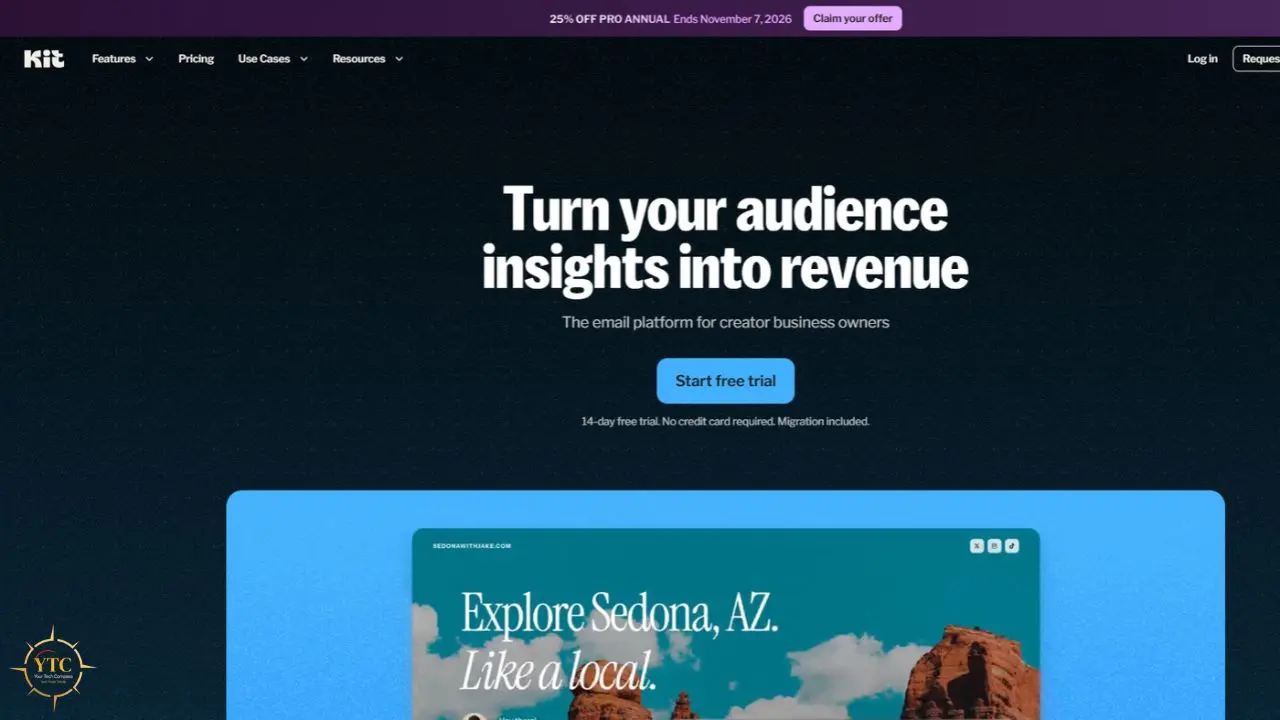
Kit is an email marketing and audience-growth platform built for creators: bloggers, course sellers, podcasters, and newsletter writers. Nathan Barry founded it as ConvertKit in 2013, and the platform initially focused on professional bloggers before expanding toward a broader range of professional creators. Its positioning has centered on the needs of creators rather than general small businesses or retailers.
The name changed in 2024. Kit announced the rebrand in June 2024, and the switch became official on October 1, 2024, when convertkit.com began forwarding to kit.com. The company’s rebrand press release framed the shorter name as a sign that the platform now does more than “convert” visitors. It also covers commerce and a new app store.
Why should you care about a name change? Mostly because tutorials, reviews, and help articles still use both names, and older ConvertKit material can describe features or prices that have since changed. In my opinion, the generic name makes Kit harder to search for. Treat the two names as one product and always check the date on whatever you read.
How Kit Works: From Opt-In Form to Paid Subscriber
In practice, Kit supports a four-stage workflow: capture, organize, nurture, and monetize. These stages often connect, though creators do not have to use them in a fixed order. That structure helps explain why Kit can feel simpler than general-purpose marketing suites.
- Capture: Forms and landing pages collect email addresses.
- Organize: Tags and segments record what each subscriber cares about.
- Nurture: Broadcasts, sequences, and visual automations send the right message at the right time.
- Monetize: Products, subscriptions, recommendations, and sponsorships turn attention into income.
A typical flow might look like this: a reader downloads a free checklist, which tags them and triggers a three-email welcome sequence. The final email offers a paid template pack, and anyone who clicks can be tagged for follow-up. The takeaway is that Kit rewards you for thinking in journeys rather than one-off blasts.
If Kit’s built-in forms feel too basic, a dedicated form builder can collect richer answers and pass them into Kit, depending on the integration. Our Tally Forms review covers one popular free option and is worth reading before you commit to a form stack.
Standout Features
Visual Automations and Sequences
Automation is a major reason to choose a paid Kit plan. You build flows on a visual canvas that can send emails, add tags, and branch based on subscriber behavior. Kit’s current Newsletter Plan includes one basic visual automation and one email sequence, while paid Creator and Creator Pro plans unlock unlimited visual automations and sequences, along with more advanced automation features.
So what? Automation turns a one-time signup into an ongoing relationship, which matters most to creators who sell over months rather than days. The trade-off is that the free plan gives you only a taste of this, so you will hit its limits quickly once you start selling.
Creator Network and Recommendations
Here is Kit’s most distinctive idea. When someone confirms a subscription, Kit can show them other creators’ newsletters to join, and those creators can recommend you in return. Kit’s help center says Paid Recommendations let other creators pay you between $1 and $4+ per subscriber you send their way, powered by SparkLoop and paid to a connected Stripe account. Kit also takes a 20% service fee and a 3.5% transaction fee on each successful referral.
This helps smaller creators borrow trust from established ones, and it helps established creators earn from audience attention they were already generating. The catch is relevance: a recommendation works best when your audiences overlap, and Paid Recommendations require a paid plan.
Compared with Substack right now: Substack bundles writing, hosting, and a built-in reader network into one simple product, but it takes a cut of paid subscriptions. Kit gives you more automation and monetization controls; in exchange, it asks you to assemble more of your own site and design.
Kit Commerce
Kit lets you sell digital products and subscriptions directly from your account. Its help center says commerce is available on every plan, including the free one, and payments run through a separate Kit-managed Stripe Express account. Kit lists a 3.5% plus $0.30 processing fee for USD transactions, with currency-specific fees for other currencies, so check the current table before pricing a product.
On a $29 ebook, the USD fee is about $1.32, leaving roughly $27.68 before taxes or other costs. Kit Commerce is designed for digital products and subscriptions rather than physical-product fulfillment. Kit can collect VAT on eligible EU and UK sales, but you remain responsible for your other tax obligations.
Sponsorships, the App Store, and Free Migration
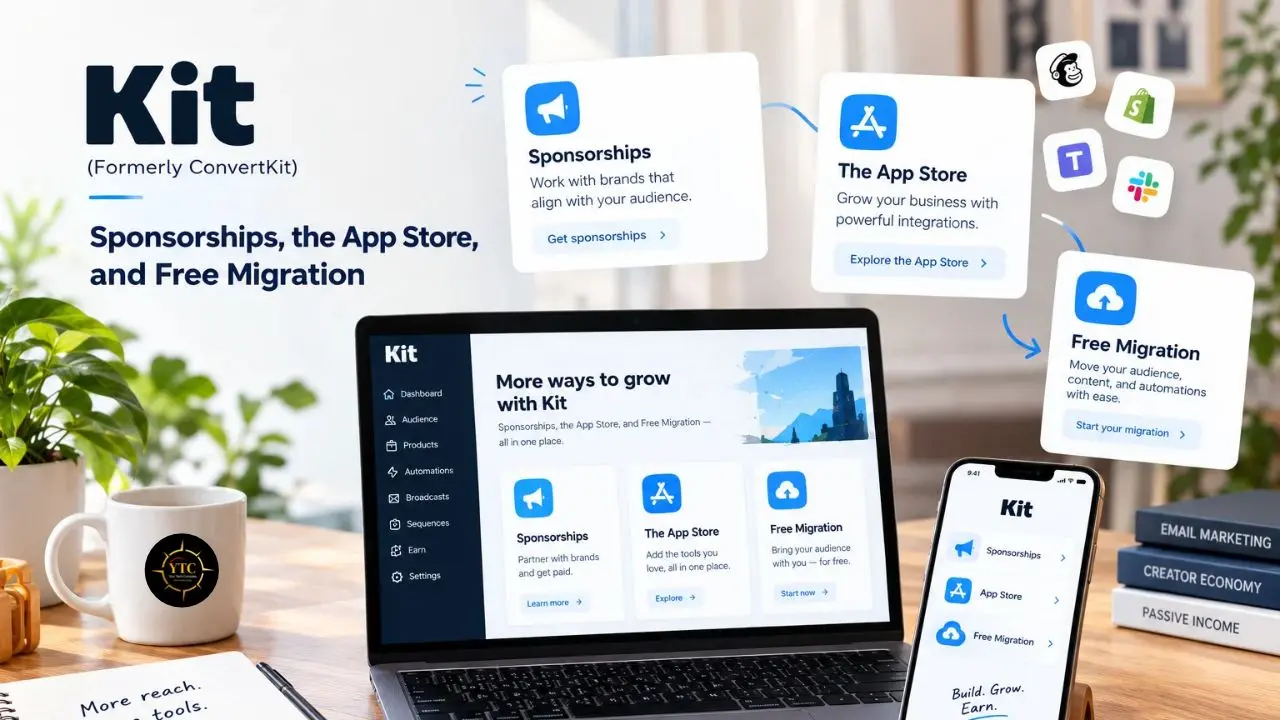
The Kit App Store, launched alongside the rebrand, extends the platform through add-on apps. On paid plans, Kit also offers a free migration service, which removes one of the biggest barriers to switching.
For workflows that cross apps, such as sending a new sale to a spreadsheet or Slack, you will likely rely on external automation tools. Our reviews of Zapier, Make, and n8n can help you choose one that fits your budget and technical comfort.
Kit MCP and AI Integrations
Kit now provides official MCP documentation and AI Connectors that let compatible AI assistants interact with a creator’s Kit account. AI Connectors are available on paid plans; free accounts can connect an AI client, but running a tool prompts an upgrade rather than executing the action.
If you want the bigger picture on how AI tools plug into apps like this, our AI Unboxed category explains the concepts.
Where the Flagship Feature Falls Short
The Creator Network is Kit’s headline growth feature, so it deserves scrutiny. Some reviewers say it has not materially moved their subscriber numbers, and some third-party reviews claim that paid plans receive priority when Kit selects creators to feature. Treat that prioritization claim as unconfirmed unless Kit documents it directly.
The practical lesson is that network effects favor audiences that already overlap with someone else’s. If your niche is narrow or your list is new, expect recommendations to supplement your growth rather than replace your own promotion.
Kit Pricing Breakdown With Real Cost Math
Kit prices by subscriber count, and plan names have shifted over time. It now markets its top paid tier as Pro, while older ConvertKit-era reviews often call it Creator Pro. Always confirm current numbers on Kit’s official pricing page.
Plan | Monthly Billing | Annual Billing | Base Subscriber Limit | What You Unlock |
Newsletter (Free) | $0 | $0 | Up to 10,000 | Unlimited broadcasts, commerce, one basic visual automation and one email sequence, Kit branding. |
Creator | $39/month | $33/month ($390/year) | Up to 1,000 | Unlimited automations and sequences, Paid Recommendations, integrations, and additional automation features. |
Pro | $79/month | $66/month ($790/year) | Up to 1,000 | Everything in Creator, plus advanced reporting, subscriber scoring, and a referral system. |
Now for the math. Paying monthly for Creator costs $468 a year, while annual billing costs $390, so you save $78. On Pro, monthly billing adds up to $948 against $790 annually, a $158 difference.
Does the paid plan pay for itself? Suppose you sell a $29 product and keep about $27.68 per sale after Kit’s USD processing fee. Creator on annual billing needs roughly 14–15 sales a year to cover its $390 cost. If you never sell anything, the free plan is almost certainly the smarter starting point.
Compared with Brevo right now: Brevo generally charges by email volume, while Kit charges by subscriber count. That means a large but infrequently emailed list can cost more on Kit, while a high-volume sender may find Brevo more expensive. Confirm Brevo’s current free-tier sending limit before using this comparison in a purchase decision.
Costs rise as your list grows, so pull the exact figures for 5,000 and 10,000 subscribers from Kit’s live pricing calculator before you decide. Kit raised prices on September 8, 2025, its first increase in 12 years, and existing customers moved to the new rates at their first billing date after October 15, 2025. Because third-party reviews disagree on the precise old-to-new base prices, rely on Kit’s own pricing page and September 2025 announcement rather than any blog, including this one.
Black Friday is the other date to watch. A past promotion was reportedly 60% off the first three months of Creator monthly billing, but nothing is confirmed for 2026, so check Kit’s pricing page in late November before upgrading.
Legal, Privacy, and Risk Considerations
Email Compliance
Whatever platform you choose, you carry the legal responsibility for who you email. In the US, CAN-SPAM requires accurate sender and routing information, a truthful subject line, a valid physical postal address, and a clear, working unsubscribe mechanism.
GDPR requires a lawful basis for processing personal data from people in the EU or UK. For unsolicited marketing email, consent is usually required, although a narrow soft opt-in may apply to certain existing-customer relationships. Double opt-in is not legally required, but it creates stronger evidence that a subscriber deliberately consented.
African Data-Protection Laws
If you process personal data from subscribers in Nigeria, Kenya, or South Africa, local rules may apply to you. Nigeria’s Data Protection Act 2023, Kenya’s Data Protection Act 2019, and South Africa’s POPIA all regulate how personal information is collected and used.
I’d suggest writing a plain-language privacy notice and linking it from every signup form. Also keep records of what subscribers agreed to, when they agreed, and how they can withdraw consent.
Taxes and “Fully Resolved” Questions
Kit can collect VAT on eligible EU and UK product and tip purchases, but income tax, US sales tax, and other local obligations remain your responsibility. Kit’s terms explicitly place responsibility for determining and paying applicable taxes on the user.
It’s worth separating what works today from what is settled. Commerce works today on every Kit plan, but whether you can accept payments depends on Stripe’s availability and Kit’s payment onboarding in your country. Pricing and product rules have already changed, so treat today’s setup as usable rather than permanent.
Kit vs. the Alternatives
Here is how Kit compares with five common rivals, using current vendor pricing pages. Several of these figures changed in 2026, so verify before you buy.
Platform | Free Plan | Pricing Model | Best Fit |
Kit | Up to 10,000 subscribers, limited automation | Per subscriber; paid from $39/month at 1,000 | Creators selling products and subscriptions |
Beehiiv | Up to 2,500 subscribers, unlimited sends | Per subscriber; paid from $49/month billed annually at 1,000 | Newsletter-first publishers |
MailerLite | 250 active subscribers and 2,500 monthly emails | Per active subscriber; paid from $12/month | Budget-conscious senders who want clean design |
Mailchimp | 250 contacts and 500 monthly sends | Per contact | Small businesses already in its ecosystem |
Substack | Free to start | 10% of paid subscription revenue, plus Stripe processing fees | Writers who want simplicity and a reader network |
Brevo | Up to 100,000 contacts and 300 emails per day | Per email volume | Multi-channel email and SMS senders |
Kit vs. Beehiiv
Beehiiv gives you a smaller free tier but a more publication-style experience, with built-in growth tools and a 0% platform fee on paid subscriptions and digital products, minus Stripe processing fees. Kit counters with stronger automation and a more flexible commerce setup.
My Opinion: Pick Beehiiv if your product is the newsletter itself, and Kit if the newsletter feeds something else you sell.
Kit vs. MailerLite
MailerLite has long won on price and clean design, though its June 2026 cut to a 250-subscriber free plan narrowed that edge. Kit’s free tier is far larger, but its editor and template library are leaner. If you care more about how your emails look than how they convert, I’d lean toward MailerLite.
Kit vs. Mailchimp, Substack, and Brevo
Mailchimp’s shrinking free plan makes it a weaker starting point than it once was, while Substack’s revenue-share model suits writers who want zero setup. Brevo’s per-email pricing fits businesses that send frequently to modest lists. For a wider tour of tools beyond email, our Apps and Tools category covers the landscape.
Real-World Use Cases
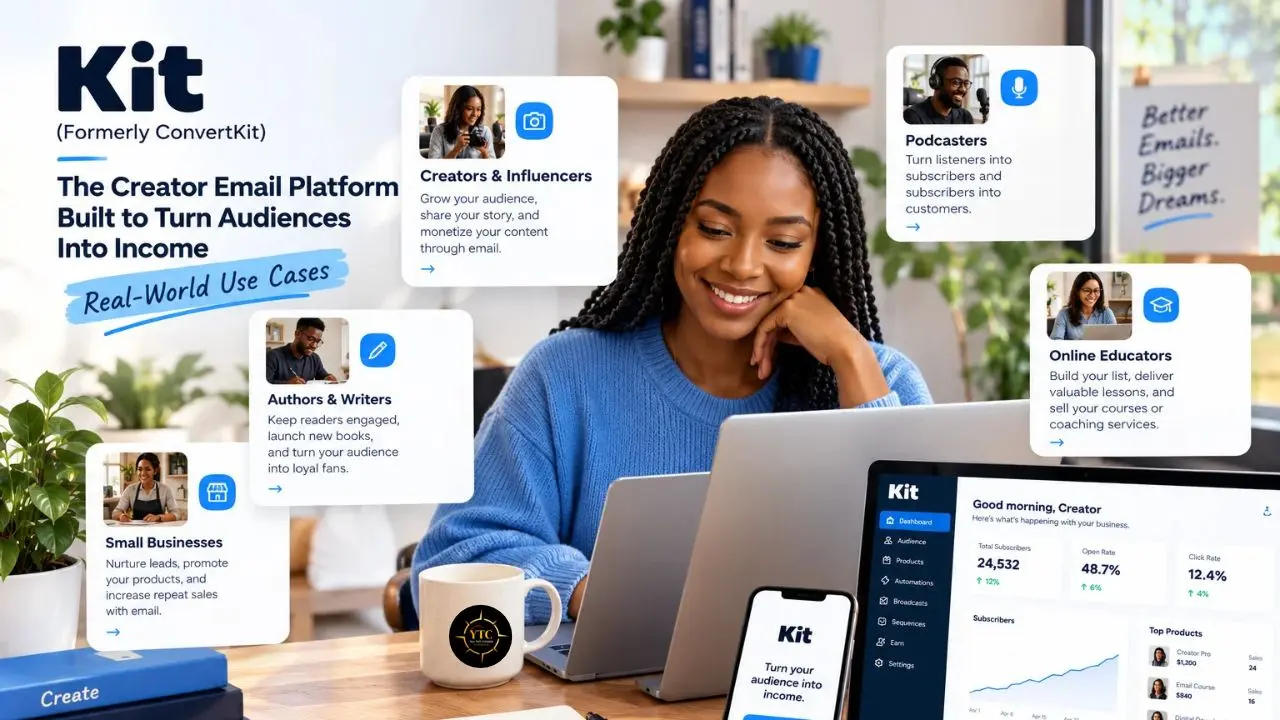
- The Course Creator: You offer a free mini-lesson, a sequence nurtures subscribers for a week, and a tagged cohort gets a launch offer. Kit’s tags and automations suit this model well.
- The Paid-Newsletter Writer: You publish free issues to grow a list and offer a paid tier through Kit Commerce. Kit handles recurring payments through Stripe and can publish paid posts to the web, though many writers still use a separate site for a fuller publication.
- The Podcaster or YouTuber: You turn episode viewers into subscribers with a lead magnet, then use Newsletter Sponsorships to monetize the list. Kit’s sponsorship feature is designed for this, though eligibility depends on Kit’s current plan and audience requirements.
- The Digital-Product Seller: You sell templates or ebooks, then use automated follow-up offers after purchase. Kit’s product pages and checkout cover digital goods without a separate store.
- The African Creator Selling Globally: You might run a design-template business from Nairobi or Lagos. The email side works from anywhere, but the checkout depends on Stripe availability, so confirm your country first. If you outgrow Kit’s product pages, no-code builders can sit in front of your list, and our Bubble review shows one route.
Honest Limitations
- Pricing Climbs with List Size: Kit bills by confirmed subscriber count, so large or inactive lists can become expensive even if engagement is low. Prune your list regularly, because paying for subscribers who no longer open your emails undermines the platform’s value.
- Free-Plan Restrictions: The free Newsletter plan gives you a taste of automation: one basic visual automation and one email sequence, not the full system. Paid Recommendations stay locked behind paid plans, and the free experience also includes required Recommendations and Kit branding.
- Editor and Templates: Reviewers often describe Kit’s email editor as less visually flexible than Beehiiv or Flodesk, with a relatively small or basic template library. That may not matter if you prefer simple, text-forward emails, but it is a real constraint for design-heavy newsletters.
- Stripe-Only Commerce: Kit Commerce requires a separate Kit-managed Stripe Express account, so you cannot choose another payment processor for Kit-native sales. It supports digital products, subscriptions, and paid newsletters, but not physical-product fulfillment.
- Switching Costs: Automations, tags, segments, and recommendation relationships create more lock-in than a plain email list. You can export subscribers, but recreating complex workflows and rebuilding recommendation relationships elsewhere takes real work; Kit’s free migration service is also available only on paid plans.
- Support and Reporting: Support experiences appear mixed. Some reviewers praise Kit’s support, while others report slow responses, ticket handoffs, or billing frustration; lower-tier plans may also lack live chat and phone support. Reporting is another area where reviewers find Kit thinner than some broader marketing suites.
The Review Landscape: Praise and Billing Pain
Capterra has listed about 240 reviews as of October 2026, and the pattern is consistent. Power users praise Kit’s automation, deliverability, tagging, and creator-focused tools, while a recurring complaint is the cost of growth. In my reading, satisfaction tracks how much you use the monetization features.
Trustpilot is more polarized. Many reviewers praise the platform’s simplicity and email marketing workflow, while others focus on price increases, billing behavior, support, and account-access issues. The useful takeaway is that Kit’s reputation often splits between what the software does and what the invoice says.
Who Should and Shouldn’t Use Kit
Use Kit if you are:
- A creator selling digital products, courses, or paid newsletters.
- Someone who wants automation without a marketing-team learning curve.
- An early-stage creator who can start on the free plan.
- A writer-turned-seller who values tags and segmentation.
Skip Kit if you are:
- Running a large, low-revenue list where per-subscriber pricing stings.
- Needing physical-product e-commerce or a full CRM.
- Focused on elaborate email design over conversion.
- Located where Stripe does not support your payouts, or Kit cannot onboard your payments.
Kit for African Creators: Accessibility and Payments
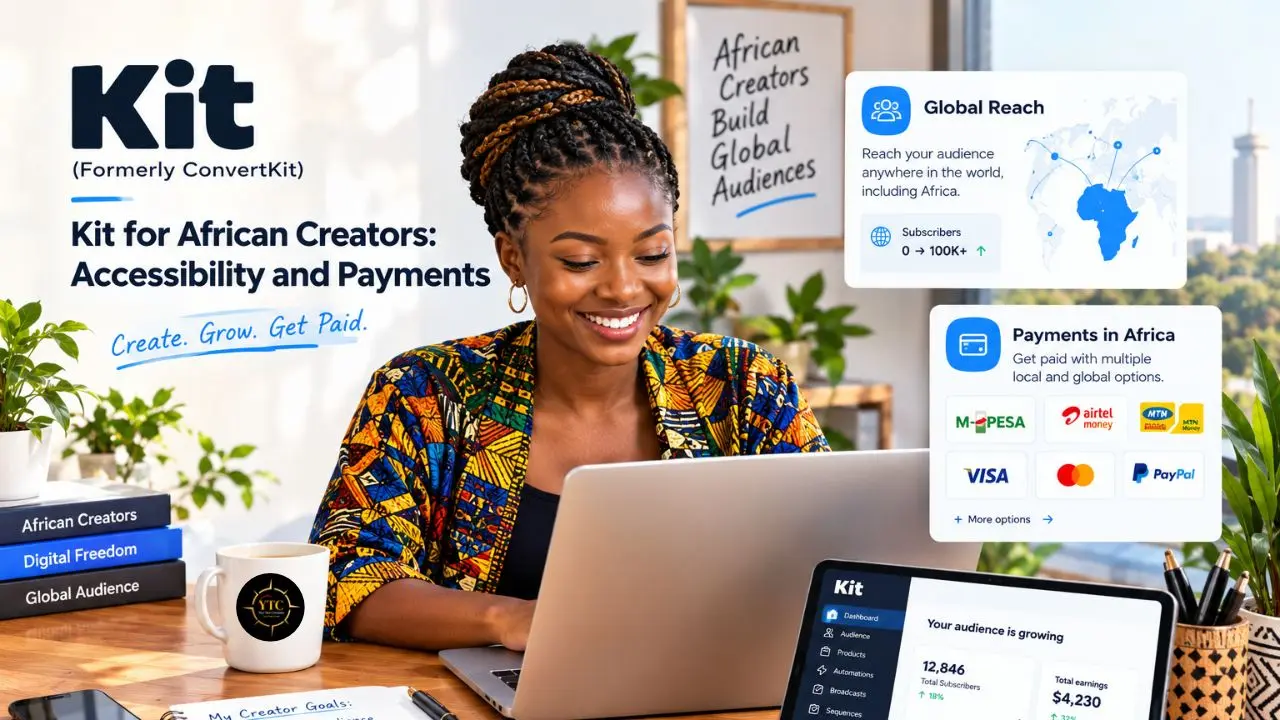
The best news first: the free plan lets you build a list of up to 10,000 subscribers without paying in dollars. That matters in markets where a USD subscription competes with rent and data bundles. I’d call it the strongest reason for an African creator to start on Kit.
The harder part is getting paid. Kit Commerce runs on Stripe through a separate Kit-managed Stripe Express account, and Kit only supports sellers in its own list of approved countries. Stripe’s direct merchant coverage across Africa is limited: Nigeria, Kenya, South Africa, Ghana, and Côte d’Ivoire sit in Stripe’s extended network through Paystack, which Stripe acquired in 2020. That is not necessarily the same as being eligible for Kit Commerce.
Check Kit’s list of countries you can sell from before you plan a launch. If your country is not supported, explore whether a US-company route such as Stripe Atlas makes sense for your business, keeping in mind the extra formation, banking, tax, and compliance work involved.
Paid plans bill in US dollars, so currency swings can change what you pay month to month once your card issuer converts the charge. Our African FinTech coverage tracks how payment rails are evolving, and our wider African Tech category explains the context. Until those rails improve, I’d advise treating Kit as a strong email tool first and a checkout solution second.
FAQs
Yes. ConvertKit rebranded to Kit in 2024, and the old domain now forwards to kit.com. It’s the same platform, with the same core features and a newer product direction.
Yes. Kit’s free plan covers up to 10,000 subscribers with unlimited broadcasts and commerce. It includes one basic visual automation and one email sequence, while Paid Recommendations require a paid plan. Confirm the current limits on Kit’s pricing page.
Paid plans start at $39 per month for Creator ($33 on annual billing) and $79 for Pro ($66 annually) at 1,000 subscribers. Prices rise as your list grows, so use Kit’s calculator for your size.
It depends on what you sell. Kit leads on automation and commerce, Beehiiv on publishing and referrals, and MailerLite on design and low cost. Match the tool to your business model rather than to a ranking.
You can use Kit’s email features from anywhere. Commerce requires Stripe through a Kit-managed Stripe Express account, so check whether your country is on Kit’s supported-selling list and whether Stripe works for you.
Yes. Kit offers a free migration service on paid plans, though the scope can vary by list size and plan. Contact Kit to confirm what’s covered before you switch.
Plotting Your Audience Course: What Kit Means for Creators Who Own Their List
Kit (formerly ConvertKit) earns its reputation by doing one job well: it helps creators turn attention into an audience they own and then into income. It combines email list-building with tools for communicating with subscribers and selling digital products or subscriptions. Its free plan supports up to 10,000 subscribers and includes unlimited forms, landing pages, and broadcasts, plus one basic visual automation and one email sequence. Paid plans may make sense when a creator needs more extensive automation, sequences, or monetization features, but the value depends on whether those capabilities generate enough benefit to justify the cost.
My overall read is that Kit rewards creators who sell and punishes those who only collect addresses. If you’re a creator, start on the free plan, build your list, and upgrade only when a specific automation or recommendation feature has a clear payoff. If you build fintech or payments products in Africa, notice the gap this review exposes: creators here can build global audiences but struggle to collect from them. Policymakers and payment providers who close that gap will unlock a creator economy that is ready to grow.
Ready to find your next tool without the guesswork? Point your compass at YourTechCompass.com and chart your course.