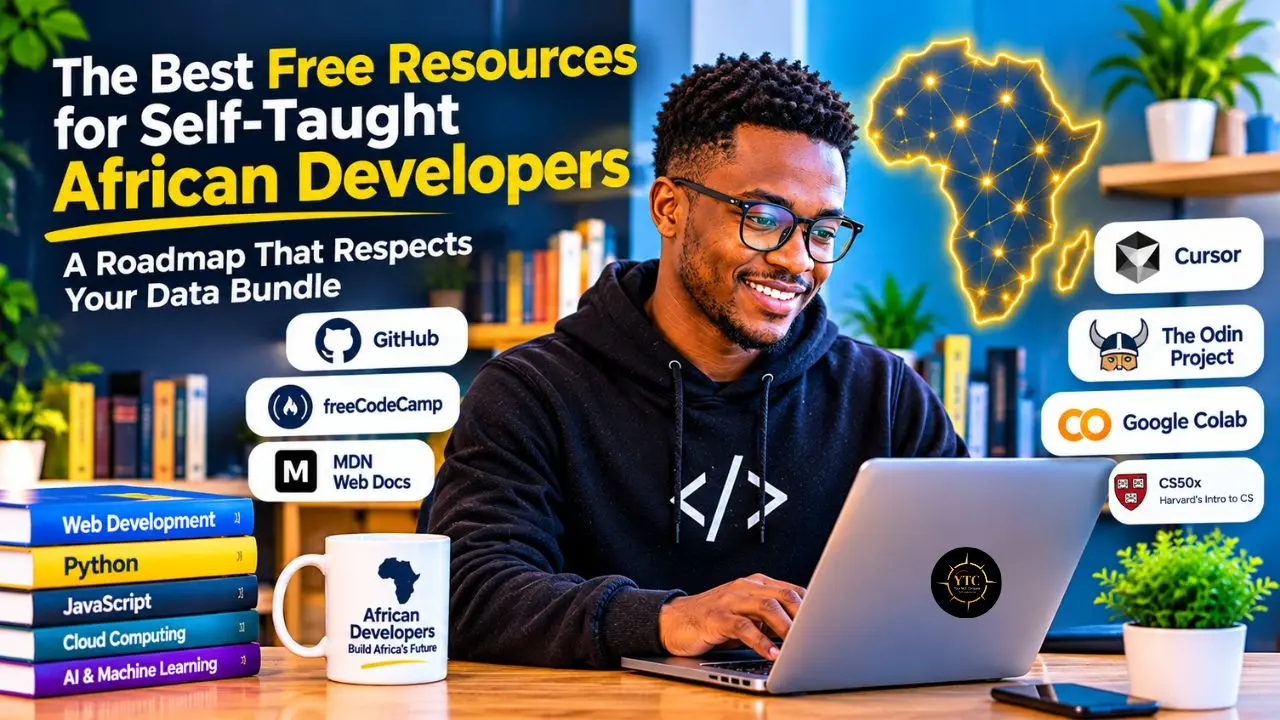
Picture a self-taught learner in Kumasi with a secondhand laptop and six days left on a data bundle. Four browser tabs each promise “the ultimate developer roadmap,” and no two seem to agree on where to start. Free courses are everywhere, yet free rarely means cost-free: the bill often arrives as data, electricity, and time rather than tuition.
This guide sorts the available options into three layers: core curricula, structured programs and communities, tools and cloud environments, and AI assistants. You will find a table showing what is genuinely free, a 12-month learning plan, and an account of the costs that free resources often do not list. It draws on official documentation and published data rather than hands-on testing; opinions are clearly labeled wherever they appear.
Quick Verdict
- Best For: Self-taught developers across Africa who want a free, data-light path from zero to a first portfolio and a community.
- Skip It If: You need individual mentorship, an accredited credential, or a program with an employment-placement guarantee, or you already work as a developer.
- Bottom Line: The best free stack is one curriculum, one community, and one public project. Platforms such as freeCodeCamp and The Odin Project can cover all three, but no single platform is the best fit for every goal, specialty, or data constraint.
Four Kinds of “Free”
Free comes in four forms, and mixing them up can cost learners months. The first form gives you the most control over when and how you learn, so it should carry your plan.
Kind of Free | What It Means | Examples |
|---|---|---|
Open and self-paced | No application, cohort schedule, or upfront tuition | |
Free with usage limits | Free within platform quotas, session limits, or availability | GitHub Free (120 Codespaces core hours a month), Kaggle Notebooks, and Google Colab (check current limits) |
Free or sponsored, but selective | Free or subsidized tuition, but admission, eligibility rules, and cohort dates apply | |
Free to learn, paid to certify | Course content is free; exams, verified certificates, or credentials may cost money | CS50x, cloud-vendor courses (check each provider) |
Note: “Free” here means no upfront tuition for the learning material. It does not mean zero cost: data, electricity, a device, and, in some cases, certification fees can still apply.
My Opinion: Build on the first row and treat the third as a bonus. Waiting for a cohort to open while skipping open, self-paced curricula is the costliest mistake on this list.
Layer One: Core Curricula
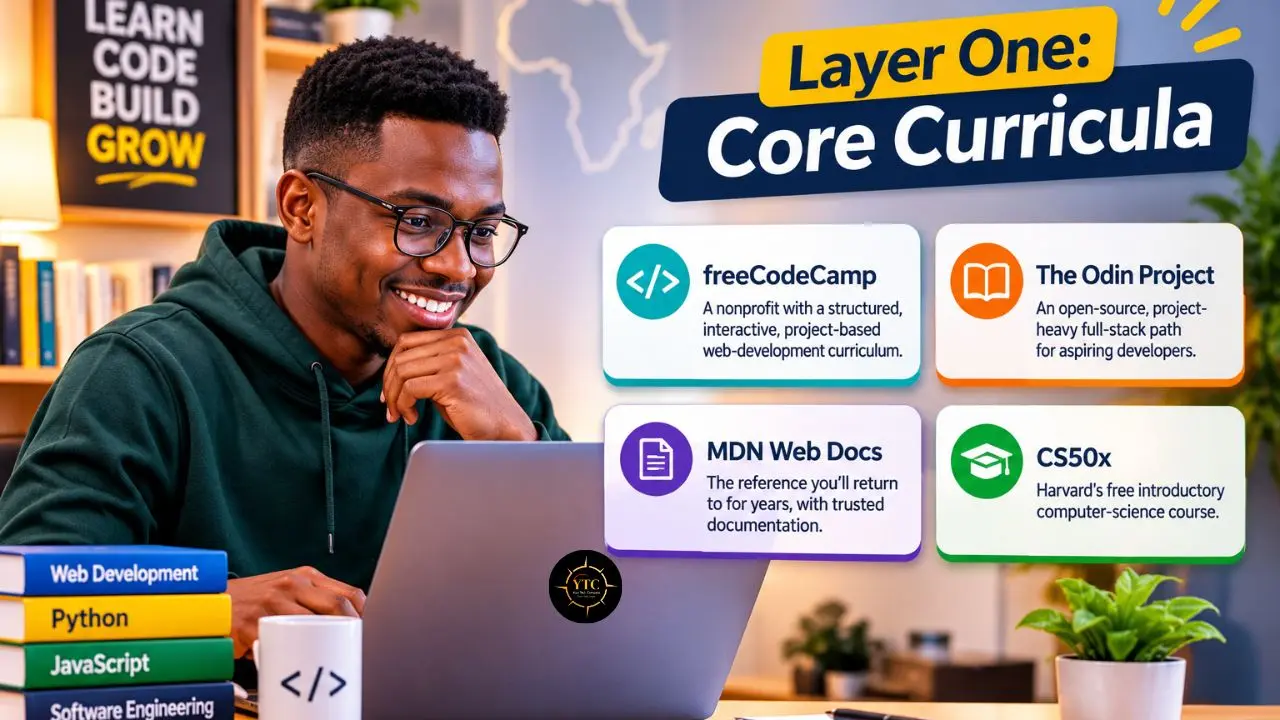
Start with a curriculum that teaches in order, because scattered tutorials leave gaps you won’t see until an interview exposes them. Each of these four does a different job.
- freeCodeCamp: A nonprofit with a structured, interactive, project-based web-development curriculum and certification tracks. It suits beginners on thin data, and the trade-off is that certificates signal less than shipped projects.
- The Odin Project: An open-source, project-heavy full-stack path maintained by volunteers. It suits learners who want to build early, and the trade-off is that it expects you to read documentation and debug without hand-holding.
- MDN Web Docs: The reference you will return to for years, and a reference is not a course. Use it beside a curriculum, since it explains what each HTML, CSS, and JavaScript feature does without telling you what to build.
- CS50x: Harvard’s free introductory computer-science course teaches fundamentals that frameworks hide. It is video-heavy and harder than the web-first paths, so download lectures on Wi-Fi where the platform allows. The course is free to audit, but its verified certificate costs money.
If you can’t decide on a track, roadmap.sh publishes free, role-based roadmaps that map what to learn and in what order.
Which one comes first depends on your goal. If you want web work soonest, start with freeCodeCamp or The Odin Project. If you want the deepest fundamentals and have the data and patience for video, start CS50x or run it beside a web curriculum. When data is your tightest limit, default to the text-heavy, interactive options and use MDN for everything else.
Compared to a paid bootcamp right now: A bootcamp sells accountability, a cohort, and a deadline, while these curricula give you the content for nothing. If you choose the free route, supply the accountability yourself with a study partner or a community, and check local bootcamp prices before you decide what you are actually saving.
Layer Two: Structured Programs and Communities
Programs add what curricula can’t: deadlines, peers, and sometimes career support or hiring connections. Reports on ALX, the Andela Learning Community, and the Power Learn Project describe free or subsidized options, while the HNG Internship is a low-cost, paid program. The details vary and change, so treat each program’s official page as the only source of truth, and note the date you checked it.
Because these programs are selective and cohorts open on a schedule, treat them as a bonus rather than a plan. That is an opinion, based on how little you control about the timing.
Before you commit to any program, run a five-minute check on its official page. Confirm the fee (including administrative or deposit fees), the eligibility rules, the next cohort date, and what you must submit to apply. If the page leaves one of those out, treat the gap as a warning, and write down the date you checked.
Communities carry more of the learning than most beginners expect. Women-focused options reported in this space include She Code Africa, AkiraChix in Kenya, SheCanCODE in Rwanda, and Apps & Girls in Tanzania, and our piece on women building AI in Africa is a good companion read. For everyone, look for a Google Developer Group in your city, Open Source Community Africa, Zindi for data science competitions, and Masakhane for African-language NLP, a field our guide to African NLP and local LLMs explores.
Join one community in your first month. That single step gives you someone to ask when a tutorial breaks.
Layer Three: Tools, Cloud, and AI Assistants
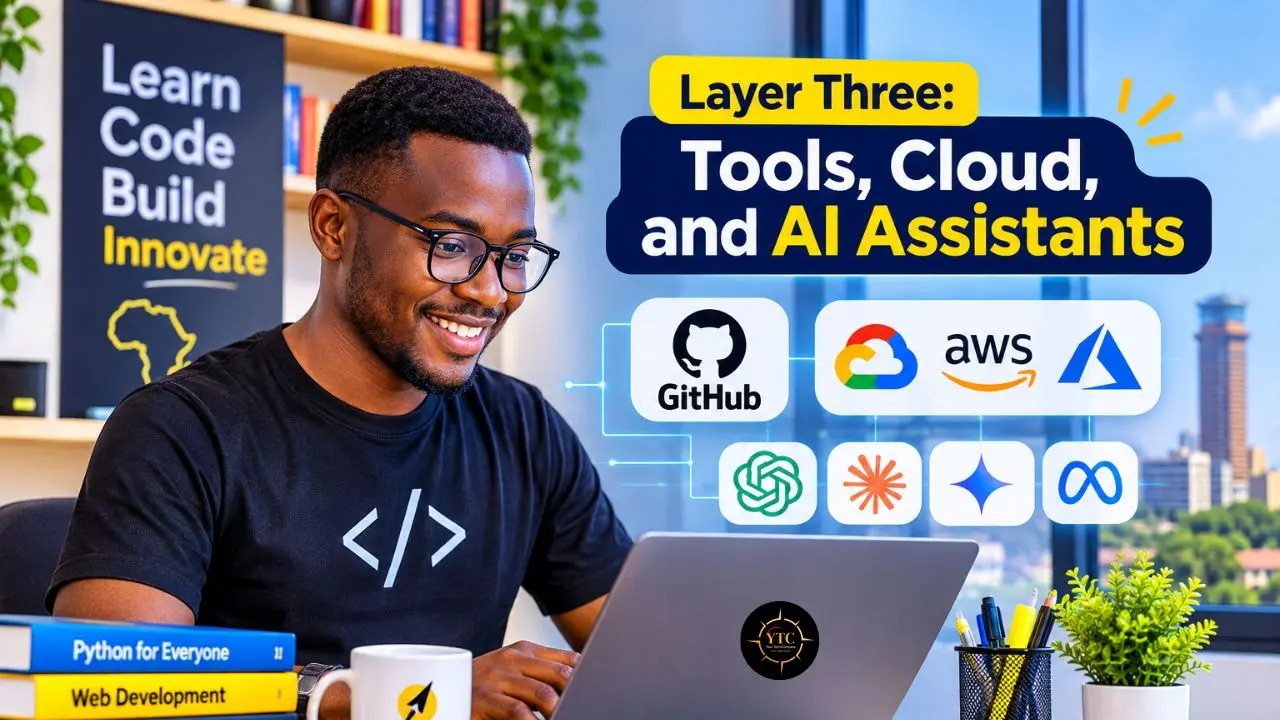
GitHub’s free personal plan includes 120 Codespaces core hours and 15 GB of Codespaces storage each month, according to GitHub’s plan documentation. On a 2-core machine, that works out to about 60 hours of coding in a browser-based environment. The catch is connectivity: a cloud environment needs a stable connection for the session, so it suits Wi-Fi time better than bundle time.
If your machine can handle local work, running tools and models locally can keep ongoing data costs near zero after the initial download. Our guide to running open-source LLMs locally on a laptop safely walks through the setup, and our Qwen 3 and GLM-4.7 reviews cover open-weight models you may be able to run, depending on your hardware. The trade-off is hardware: local models work best when your laptop has enough memory, and the first model download can be large.
Free AI tiers now reach beginners too. Cursor offers a free plan with limited AI usage, and Devin Desktop lists a free plan, based on pricing reported in October 2026. Our Cursor AI review and Devin Desktop review cover each tool. Use them after you can read the code they produce, because an assistant that writes code you can’t follow hides the gaps you are trying to close.
I did not find a directly comparable study of how AI assistants affect beginner developers in Africa, so that advice is opinion, not a finding. If you work with more than one assistant, our multi-model AI guide covers working across several models, and more tools sit in our AI Unboxed coverage.
The Free Stack at a Glance
The table compares the resources above on the dimensions that matter most when your data and time are limited.
Resource | Kind of Free | Best For | Data Load | Cost Catch |
|---|---|---|---|---|
freeCodeCamp | Open | Structured web-development practice and free certifications | Low | Certifications require projects and exams; employers may value a portfolio more |
The Odin Project | Open | Project-based full-stack learning | Low to medium | Requires self-directed debugging and consistent project work |
MDN Web Docs | Open | Web reference and documentation | Low | A reference, not a structured course |
CS50x | Open | Computer-science fundamentals | High | Video-heavy and demanding; free certificate available, while edX verification costs extra |
roadmap.sh | Open | Choosing and sequencing a learning track | Low | A roadmap, not instructional content |
GitHub Free | Quota | Cloud development through Codespaces | Medium | Personal accounts include 120 Codespaces core hours and 15 GB storage monthly; excess use may be billed |
Cursor | Quota | AI-assisted coding, debugging, and refactoring | Low to medium | Free plan has limited AI usage; heavier use requires a paid plan |
Zindi and Kaggle | Open or quota | Data-science practice and competitions | Medium | Check competition rules and any compute, storage, or API limits |
ALX | Selective | Structured, cohort-based tech training | Medium | Current software-engineering tracks are six months, not 12; availability and eligibility can change |
Andela Learning Community | Selective | Peer learning and selected certification pathways | Medium | Availability and program details can change |
Power Learn Project | Selective | Scholarship-style cohort learning | Medium | Cohorts open periodically; selection and availability vary |
The data-load ratings are qualitative estimates based on each resource’s format and typical use, not measured bandwidth consumption. “Quota” means that a resource is free within stated usage limits; check the provider’s current terms before relying on it for daily work.
A 12-Month Roadmap for the Self-Taught Path
A plan beats a pile of bookmarks. This one assumes about 10 hours a week, an illustrative number, so scale it to your life.
Phase | Months | Focus | Proof of Work |
|---|---|---|---|
1 | 1–3 | HTML, CSS, and JavaScript through one curriculum | Three small projects on GitHub |
2 | 4–6 | Git, APIs, one framework; join a community | A small project shared with real users, even five |
3 | 7–9 | Specialize; contribute or compete | A reviewed or merged pull request, a Zindi entry, or another specialty project |
4 | 10–12 | Portfolio, outreach, and interviews | A case study and targeted applications |
Take the Kumasi learner from the opening (a hypothetical). She follows text-first lessons on Wi-Fi, uses Codespaces for heavier work, and saves video lectures for a place with free internet. By month six, she aims to put one small project in front of a handful of real users.
Add one local skill in phase two by building something that touches payments. Our mobile money guide explains the rails, our African fintech coverage tracks the sector, and our Tech Guides hold more practical walkthroughs. My view: pick one curriculum, one community, and one public project, and treat everything else as optional.
Choosing a Specialization With African Demand in Mind
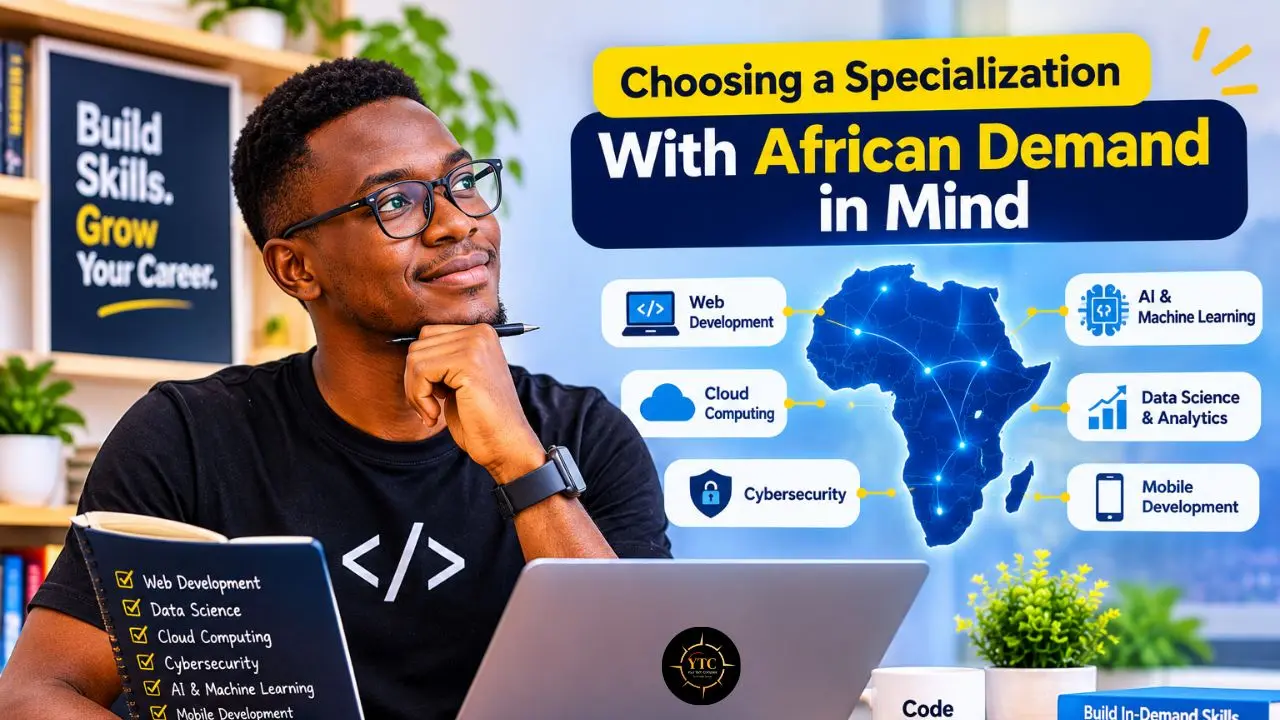
GitHub’s Octoverse 2025 counted about 3.4 million net new GitHub developers in Africa and the Middle East between 2024 and 2025, and it projected that countries like Egypt, Nigeria, Kenya, and Morocco will drive the addition of millions of developers across the region in the coming years. Octoverse 2024 had already put Nigeria above 1.1 million GitHub developers and Kenya above 393,000.
More developers can mean more competition for entry-level roles, which is an inference worth acting on: specialization can help you stand out faster than adding another general course. Run a 30-minute job-board audit in your own market to see which skills employers list most often, then match them against your roadmap.
These starter paths pair a free starting point with a local angle. They are suggestions, not demand forecasts.
Track | Free Starting Point | Local Angle |
|---|---|---|
Web and fintech | freeCodeCamp or The Odin Project, then payment API documentation | Mobile money and card checkout flows |
Data and machine learning | Kaggle and Zindi practice | African-language datasets and communities such as Masakhane |
AI engineering | Python, APIs, and open-weight models; start with free model playgrounds or local inference tools | Local-language and low-resource use cases |
Cloud and DevOps | AWS Skill Builder, Google Cloud Skills Boost, or Microsoft Learn; check paid exam fees | Hosting and uptime on limited connectivity |
Our pieces on South Africa’s AI skills paradox and Africa’s AI factories look at the talent side of the market, and the wider African tech coverage adds context before you choose a track.
The Real Costs of Free: Data, Power, Hardware, and Payments
Data Costs
Mobile data prices vary enormously across the continent. One 2026 ranking built on Cable.co.uk’s survey runs from $0.38 per GB in Malawi to $43.75 in Zimbabwe, a 115-fold gap, while another 2025 ranking lists Kenya at $1.55 per GB. The difference reflects different methods and plan samples, not necessarily a change in Kenyan prices; Cable’s own table puts Kenya at $0.59 per GB.
Methods differ, so price your own operator’s bundle instead of trusting a headline number. Then cut the bill: favor text-first resources, download videos on Wi-Fi where the platform and copyright allow, and save documentation offline.
A quick budget helps. Multiply your weekly hours of video lessons by the megabytes per hour your video app’s data counter reports, then compare the monthly total with your bundle. If video eats most of it, move that week’s lessons to text.
Power and Hardware
Commit your work often so a blackout costs you minutes, not hours, and use a cloud environment when the laptop is the weak link. GitHub’s free plan includes 120 Codespaces core hours a month (about 60 hours on a 2-core machine), so save it for the tasks your hardware cannot handle.
Payments and Certificates
Content is free, but some certificates and cloud exams are not. Some platforms or exam providers may require an internationally accepted card, so confirm that yours works before you plan around a paid exam.
Language and Localization
Many of the resources above teach primarily in English. Check whether a resource offers French, Portuguese, or Arabic material before you rely on it, since coverage varies by platform.
What Free Can’t Give You
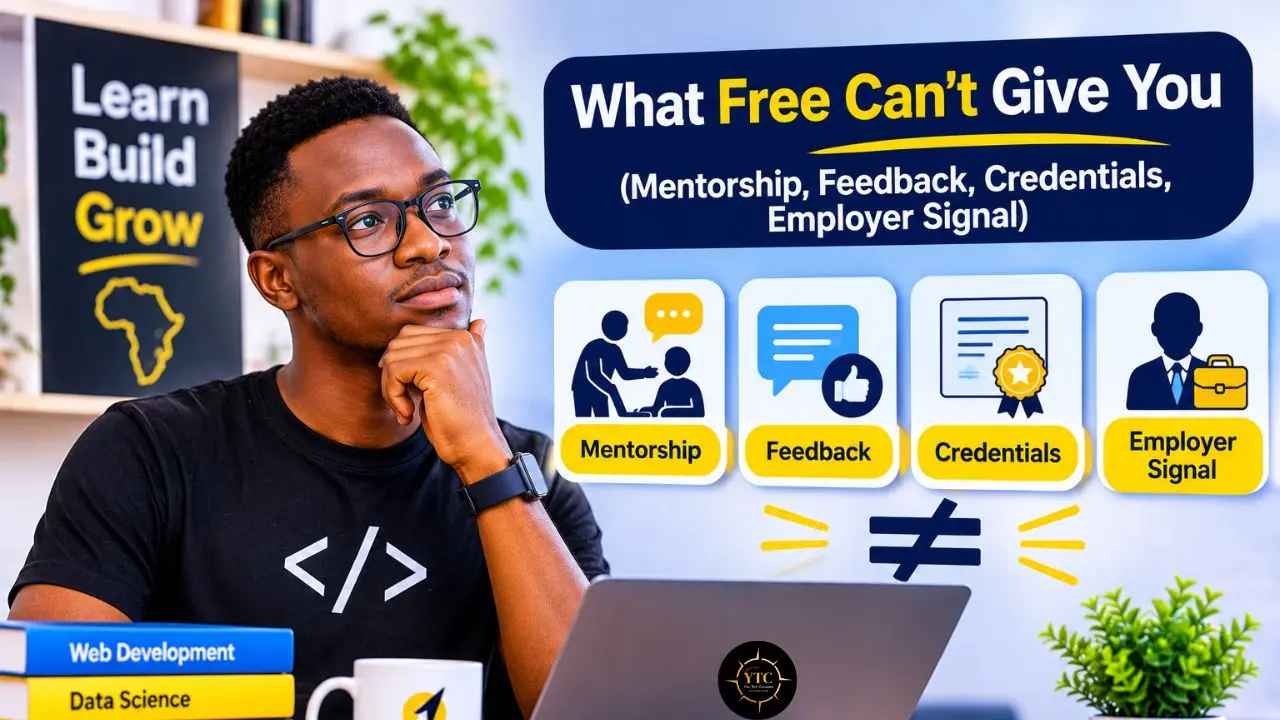
Free content does not guarantee mentorship, personal feedback, an employer’s signal, or a credential that every recruiter recognizes. Programs also change: cohort windows open and close, and the program details, eligibility, and availability reported for ALX, Andela, and the Power Learn Project can change, while third-party descriptions may be outdated. Date every claim you rely on.
You can replace most of those gaps on purpose, though this is advice, not research:
- Mentorship: a community, a study partner, or a maintainer who reviews your pull request.
- Feedback: public projects with a clear README that invites issues, plus code reviews you request.
- Credentials: a portfolio with short case studies, since projects demonstrate applied skill in a way a certificate alone cannot.
- Employer signal: open-source contributions, competitions such as Zindi, and referrals from your community.
The evidence base is thin. Much of the advice around free learning resources, including much of the program information behind this guide, comes from platforms, bootcamps, and blogs rather than independent outcome studies. I did not find robust independent outcome data comparing free learning routes for African learners. Treat this guide as a curated map, not a proven path.
FAQs
Many developers start self-taught, and employers can assess skills through projects and interviews, but reliable continent-wide data on how often that works is scarce. Build public proof of work, and check what your target employers ask for.
Start with one structured, text-first curriculum such as freeCodeCamp or The Odin Project, and use MDN as your reference. Finish one before you add another. The Odin Project is free, open source, and designed to take beginners through HTML, CSS, JavaScript, Git, and full-stack projects.
It depends on the program. ALX charges a $5 monthly All Access fee, though sponsorships, waivers, discounts, and financial aid may apply in some cases. Andela’s Learning Community is open to learners who do not qualify for its Talent Network, while Talent Network membership has experience, education, English-proficiency, and technical-assessment requirements. Confirm current fees, eligibility, sponsorship, and application dates on each program’s official page before you plan around them.
Favor text-first resources, download videos on Wi-Fi where the platform and copyright allow, and save documentation offline. Check your operator’s bundle price, since rankings differ.
You can read lessons on a phone, but most coding exercises are far easier on a laptop. A cloud environment such as GitHub Codespaces can stretch a weak machine, though it needs a steady connection.
No reliable continent-wide figure exists. Use the 12-month roadmap as a checkpoint plan, and judge readiness by projects shipped and interviews attempted, not by months elapsed.
Your Tech Compass for Year One: Pick a Path, Then Ship Something
The scarce resource was never content. It is direction, a community, and proof of work, and the free stack can give you all three if you choose deliberately. Pick one curriculum, one community, and one public project, and treat selective programs as a bonus if you qualify and their timing works.
If you run a hub or a community, make approved lessons available offline and host text-first study sessions. Funders and policymakers can help most where free content alone is not enough: data stipends, cohort access, and device support. And if you are the learner, set your first checkpoint for 30 days from today, and ship something small before then.
Keep your learning pointed north: find the next tool, guide, and local insight at YourTechCompass.com.