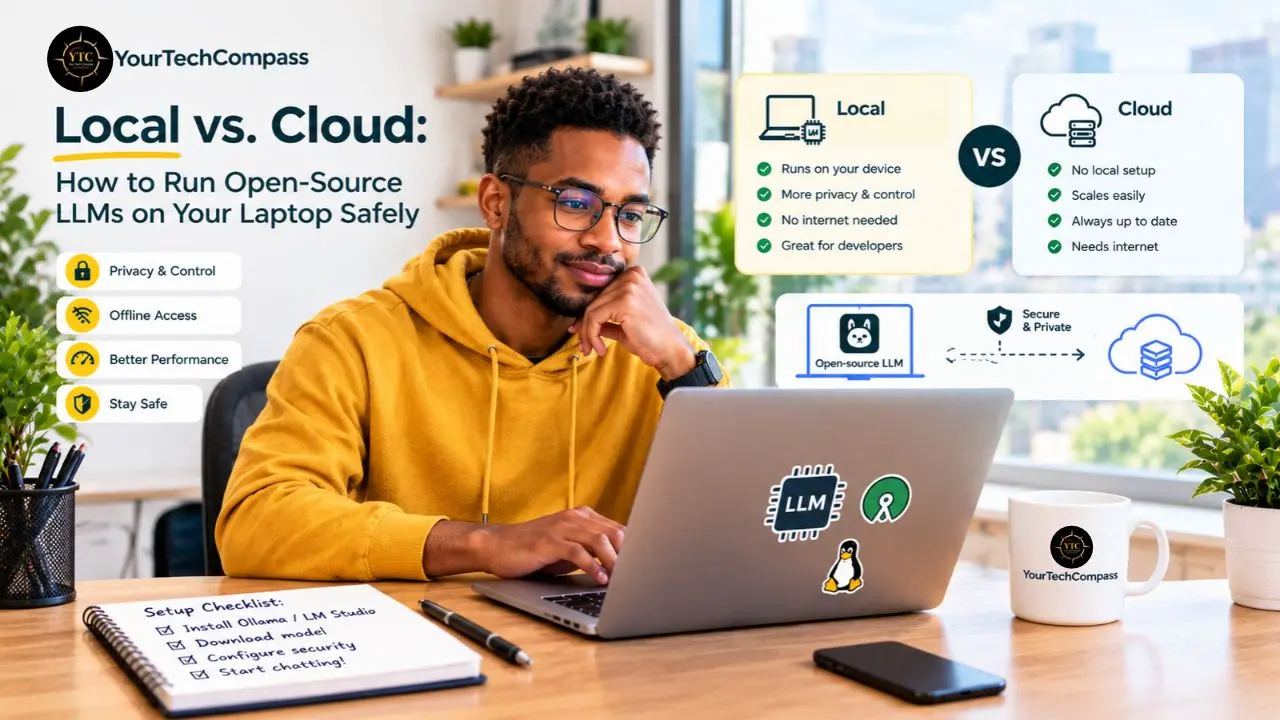
It’s 11 p.m., and a freelance consultant is pasting a client’s confidential contract into ChatGPT to get a quick summary before a morning call. Midway through hitting enter, an uncomfortable question surfaces: Where does this text actually go once it leaves the browser, and who else might eventually read it? A few time zones over, a developer stares at an API invoice that just crossed $80 for the month, for work a decent laptop could plausibly handle on its own. Multiply that by twelve months, and the quiet unease of the subscription economy comes into focus: paying recurring fees, indefinitely, to rent intelligence that now fits comfortably on a hard drive.
This guide covers what running a local large language model (LLM) actually means in plain terms, plus the two tools that make it painless in 2026: Ollama for anyone comfortable with a terminal, and LM Studio for everyone else. I’ll walk through the honest hardware math for model sizes from 3B to 70B parameters, a step-by-step safe setup process, and which open-weight models are worth downloading first. You’ll also get a real cost comparison against ChatGPT and Claude subscriptions, the limitations nobody puts in the marketing copy, a dedicated section on what this means for readers across Africa, and a hybrid approach for anyone who wants both worlds working together.
Quick Verdict
- Best For: Privacy-conscious professionals, developers, students, and anyone tired of subscription fees who owns a laptop with 16 GB or more of RAM; plus teams handling sensitive documents that shouldn’t touch a third-party server.
- Skip It If: You need frontier-level reasoning (cloud models still lead by roughly 10–20 benchmark points at comparable sizes), real-time web access, or your machine has under 8 GB of RAM. In these cases, cloud remains the practical choice.
- Bottom Line: In 2026, running open-source LLMs locally has moved from hobbyist experiment to mainstream practice. Ollama and LM Studio turn setup into a five-minute job, data privacy is maximized, and subscription costs drop to zero on hardware you likely already own. Trade-offs like slower speed and no live internet access are real, but manageable for most everyday tasks.
What Does “Running a Local LLM” Actually Mean?
Running a local LLM simply means downloading an open-weight model (Llama 3.3, Qwen3, Mistral, DeepSeek-R1, or Gemma, among others) onto your laptop and generating responses with a tool like Ollama or LM Studio. You type a prompt, and the model processes it using your device’s own CPU or GPU, and the answer comes back without a single byte leaving your machine. In practice, that’s the entire concept; everything else in this guide is detail.
Compare that to cloud AI, where every prompt travels across the internet, gets decrypted on a provider’s server, and becomes subject to that provider’s retention policy, training opt-outs, employee access controls, and jurisdiction. U.S.-based providers, for instance, operate under the CLOUD Act. None of that makes cloud AI unsafe by default, but it does mean trusting someone else’s policy page instead of your own hard drive. That distinction is the entire reason this guide exists.
This is no longer a fringe pursuit. Ollama’s GitHub repository has crossed roughly 181,000 stars as of mid-2026, and open-weight models now sit close to parity with cloud offerings on everyday tasks like drafting, summarizing, and answering questions. If you want the deeper mechanics of how these models actually generate text, our AI Unboxed category breaks that down model by model.
Why Run LLMs Locally? The Three Real Reasons
1. Data Privacy Is Absolute
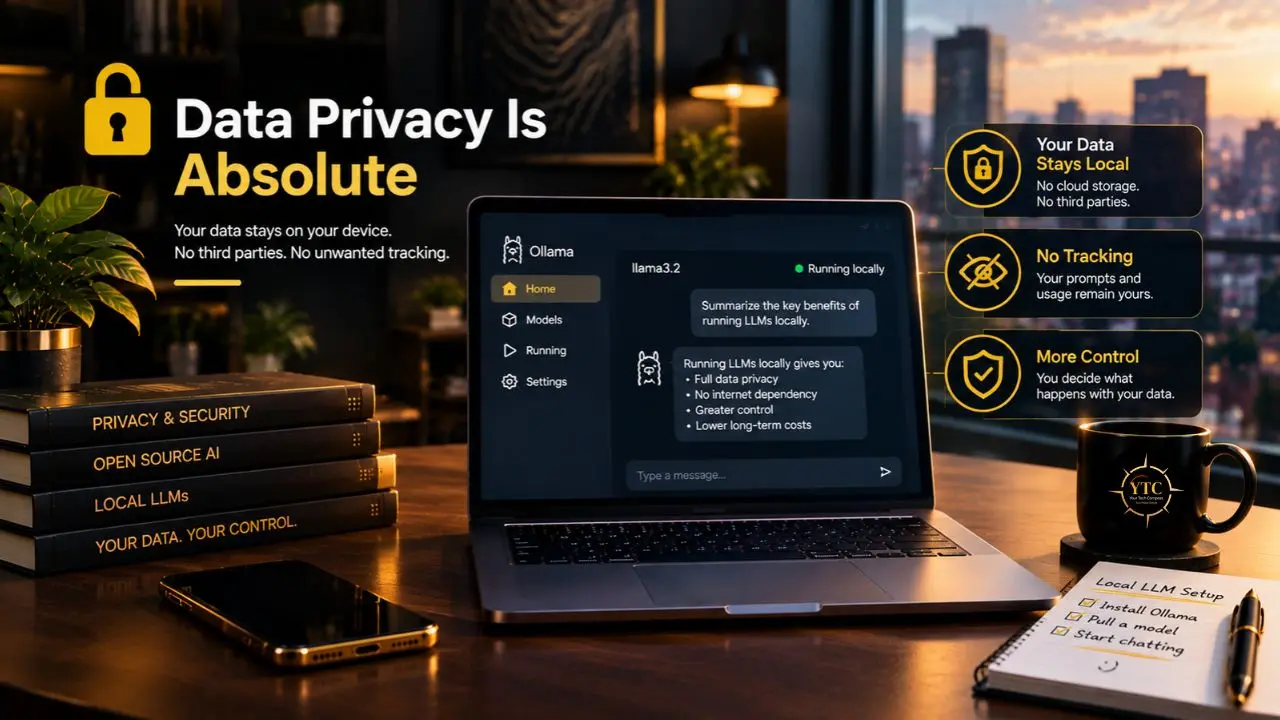
With local inference, your prompts never leave your machine; there’s no data processing agreement to read, no training opt-out toggle to find, and no wondering whether a client’s contract became part of someone’s fine-tuning set. That’s the headline benefit, and it’s a real one.
“Local” doesn’t mean zero risk, though; it means the risk shifts from the provider to you. Disk encryption, physical security, and downloading models only from trusted sources all become your job instead of theirs, which is precisely why this guide has a dedicated safety checklist further down.
2. Zero Internet Requirement
Once a model is downloaded, everything runs offline: on a plane, in a rural area with no signal, or during a power or network outage, inference keeps working. That reliability is easy to underrate until the day your connection actually drops mid-task.
For readers on unreliable connectivity or expensive mobile data, a daily reality across much of Africa, this changes the economics of using AI at all, and the Africa accessibility section further down unpacks that fully.
3. Bypassing Subscription Fees
ChatGPT Plus and Claude Pro each run about $20 a month, or $240 a year, indefinitely. Local inference costs $0 a month once it’s set up, running on hardware you already own.
One honest caveat: local only wins financially if you already own adequate hardware or use enough tokens to matter. Light users, under roughly 100,000 tokens a month, are often still cheaper on a cloud plan, while heavy users typically break even within six to twelve months once new hardware is factored in.
The Tools: Ollama vs. LM Studio
Two tools have made local inference painless enough for non-specialists to bother with: Ollama and LM Studio. Here’s how they stack up side by side, before I get into what each one is actually like to use.
Dimension | Ollama | LM Studio |
Interface | Command line + HTTP API | Desktop GUI (chat window, model browser) |
Best For | Developers, servers, automation | Desktop users, model exploration |
Price | Free, open source | Free for personal use |
Model Library | Curated registry + Hugging Face import | Built-in Hugging Face search |
API Endpoint | OpenAI-compatible at localhost:11434 | OpenAI-compatible at localhost:1234 |
GPU Support | NVIDIA CUDA, AMD ROCm, Apple Metal (auto) | Same, plus a manual GPU-layers slider |
Idle RAM | ~100–200 MB | ~300–600 MB |
Headless / Server Mode | Native (systemd, Docker, VPS) | Yes (the LLMster daemon, added January 2026) |
OS Support | Linux, macOS, Windows, headless | Linux, macOS, Windows (GUI-centric) |
Ollama: The Developer’s Choice
One command installs Ollama (curl -fsSL https://ollama.com/install.sh | sh), and one more pulls a model (ollama run qwen3:8b). On Apple Silicon, Ollama 0.19 and later automatically use Apple’s MLX backend, so there’s no separate setup step to remember.
Ollama exists to be a long-lived local service that other applications can call, which is why it slots so easily into IDEs like Cursor or Continue.dev, or into custom scripts. In practice, that makes it the natural pick for anyone who wants local AI wired into a workflow rather than opened as a standalone chat window.
LM Studio: The Everyone-Else Choice
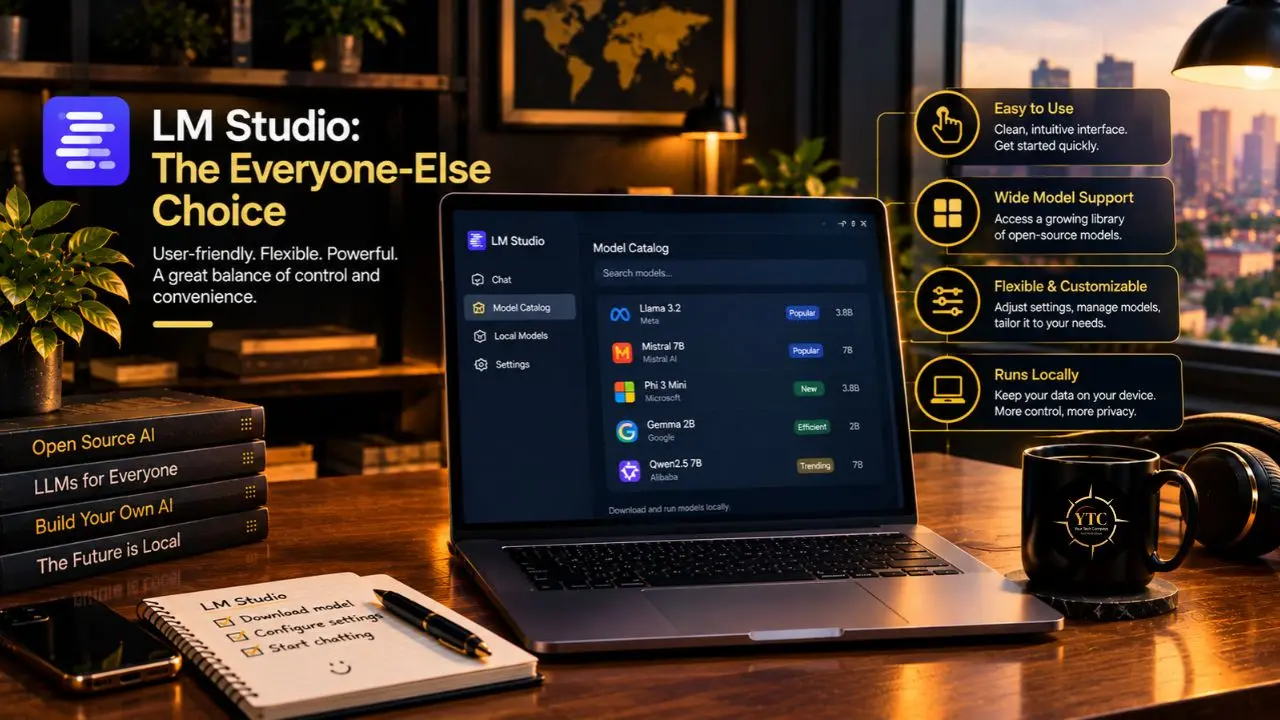
LM Studio needs zero terminal knowledge: you browse models, click download, and start chatting. Version 0.4.0 of LM Studio, released in January 2026, added the llmster headless server mode along with parallel inference and continuous batching, and version 0.4.20, shipped in mid-July 2026, arrived alongside a companion agent app called Bionic that lets a local model edit files with inline diffs.
An iPhone and iPad app called Locally also launched in June 2026 through LM Studio’s LM Link feature, extending local inference to mobile devices. The single most underrated feature, though, is quieter: LM Studio checks whether your GPU actually has enough VRAM before it lets you download a 5 GB file, which saves a specific, common kind of beginner frustration.
Which should you pick? If you’ve ever opened a terminal without flinching, start with Ollama. If the word “terminal” makes you nervous, LM Studio is the friendlier front door, and you can graduate to Ollama later since both speak the same OpenAI-compatible API. For a wider tour of software worth installing alongside either one, our Apps and Tools category covers the broader landscape.
The Hardware Reality Check: What Your Laptop Can Actually Run
Model size determines almost everything about your experience, so this is the section worth reading twice before downloading anything.
Model Size | RAM/VRAM Needed | Example Models | Realistic Experience |
3–4B | ~3–4 GB | Phi-4-mini, Llama 3.2 3B | Fast on almost anything; basic tasks |
7–8B | ~5–6 GB | Llama 3.1 8B, Qwen3 8B, Mistral 7B | The sweet spot for 16 GB laptops |
13–14B | ~9–12 GB | Qwen3 14B | Needs a dedicated GPU or 32 GB RAM |
24B | ~16–20 GB VRAM | Mistral Small 3.1 | RTX 4080/3090 territory |
70B | ~40–48 GB | Llama 3.3 70B | Mac Studio, multi-GPU, or Ryzen AI Max+ rigs |
Quantization is the reason any of this works on consumer hardware at all: a technique called “Q4 compression” shrinks a model roughly fourfold with only a modest quality loss. Without it, even an 8B model would need far more memory than a typical laptop has to offer.
There’s a catch, though: a model file that “barely fits” leaves no headroom for the context window or the key-value cache that inference relies on. Always budget extra memory beyond the model’s raw file size, or expect crashes at the worst possible moment.
Speed expectations vary by hardware: expect roughly 10 to 25 tokens per second on CPU alone, and 50 to 130 tokens per second with GPU acceleration. Interactive chat tolerates the slower end just fine; batch jobs processing hundreds of documents do not. If you’re shopping for a machine specifically for this, our best laptops for running AI tools locally guide breaks down real options by budget.
The single most common beginner mistake is downloading a 70B model onto a 16 GB laptop and wondering why nothing happens. LM Studio’s VRAM warning exists because of exactly this scenario. Start with an 8B model instead; it’s genuinely useful, and it will actually run.
Which Models Should You Download First?
- Qwen3 8B (Apache 2.0): dual thinking/non-thinking modes and support for more than 100 languages make it a strong first pick, especially for multilingual African use cases. Our full Qwen3 review covers the family in depth.
- Llama 3.3 70B (Meta Community License): the quality ceiling for local inference, though it needs 40 GB or more of memory to run comfortably; see our Llama 4 explained piece if you’re weighing the newest generation instead.
- DeepSeek-R1 distilled 8B (MIT): visible chain-of-thought reasoning in a genuinely permissive license.
- Mistral Small 3.1 (Apache 2.0): 24B parameters, function calling, and a 128k context window.
- Phi-4-mini (MIT): 3.8B parameters that run comfortably on an ordinary office laptop, with real strength in math and logic.
One caveat matters more than any benchmark: Llama and Qwen each carry their license terms, and while personal use is generally unrestricted, commercial deployment sometimes comes with conditions worth reading first. Always verify the current license text on Hugging Face before shipping any of these inside a business product, since terms do get revised.
Setting Up Safely: The Step-by-Step Walkthrough
Option A: Ollama (5 Minutes)
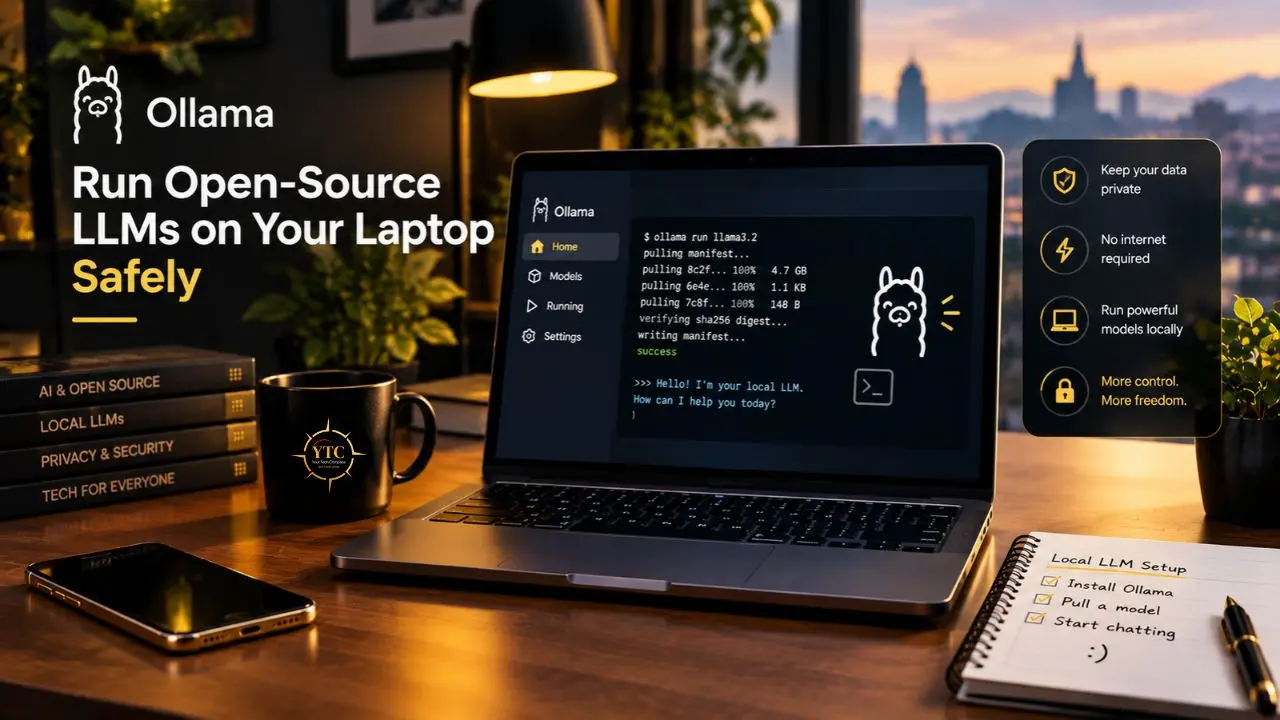
- Install Ollama with the one-line terminal command.
- Pull a starter model: ollama pull qwen3:8b.
- Run it and chat directly in the terminal: ollama run qwen3:8b.
- Confirm the API is live: curl –fail -s http://localhost:11434/v1/models.
- Point an IDE or app at the local endpoint and start building.
Option B: LM Studio (5 Minutes, No Terminal)
- Install LM Studio from the official site and open the app.
- Search for a model, check the green VRAM compatibility indicator, and download it.
- Click Start Server to expose the OpenAI-compatible endpoint on port 1234.
- Chat directly in the GUI, or enable Document RAG for private file question-and-answer sessions.
The Safety Checklist
- Download models only from the official Ollama registry or Hugging Face; malicious GGUF files are a genuine supply-chain risk, not a hypothetical one.
- Encrypt your disk with BitLocker, FileVault, or LUKS, since running models locally means your data now lives on your laptop, and physical theft becomes a data breach.
- Keep the runtime updated, since both Ollama and LM Studio ship frequent patches.
- Think twice before exposing the local API beyond localhost; a tunnel or an open port quietly turns your private AI into a public one.
The Honest Limitations Nobody Puts on the Box
- Quality Gap: Local 7B models trail frontier cloud models by roughly 10 to 20 percentage points on complex reasoning and coding, based on 2026 community benchmarks. That gap narrows meaningfully at 70B, but only if you have 40 GB+ of memory to run it.
- No Real-Time Information: Local models carry a training cutoff and cannot browse the web, which is the single most common reason people bounce back to cloud tools mid-task.
- Setup Overhead: Expect 20 to 40 minutes for a first proper local setup, against roughly five minutes for generating a cloud API key.
- Maintenance Is Yours: Driver updates, model management, and troubleshooting all fall on you, with no service-level agreement to lean on.
- Context Limits: Practical local context windows run from about 4K to 128K tokens, while several cloud models now offer over 1 million.
- When Cloud Genuinely Wins: Complex multi-step analysis, real-time data lookups, very long documents, and guaranteed uptime all still favor the cloud. I’d rather say that plainly than oversell local inference.
What Does Local Actually Cost? The Real Math
Price lists don’t tell the real story here; break-even math does.
Profile | Cloud Cost (12 Months) | Local Cost | Break-Even Verdict |
Casual User, Light Chat | $240 (ChatGPT Plus) | $0 on an existing 16 GB laptop | Local wins immediately |
Developer, Heavy Daily Use | $480+ (plus API usage) | $0 after setup | Local wins within months |
Power User Needing Frontier Quality | ~$600 | ~$3,000 in new hardware | Cloud wins short-term |
Team, Privacy-Critical Workloads | Enterprise contracts + DPAs | Hardware + admin time | Local often wins at scale |
The subscription math compounds quietly: $20 a month becomes $240 a year, and $1,200 over five years, against a laptop most readers already own. That’s not an argument that cloud is a bad deal (for plenty of people it genuinely isn’t), and hosted platforms like Together AI sit in a useful middle ground when a local machine isn’t an option but the open-weight models still are.
The Hybrid Approach: Best of Both Worlds
The smartest setup for most people isn’t local or cloud; it’s routing: sensitive prompts stay local, and genuinely complex reasoning goes to the cloud. Frameworks like LangChain and LiteLLM turn that routing into a configuration problem rather than an engineering project.
Most everyday queries, likely 80-90% of them, are simple enough for a local 8B model to handle competently. Connecting a local model to your tools and files increasingly runs through the Model Context Protocol, and lightweight agent harnesses like OpenClaw show how that routing looks once it’s wired into an actual coding or research workflow.
Real-World Use Cases
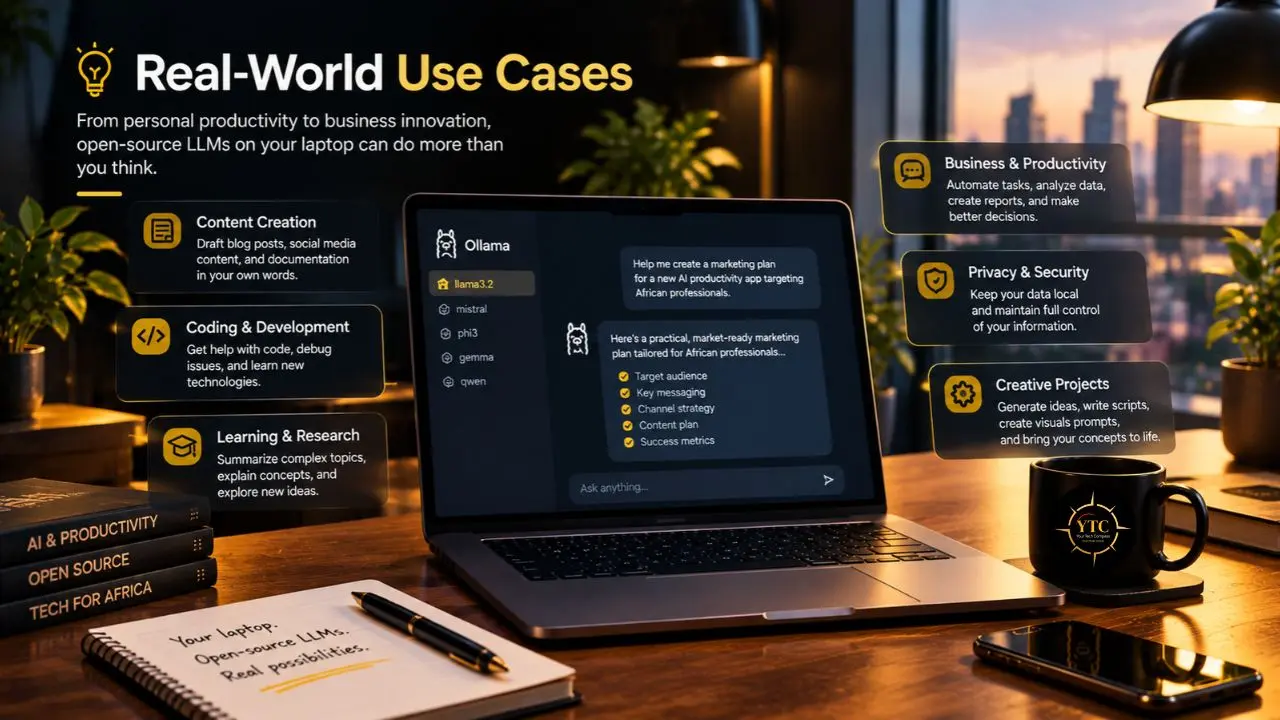
- The lawyer or consultant reviewing client contracts: pasting confidential documents into a local model for summarization creates zero exposure risk, and a 7–8B model is more than capable of the job.
- The developer coding on flights: local autocomplete and code explanation keep working with zero connectivity, turning dead travel time into productive time.
- The student in a low-bandwidth area: an offline research assistant means no data costs accumulate per query, which matters enormously where every megabyte carries a price.
- The small business automating repetitive writing: classifying, summarizing, and drafting at zero marginal cost after setup adds up fast for teams running the same workflow daily.
- The journalist protecting sensitive sources: drafting and organizing notes without a third party ever seeing them is arguably the strongest privacy case in this guide. Our Tech Guides category covers plenty of adjacent workflows worth pairing with this one, and our best open-source productivity tools roundup is a natural next stop.
Who Should Run Local LLMs and Who Shouldn’t
Best For:
- Privacy-conscious professionals handling confidential documents.
- Developers and power users comfortable with a little setup.
- Heavy daily users who would break even on subscription costs within months.
- Anyone working in low-connectivity or high-data-cost environments.
- Tinkerers who want full control over model behavior without a provider’s content filters.
Skip It If:
- Your machine has under 8 to 16 GB of RAM.
- You need frontier reasoning, real-time web data, or context windows above 1 million tokens.
- You want zero maintenance and managed reliability, since there’s no SLA locally.
- You need multimodal polish (voice, video) that the cloud bundles natively.
- You’d honestly rather pay $20 a month than spend 30 minutes on setup, which is a completely reasonable trade-off.
Africa Accessibility
The Hardware Gap
Most entry-level laptops sold across African markets ship with 4 to 8 GB of RAM, below the practical floor for comfortable local inference. The 16 GB minimum many guides recommend is a real barrier, though 8B models at Q4 quantization, roughly 5–6 GB, do run on plenty of mid-range machines already in use.
The Connectivity Paradox: A Genuine Positive
Once a model is downloaded, local LLMs need zero ongoing data, which is transformative in economies where our mobile money in Africa guide shows just how carefully every megabyte gets budgeted, and where the evolution of mobile money in Africa reflects infrastructure built specifically for scarcity. One 5 GB download over office Wi-Fi replaces what would otherwise be unlimited API calls.
Electricity Realities
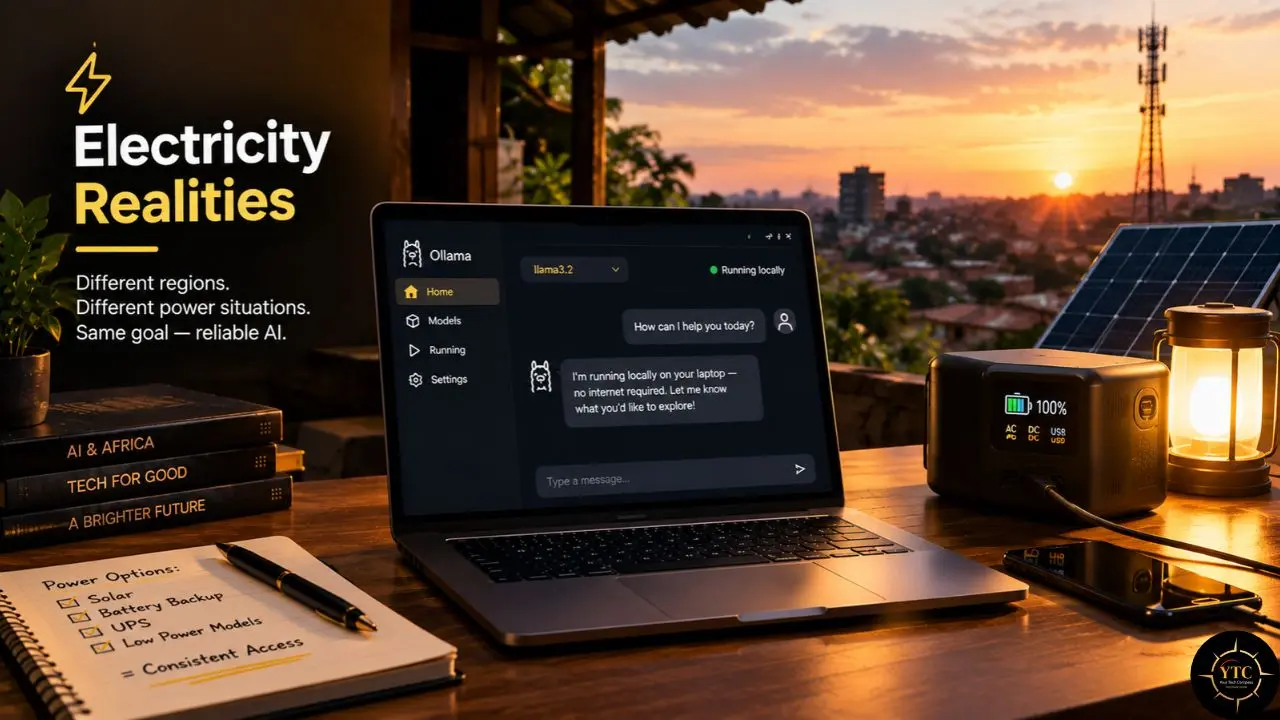
Inference is genuinely battery-hungry, and load-shedding or unreliable power matters more here than almost anywhere else. Smaller models like Phi-4-mini at 3.8B parameters draw far less power, making them the practical default rather than the compromise pick.
The Language Opportunity
Qwen3’s support for more than 100 languages, alongside future African-language fine-tunes covered in our AI in Africa section, makes local models genuinely promising for languages that major cloud vendors still under-serve.
The Money Angle
A $20-a-month subscription is steep against local data bundle pricing, and running models locally shifts the cost toward hardware you keep rather than fees you pay indefinitely. That framing sits naturally alongside our African fintech coverage of building durable value on what you already own, within the broader African tech picture.
FAQ
Yes, with caveats. Small models like Phi-4-mini at 3B run comfortably, and 7B models at Q4 quantization will run, just more slowly. Below 8 GB, sticking to 1.5B–3B models and expecting fairly basic output quality is the realistic plan.
Yes, your data never leaves the device during inference. The residual risks become yours to manage: encrypt your disk, download models only from official sources, and avoid exposing the local API to your network.
Ollama is a free, open-source command-line runtime built for developers and automation, while LM Studio is a free-for-personal-use desktop app with a graphical interface built for beginners. Both expose an OpenAI-compatible API and run the same GGUF model files underneath.
Completely, after the one-time model download finishes. That’s one of the three core reasons to run locally in the first place: no connectivity is required for inference to work.
For everyday tasks like summarization, drafting, and general Q&A, a good 8B model gets remarkably close. On complex reasoning, coding, and current-events questions, frontier cloud models still hold a meaningful lead.
Usually, but the license always deserves a check first. Phi-4-mini and the DeepSeek-R1 distills use the permissive MIT license, while Llama, Qwen, and Gemma each carry their terms with specific conditions worth verifying before deployment in a business.
Setting Your Compass: Why Local AI Is Worth the Weekend
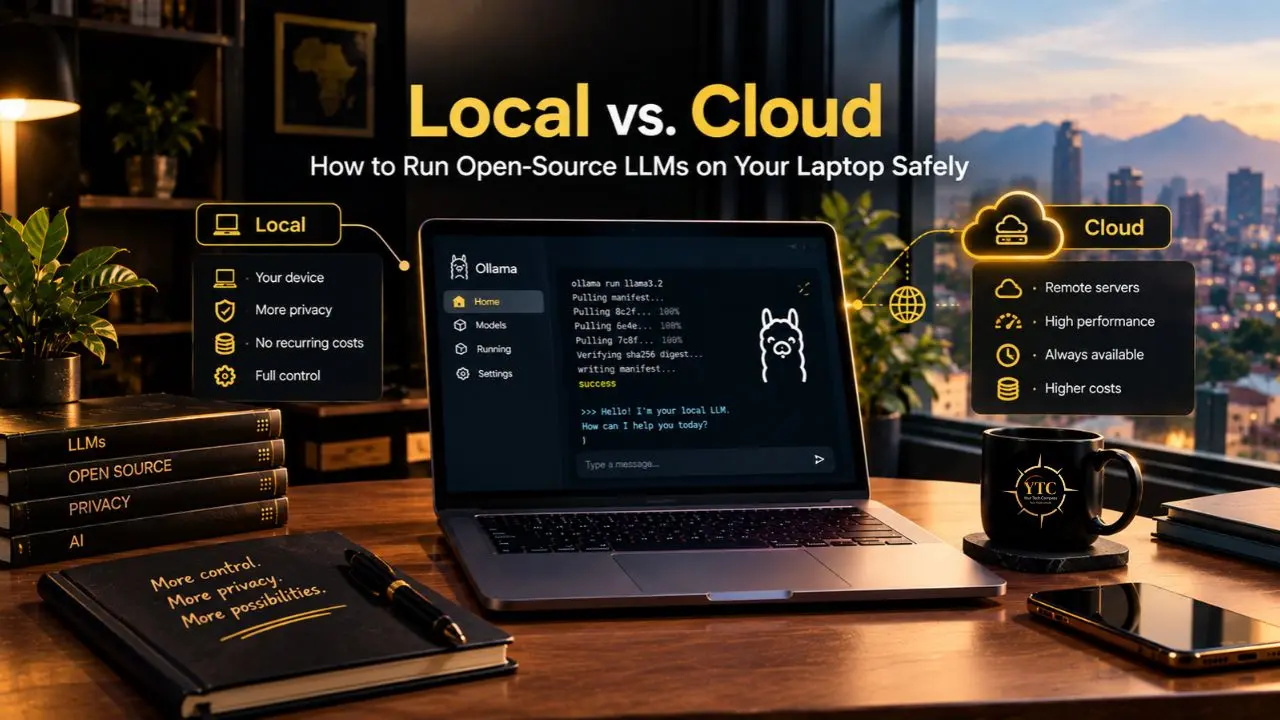
In 2026, running open-source LLMs locally stopped being a hobbyist flex and became a practical default for anyone who cares about privacy or cost, or typically both. Ollama and LM Studio removed nearly all the setup friction that used to gatekeep this; open-weight models closed most of the everyday quality gap; and the core privacy guarantee (your data never leaving your device) is something no cloud provider’s policy page can fully match. The limitations are honest ones worth repeating: no live web access, slower speeds on modest hardware, and frontier-class quality that still lives mostly in the cloud.
Treat the decision as a workflow question rather than an all-or-nothing choice: start with an 8B model this weekend on whatever laptop you already own, keep the cloud reserved for the hardest slice of your tasks, and let a hybrid setup, guided by our LangChain explained piece, split the difference intelligently. For readers across Africa especially, the zero-ongoing-data model deserves a genuine test drive rather than a passing thought. For developers and policymakers alike, the practical insight is this: local inference is quietly becoming privacy infrastructure, and whoever masters it now will help set the terms of data sovereignty later.
If this guide helped you take your AI off the grid and back into your hands, there’s more where that came from. Point your compass at YourTechCompass.com for deep dives on the tools and platforms shaping how Africa builds, protects, and grows.